Life Planner: Time Blocking
Timetable, Year Plan & Goals
Designed for iPhone, Mac
Free
- Age rating4+
- CategoryProductivity
- DeveloperVan Hiet Ho
- LanguagesEnglish+ 7 more
- Size15.9 MB
Links to the official App Store page
Download.org hosts no file of Life Planner: Time Blocking. The button opens its official App Store page, published by Van Hiet Ho. Listing last checked on Nov 25, 2026.
Screenshots
About
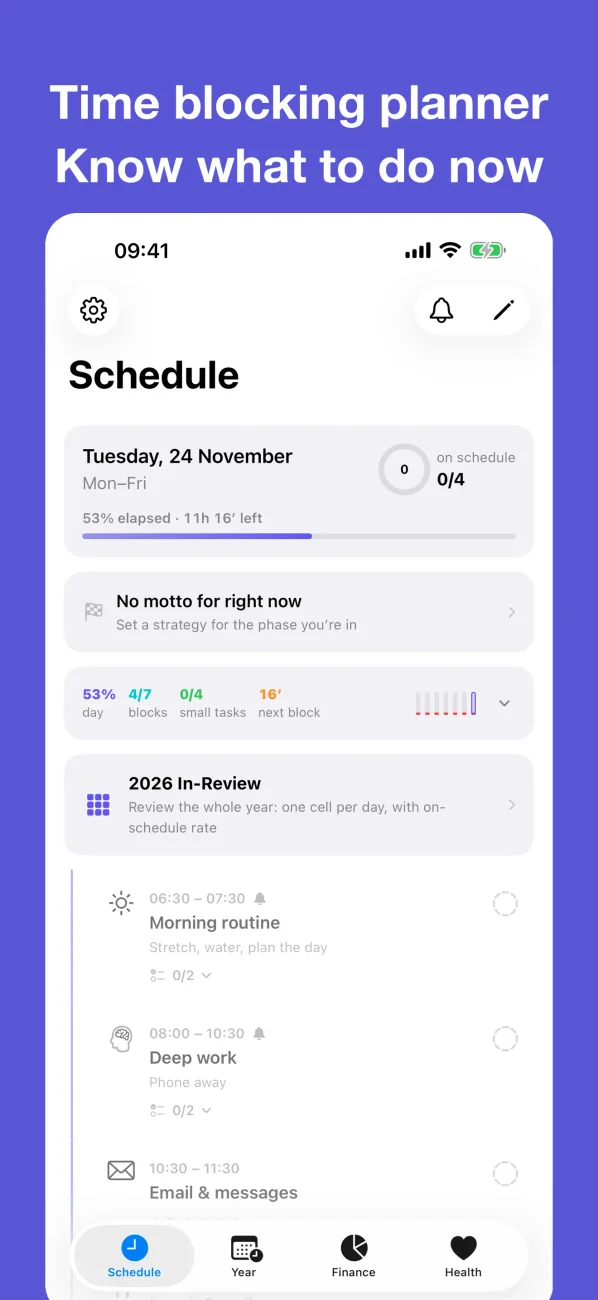
Life Planner is a time-blocking planner and daily timetable built around one question: what am I supposed to be doing right now? Your year plan, goals and net worth sit one tap away.
TIME-BLOCKING TIMETABLE
Your day as time blocks on a live rail - a now-line that slides down as the hours pass, a ring that drains while the current block runs out, and a second-by-second countdown to the next one. Blocks repeat only on the weekdays you choose, so the same slot can be the gym on Monday and a run on Tuesday. Blocks can run past midnight and carry their own icon.
CHECKLISTS INSIDE A BLOCK
Break any block into small steps. Keep a step every day, or add one to today only.
YEAR MAP
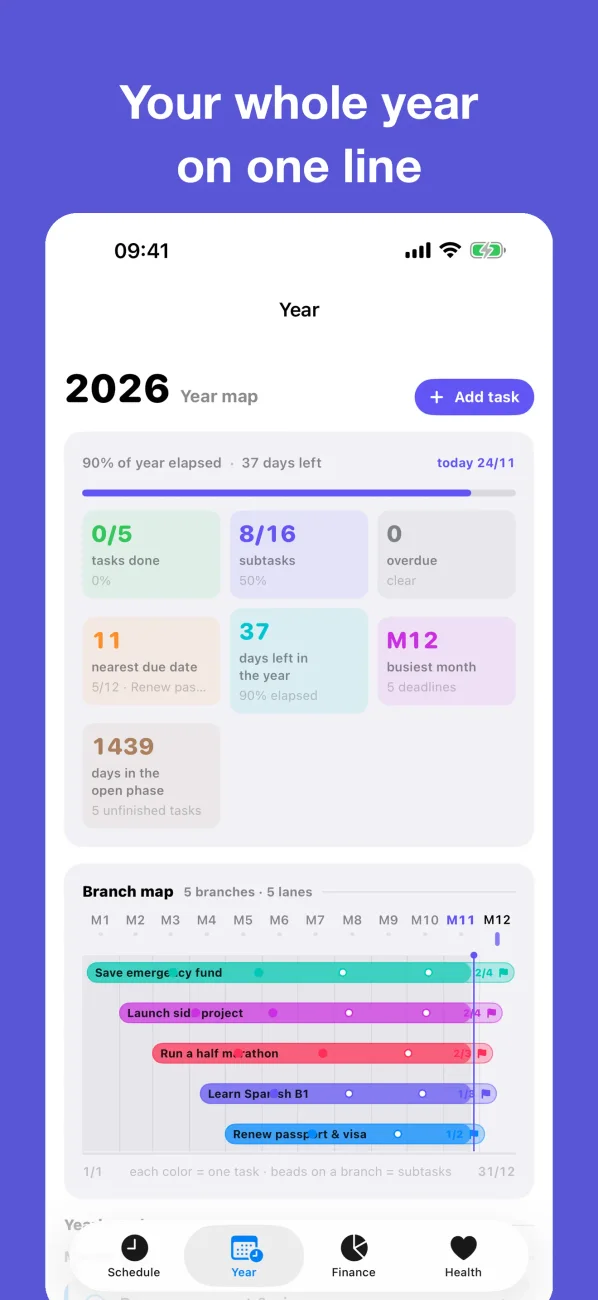
Your whole year on one line. Every task is a coloured branch running from its start date to its deadline, so something due in December visibly spans the months in between. Sub-tasks sit on the branch as beads, dated or spread evenly along it. Tap a branch for its checklist.
MONEY
Net worth against your target, assets and liabilities, monthly and yearly cashflow, cash on hand and your FIRE number. Crypto and the USD rate are priced live. A trading journal records each idea with its horizon, thesis and a pre-trade discipline checklist.
HEALTH
Track any measurement you care about, with a target and a history chart.
NUMBERS AND REVIEW
Blocks done, sub-tasks ticked, time elapsed and time remaining, focus hours, countdowns to the next block and to bedtime, and a 7-day on-schedule trend - folded into one line until you tap it. At the end of the year, every day is drawn as a single square you can replay.
WIDGET
The block you are in and the one coming next, with its countdown, on your Home Screen and on your Mac - without opening the app.
REMINDERS
A notification when a block starts, plus a diagnostics panel that shows you exactly what is scheduled and when it will fire.
LANGUAGES
English, Español, Português, Deutsch, Français, 日本語, 한국어 and Tiếng Việt. Money and dates follow your region's format.
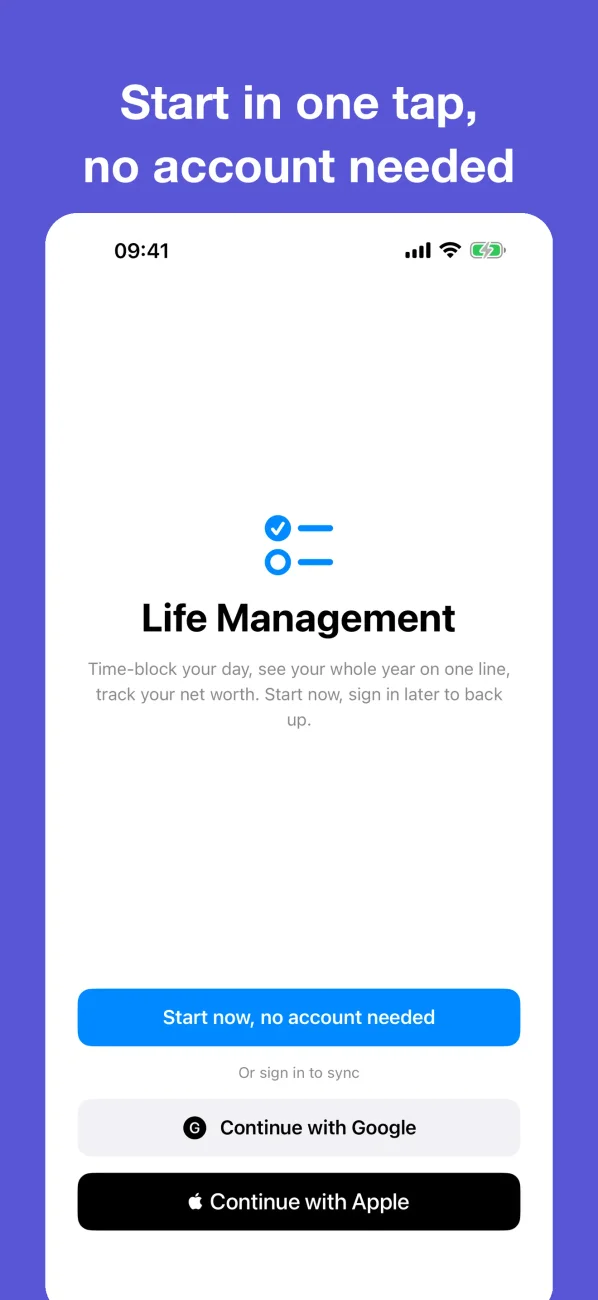
Start in one tap with no account. Sign in with Apple or Google whenever you like to back up your data and sync between iPhone and Mac.
What’s new
Version 1.5.1 · Nov 24, 2026
Start in one tap: no account needed any more. Sign in with Apple or Google later to back up your data and sync. New name: Life Planner, Time Blocking.
App privacy
What Van Hiet Ho declares on the App Store about how this app handles data.
-
Data linked to you
May be collected and linked to your identity.
- Financial info
- Contact info
- User content
- Identifiers
Privacy practices may vary, for example with the features you use or your age.
Information
- Seller
- Van Hiet Ho
- Category
- Productivity
- Version
- 1.5.1
- Updated
- Nov 24, 2026
- Released
- Jun 2, 2026
- Size
- 15.9 MB
- Requires
- iOS 17.0 or later
- Age rating
- 4+
- Price
- Free
- Languages
- English, French, German, Japanese, Korean, Portuguese, Spanish, Vietnamese
- Copyright
- © 2026 Sakura5
You might also like
-
 Daytoward: Life Goals PlannerSmall steps that fit your week
-
 Shasks: Task ManagerQuick Capture & Daily Planner
-
 DeadlinepingSmart deadline reminders
-
 Task Manager & To-Do ListOrganize Tasks & Boost Focus
-
 Voxly - Voice Task ManagerSpeak your tasks into action
-
 LifeCycle: Life ManagementProductivity
-
 GP BubbleVisual task planner
-
 Deadline Countdown TrackerCoursework Timer & Reminders
-
 Zoe - AI life coachBuild your tomorrow, today!
-
 HourLife: Life PlannerHabit tracker, journal & goals