Life Tile: Auto Tracker
Track Your Time, See Your Day
Designed for iPhone
Free · In-app purchases
- Age rating4+
- CategoryProductivity
- Developerdugodogu
- LanguagesEnglish+ 3 more
- Size8.6 MB
Links to the official App Store page
Download.org hosts no file of Life Tile: Auto Tracker. The button opens its official App Store page, published by dugodogu. Listing last checked on Nov 18, 2026.
Screenshots

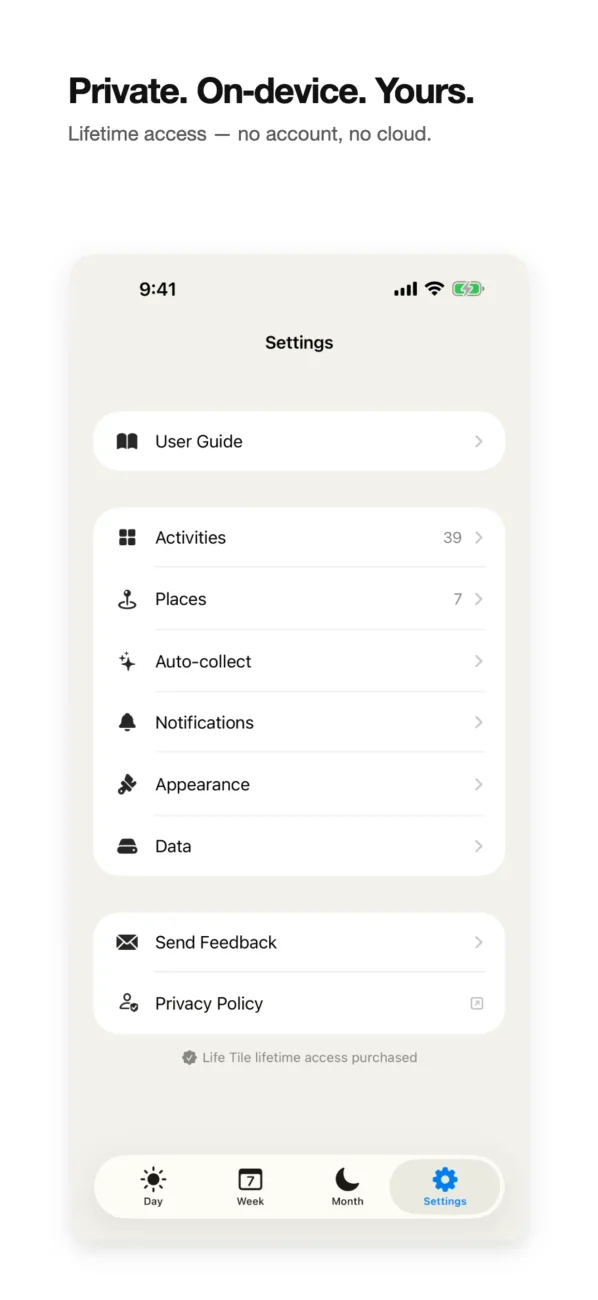
About
Your day as a Mondrian-inspired grid. Passive. Private. On-device.
Life Tile tracks where you spend your time and shows it as a colorful square grid.
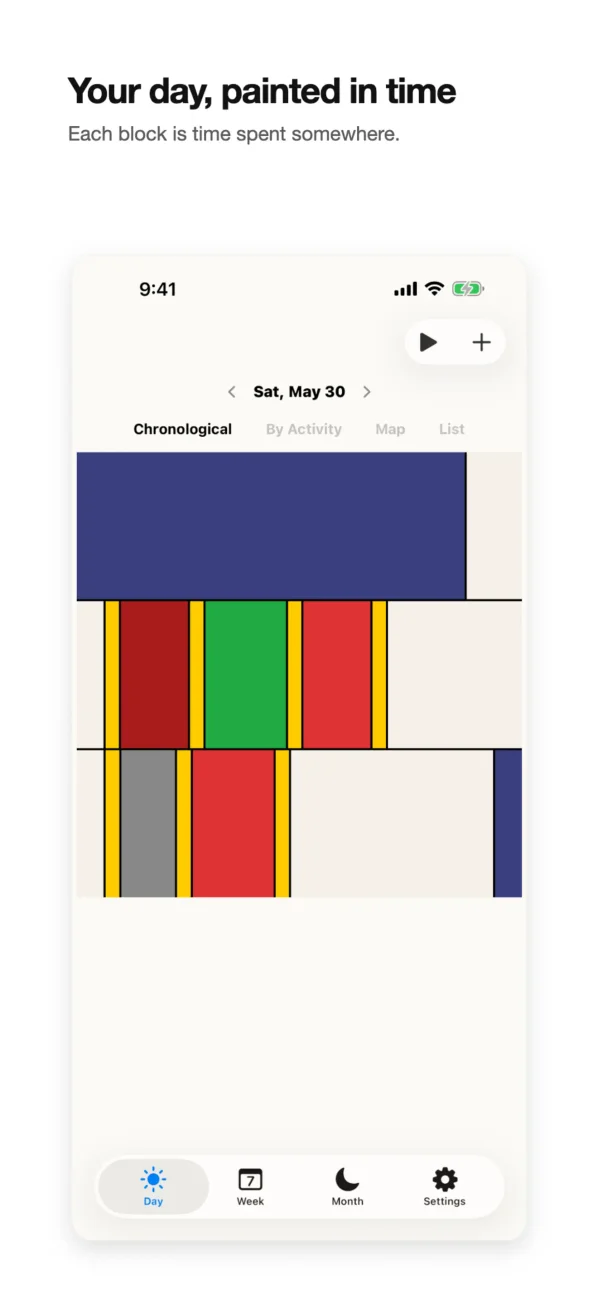
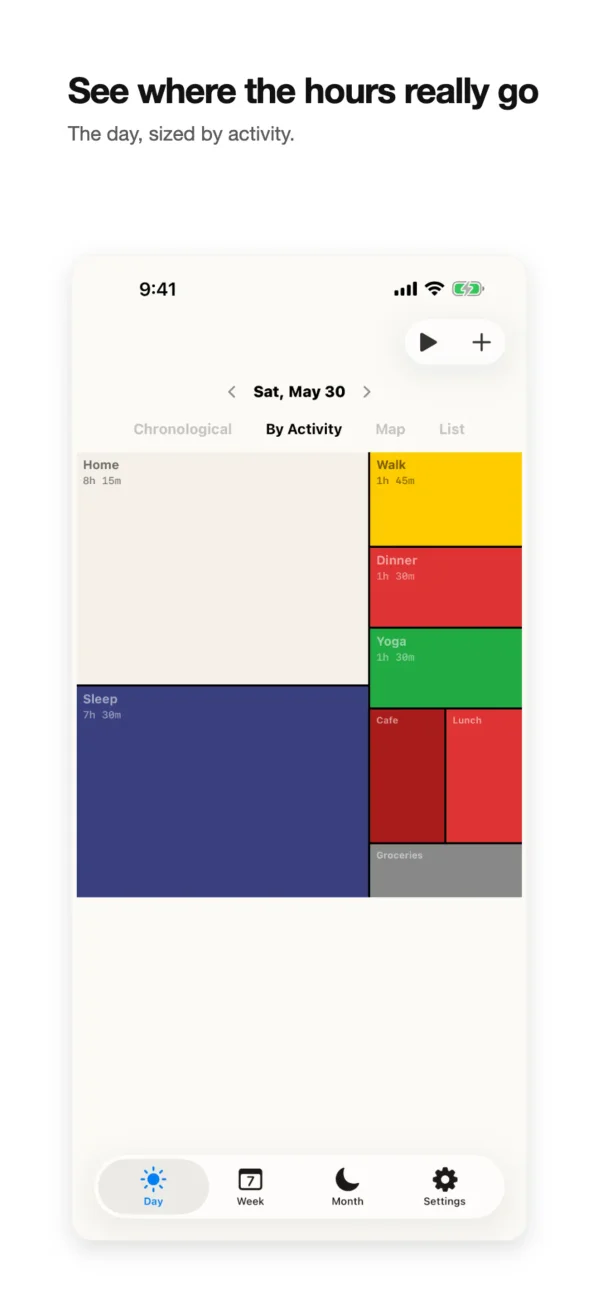
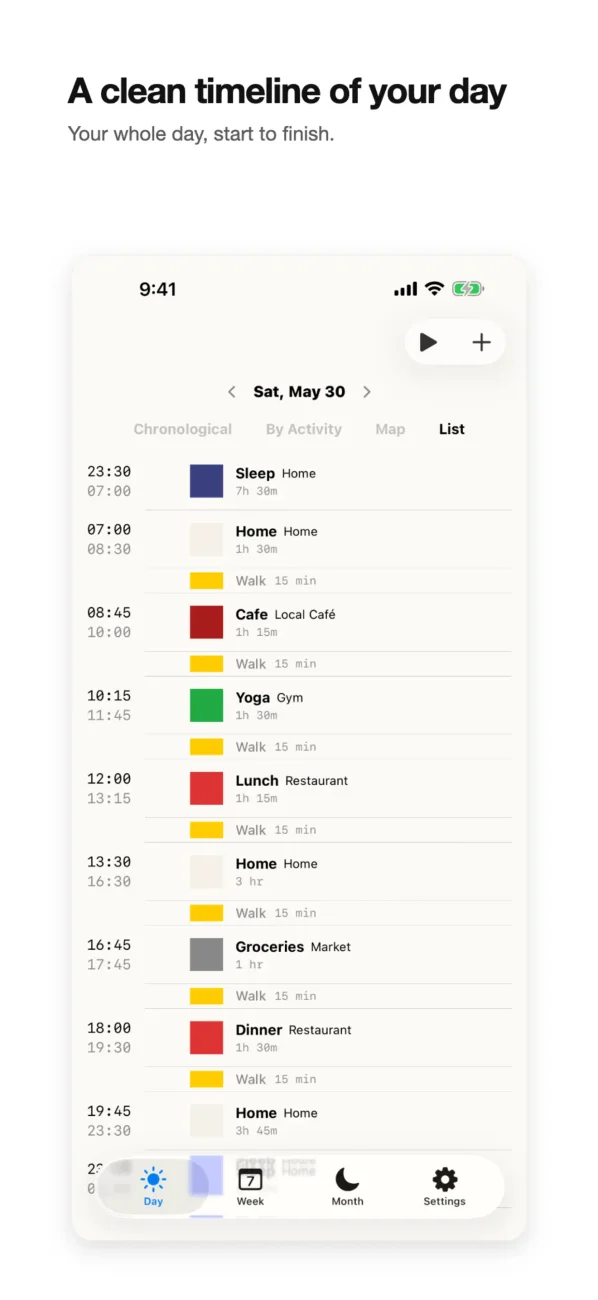
Your phone knows where you are. Life Tile uses that to build a picture of your day. Each colored block is a place or activity, sized by how long you were there. At a glance, you see exactly where your time went.
HOW IT WORKS
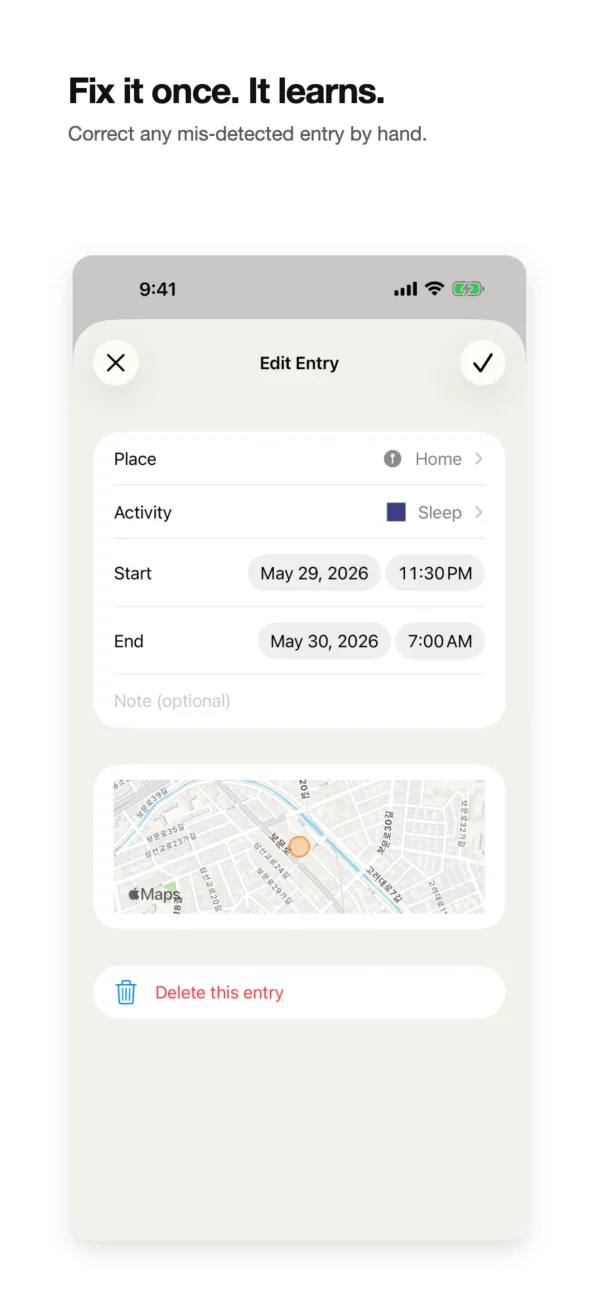
Life Tile detects the places you visit in the background. Set up a place once — name it, pick a category — and it's tracked automatically from then on. You can also correct or adjust entries when needed.
PRIVACY
Your location and activity data stays on your device. No accounts, no servers, no ads. Optional iCloud sync between your own devices only. Anonymous usage stats can be turned off in Settings.
SQUARE TILE CHART
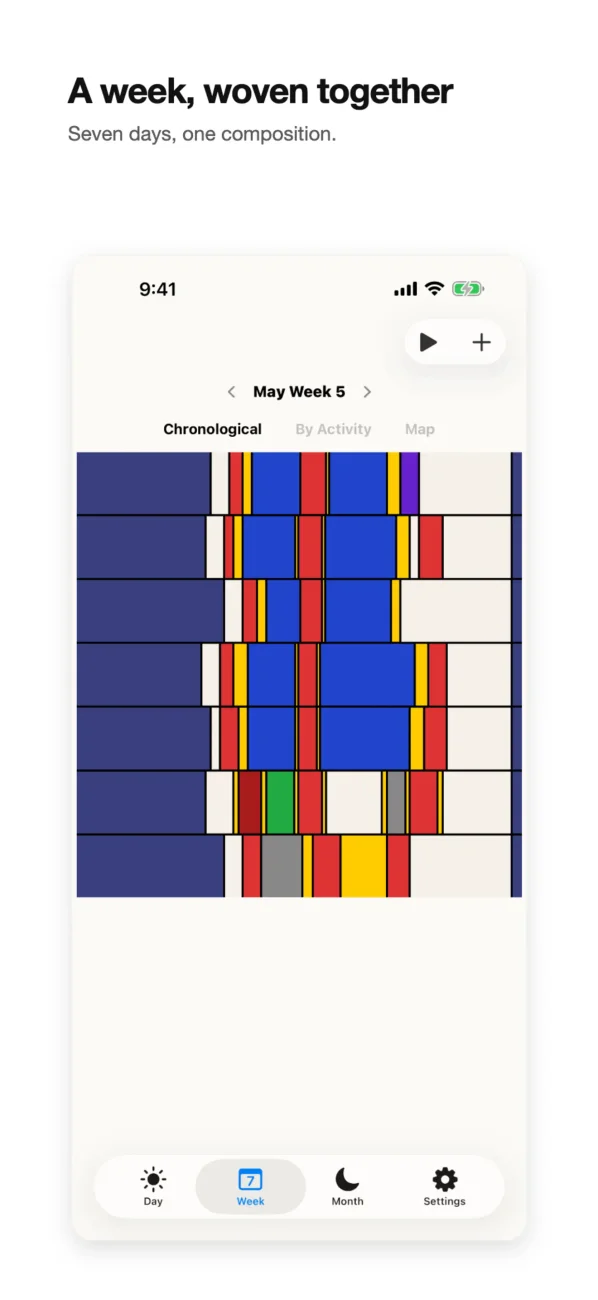
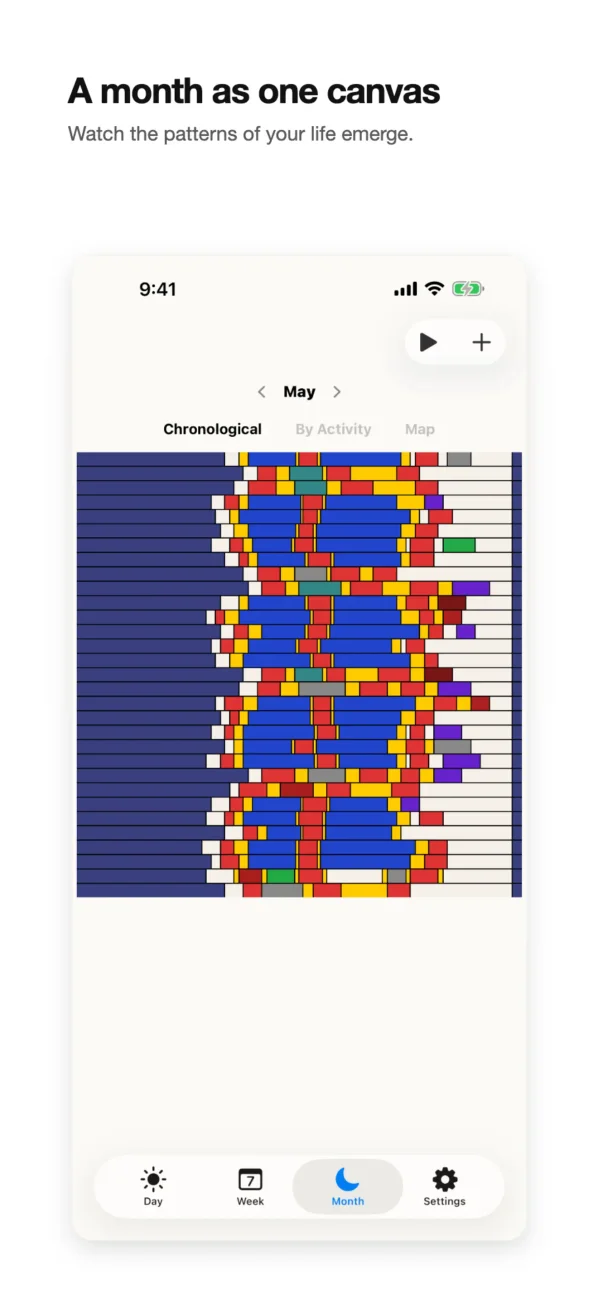
Your day as a grid of colored blocks. It stays readable even with many categories. The bigger the block, the more time you spent there.
TREEMAP, MAP & LIST
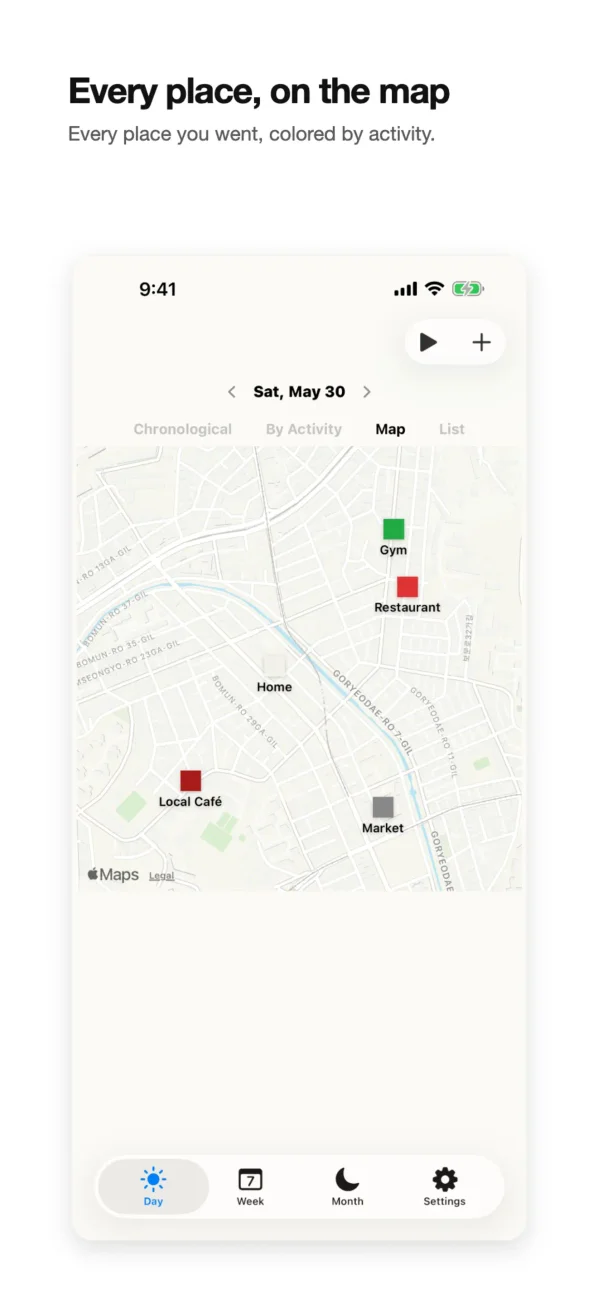
Zoom out to your day, week, or month. The treemap shows proportionally where your time goes. Switch to map view to see every place you visited, or list view to browse your timeline. Patterns and habits become obvious.
TWO-LEVEL CATEGORIES
Organize your activities with main categories and subcategories. Exercise > Outdoor Run, Entertainment > Concert, Meals > Lunch — as detailed as you want.
SLEEP & WORKOUTS
Pulls sleep and workout data from Apple Health to complete the picture of your day. No extra setup needed.
WIDGETS & SHORTCUTS
Check your day from the home screen. Widgets show your current activity and today's breakdown. Shortcuts let you automate common actions.
CSV IMPORT
Coming from another time-tracking app? Import your CSV data and keep your history.
ONE-TIME PURCHASE
No subscription. Buy once, use forever.
What’s new
Version 1.3.1 · Nov 16, 2026
• Support for iPhone Duo. When it's open, the day's list and details appear next to the chart.
App privacy
What dugodogu declares on the App Store about how this app handles data.
-
Data not linked to you
May be collected but is not linked to your identity.
- Usage data
Privacy practices may vary, for example with the features you use or your age.
Information
- Seller
- dugodogu
- Category
- Productivity
- Version
- 1.3.1
- Updated
- Nov 16, 2026
- Released
- Jul 20, 2026
- Size
- 8.6 MB
- Requires
- iOS 26.0 or later
- Age rating
- 4+
- Price
- Free
- In-app purchases
- Yes
- Languages
- English, Korean, Simplified Chinese, Traditional Chinese
- Copyright
- © 2026 Dugodogu
You might also like
-
 EveryLinkingConnect ideas visually
-
 Fragile: Fleeting MemosNotes that tidy themselves up
-
 아키도 Archido - 심플한 할일 관리Productivity
-
 ChronionChronion Time Tracking
-
 Wisht - Your Wishlist TrackerWish Smarter.
-
 포커스빌드: 찐친과 함께하는 공부 타이머Productivity
-
 Cairn — Markdown TasksPlan today from your notes
-
 at8pmYour honest journal
-
 Thought: NotesYour mind with a better memory
-
 Tiny Journal - One Line a DayProductivity