
Lifeback: Screen Time Control
Focus App. Screen Time Blocker
Designed for iPhone
Free · In-app purchases
- Age rating4+
- CategoryProductivity
- DeveloperControl. Alt. Delete. LLC
- LanguagesEnglish
- Size43.0 MB
Links to the official App Store page
Download.org hosts no file of Lifeback: Screen Time Control. The button opens its official App Store page, published by Control. Alt. Delete. LLC. Listing last checked on Nov 15, 2026.
Screenshots
About
Imagine if your Screen Time Settings on your phone were super powered. That's what we do.
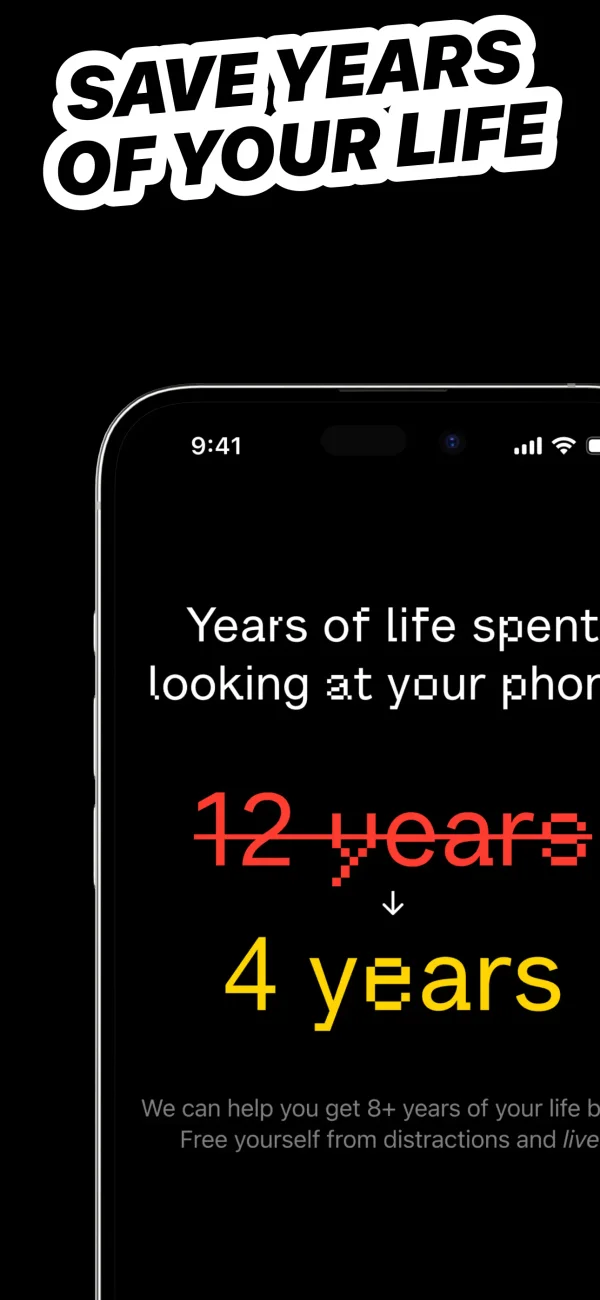
5 hours. That’s the average time you’ll spend looking at your phone today. With a combination of app restrictions and hard time limits, you can begin to focus better and accomplish your dreams, just like our members.
Many of the world's top teams and companies companies trust Lifeback. to help protect their focus. You can too.
**This app cut my screen time by 3 hours per day – Senior Backend Dev at Google **
**Lifeback cuts off your apps’ internet access to help you stop doomscrolling – WSJ **
**Lifeback Helped Me Quit My Nightly TikTok Habit – Productivity Mag **
BENEFITS
98% of Lifeback members are less distracted
94% are more productive thanks to the app
91% experience improved mental health
82% save at least 2 hours *daily* thanks to the app
Added benefits:
- Better screen time management
- Improve productivity at work
- Reduce stress, be more mindful
- Better manage ADHD
- Set daily working hours, sleep, and routines
- Unplug with family and friends
- Stay in focus when you need it most
- You're happy and in control of your screen time
FEATURES
- Focus Report: Diagnose your Focus and measure your progress with clear metrics, important context and compare with your peers.
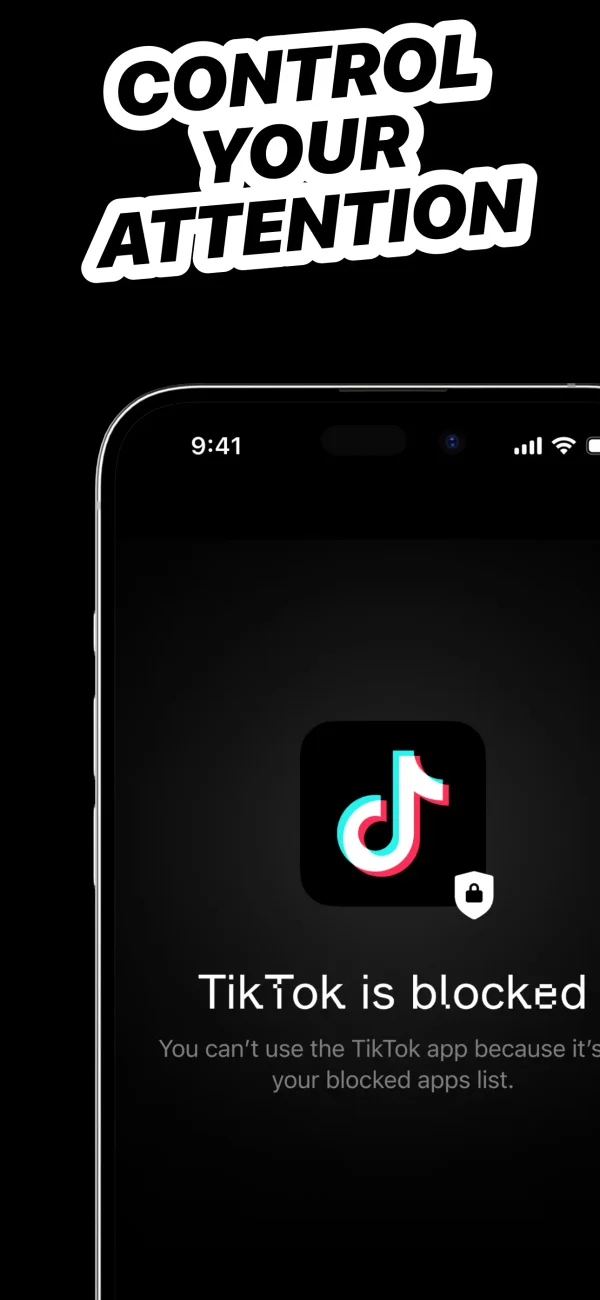
- #1 App Blocker: Instantly block apps you choose.
- Sessions: Block apps from your phone while you’re focusing, and you can always take a break to unblock them temporarily.
- Calendar: Set daily working hours, sleep and routines, block apps automatically, so you don’t have to remember.
- Breaks: Use apps without mindless scrolling. Choose the app you want to use and set a timer.
- Shortcut Integration: Connect iPhone shortcut automations to start/stop Focus Sessions based on app opens, time, location and more!
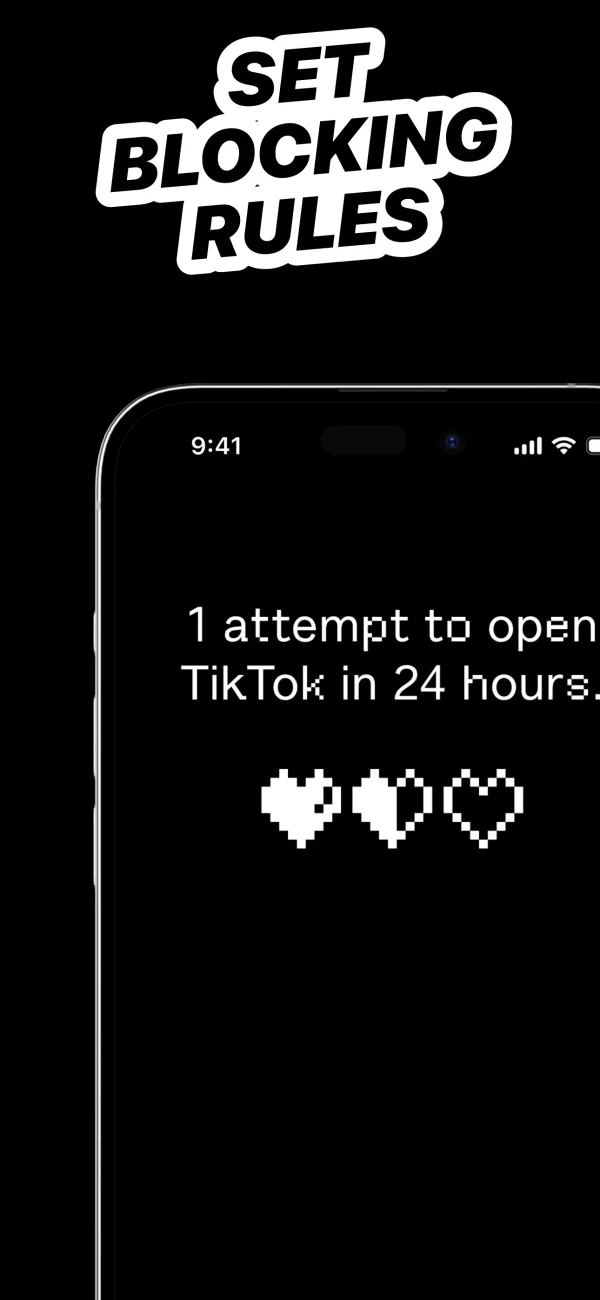
- Hard Mode: Maximum protection, you can’t cancel or bypass the timer you set.
CREATE A PERSONALIZED APP LIST
You can customize your Control experience and block all apps and sites on your phone, including:
- Snapchat
- TikTok
- Youtube
- Netflix
- Tinder
- Hinge
- Bumble
- Many more: News, Messaging, Dating, Adult/Porn, Money apps etc.
PRIVATE & SAFE
We use Apple's Screen Time API in order to monitor and block apps you use. Installation is easy and takes a few seconds on your iPhone.
Unlike most apps, Lifeback works entirely on your phone and personal browsing data never leaves your device.
HEAR IT FROM THE COMMUNITY
"Never in a bazillion years did I think I would be below 3 hours of screen time a day. My mood is SO much better." - Sam
"Weird to think that an app would make me use my phone less but this app is the only thing helping me focus on deep work days" - Cody
"Thanks Lifeback for being the only way my monkey brain can do homework for more than like 20 minutes" - Stevie
TERMS, PRIVACY & CONDITIONS
– https://lifeback.io/privacy
– https://lifeback.io/terms
What’s new
Version 1.6.3 · Mar 10, 2025
In this update, we have optimized things under the hood for a better user experience
As always, we value your feedback and look forward to hearing your thoughts!
App privacy
What Control. Alt. Delete. LLC declares on the App Store about how this app handles data.
-
Data used to track you
May be used to track you across apps and websites owned by other companies.
- Identifiers
-
Data linked to you
May be collected and linked to your identity.
- Purchases
- Contact info
-
Data not linked to you
May be collected but is not linked to your identity.
- Identifiers
- Usage data
- Diagnostics
Privacy practices may vary, for example with the features you use or your age.
Information
- Seller
- Control. Alt. Delete. LLC
- Category
- Productivity
- Version
- 1.6.3
- Updated
- Mar 10, 2025
- Released
- Oct 18, 2024
- Size
- 43.0 MB
- Requires
- iOS 16.4 or later
- Age rating
- 4+
- Price
- Free
- In-app purchases
- Yes
- Languages
- English
- Copyright
- © 2025 CONTROL. ALT. DELETE. LLC
You might also like
-
 Bonfire: Screen Time BlockerOne Sec Block Apps & Refocus
-
 Breakr: Screen Time GameFocus, App Blocker & Timer
-
 67: Strict Screen Time BlockerNo More “Ignore Limit”
-
 Offline - Screen Time & FocusBlock Apps, Touch Grass
-
 Screen Time Control: InscreenApp Blocker, Stay Focused, CBT
-
 Catch the Ghost Pomodoro TimerDeep Focus for Study & ADHD
-
 Screen Time Control - Stay OffFocus,App Blocker,Timer
-
 LIMIT: Screen Time ControlBlock Apps, Stay Focused
-
 minimizit: minimal dumb phoneminimalist launcher checklist
-
 Superhappy Screen Time BlockerAI Coach, Block Apps, Websites