- Age rating4+
- CategoryUtilities
- DeveloperGuangdong Jianchuan Information Technology Co., Ltd
- LanguagesEnglish+ 1 more
- Size2.1 MB
Links to the official App Store page
Download.org hosts no file of 人生刻度 - LifesCale. The button opens its official App Store page, published by Guangdong Jianchuan Information Technology Co., Ltd. Listing last checked on Nov 17, 2026.
Screenshots
About
If your life was a battery, how much charge would be left?
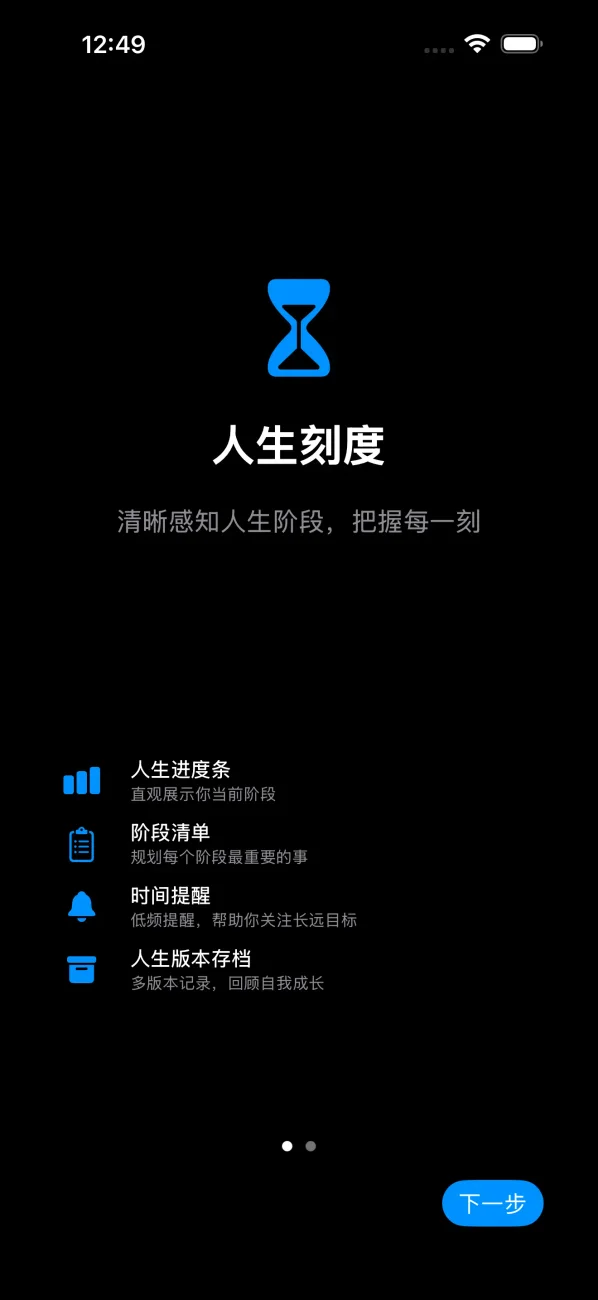
LifeScale is not just a countdown timer; it is a dashboard for your life journey. We combined the philosophy of Stoicism with a stunning Liquid Glass aesthetic to transform abstract time into a tangible, visual progress bar.
Overcome time anxiety. Regain control. Focus on what truly matters right now.
KEY FEATURES:
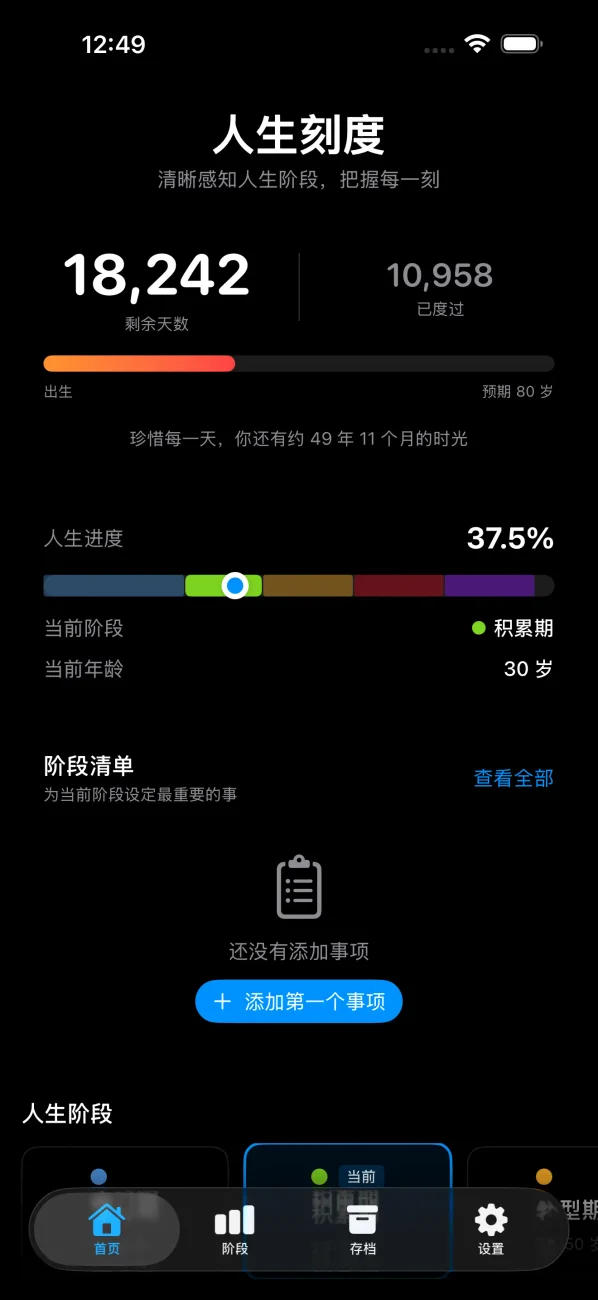
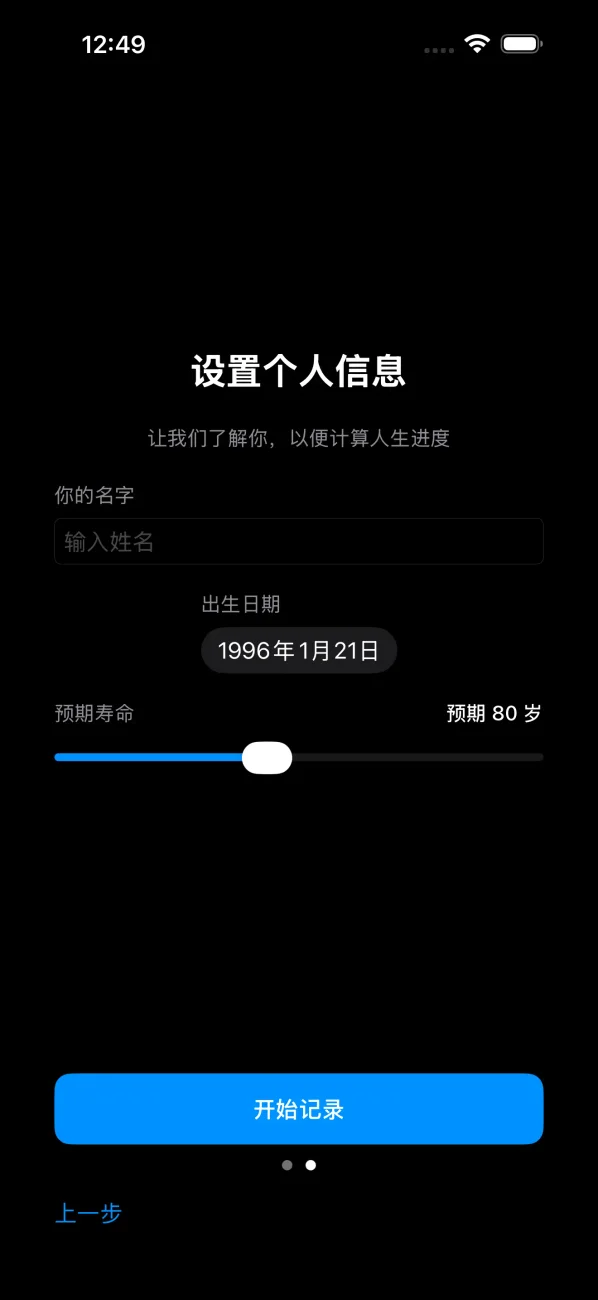
* Life Progress Bar: Visualize your life based on your age and expectations. See exactly how many days you've lived and how many remain, turning "time" into a clear, actionable metric.
* 5 Life Stages: From "Learning" to "Reflection," we break your journey into manageable chapters so you always know where you stand.
* Stage Checklists: Don't just dream—plan. Set priorities for your current life stage, manage tasks with priority tags, and check them off as you grow.
* Life Archiving: Create "Version Snapshots" of your life. Freeze your progress and goals at any moment to look back on your growth journey later.
* Stunning Design: Featuring a unique liquid-glassomorphic icon and UI that looks beautiful in both Light and Dark modes.
* Universal Support: Fully optimized for iPhone and iPad, delivering a seamless, full-screen experience on all your devices.
* Multi-language: Native support for English and Simplified Chinese.
Stop counting the days. Make the days count.
Download LifeScale today and start measuring the width of your life.
What’s new
Version 2.1 · Oct 6, 2026
Version 2.1:
- iCloud sync: your timeline and stage checklists follow you across devices, with Apple
ID change detection that protects your local data
- Home Screen Widget: see your current stage at a glance, with an option to hide task
titles
- Life Review: a light three-question review with drafts, and one-tap archive creation
from your answers
- Version Comparison: pick any two past versions and see how you've changed
- PDF Report: export your LifeScale as a PDF — anonymous by default, name and birth date
optional; Pro unlocks the Classic and High-Contrast templates (one-time purchase, restore
supported)
- Backup & Restore: export/import backup files with validation, import preview, and
recovery history
- Better reminders: fixed the half-yearly schedule, Feb 29 birthdays handled, tap a
notification to jump straight into the stage
- Stage management: add or remove stages with overlap and coverage checks; move items
when a stage is deleted
- Home customization: hide the countdown, two layouts, pinned featured items, open/done
filters, tags
- Data management: delete all data, export diagnostic logs
- Privacy: new App Privacy Manifest, no tracking; privacy policy and help pages
- Reliability: recovery screen for store failures, instant save-failure alerts
App privacy
What Guangdong Jianchuan Information Technology Co., Ltd declares on the App Store about how this app handles data.
-
Data not collected
The developer does not collect any data from this app.
Privacy practices may vary, for example with the features you use or your age.
Information
- Seller
- Guangdong Jianchuan Information Technology Co., Ltd
- Category
- Utilities
- Version
- 2.1
- Updated
- Oct 6, 2026
- Released
- Jan 21, 2026
- Size
- 2.1 MB
- Requires
- iOS 17.0 or later
- Age rating
- 4+
- Price
- $0.99
- Languages
- English, Simplified Chinese
- Copyright
- © ZHANG SHAOJUN
You might also like
-
 SharkZip - Zip with PasswordArchive files with password
-
 CirTrackTrack Meals & Habits Daily
-
 API Event NotifyProfessional Event Push SAAS
-
 Photo Cleaner: Phone StorageDelete Duplicates & Free Space
-
 Compress-sanCompress video & create SRTs
-
 英语俱乐部Utilities
-
 Exif Clean-Remove Data OfflineRemove GPS & Camera info
-
 Timeflow · See your timeApp usage timeline
-
 xPhotos: Organize & Free SpaceDelete Photos & Random Cleanup
-
 Notepad Plus - ProSecure Notes & Data With Lock