
Lift Planner
AI Strength Training Companion
Designed for iPhone, iPad
Free · In-app purchases
- Age rating4+
- CategoryHealth & Fitness
- DeveloperAlexey Vinnik
- LanguagesEnglish+ 4 more
- Size26.7 MB
Links to the official App Store page
Download.org hosts no file of Lift Planner. The button opens its official App Store page, published by Alexey Vinnik. Listing last checked on Nov 26, 2026.
Screenshots




About
Lift Planner is a strength-training app for people who want a training system, not only a notebook. It helps you run structured cycles, log every set, and get targets that adapt to how training actually feels.
Progression that responds to you
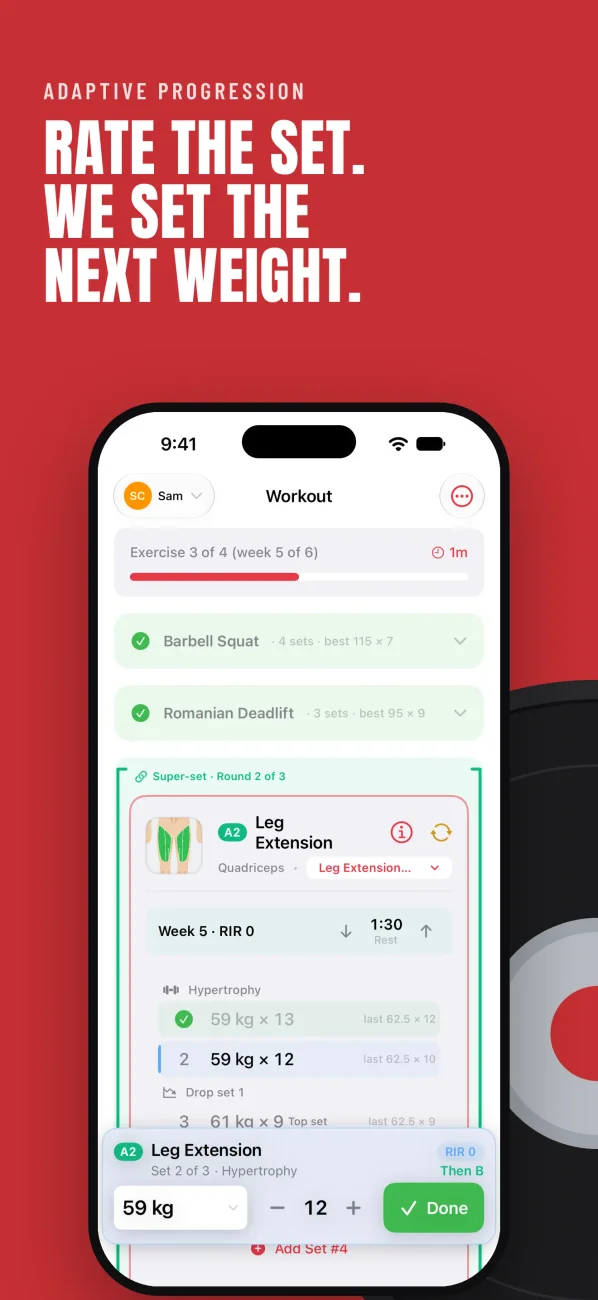
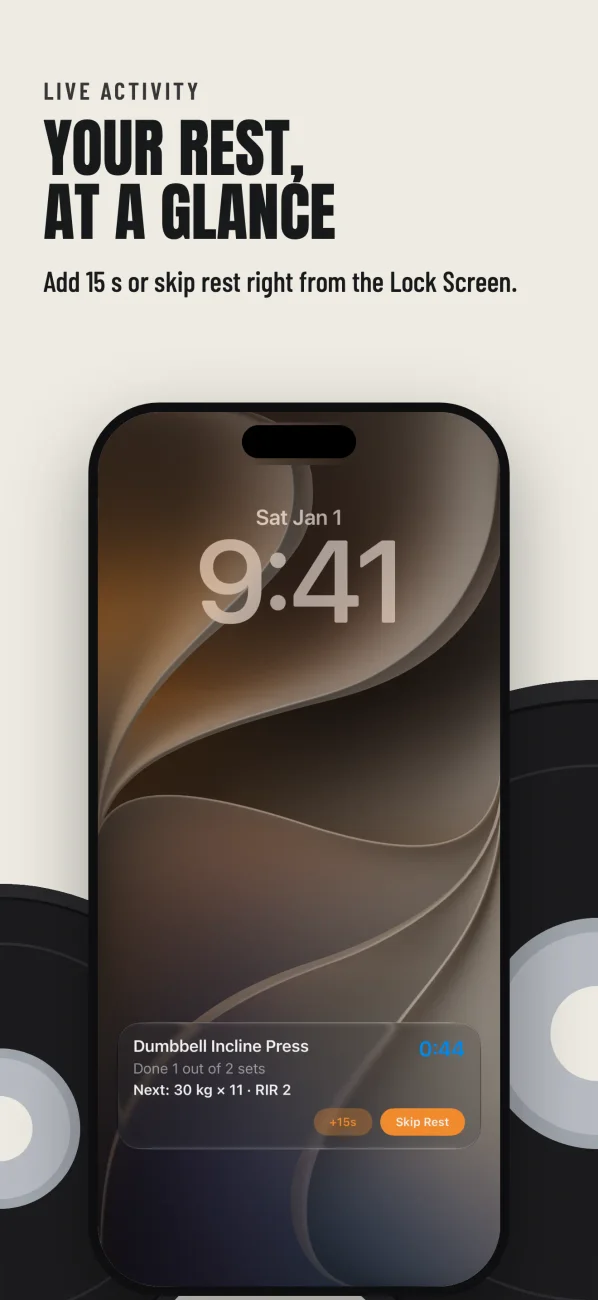
Training follows RIR-based periodization through the mesocycle. After sets, you can rate how they felt; the app uses that to tune upcoming weight recommendations. Pain or discomfort can pause progression so you are not pushed blindly. Deload is built into the cycle design. When weights do not line up with your equipment, the system can adjust reps so the stimulus stays coherent.
Built for real gyms
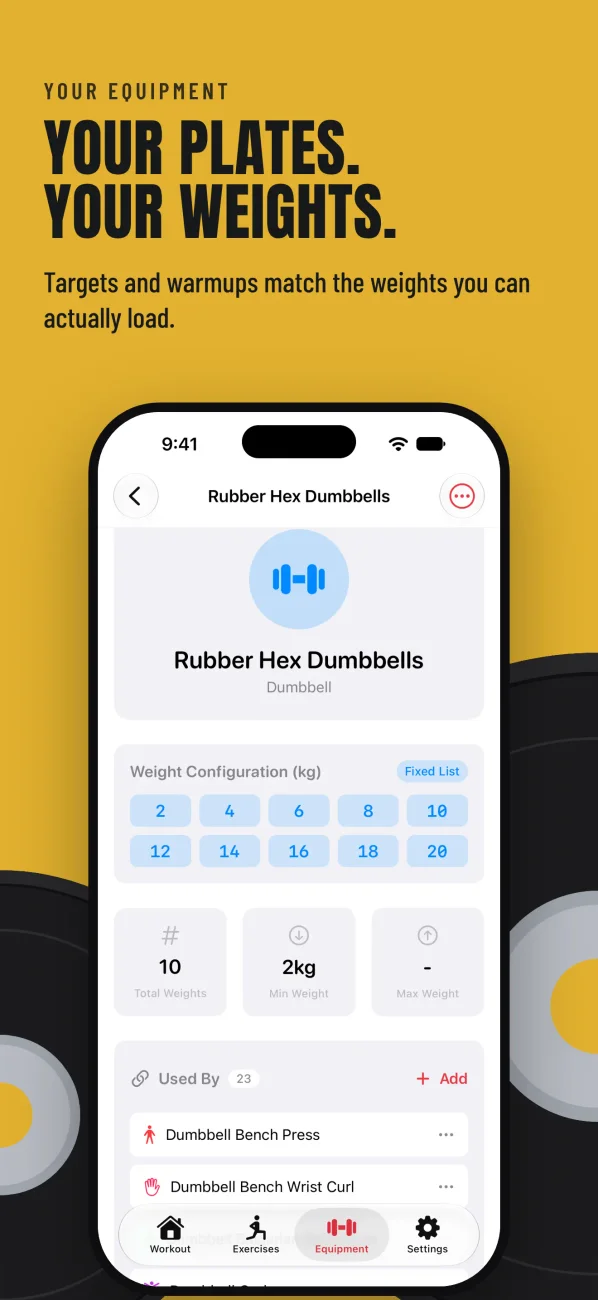
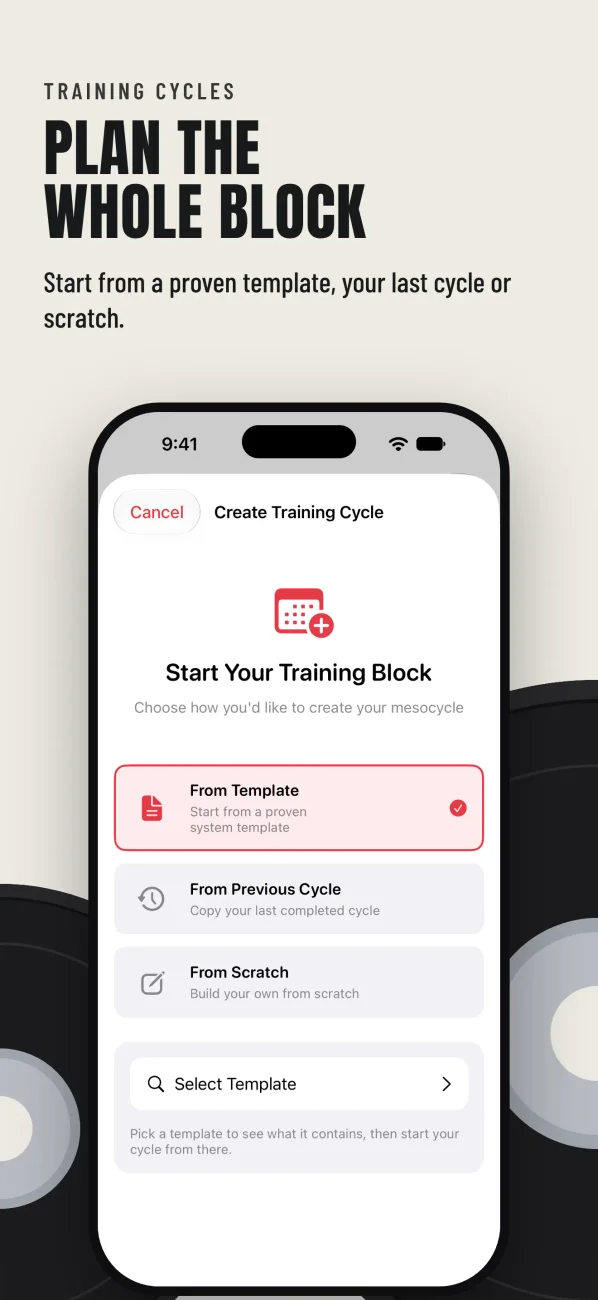
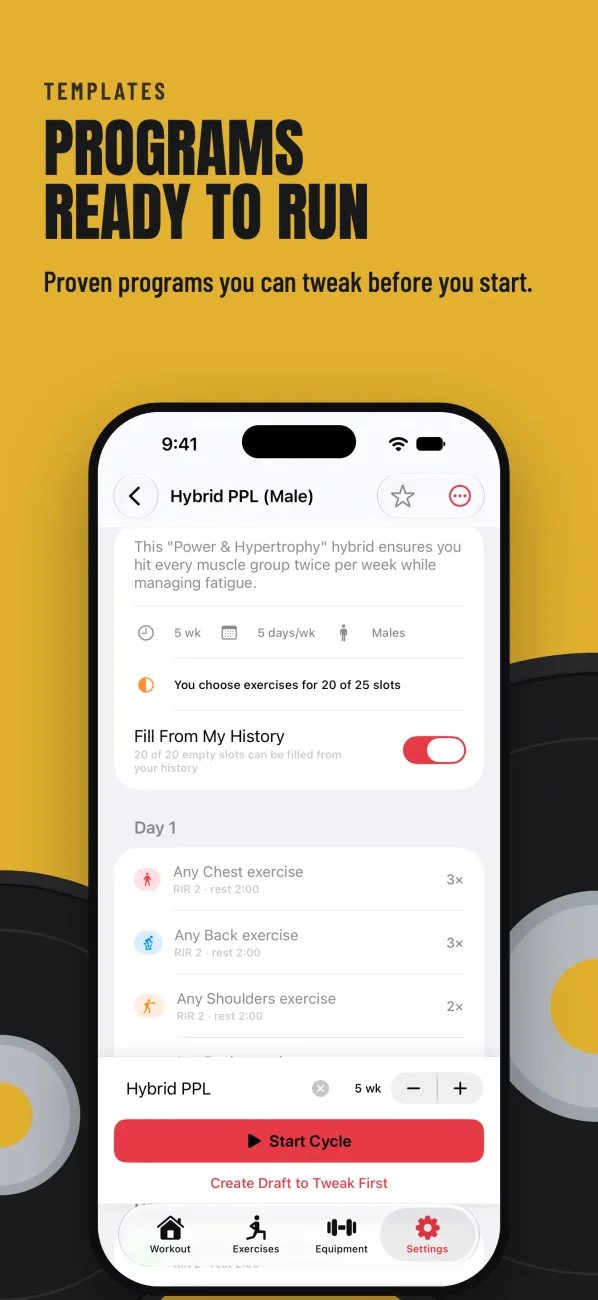
Model your equipment, build from templates, grow a deep exercise library (including custom movements), and review history with analytics. Multiple profiles on one device keep households or clients separate.
Private and portable
Data is stored on your device; you are not required to send workouts to our servers to use the app. Export and backup help you own your training history.
Made for iPhone — and more
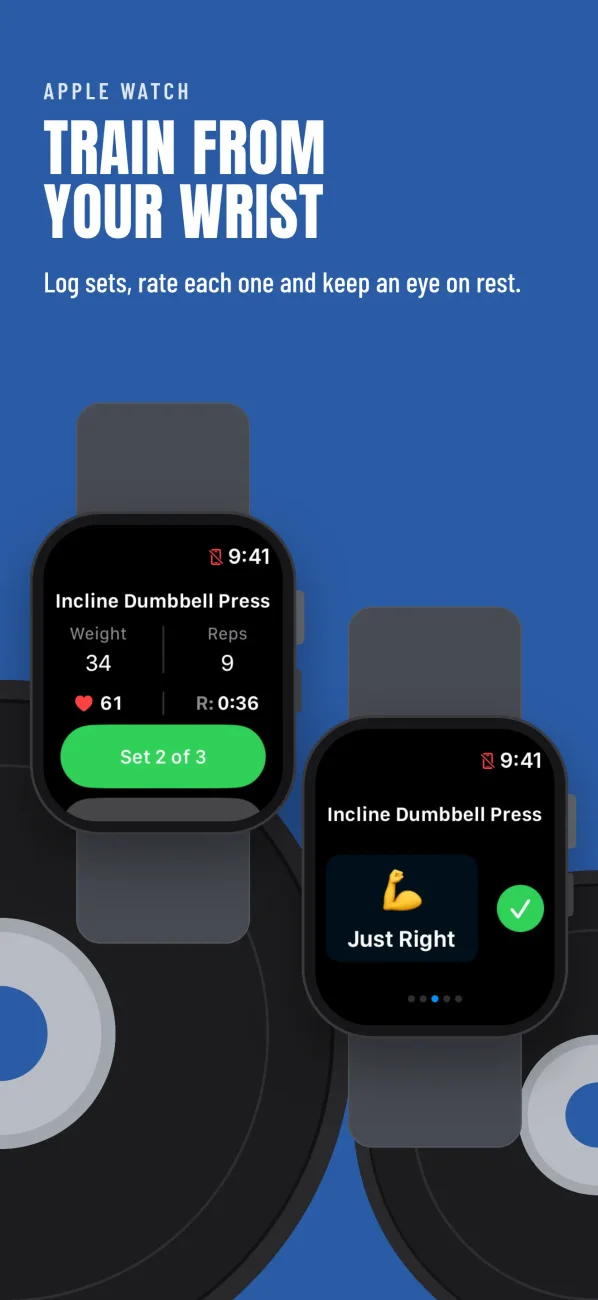
Fluid native interface, Apple Watch support for training workflows, and translations to several languages available.
What’s new
Version 2.2.1 · Nov 25, 2026
Workout history, personal records and richer exercise analytics, a roomier summary on iPhone Duo, plus fixes.
History
• A new History card on the Workout tab shows your last workout and how many workouts you did this week. Tap it to open your full history.
• At the top: this month's workouts, sets and volume, and your current and longest streak of weeks with a workout.
• The calendar is now a compact heatmap, one column per week, for the last 3, 6 or 12 months.
• The list now goes back to your first workout, grouped by month, and you can filter it by cycle. Each workout shows its week, sets, volume and duration, with a Deload tag in deload weeks.
Records
• Lift Planner now keeps personal records for every exercise: best e1RM, heaviest weight, best session, and your best weight for each number of reps. Bodyweight exercises keep your most reps.
• Find them in the exercise's Analytics, as trophies on the workouts that set them, and under "New records" on the workout summary.
Exercise analytics
• Pick a time range: 3M, 6M, 1Y or All.
• Tap or drag on a chart to see that workout's numbers, then open the workout.
• Cycles and deload weeks are shaded behind the charts.
• Progress compares your best of the last 3 workouts in the range with the first 3, so one off day no longer swings it.
• History rows group sets by weight and show the e1RM with its change from the previous workout.
• Bodyweight exercises chart your reps instead of zero weights.
• Charts open and respond faster.
Workout Details
• Each exercise shows how it compares with last time.
• Sets that fell short of their target show the target underneath.
• Your exercise notes are shown.
• Tap an exercise's name to open its Analytics.
Exercise Library
• Each exercise shows when you last did it and whether it's trending up, holding steady or trending down.
Workout summary
• iPhone Duo: on the inner display in landscape, the summary now shows your workout log beside it, with every exercise, set and heart rate.
• Once the workout is complete, the ⋯ menu only offers to finish it, the same as Done. Options that no longer made sense there are gone.
• Your full name is shown at the top. Switching people is offered only when several people trained together.
Fixes
• Home Screen widget: after you start a new cycle in a week you already trained, it shows a rest day until the new cycle's first week begins, instead of today's workout.
• When a workout is filled in from one you did earlier the same week, those values are now saved as the sets' targets. Before, your last weight × 10 reps could be saved instead, which showed the wrong target and could count as missed reps.
• Workout durations, progress percentages and several labels in your history now follow your language.
App privacy
What Alexey Vinnik declares on the App Store about how this app handles data.
-
Data not collected
The developer does not collect any data from this app.
Privacy practices may vary, for example with the features you use or your age.
Information
- Seller
- Alexey Vinnik
- Category
- Health & Fitness
- Version
- 2.2.1
- Updated
- Nov 25, 2026
- Released
- Mar 24, 2026
- Size
- 26.7 MB
- Requires
- iOS 26.0 or later
- Age rating
- 4+
- Price
- Free
- In-app purchases
- Yes
- Languages
- English, French, Hebrew, Italian, Russian
- Copyright
- © 2026 Alexey Vinnik
You might also like
-
 SyncSet: Personal Trainer AppPlan, send & track workouts.
-
 RepNotes AIAI Workout Log & Tracker
-
 mrTrainerTrack workouts, real results
-
 Repd: Gym Workout TrackerLifting Log for You & Clients
-
 Pomost RPE: 1RM CalculatorEstimate 1RM and training max
-
 Gym Max: 1RM Workout PlannerWeight Calculator & Gym Log
-
 CurlBro: Workout TrackerGym Log, Rest Timer & Builder
-
 MaximumFit: Home Gym TrackerLifting Tracker for Home Gyms
-
 R1SE TrainingTrain Clients. AI Does Admin.
-
 LoadPR: 1RM Plate CalculatorWendler 531 Log & One Rep Max