- Age rating4+
- CategoryHealth & Fitness
- LanguagesEnglish
- Size8.0 MB
Links to the official App Store page
Download.org hosts no file of LiftDiff. The button opens its official App Store page, published by . Listing last checked on Nov 12, 2026.
Screenshots
About
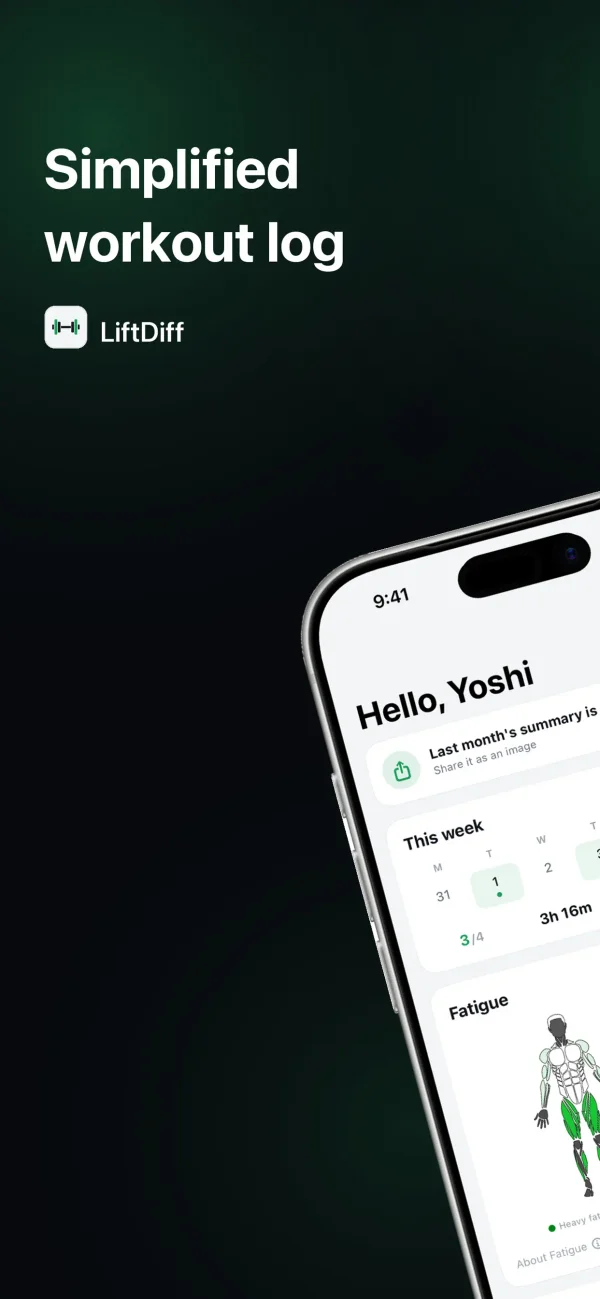
Simplified gym log.
■ Press. Slide. Logged.
Hold the start button and your routines fan out under your thumb. Slide onto the one you came here to do — one thumb, one motion, from anywhere in the app. Favorites sit closest to your thumb, and you can start empty and add exercises as you go.
■ Lift more. Tap less.
The set ends, the timer starts, and you put the phone down. Rest runs in the Dynamic Island and on the Lock Screen — never unlock to check it, and never open the app to start the next set. Complete a set from the Lock Screen, or expand for the next exercise, sets left, and time remaining.
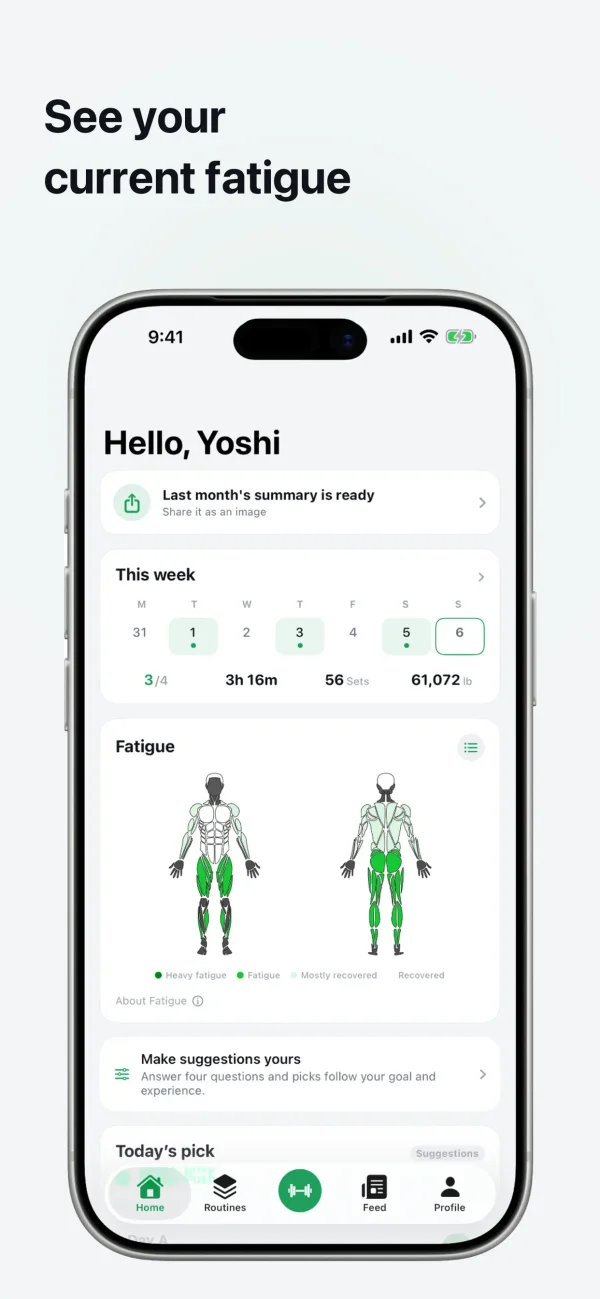
■ See where the load landed.
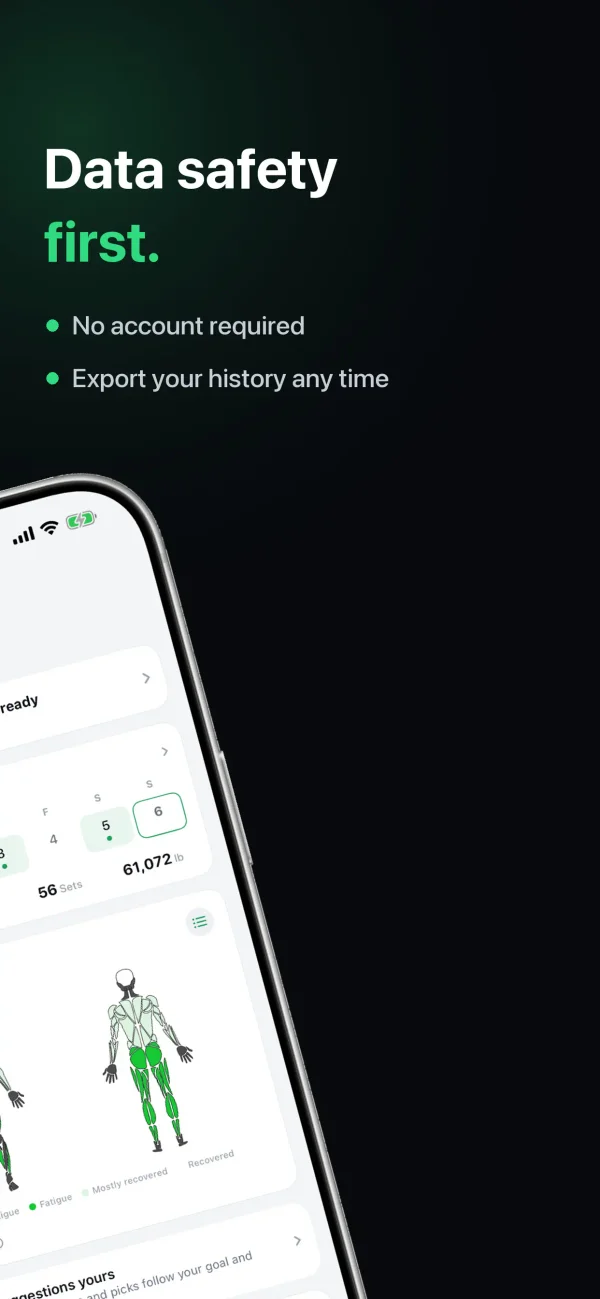
Every set you log feeds a per-muscle recovery estimate, drawn on a body map. Not a single "readiness" number — seventeen muscles, each decaying at its own rate.
Which muscle is most fatigued is reasonably reliable. How fatigued it is — the absolute number, the percentage — is a rough guide only. Sleep, nutrition, stress and age are not part of this calculation.
■ Week by week, exercise by exercise.
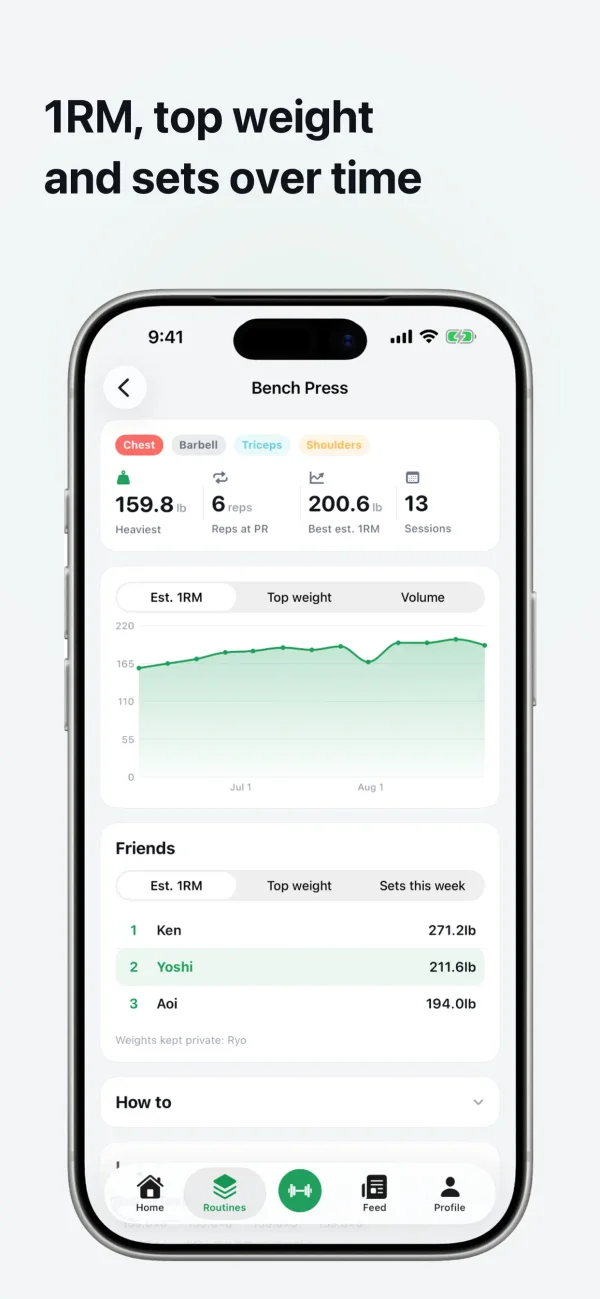
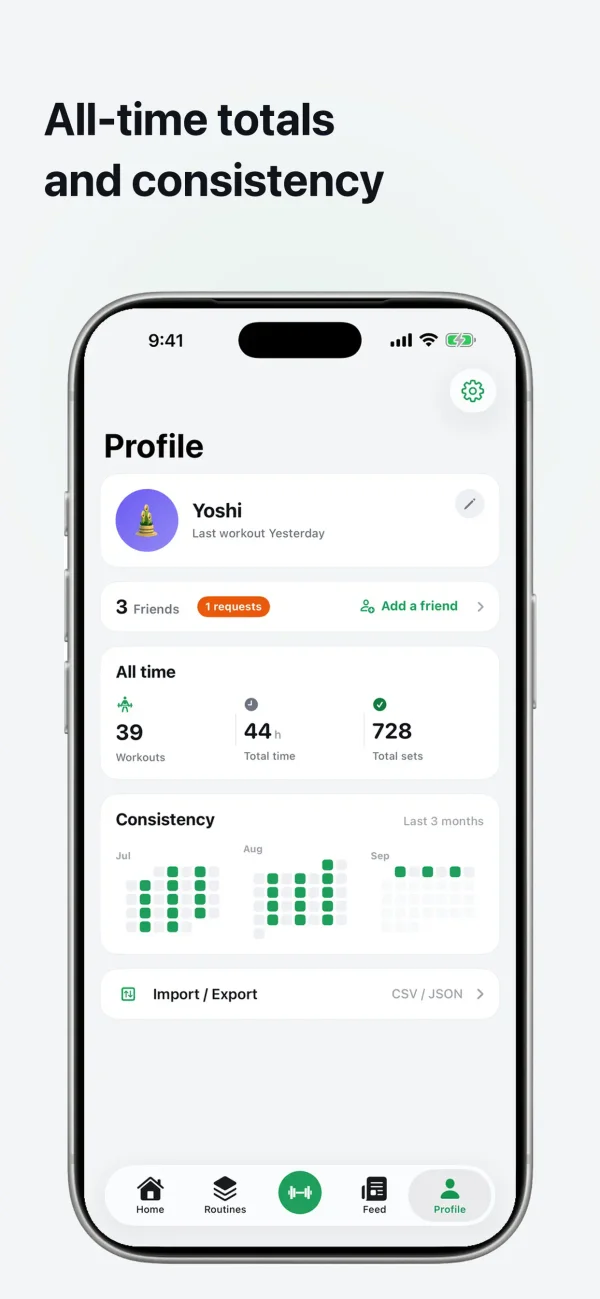
See your progress, not just your logs. Every week is diffed against the one before it, and what moved is marked ++ or −. Every exercise keeps its own estimated 1RM, top weight and volume over time, with every set you have ever done under the chart.
■ Friends.
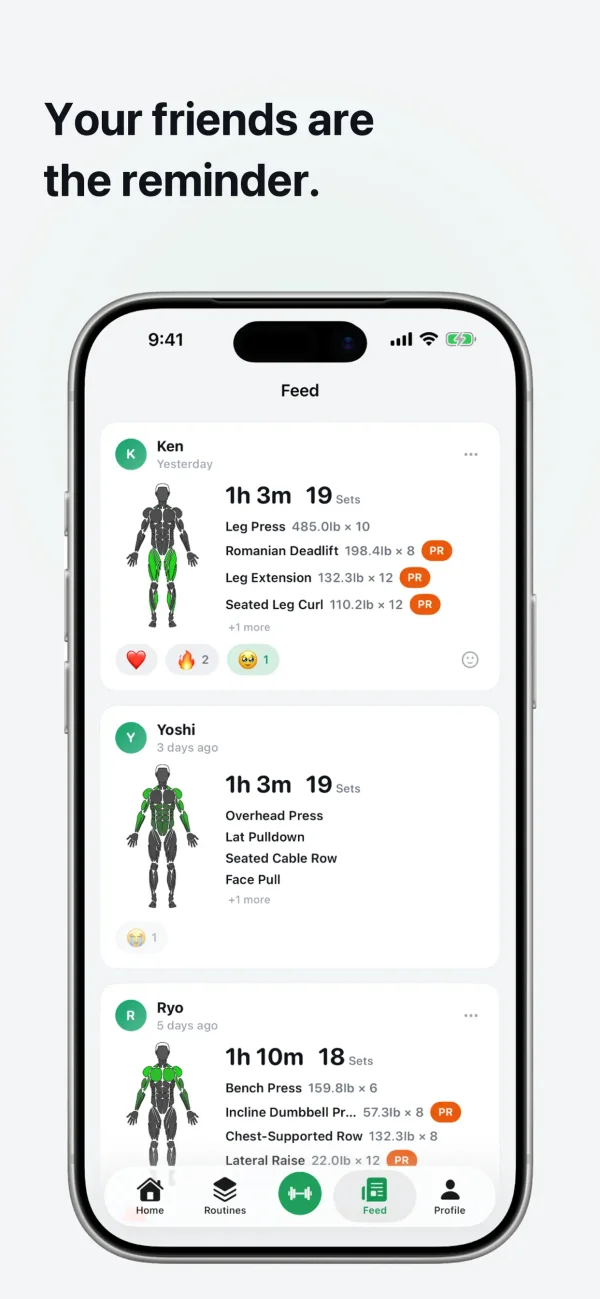
Share only a summary of the workout you finished. Friends see that you trained, how long, how many sets, and which muscles — exercise names and weights only if you choose to include them. Your actual records, the sets and the notes, never leave your device. Per-exercise rankings — estimated 1RM, top weight, and sets this week — let you line up against friends who train the same lift.
■ Import anything. Export everything.
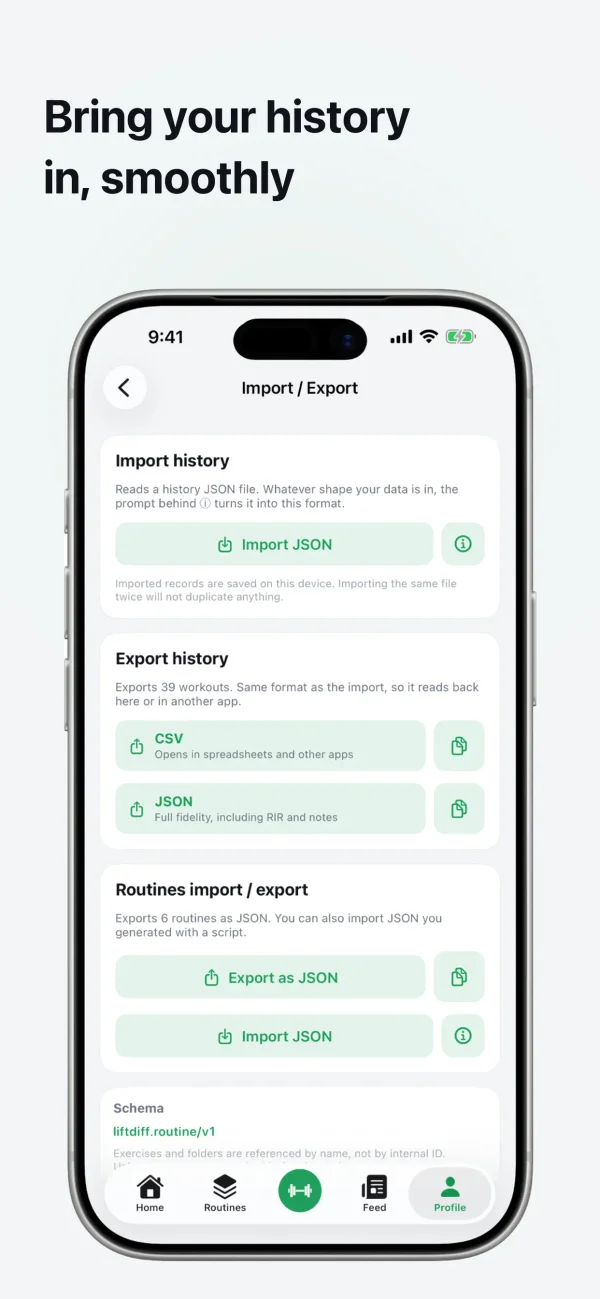
Bring your history in from anything — another app's export, a spreadsheet, your own notes. Strong and Hevy CSVs import directly. For anything else, the app hands you a prompt that converts it, and RPE becomes RIR on the way in.
Take it back out as JSON or CSV, as a file or straight to the clipboard in one tap. RIR, notes and warm-up sets all survive the round trip.
It is one SQLite file on your device, with no third-party analytics SDKs. The schemas are public, so anything can read it. Including you.
liftdiff.history/v1 · liftdiff.routine/v1
■ The essentials.
・175 exercises
・RIR & RPE
・Supersets
・Warm-up & drop sets
・Plate calculator
・Rest timer
・Home Screen widgets
・Shareable images
・Per-muscle set counts
・Custom exercises
・Short-version routines
・Favorites
・iCloud sync
・English & 日本語
What’s new
Version 1.4.1 · Nov 8, 2026
Fixed a bug that caused a crash during training.
App privacy
What declares on the App Store about how this app handles data.
-
Data linked to you
May be collected and linked to your identity.
- Contact info
- User content
- Identifiers
Privacy practices may vary, for example with the features you use or your age.
Information
- Seller
- Yoshiaki Nozaki
- Category
- Health & Fitness
- Version
- 1.4.1
- Updated
- Nov 8, 2026
- Released
- Sep 3, 2026
- Size
- 8.0 MB
- Requires
- iOS 26.5 or later
- Age rating
- 4+
- Languages
- English
- Copyright
- © 2026 Yoshiaki Nozaki
You might also like
-
 TadayaHabit counter & tally widget
-
 ParameterYour AI plans your training.
-
 Gym Workout Tracker - SpecularStrength Log, Lifting Programs
-
 Fortis: Workout Log & TrackerPrograms, Progress & Community
-
 Metrya: AI Health & RecoverySleep Tracker, HRV & Gym Log
-
 Eat - Calorie Counter & DietFood Tracker to Lose Weight
-
 Gains: Gym Workout PlannerWorkout Planner, Tracker & Log
-
 Helthy - Calorie TrackerProtein, Macros & Workout Log
-
 HeavyTrack Gym Workout Tracker+ Smart Progression Coaching
-
 Sober Man: Quit Drinking TimerSobriety & cut-down tracker