LiftTrack: Strength Training
Strength Programs With Your AI
Designed for iPhone, iPod touch
Free · In-app purchases
- Age rating4+
- CategoryHealth & Fitness
- DeveloperLiftTrack LLC
- LanguagesEnglish
- Size161.1 MB
Links to the official App Store page
Download.org hosts no file of LiftTrack: Strength Training. The button opens its official App Store page, published by LiftTrack LLC. Listing last checked on Nov 22, 2026.
Screenshots



About
Plan your next training block with Claude or ChatGPT. Build workouts across multiple weeks, set progression rules, and adjust your program using your actual results.
LiftTrack is your training home for Claude and ChatGPT. Keep your strength program, workout log and progress together, from planning the first week to reviewing the last. Train on your phone or a compatible Garmin watch.
BUILD A COMPLETE TRAINING BLOCK
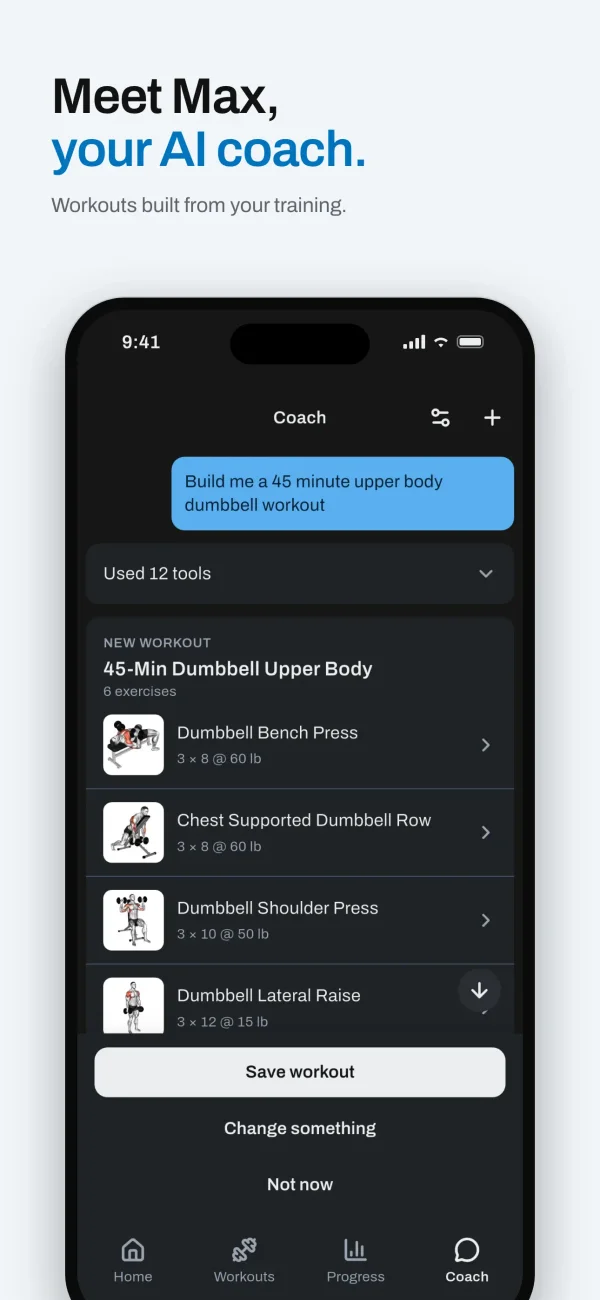
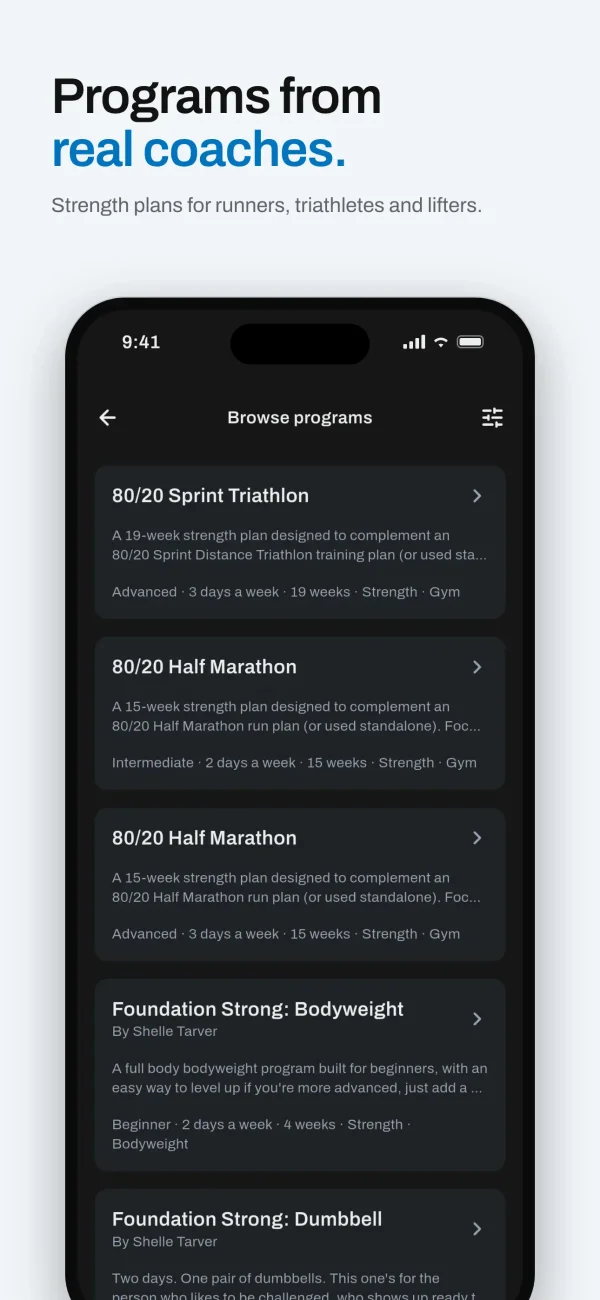
Tell Claude or ChatGPT your goals, available equipment and training schedule. Plan several weeks of workouts, decide how volume and intensity should change, and make room for lighter weeks.
Ask, "Build a six-week squat program with three lifting days a week." Your AI can use your saved programs, training history and training maxes to shape the plan, then save it directly to LiftTrack.
Your program includes the details you need to train: exercises, sets, reps, weights, rest times and progression rules.
PUT PROGRESSION INTO THE PLAN
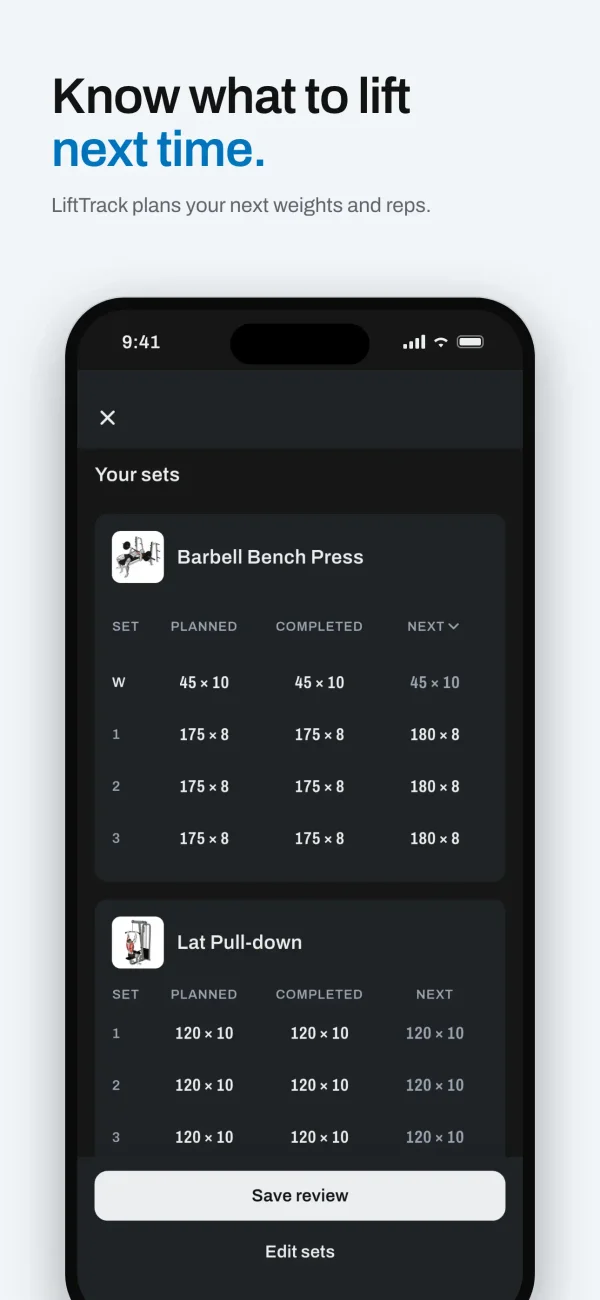
Give each lift a clear next step. Build LiftTrack's progression rules into your program with Claude or ChatGPT, or set them up yourself.
Add weight when you hit your rep targets. Or work from 8 to 12 reps, then increase the weight and start again at 8. Choose your increments and targets, and let LiftTrack apply the rules as you complete your sessions.
Use training maxes to set percentage-based loads, with warmups, supersets and RPE targets to structure each workout.
REVIEW YOUR TRAINING LOAD AND ADAPT
Give your next planning conversation the context of what you actually did.
• Compare weekly sets per muscle group with your four-week average
• See which movement patterns you trained and which you missed
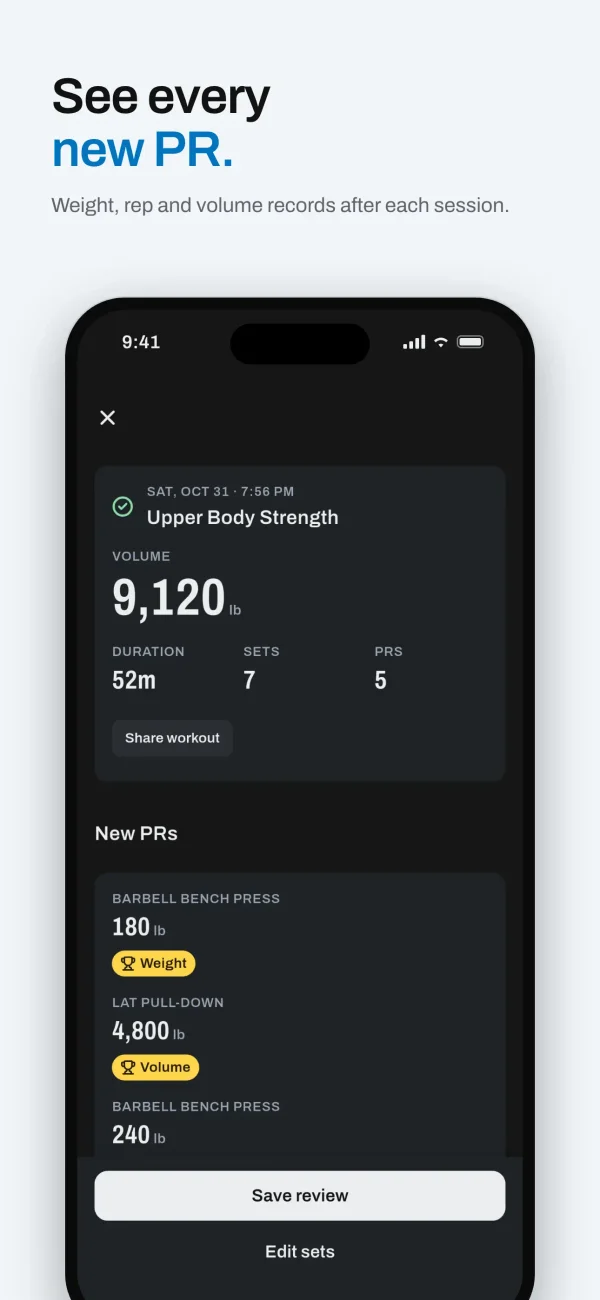
• Review exercise history, strength trends and personal records
• Check your saved program and upcoming workouts
Ask, "Review my last four weeks. How should we adjust the next block?" Work with Claude or ChatGPT to change upcoming workouts as your performance, goals or availability change. Your AI makes changes when you ask.
TRACK ON YOUR PHONE
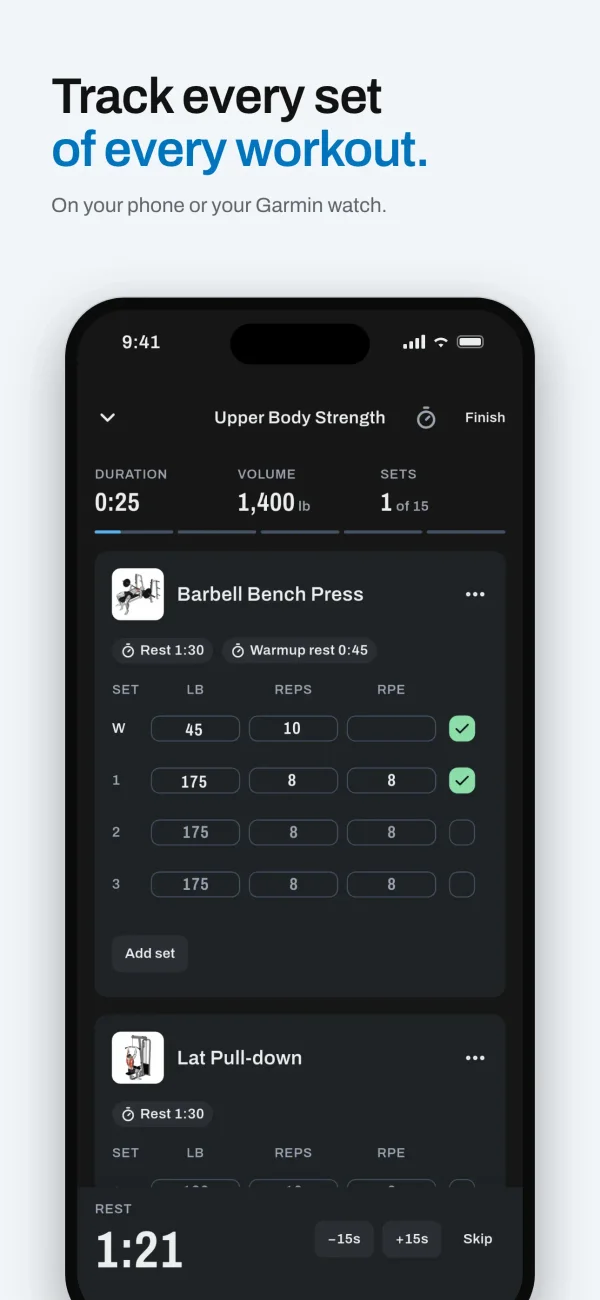
Follow your workout and log sets, reps and weights as you train. Use rest timers with audio alerts, and return to your saved session after minimizing it.
Your completed sessions become part of the history Claude or ChatGPT can review. No watch required.
TRAIN WITH GARMIN
Send planned workouts to Garmin Connect and follow them using your compatible Garmin watch's native strength activity. Completed watch workouts sync back to LiftTrack, ready for progress tracking and your next AI review.
Phone-recorded workouts stay in LiftTrack and do not export to Garmin Connect.
START FREE
Download LiftTrack and connect Claude or ChatGPT to your training. Connecting and letting your AI read your training data is free.
LiftTrack Premium lets Claude or ChatGPT save and update your workouts, programs, progression rules and training maxes.
Claude and ChatGPT connect through their own apps or websites. Availability depends on your AI provider's account and plan.
Plan the weeks ahead. Train with purpose. Build on your results.
End User License Agreement: https://www.apple.com/legal/internet-services/itunes/dev/stdeula/
What’s new
Version 6.4.2 · Nov 21, 2026
Fill a free strength session from your Garmin with a saved workout, planned sets and progressions included.
• Tap Use saved workout on an empty free Garmin session's review or in History
• Set Start with warmup and Wait for Lap on Garmin as defaults for new workouts in Workout settings
• Hide the RPE column with the new Show RPE setting under Advanced
• Fixed: skipped 0 rep sets no longer count toward weekly muscle load
• Fixed: a shared workout link no longer reopens on every launch
App privacy
What LiftTrack LLC declares on the App Store about how this app handles data.
-
Data used to track you
May be used to track you across apps and websites owned by other companies.
- Usage data
-
Data linked to you
May be collected and linked to your identity.
- Contact info
- User content
- Identifiers
-
Data not linked to you
May be collected but is not linked to your identity.
- Usage data
- Diagnostics
Privacy practices may vary, for example with the features you use or your age.
Information
- Seller
- LiftTrack LLC
- Category
- Health & Fitness
- Version
- 6.4.2
- Updated
- Nov 21, 2026
- Released
- Nov 27, 2024
- Size
- 161.1 MB
- Requires
- iOS 15.6 or later
- Age rating
- 4+
- Price
- Free
- In-app purchases
- Yes
- Languages
- English
- Copyright
- Copyright © 2025 Evan Noble. All rights reserved.
You might also like
-
 Rack: Hybrid Strength TrainingLift & run tracker for watches
-
 FitnessSyncerJoin health and fitness clouds
-
 HYBRD: Get Stronger & FasterAI coach for hybrid athletes
-
 Zenith: Recovery & StrainGarmin sleep, HRV & strength
-
 Spotr: Strength TrainingBe your own personal trainer
-
 RunGap - Workout Data Manager50 fitness services in one app
-
 HealthFitYour Workout Companion
-
 Liftosaur: Scriptable WorkoutsAutomate Your Workouts
-
 Intervals.icu Companion3rd-Party Intervals.icu App
-
 HumanGO: AI Training PlannerSmarter Training, Every Day