Lilip Overlay Camera
Match shots to a guide photo
Designed for iPhone
In-app purchases
- Age rating4+
- CategoryPhoto & Video
- Developershota ishikawa
- LanguagesJapanese+ 1 more
- Size2.8 MB
Links to the official App Store page
Download.org hosts no file of Lilip Overlay Camera. The button opens its official App Store page, published by shota ishikawa. Listing last checked on Nov 23, 2026.
Screenshots

About
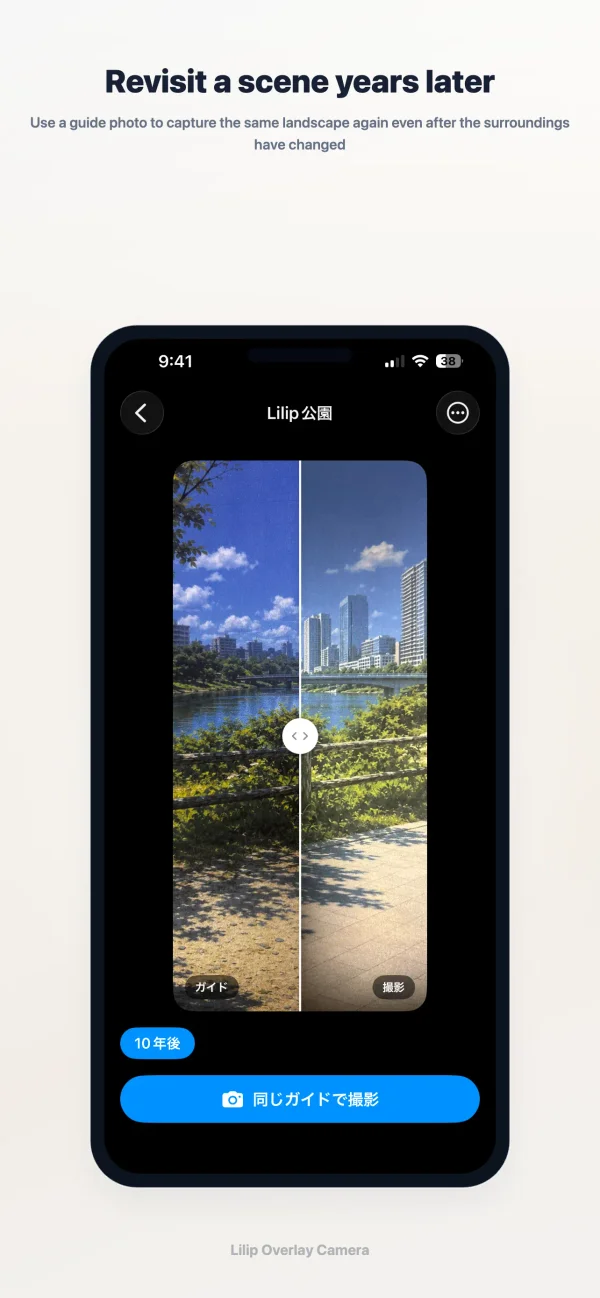
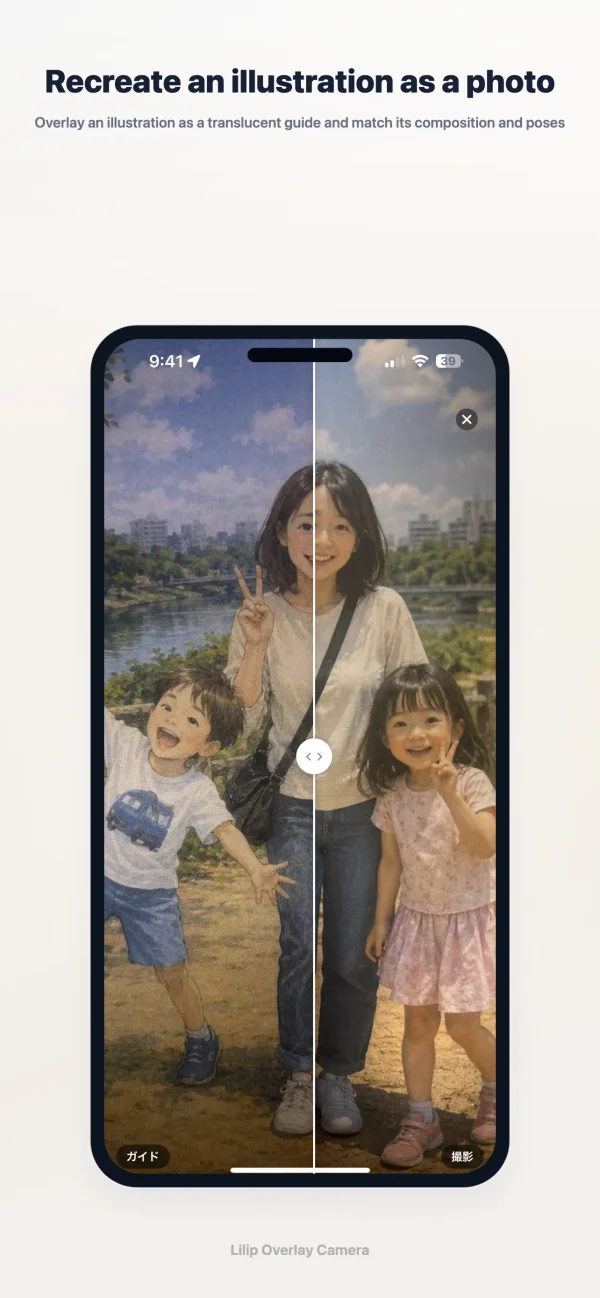
Overlay Camera helps you take a new photo while using a past photo as a translucent guide, so you can line up the same composition over time.
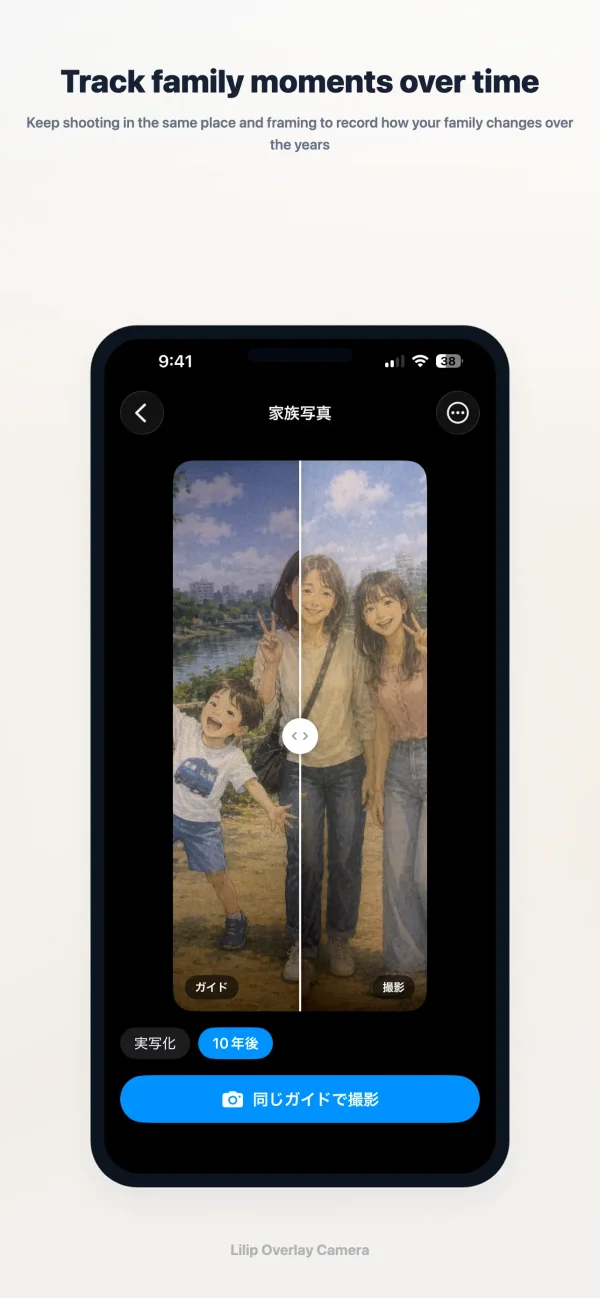
It is useful for plant growth, a child growing up, body-shape changes, DIY projects, crafts, and other progress photos where position, distance, angle, and framing matter.
How it works:
1. Pick a guide photo.
2. It appears as a translucent overlay on the camera screen.
3. Adjust guide opacity and camera zoom to line up the shot.
4. Take a new photo.
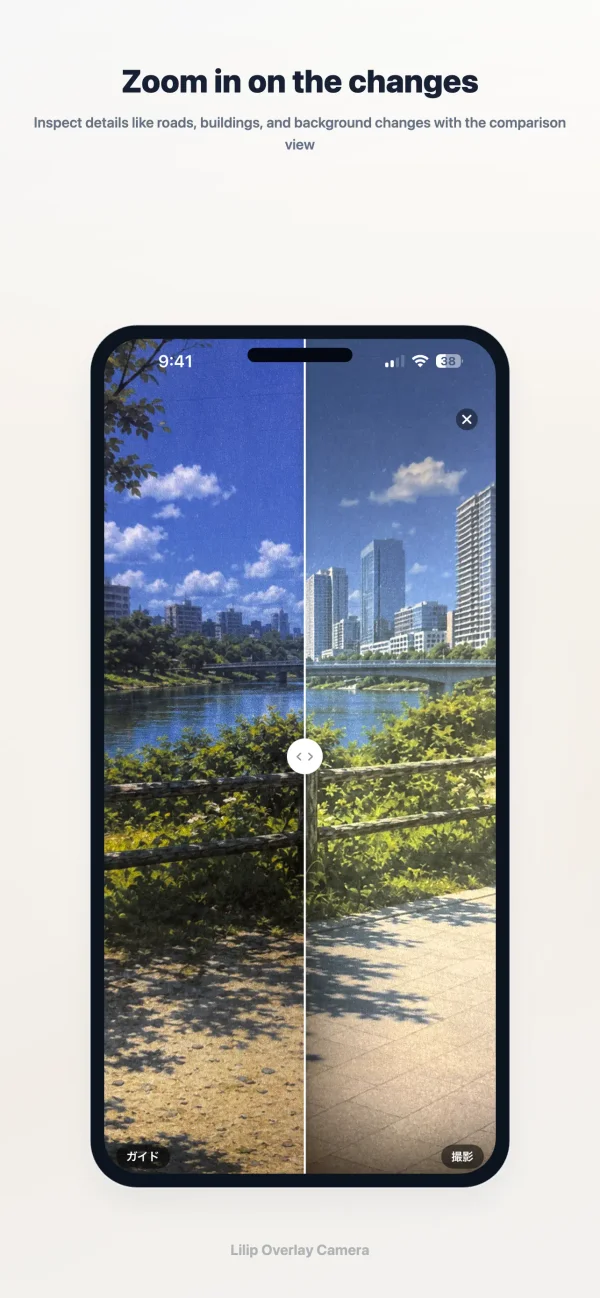
5. Compare the guide photo and captured photo with a drag-to-compare slider.
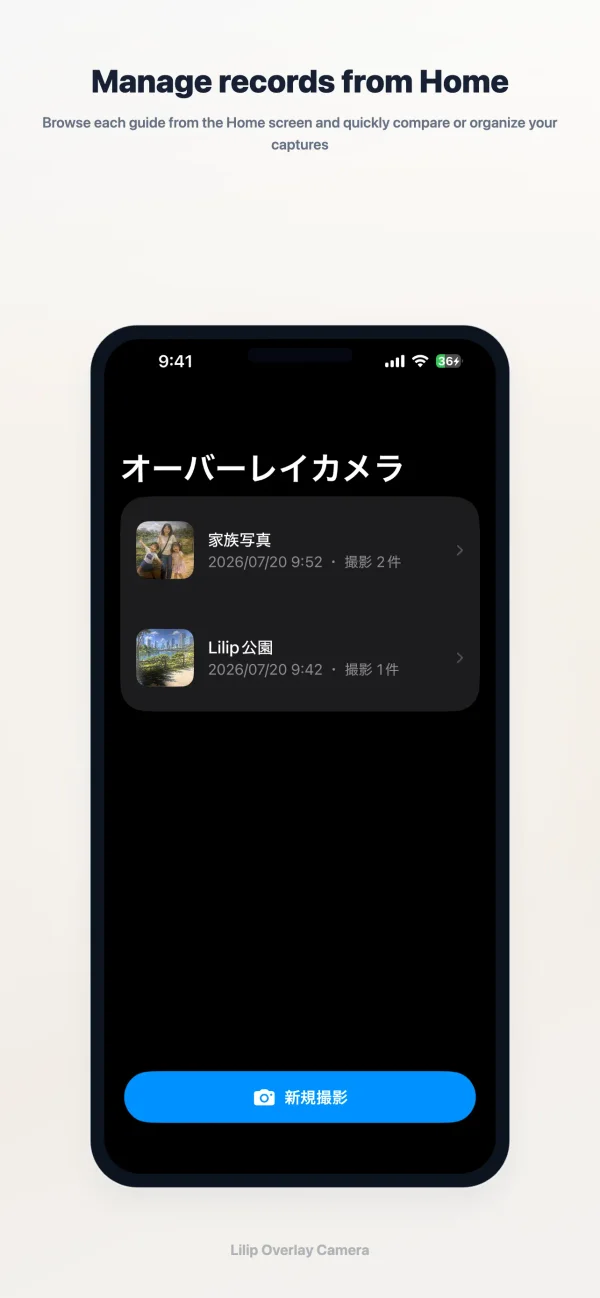
You can shoot multiple photos with the same guide, name each captured photo, and organize records with guide names and tags.
The guide photo is a preview-only overlay. It is never combined into the captured photo.
Records are stored locally on this device inside the app. If needed, you can save only the selected captured photo to your Photos library. Nothing is uploaded to any external service.
This first release focuses on the core overlay-and-compare workflow. There is no editing, no filters, no social sharing, and no login.
What’s new
Version 2.0 · Nov 13, 2026
This update adds new features to make repeat photography easier and more useful.
- Added weekly and monthly shooting reminders.
- Added before-and-after image export.
- Added change video export with smooth crossfade transitions (Pro).
- Added shooting guidance for matching direction, tilt, and zoom (Pro).
- Improved usability and stability.
App privacy
What shota ishikawa declares on the App Store about how this app handles data.
-
Data not collected
The developer does not collect any data from this app.
Privacy practices may vary, for example with the features you use or your age.
Information
- Seller
- shota ishikawa
- Category
- Photo & Video
- Version
- 2.0
- Updated
- Nov 13, 2026
- Released
- Jul 21, 2026
- Size
- 2.8 MB
- Requires
- iOS 17.0 or later
- Age rating
- 4+
- In-app purchases
- Yes
- Languages
- Japanese, English
- Copyright
- © 2026 Shota Ishikawa
You might also like
-
 Before & After: Side by SideCombine two photos into one
-
 かさねるカメラ | 定点撮影&比較Photo & Video
-
 Align: Stop Motion CameraPhoto & Video
-
 momentwoPhoto & Video
-
 AlignCam: Repeat PhotosMatch Your Previous Shot
-
 Overlay Camera - MatchShotAlign your shots, effortlessly
-
 NuiCamThe Camera for Plush Lovers
-
 Before After - Photo CompareAdd Labels, Arrows & Frames
-
 kasanete - Overlay CameraSame Angle Photo Every Time
-
 LayerCam - Overlay CameraSame angle photos & videos