
Lily - AI Agent
Play and AI Chat
Designed for iPhone, iPad, iPod touch
Free · In-app purchases
- Age rating4+
- CategoryUtilities
- DeveloperSENSOR NOTES JOINT STOCK COMPANY
- LanguagesEnglish
- Size239.6 MB
Links to the official App Store page
Download.org hosts no file of Lily - AI Agent. The button opens its official App Store page, published by SENSOR NOTES JOINT STOCK COMPANY. Listing last checked on Nov 22, 2026.
Screenshots



About
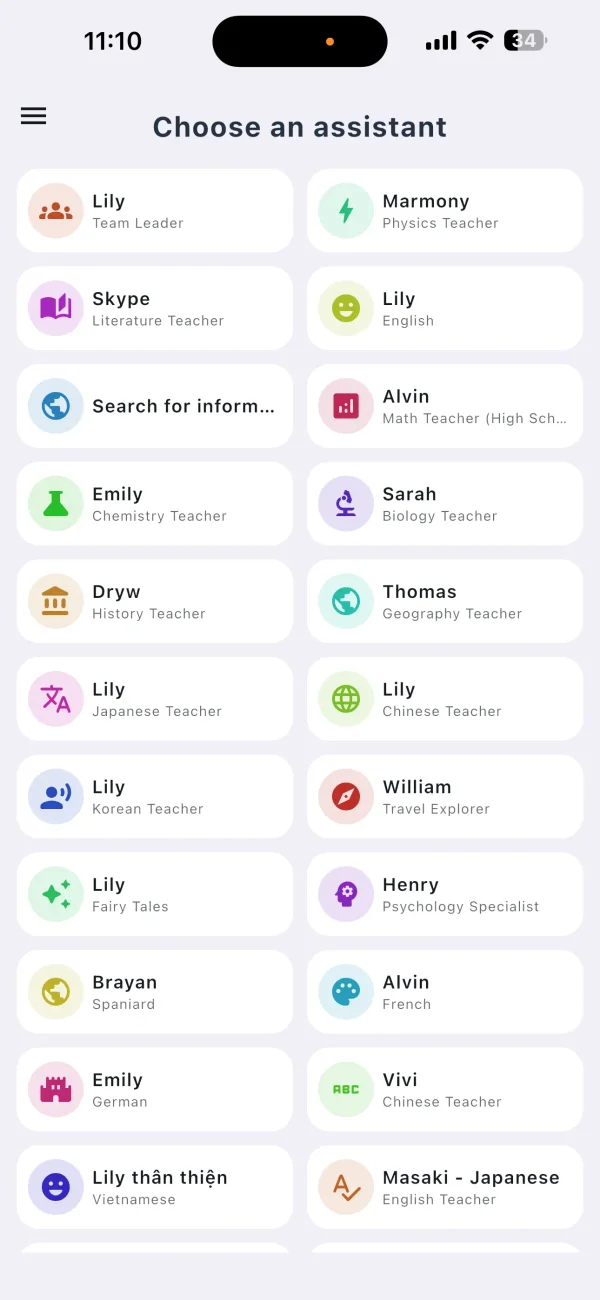
Lily is a voice AI assistant. The app has three main parts: AI CHAT, TURN-BY-TURN NAVIGATION, and SMART HOME CONTROL — plus a toolkit for people who spend time behind the wheel.
The first screen is the chat window. Everything else opens from the menu button in the top-left corner.
1. AI ASSISTANT
- Chat by text or voice, with a wake word.
- Several assistants to choose from, each with its own voice and personality.
- Agent skills: scan QR codes, read text from a photo, ask questions about a picture.
- MCP management: connect the assistant to external tools you configure yourself.
2. NAVIGATION
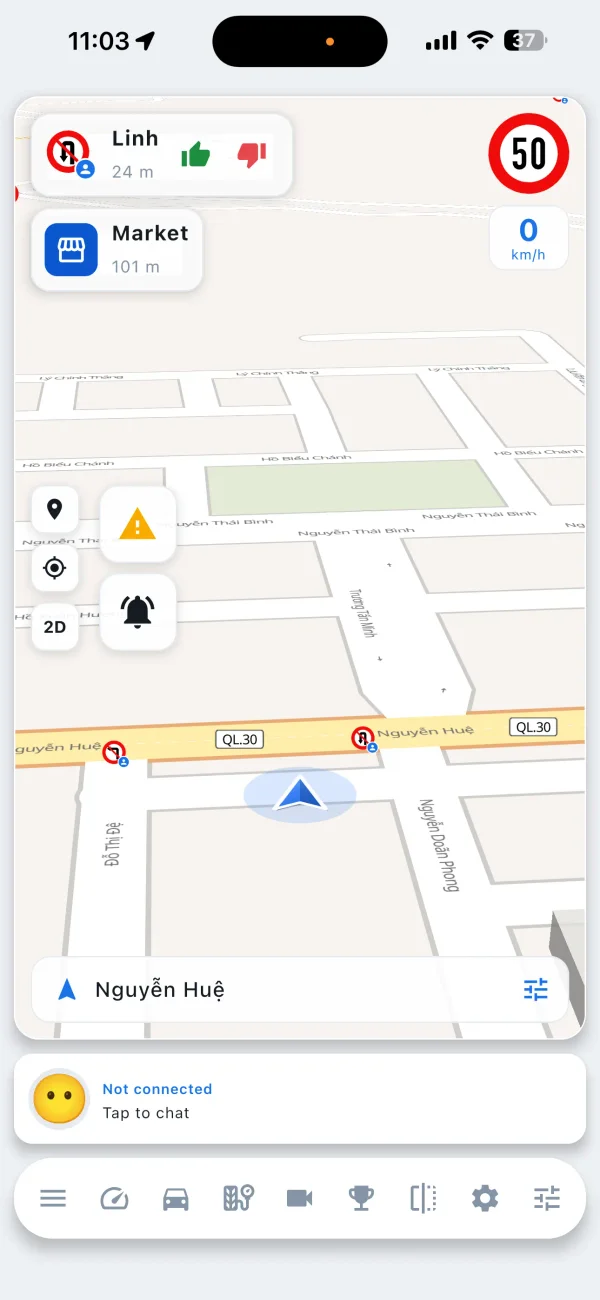
- Search for a destination, choose between routes, follow turn-by-turn guidance.
- Offline map tiles so it keeps working without a signal.
- Vietnamese road signs and speed limits, available offline.
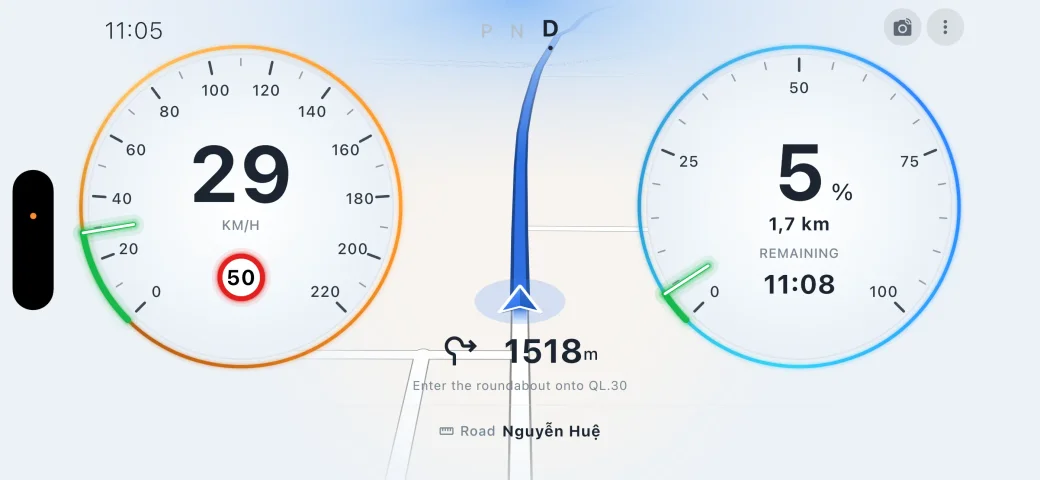
- Speedometer cluster and a mirrored HUD for the windscreen.
- Road reports: traffic jams, accidents, speed checks.
- Trip history: review distance, photos and clips from each drive.
- Play local music and listen to radio without leaving the driving screen.
3. SMART HOME
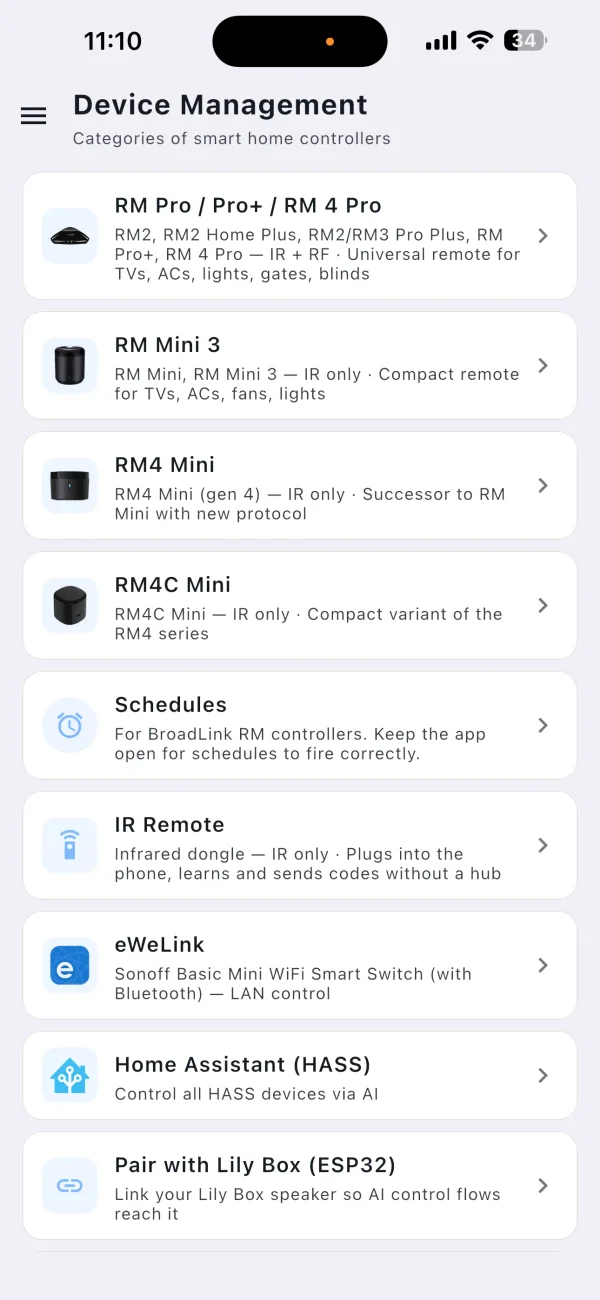
- Control devices through your own Home Assistant server.
- Control eWeLink/Sonoff devices with your own account.
- Connect a Lily Box (ESP32) over Wi-Fi or Bluetooth.
- Send infrared commands to air conditioners and TVs (requires a 3.5mm IR blaster).
- Push maps and images to an E-Ink display tag over Bluetooth.
The app controls YOUR devices; you add your own server or account.
4. VEHICLE DATA — SEPARATE HARDWARE REQUIRED
- OBD-II: requires an ELM327 Bluetooth LE adapter in the car's OBD-II port.
- OBD-I (ALDL): for pre-1996 GM/Delco cars, requires a Bluetooth LE ALDL cable.
- Tyre pressure (TPMS): requires Bluetooth LE tyre-pressure sensors.
Without the hardware these screens open but show no readings.
5. CAMERAS
- Public traffic cameras in Vietnam and a few other countries.
- View a Wi-Fi dashcam (requires a separate RTSP or MJPEG camera).
6. NETWORK STREAM
A player for stream addresses you enter yourself (m3u8, rtsp, http) or your own .m3u
file. The app bundles and provides no channels or content of any kind.
7. UTILITIES AND GAME
- Vietnamese lunar calendar and weather forecast.
- Find Cats: a hidden-object game with multiple levels.
VIP PLAN
Some features require a VIP plan; everything else is free with no time limit.
PERMISSIONS
- Microphone, speech recognition — to hear voice commands.
- Location — navigation, speed-limit alerts, weather.
- Bluetooth — OBD adapters, tyre sensors, E-Ink tag.
- Local network — to find eWeLink/Sonoff devices and the Lily Box.
- Camera — QR scanning and photos for the assistant.
- Photo library — attach images in chat, save trip photos.
Declining a permission disables only that feature; the rest keeps working.
What’s new
Version 3.9.2 · Nov 20, 2026
Fix bug
App privacy
What SENSOR NOTES JOINT STOCK COMPANY declares on the App Store about how this app handles data.
-
Data not collected
The developer does not collect any data from this app.
Privacy practices may vary, for example with the features you use or your age.
Information
- Seller
- SENSOR NOTES JOINT STOCK COMPANY
- Category
- Utilities
- Version
- 3.9.2
- Updated
- Nov 20, 2026
- Released
- Mar 11, 2025
- Size
- 239.6 MB
- Requires
- iOS 14.0 or later
- Age rating
- 4+
- Price
- Free
- In-app purchases
- Yes
- Languages
- English
- Copyright
- © SENSOR NOTES
You might also like
-
 CreatorUtilsQuick tools for creators
-
 Voice Generator TTSYour Voice Generator
-
 NFC Pro Tools: Scan & WriteRead, Write, Encrypt NFC Tags
-
 Stud Finder App: Wall ScannerDetect studs & metals in walls
-
 Remote Control For Smart TV !Smart Television Controller
-
 AI Recorder: Live TranscriberOffline • Speakers • Summary
-
 LudyVAC - Video to AudioMP3 Converter & Ringtone Maker
-
 Typelet: Template KeyboardQuick Replies & Text Snippets
-
 Cleanup & Declutter PhotosRemove,Delete, Free Up Storage
-
 Protractor Angle Measure AppMeasure Angles Instantly