
Limepad: AI Tutor & Notes
Study, homework & exam help
Designed for iPad
Free · In-app purchases
- Age rating17+
- CategoryEducation
- DeveloperRiad Joul
- LanguagesEnglish+ 2 more
- Size60.0 MB
Links to the official App Store page
Download.org hosts no file of Limepad: AI Tutor & Notes. The button opens its official App Store page, published by Riad Joul. Listing last checked on Nov 23, 2026.
Screenshots

About
Notes that teach you back.
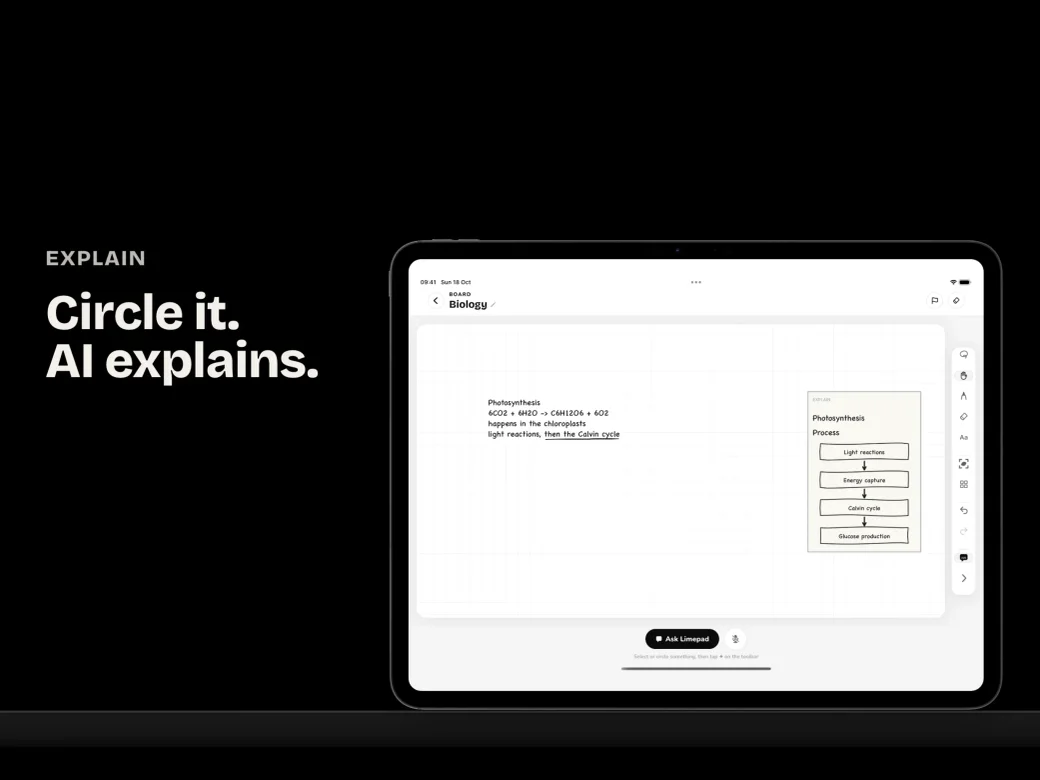
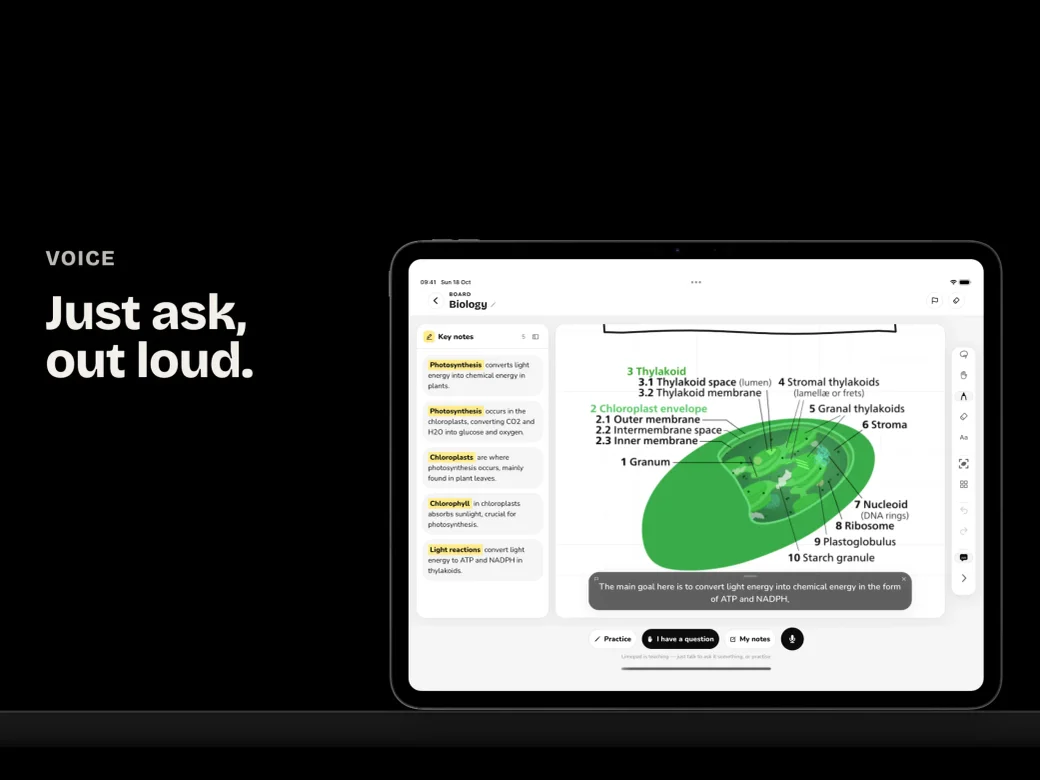
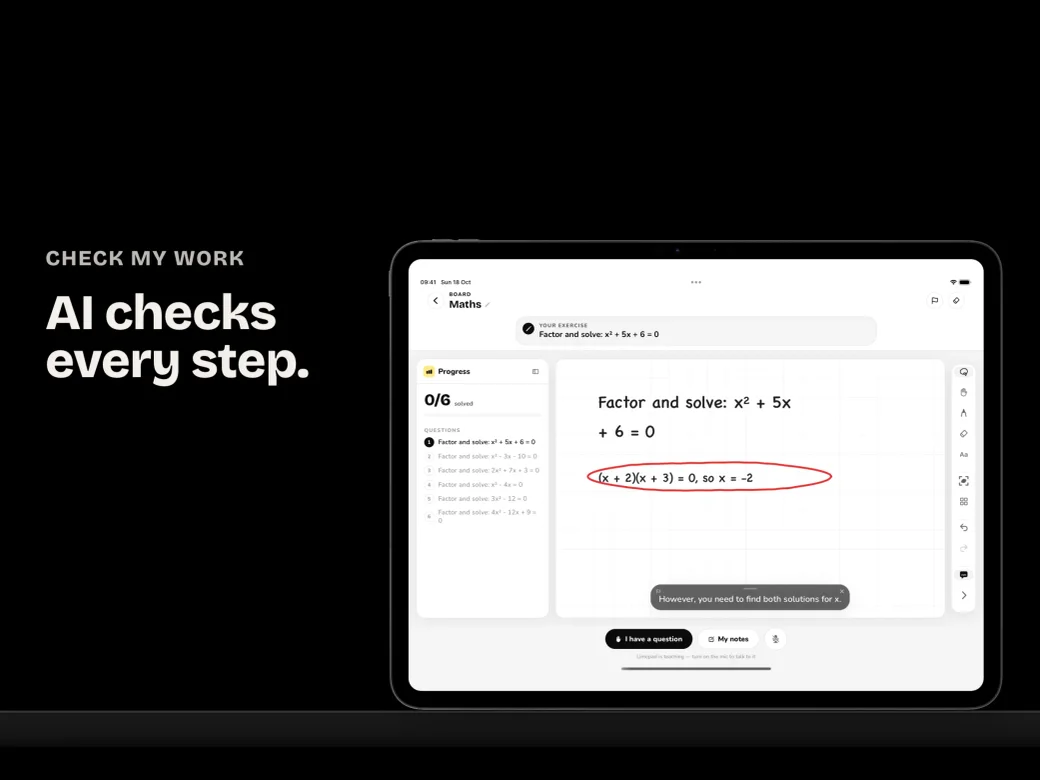
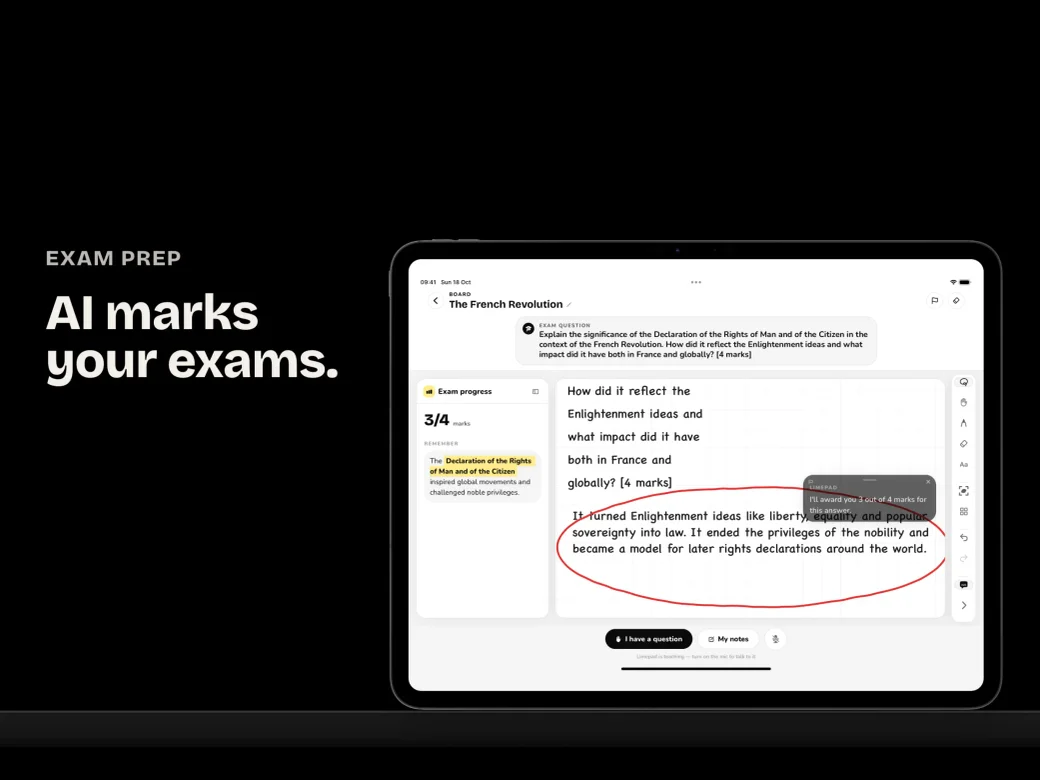
Limepad is an AI tutor that teaches on a shared whiteboard on your iPad. Ask about any subject and it explains out loud, writes notes in handwriting, draws diagrams and pulls in real photos. Write your answer with Apple Pencil and it checks your work, step by step.
BUILT FOR EXAMS
• Full planned lessons on any topic, from A-levels and high school to college finals
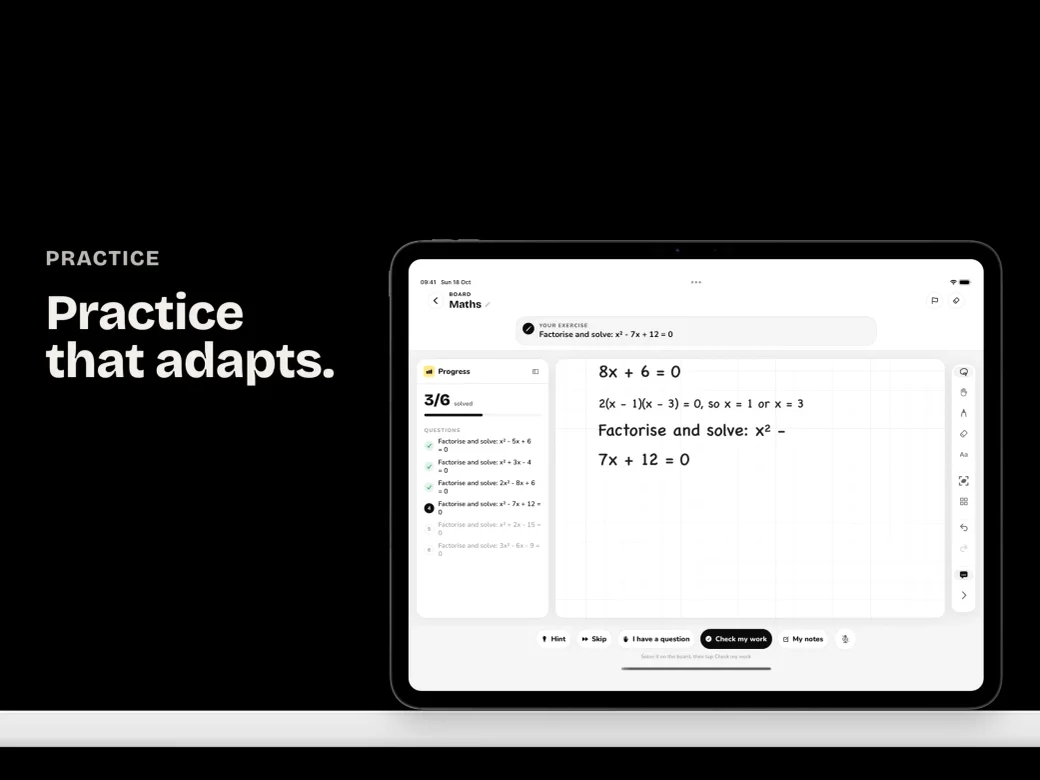
• Practice rounds and exercises that adapt to your weak spots
• Exam prep with marking, so you know where you lose points
• Remembers what you struggle with and comes back to it
THE LIMEPAD MENU, ON ANYTHING YOU WRITE
• Explain: understand a step you're stuck on
• Check: get your handwritten work marked
• Next step: a hint, not the whole answer
• Find, Teach me, Practice, Exam prep
A REAL WHITEBOARD
• Talks out loud with subtitles
• Handwritten notes, diagrams and real photos
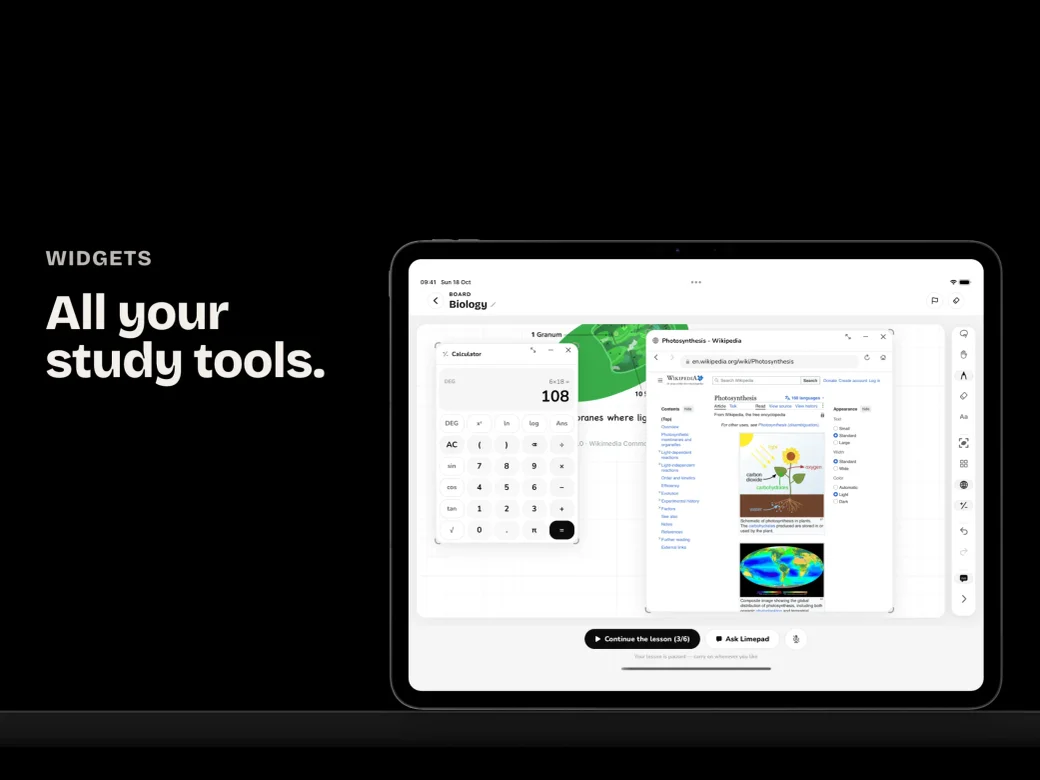
• Browser, calculator and document widgets on the board
• Works with Apple Pencil or your finger
YOUR WAY
• English, Spanish and French
• Two personalities: Classic (calm and clear) or Unhinged (roasts your mistakes, opt-in)
SAFE BY DESIGN
• Every message is checked by a safety filter
• No ads. Your data is never sold.
• For students 16 and up
TRY IT FREE
Your first session is free. Then Limepad Pro unlocks everything: $14.99/month or $99.99/year.
Payment is charged to your Apple Account at confirmation of purchase. Subscriptions renew automatically unless cancelled at least 24 hours before the end of the current period. Manage or cancel in your App Store account settings.
Terms of Use: https://limepad.app/terms
Privacy Policy: https://limepad.app/privacy
What’s new
Version 1.0.2 · Nov 21, 2026
Your board, made better.
• Start right from your home screen: your board is waiting, no setup in the way.
• A new guided tour shows you everything the board can do, with quick tips the first time you circle something or add a page.
• New "Just talk" option: tap + and choose Just talk to hear Limepad explain out loud, with subtitles, without writing on your page.
• Tidier notes: Limepad's answers line up neatly beside your notes, and lessons run cleanly from top to bottom.
• Smarter pictures: Limepad only adds a picture when it really helps.
• A cleaner lesson screen with more room for your board.
• Bug fixes and performance improvements.
App privacy
What Riad Joul declares on the App Store about how this app handles data.
-
Data linked to you
May be collected and linked to your identity.
- Location
- Contact info
- User content
- Identifiers
- Usage data
- Other data
Privacy practices may vary, for example with the features you use or your age.
Information
- Seller
- Riad Joul
- Category
- Education
- Version
- 1.0.2
- Updated
- Nov 21, 2026
- Released
- Oct 28, 2026
- Size
- 60.0 MB
- Requires
- iOS 16.4 or later
- Age rating
- 17+
- Price
- Free
- In-app purchases
- Yes
- Languages
- English, French, Spanish
- Copyright
- © 2026 Riad Joul