
Limit Screen Time | Focus Lock
Stay Focused | Self Control
Designed for iPhone, iPad
Free
- Age rating4+
- CategoryHealth & Fitness
- DeveloperMy Media and Entertainment
- LanguagesEnglish+ 19 more
- Size133.1 MB
Links to the official App Store page
Download.org hosts no file of Limit Screen Time | Focus Lock. The button opens its official App Store page, published by My Media and Entertainment. Listing last checked on Nov 23, 2026.
Screenshots
About
■ DIGITAL DETOX ■ BLOCK SOCIAL MEDIA ■ BLOCK WEBSITES ■
Manage screen time by schedule or location, enable focus mode.
■ TAKE BACK CONTROL OF YOUR TIME ■
◆○◆ KEY FEATURES ◆○◆
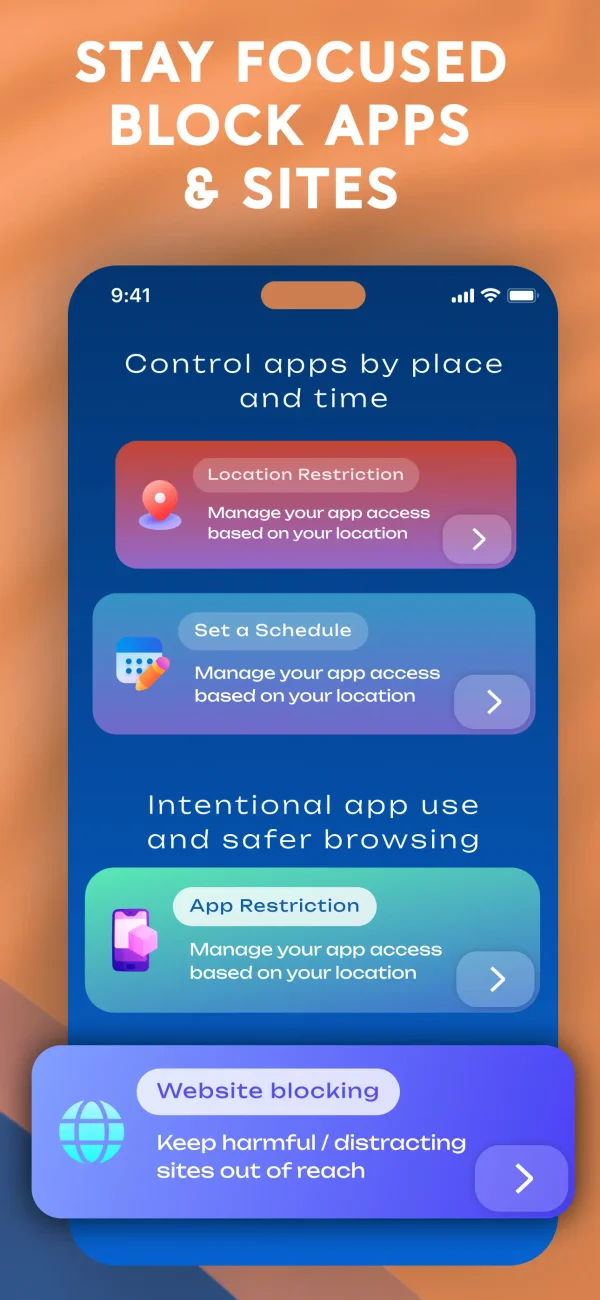
●〉 Block social media, games, YouTube, etc.
●〉 Block websites
●〉 Schedule restrictions (work, sleep, study)
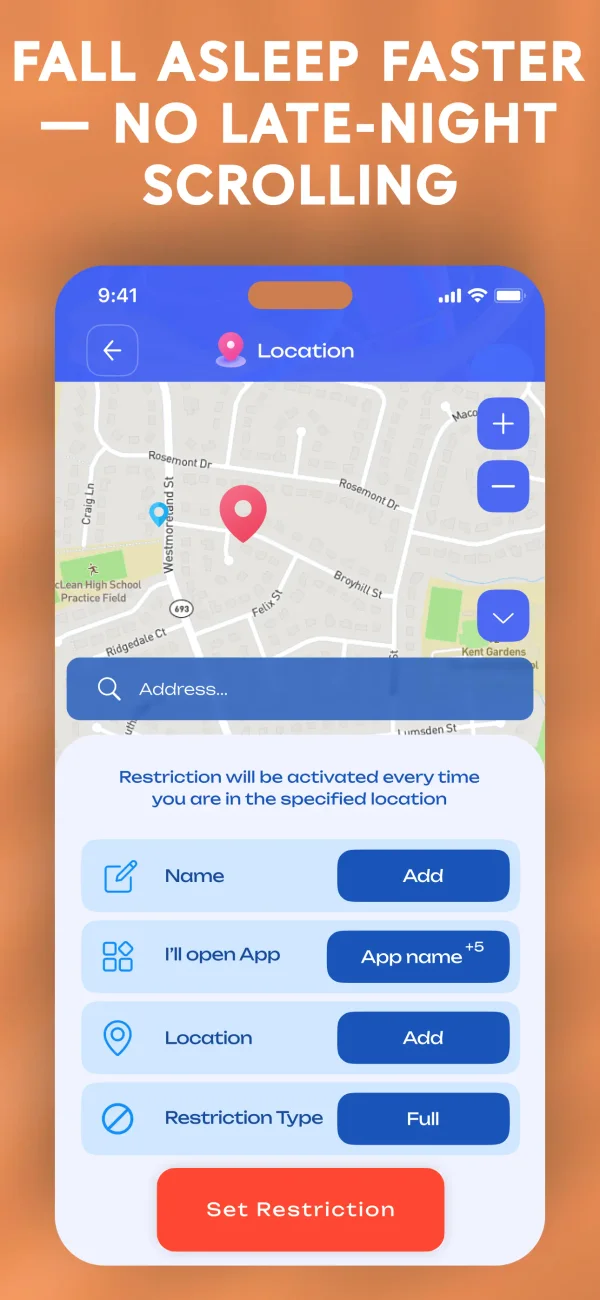
●〉 Location-based restrictions
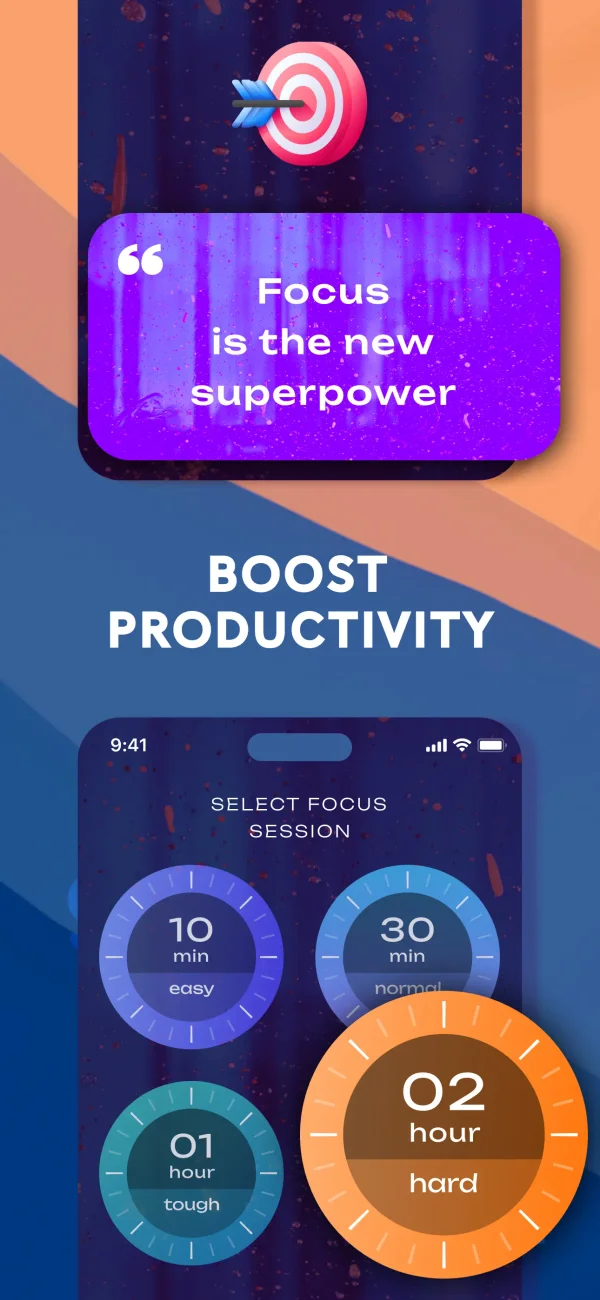
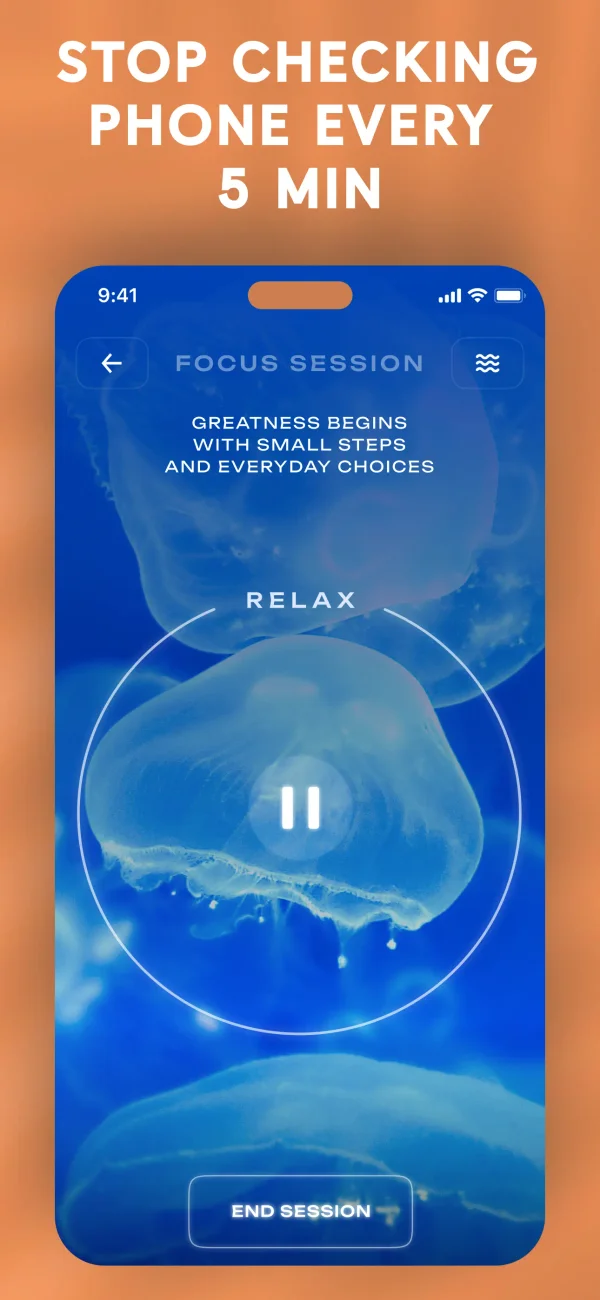
●〉 Focus sessions with timer and background music
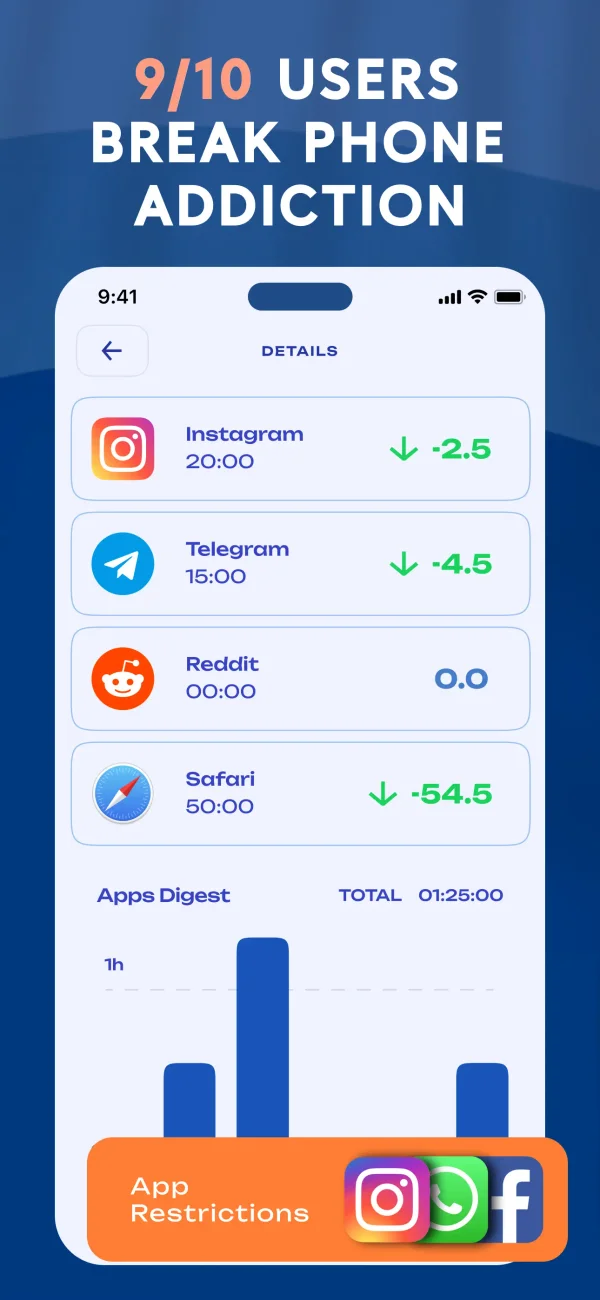
●〉 Detailed usage statistics
∞∞∞ HOW IT WORKS: YOUR PERSONAL DIGITAL ASSISTANT ∞∞∞
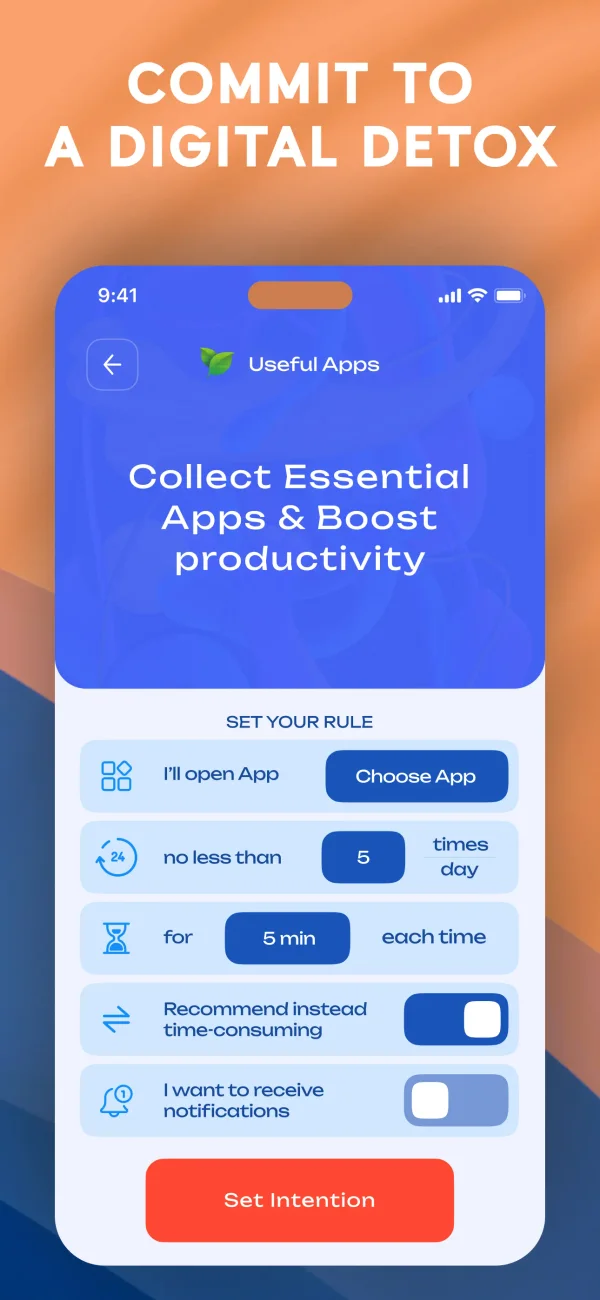
●●► SELECT APPS AND WEBSITES
Mark what distracts you: social media, games, entertainment sites.
●●► SET THE RULES
Define time (e.g., work hours or nighttime rest) or location zones (office, school, home) where restrictions will apply. Choose the type of block: full ban or time-limited usage.
●●► AUTOMATIC BLOCKING
As soon as you enter the set zone or scheduled time begins, access to apps and websites is restricted according to your rules.
●●► TRACK YOUR PROGRESS
Analyze detailed stats: total screen time, app-specific usage, first and last phone activations per day, and the effectiveness of your rules. Adjust them to achieve your goals.
◆◆◆ FOCUS SESSION ◆◆◆
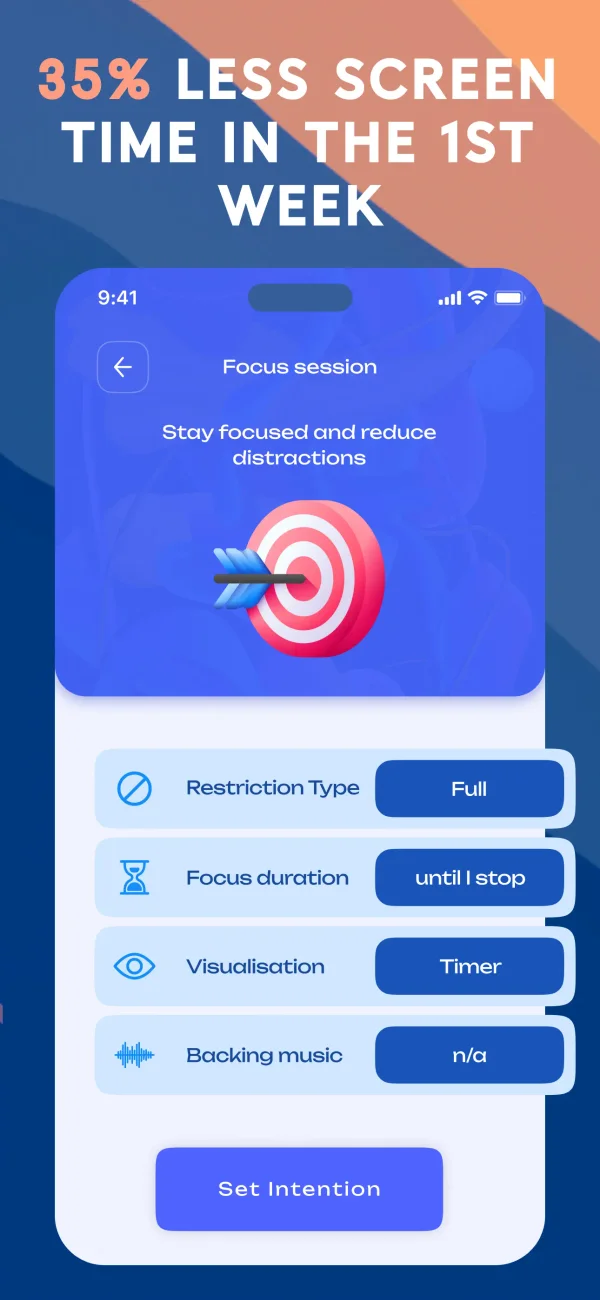
Helps you concentrate: blocks notifications and distracting apps for a set period. Increases productivity, reduces procrastination, and helps you consciously manage time.
◆ Focus session settings ◆
⁕ Fixed duration or manual stop
⁕ Choose what to block: social media, games, entertainment – WHATEVER YOU NEED
⁕ Background music for concentration
⁕ Visualization: timer, motivational quotes, background image
●●● WHO IT’S FOR ●●●
◆ For those who get distracted by social media at work
◆ For parents managing kids’ screen time
◆ For everyone who wants to achieve digital balance
⌘ ⌘ ⌘ RESULTS ⌘ ⌘ ⌘
⌘ −35% screen time in the very first week
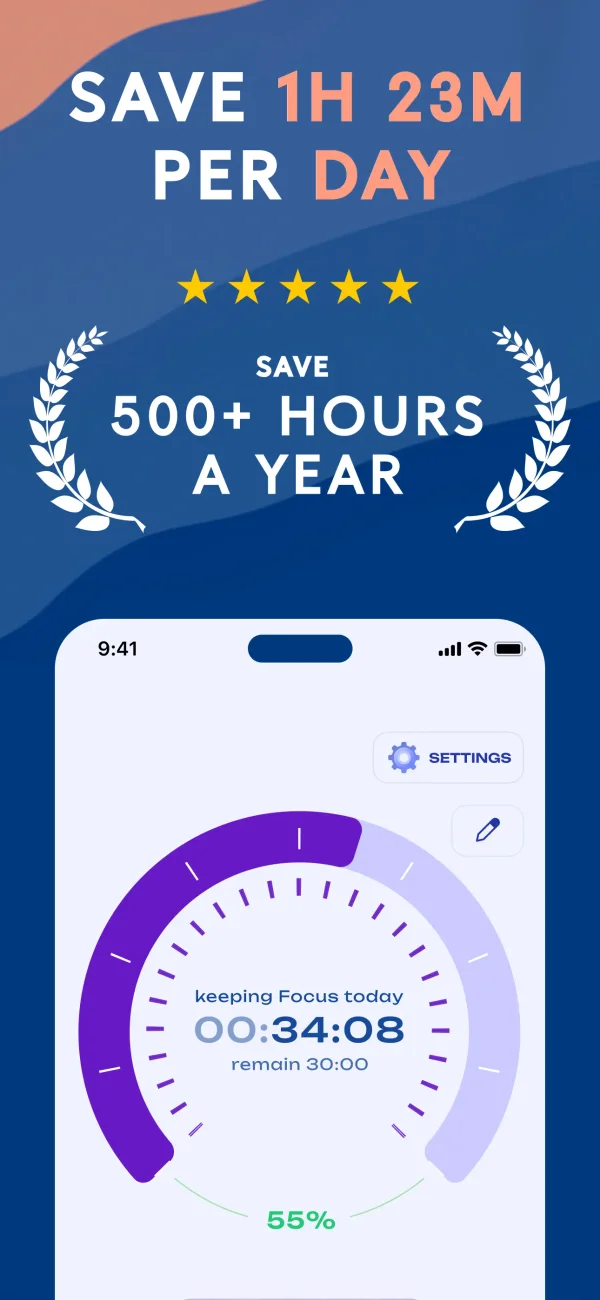
⌘ Get back 83 minutes of free time daily
⌘ Users reduce stress levels 3×
⌘ 9 out of 10 report improved sleep without nighttime scrolling
Privacy policy: https://my-media-entertainment.com/control/privacy-policy
Terms of use: https://my-media-entertainment.com/control/terms-of-use
What’s new
Version 3.1.2 · Oct 21, 2026
Screen time tracker improved for more consistent data
Digital detox helps you stay focused
App privacy
What My Media and Entertainment declares on the App Store about how this app handles data.
-
Data not linked to you
May be collected but is not linked to your identity.
- Health and fitness
- User content
- Usage data
- Diagnostics
Privacy practices may vary, for example with the features you use or your age.
Information
- Seller
- My Media and Entertainment LLC
- Category
- Health & Fitness
- Version
- 3.1.2
- Updated
- Oct 21, 2026
- Released
- Jul 31, 2018
- Size
- 133.1 MB
- Requires
- iOS 16.6 or later
- Age rating
- 4+
- Price
- Free
- Languages
- English, Arabic, Czech, French, German, Hindi, Hungarian, Indonesian, Italian, Japanese, Korean, Malay + 8 more
- Copyright
- © M.Abashina
You might also like
-
 Hearing Test & Ear Age TestEasy Home Hearing Test
-
 Sennheiser Hearing TestHealth & Fitness
-
 Mimi Hearing TestAssess your hearing
-
 AudioCardio Hearing & TinnitusTest, Strengthen, Relief & Aid
-
 Hearing Aid Volume Booster AppSound Amplifier Boost My Ear
-
 HEARING AID APP | Live listenSound amplifier | PETRALEX
-
 AI Calorie - Counter & TrackerAI Food Tracker and Scanner
-
 MDHearingHearing Test & Hearing Aid App
-
 hearWHO - Check your hearing!An app to check your hearing.
-
 Hearing Aid app & AmplifierSound booster & volume control