LimitCam - Camera & Organizer
Limitation Expands Creativity
Designed for iPhone, iPad
Free · In-app purchases
- Age rating4+
- CategoryPhoto & Video
- DeveloperAlex Anthony Smyntyna
- Size274.1 MB
Links to the official App Store page
Download.org hosts no file of LimitCam - Camera & Organizer. The button opens its official App Store page, published by Alex Anthony Smyntyna. Listing last checked on Nov 20, 2026.
Screenshots

About
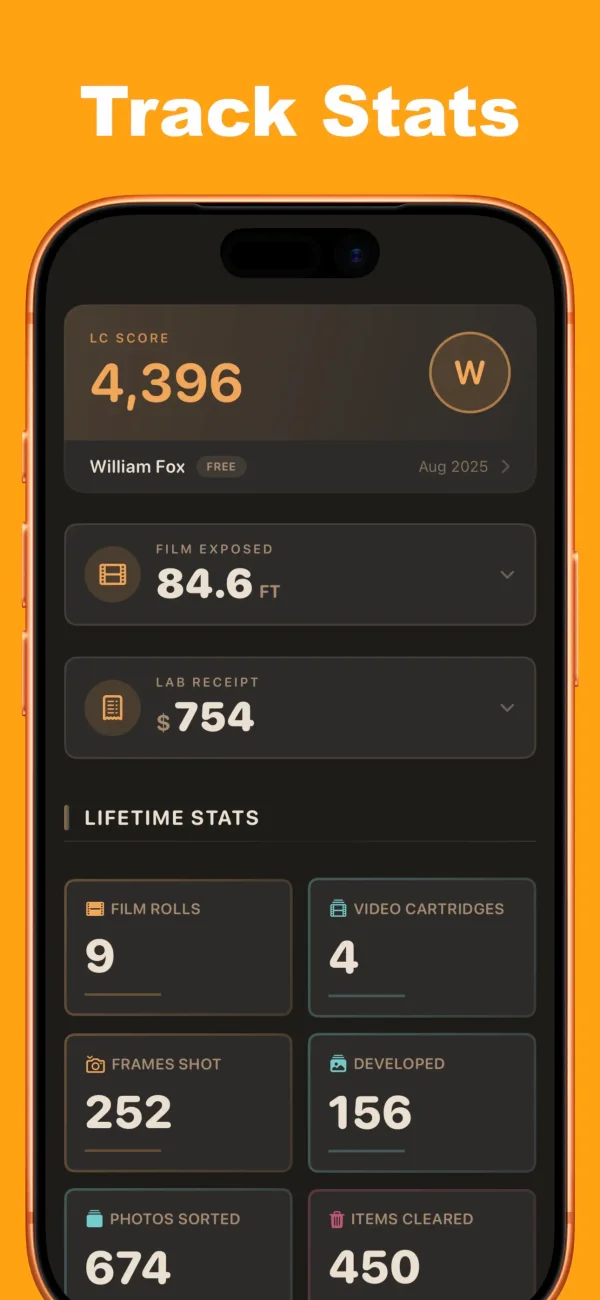
LimitCam is a full virtual film experience. Choose a film roll, pick your camera, load
it up. You can only shoot what fits on that roll. 24 frames or a 3 minute Super 8
cartridge. When it's full, you're done.
Constraints force you to be present and in the moment, not worried about what you just
shot. Just like with a disposable camera, you won't know until you get it developed.
The limited number of photos pushes you to capture only the most special moments.
Once you're done shooting, it's time for development: with a 1 hour photo lab timer you
wait for your photos to process. Of course, if you want to skip that timer, we have
options for those who can't wait.
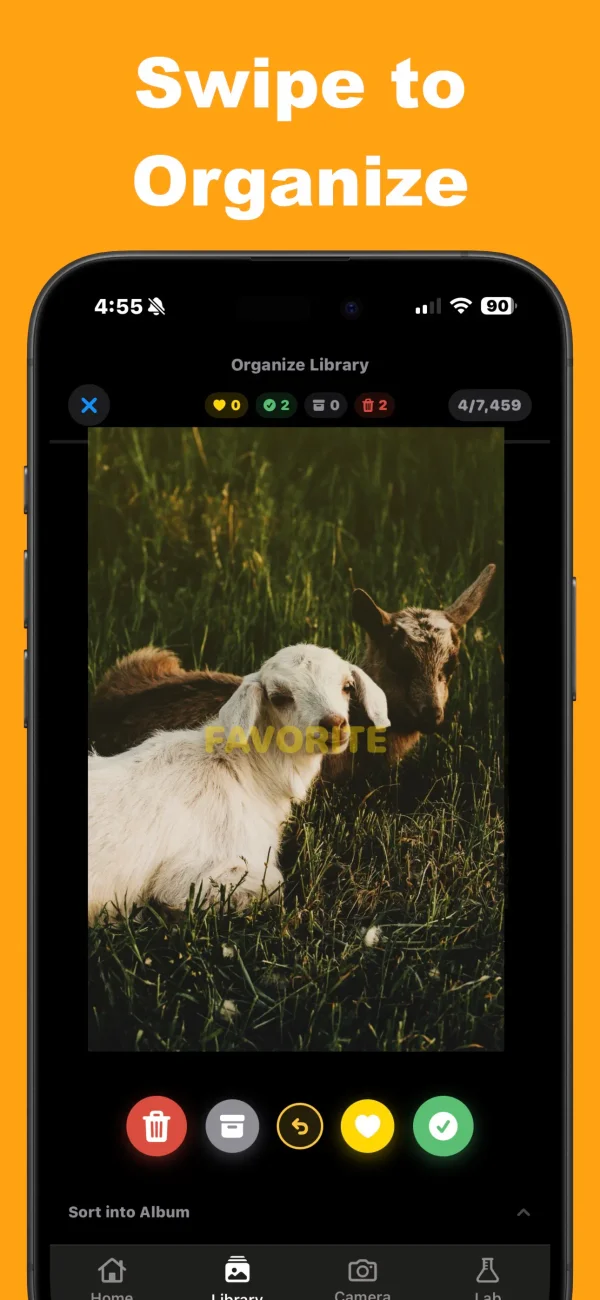
After development you get a pack of prints or a stitched video cassette. Swipe through
your photos like a stack of prints, keep the best, toss the rest.
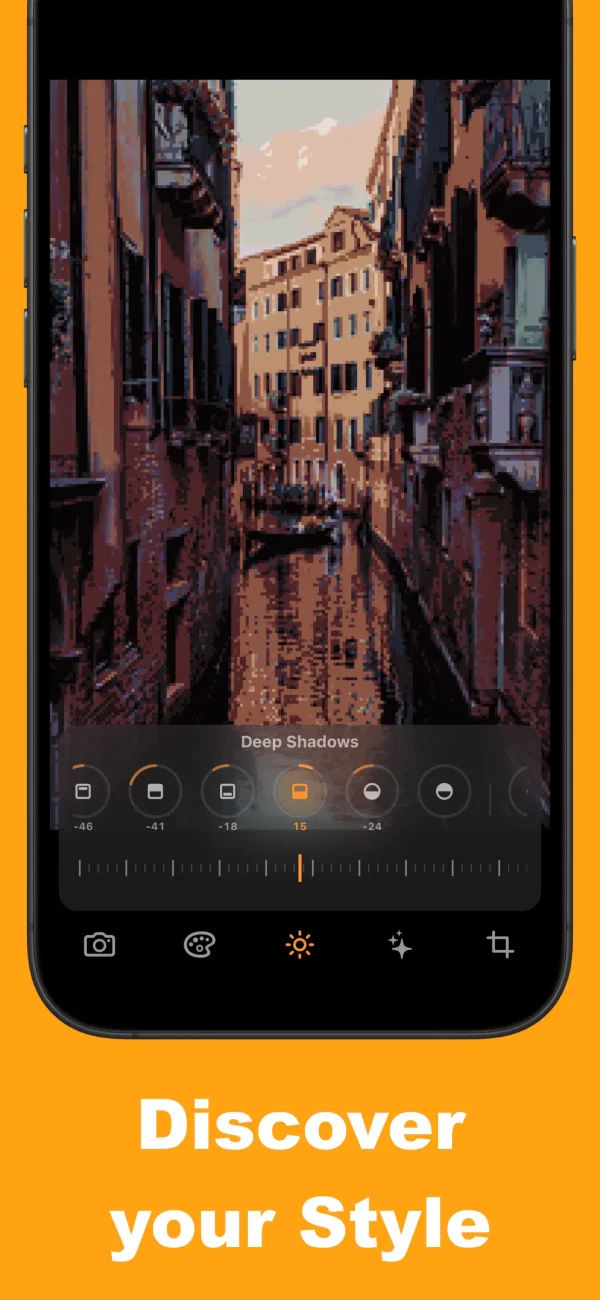
Want to try another look like pixel art? Reprocess a batch and get a new version of
your photos. Or fine tune one photo in the darkroom with the exposure dial, tonal
adjustments, and save in place editing with full recipe history.
Take control of your camera roll.
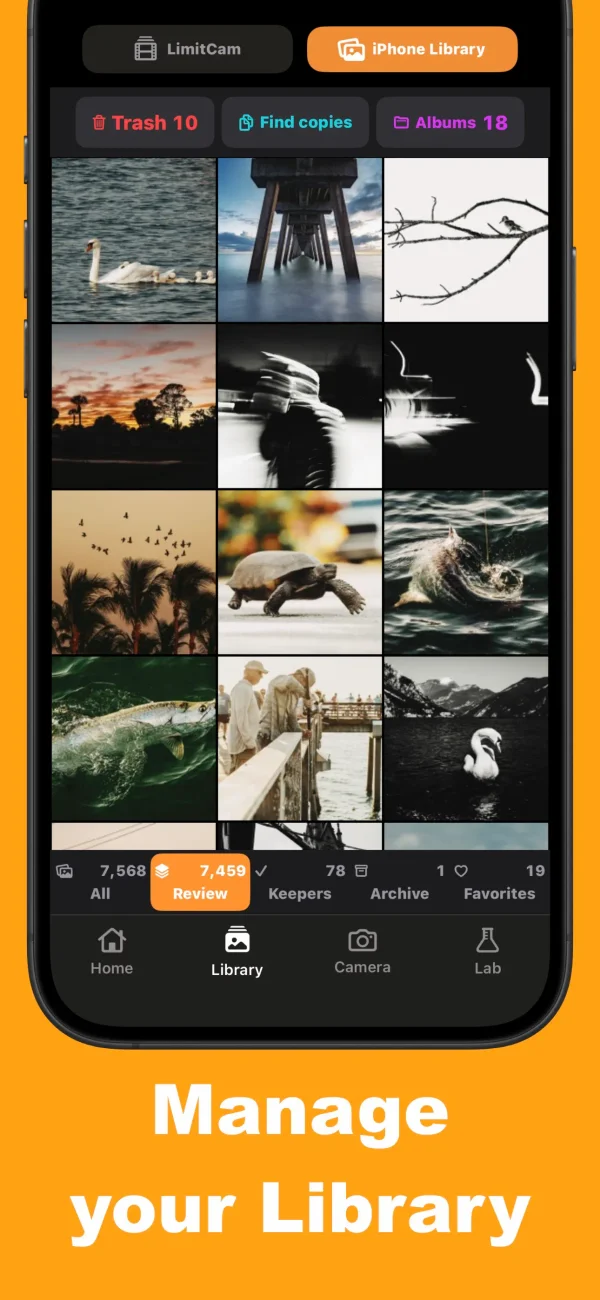
LimitCam started as a camera app. Now it's how you manage your entire library. Browse
all your device photos, swipe through them like prints, and sort them into keepers and
rejects. Find duplicates, track how much space you're clearing, and sync your albums
back to Photos. Import from your photo library, the Files app, SD cards, or USB drives.
The same intentional approach that makes shooting better also makes sorting better.
Fewer decisions, less clutter, a library you actually want to look through.
Remember when taking photos was fun? It can be again.
Terms of Use: https://www.apple.com/legal/internet-services/itunes/dev/stdeula/
What’s new
Version 1.3 · Feb 10, 2026
Clean up your camera roll. Browse your device photos, swipe through them like a stack
of prints, and keep only the ones worth keeping. Track how much storage you're freeing
up as you go.
- Swipe to sort review for your entire photo library
- Duplicate detection and bulk cleanup
- Sync LimitCam albums to Photos
- Import from Files, SD cards, and USB drives
- Darkroom save in place with full recipe history
- New exposure dial and 4 zone tonal adjustments
- Contact sheet export to Photos
- Full iPad support with adaptive layouts
- Fullscreen viewer with pinch to zoom
- Faster launch and major stability fixes
App privacy
What Alex Anthony Smyntyna declares on the App Store about how this app handles data.
-
Data not linked to you
May be collected but is not linked to your identity.
- Usage data
Privacy practices may vary, for example with the features you use or your age.
Information
- Seller
- Alex Anthony Smyntyna
- Category
- Photo & Video
- Version
- 1.3
- Updated
- Feb 10, 2026
- Released
- Jan 27, 2026
- Size
- 274.1 MB
- Requires
- iOS 17.6 or later
- Age rating
- 4+
- Price
- Free
- In-app purchases
- Yes
- Copyright
- © 2026 Alex Smyntyna
You might also like
-
 realARstatePrinted Images, Video Content
-
 Cliché — Disposable CameraAnalog film photos & filters
-
 24 Shots - Vintage CameraDisposable Film Camera
-
 Saga: 1 Second Video DiaryDaily Journal & Yearly Recap
-
 Flashbulb: Shared Trip CameraGroup vacation photo album
-
 36 Frames CameraA film camera for your phone
-
 NoCam FilmAnalog film & VHS camcorder
-
 OneRoll CameraYour analog camera roll
-
 CullourCapture. Curate. Captivate.
-
 Retro Camera – Vintage FilmAnalog & 35mm Film Photos