- Age rating4+
- CategoryUtilities
- Developer株式会社ムセンコネクト
- LanguagesJapanese
- Size1.2 MB
Links to the official App Store page
Download.org hosts no file of LINBLE Keyboard. The button opens its official App Store page, published by 株式会社ムセンコネクト. Listing last checked on Nov 23, 2026.
Screenshots

About
The developer has not provided this text in your language.
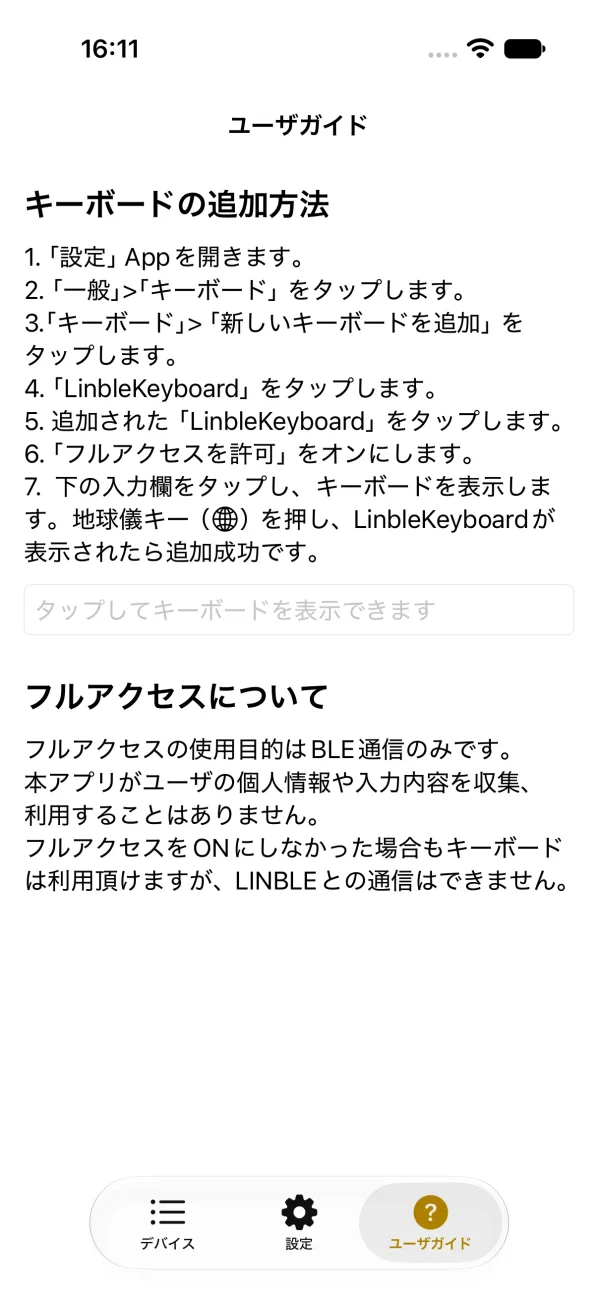
【キーボードの追加方法】
1. 「設定」Appを開きます。
2. 「一般」>「キーボード」をタップします。
3. 「キーボード」>「新しいキーボードを追加」をタップします。
4. 「LinbleKeyboard」をタップします。
5. 追加された「LinbleKeyboard」をタップします。
6. 「フルアクセスを許可」をオンにします。
7. 本アプリ、またはメモアプリなどで、キーボードを表示します。地球儀キーを押し、LinbleKeyboardが表示されたら追加成功です。
【使い方】
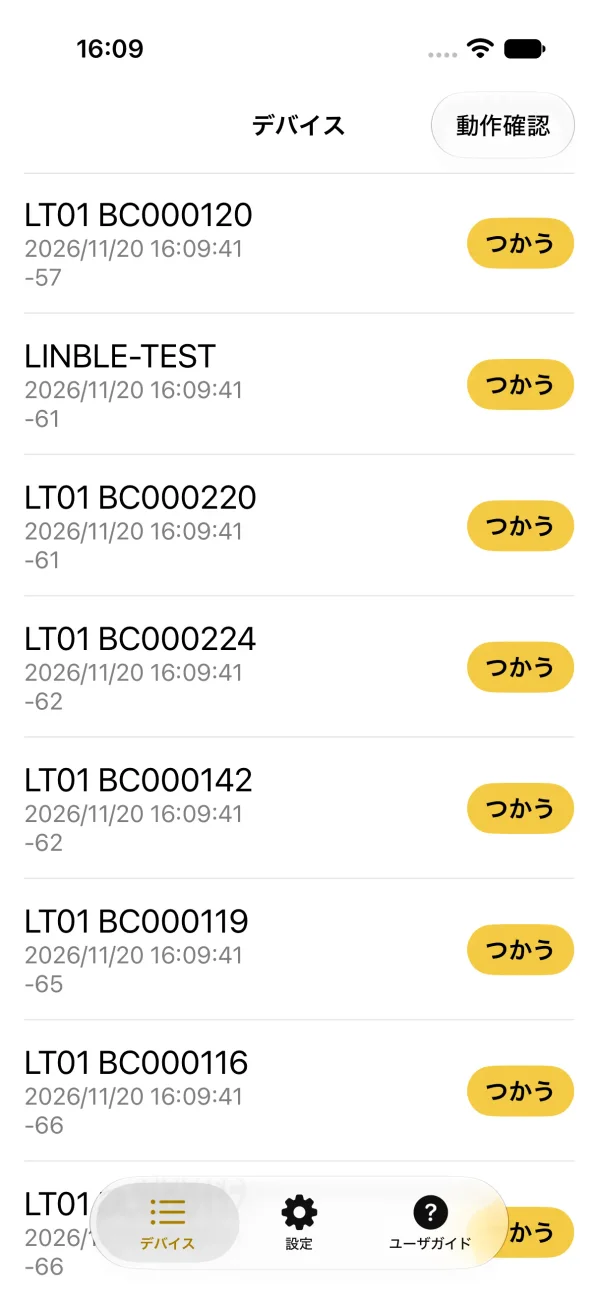
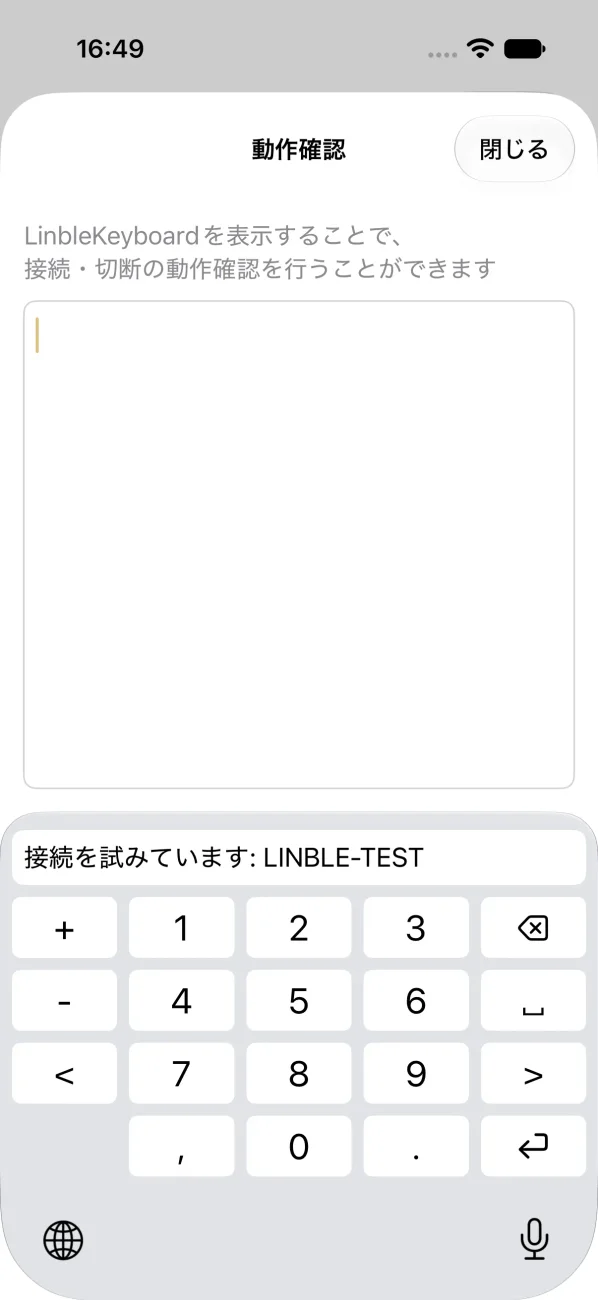
1. 通信したいLINBLEをアドバタイズします。
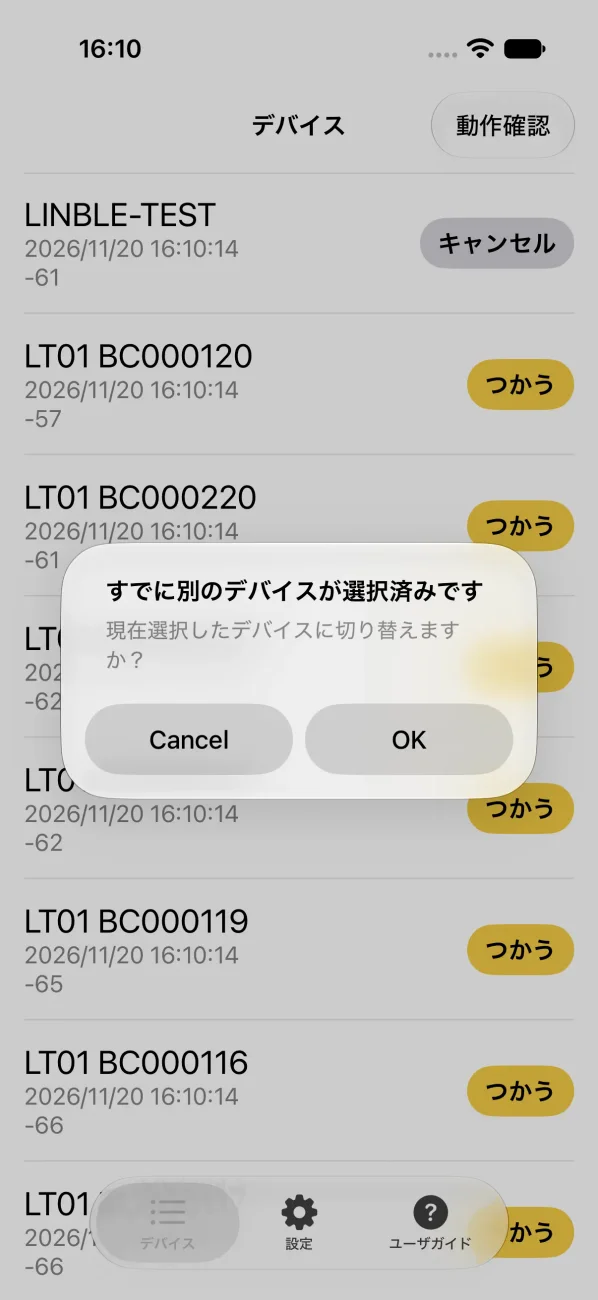
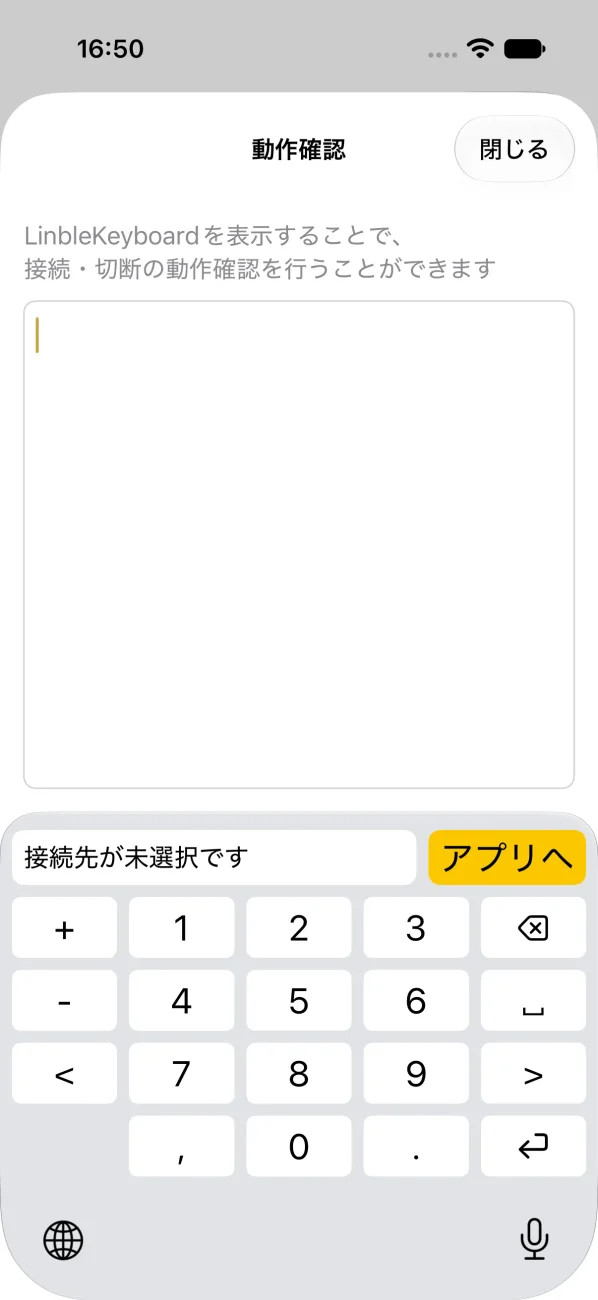
2. アプリを開き、デバイスタブから接続したいLINBLEを選択します。
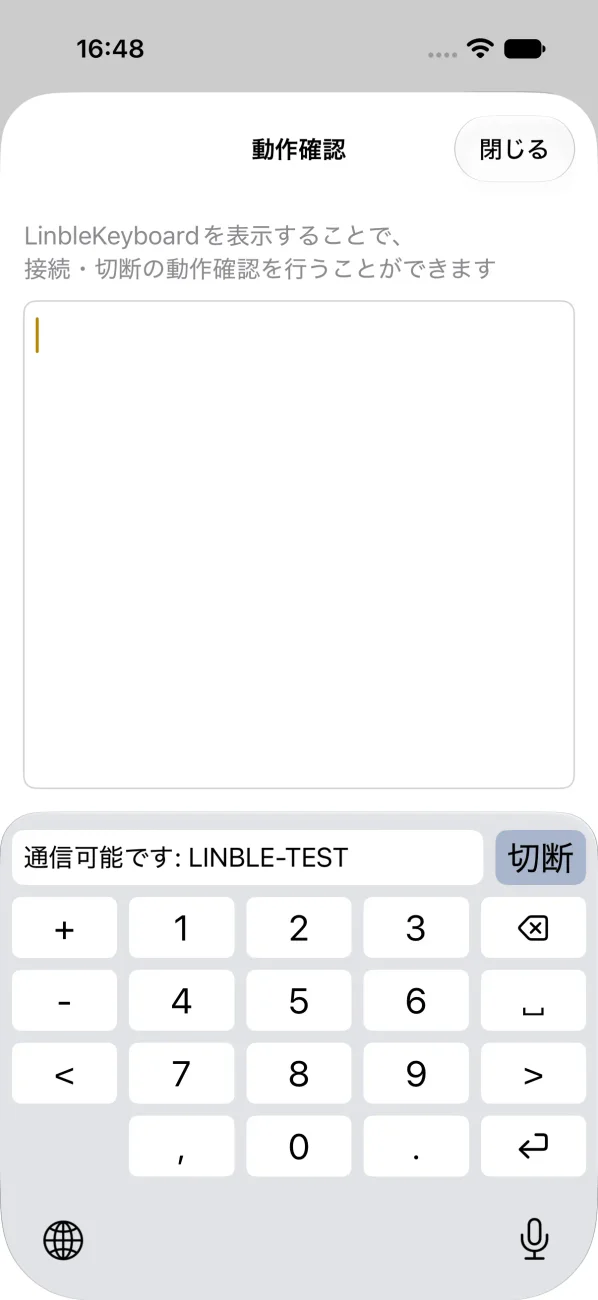
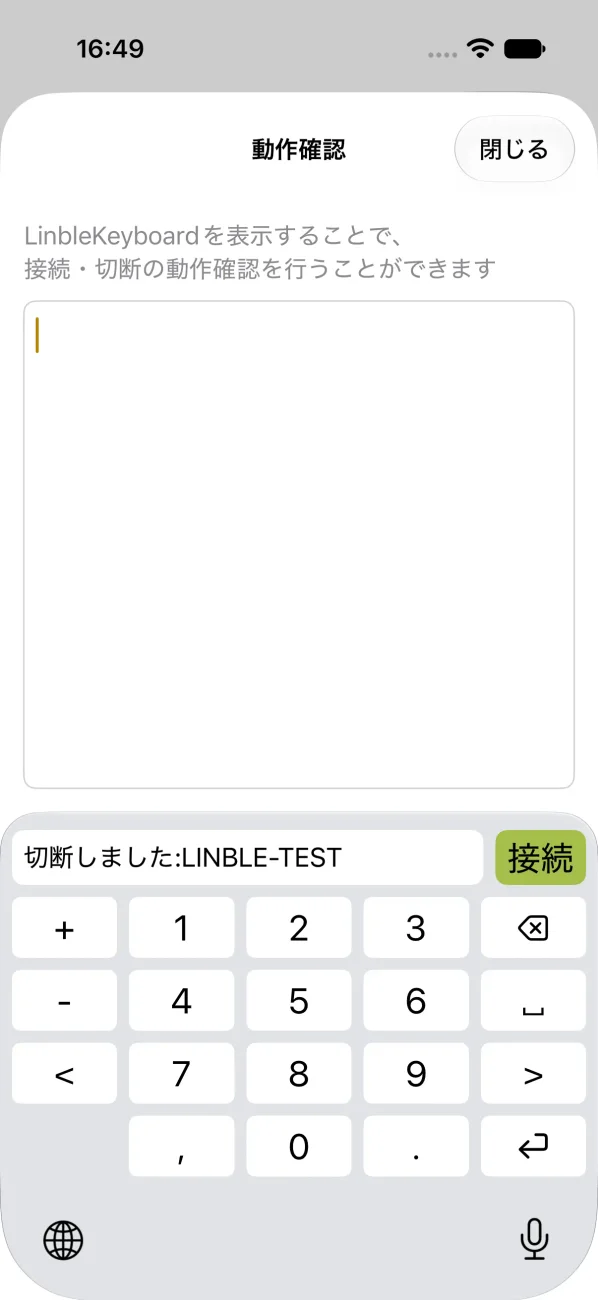
3. デバイスタブ上部にある「動作確認」ボタン、またはメモアプリなどで、キーボードを表示します。
4. キーボードを表示すると、LINBLEへ接続を試みます。
5. 接続が完了し通信できる状態になると、キーボード上に「通信可能です」と表示されます。
6. LINBLEからデータを送信すると、キーボードを通してデータが入力されます。
【フルアクセスについて】
LINBLEとBluetooth通信するためには「フルアクセスを許可」が必要です。
フルアクセスの使用目的はBLE通信のみです。
なお、ユーザの個人情報や入力内容の収集、利用は一切行っておりません。
What’s new
Version 2026.11.1 · Nov 20, 2026
メンテナンスアップデート
App privacy
What 株式会社ムセンコネクト declares on the App Store about how this app handles data.
-
Data not collected
The developer does not collect any data from this app.
Privacy practices may vary, for example with the features you use or your age.
Information
- Seller
- Musen Connect, Inc.
- Category
- Utilities
- Version
- 2026.11.1
- Updated
- Nov 20, 2026
- Released
- Jun 8, 2021
- Size
- 1.2 MB
- Requires
- iOS 17.0 or later
- Age rating
- 4+
- Languages
- Japanese
- Copyright
- © Musen Connect, Inc.