Linea: Coloring Book Maker
Photo to Cartoon, Coloring Art
Designed for iPhone, iPad
In-app purchases
- Age rating4+
- CategoryPhoto & Video
- Developererdem caygor
- LanguagesEnglish+ 6 more
- Size53.7 MB
Links to the official App Store page
Download.org hosts no file of Linea: Coloring Book Maker. The button opens its official App Store page, published by erdem caygor. Listing last checked on Nov 12, 2026.
Screenshots
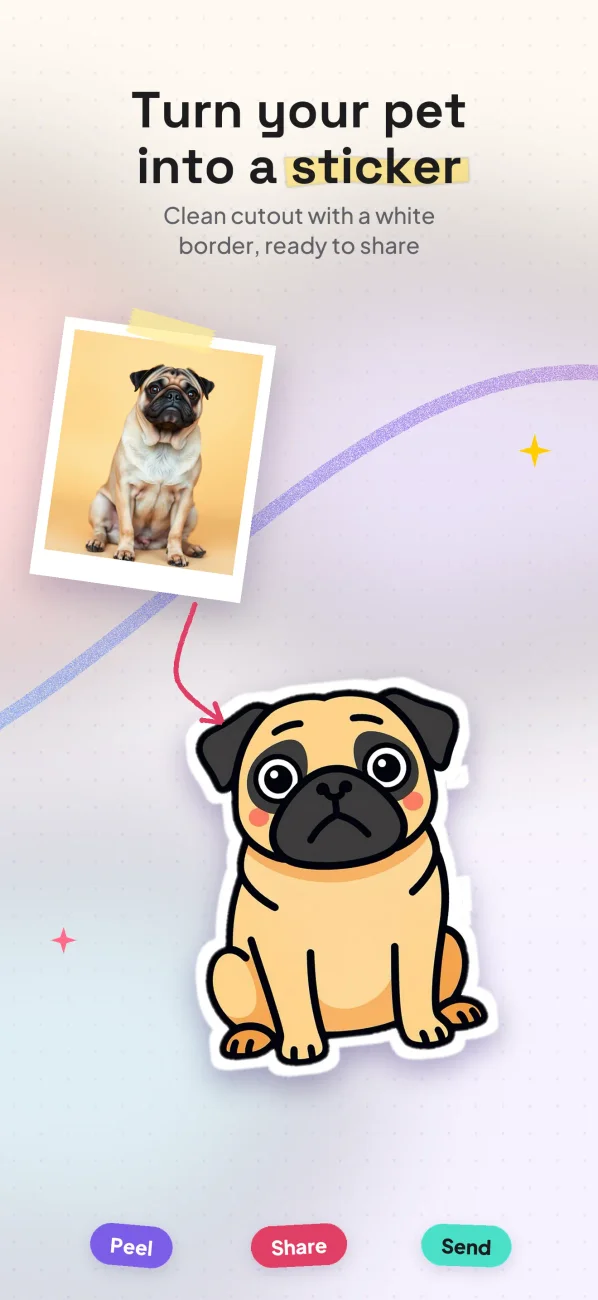


About
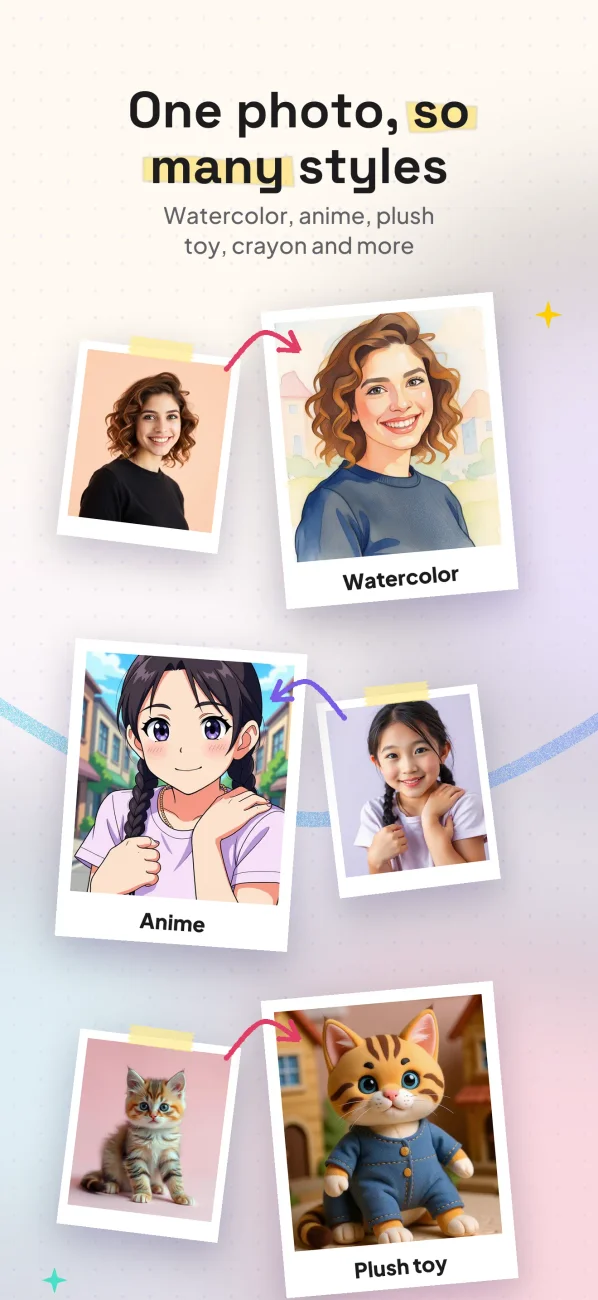
Transform any photo into stunning art with 27 AI-powered styles. From coloring book pages to Lego sculptures, Linea turns your photos into masterpieces in seconds.
Whether you want to create a coloring page from your child's photo, turn a selfie into a 3D cartoon, or see yourself as an oil painting, Linea makes it effortless. Just upload a photo, pick a style, and let AI do the rest.
--- 27 AI ART STYLES IN 5 CATEGORIES ---
LINEART
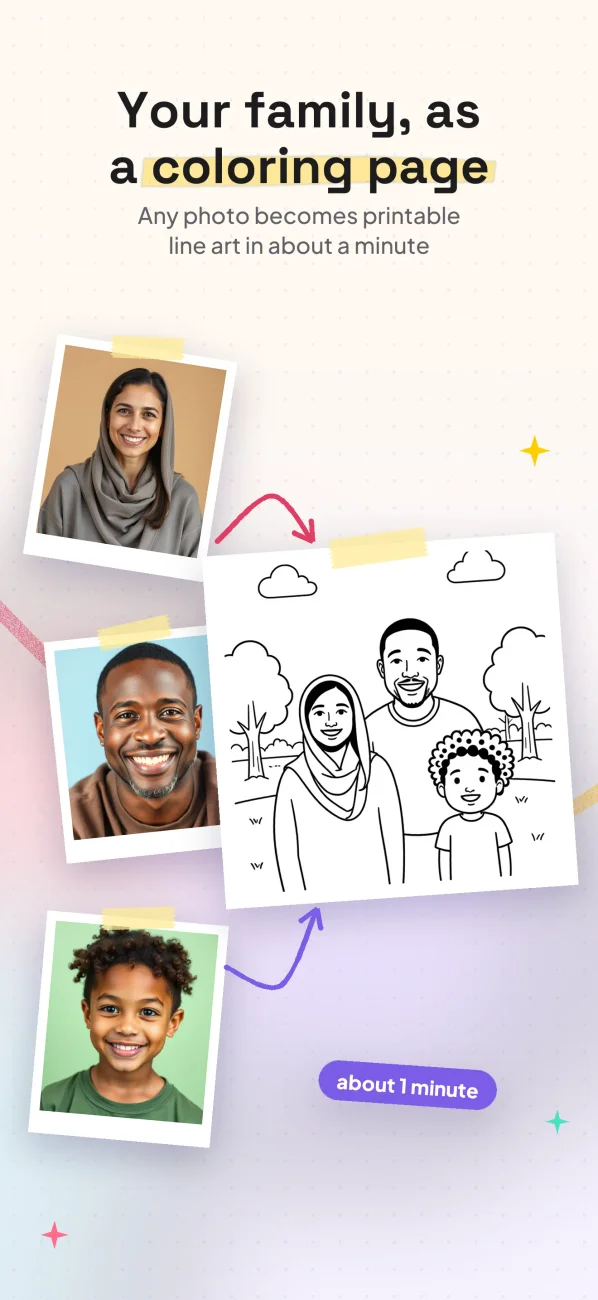
- Coloring Book: Turn any photo into a printable coloring page
- Coloring Book with Input: Add your own creative prompt like "add a hat" or "make it festive"
ILLUSTRATION
- Digital Illustration: Clean, modern vector-style art
- Pencil Sketch: Realistic hand-drawn pencil effect
- Cartoon 3D: Fun, Pixar-style 3D cartoon look
- Street Graffiti: Bold urban street art style
- Puppet: Charming puppet-style character art
- Anime: Japanese anime-style photo transformation
- Retro Comic Poster: Vintage comic book poster effect
PAINTING
- Watercolor Painting: Soft, flowing watercolor look
- Oil Painting: Rich, textured classical oil painting style
- Pastel Drawing: Gentle pastel chalk effect
- Water-Ink Painting: Traditional East Asian ink wash art
TOY STYLE (Only in Linea!)
- Lego Style: See yourself as a Lego minifigure scene
- Clay Sculpture: Handcrafted clay art look
- Plush Toy: Adorable stuffed animal version of your photo
- Wax Statue: Museum-quality wax figure effect
- Glass Sculpture: Translucent glass art transformation
- Ceramic Figurine: Delicate ceramic pottery style
- Origami: Beautiful Japanese paper fold art
NOVELTY & FUN
- Balloon Art: Colorful balloon sculpture effect
- Candy & Chocolate Art: Sweet, edible art style
- Miniature Diorama: Tiny world tilt-shift effect
- Jelly Character: Fun translucent jelly look
--- WHY LINEA? ---
UNIQUE TOY STYLES: No other app offers Lego, Clay, Plush Toy, Origami, or Glass Sculpture photo transformations. These styles are exclusive to Linea.
COLORING BOOK FROM ANY PHOTO: Turn family photos, pet pictures, or vacation shots into coloring pages. Add your own creative prompts to customize the result. Print them out for hours of creative fun!
27 STYLES, ONE APP: Instead of downloading multiple apps for cartoons, paintings, and effects, Linea puts everything in one place organized in 5 clear categories.
AI-POWERED QUALITY: Every transformation preserves your photo's essence while creating stunning artistic results.
--- HOW IT WORKS ---
1. Upload or take a photo
2. Browse 5 art categories and choose from 27 styles
3. For Coloring Book, add your own creative input (optional)
4. AI transforms your photo in seconds
5. Save, share, or print your creation
--- PERFECT FOR ---
- Parents creating coloring pages from family photos for kids
- Social media creators wanting unique, eye-catching content
- Art enthusiasts exploring 27 different artistic interpretations
- Gift givers turning photos into Lego, clay, or ceramic art
- Anyone who wants to see themselves as a cartoon, anime character, or painting
- Teachers making custom coloring activities for classrooms
--- POPULAR USES ---
- Turning pet photos into plush toy or Lego versions
- Creating custom coloring books from vacation photos
- Making anime or cartoon selfies for profile pictures
- Transforming family portraits into oil paintings or watercolors
- Creating miniature diorama versions of travel photos
- Making unique birthday or holiday gifts from photos
Download Linea and discover 27 ways to transform your photos into art.
---
Privacy Policy: https://lumiq.art/linea/privacy-policy
Terms and Conditions: https://lumiq.art/linea/terms-of-service
Support: erdem.caygor@gmail.com
What’s new
Version 2.0 · Oct 29, 2026
Linea 2.0 is our biggest update yet!
• Art Lab: turn your photos into Crayon Drawing, Storybook, Clay Figure, Comic Book, Pixel Art, Paper Cutout, Plush, 3D Cartoon, Anime, Watercolor and Pencil Sketch art
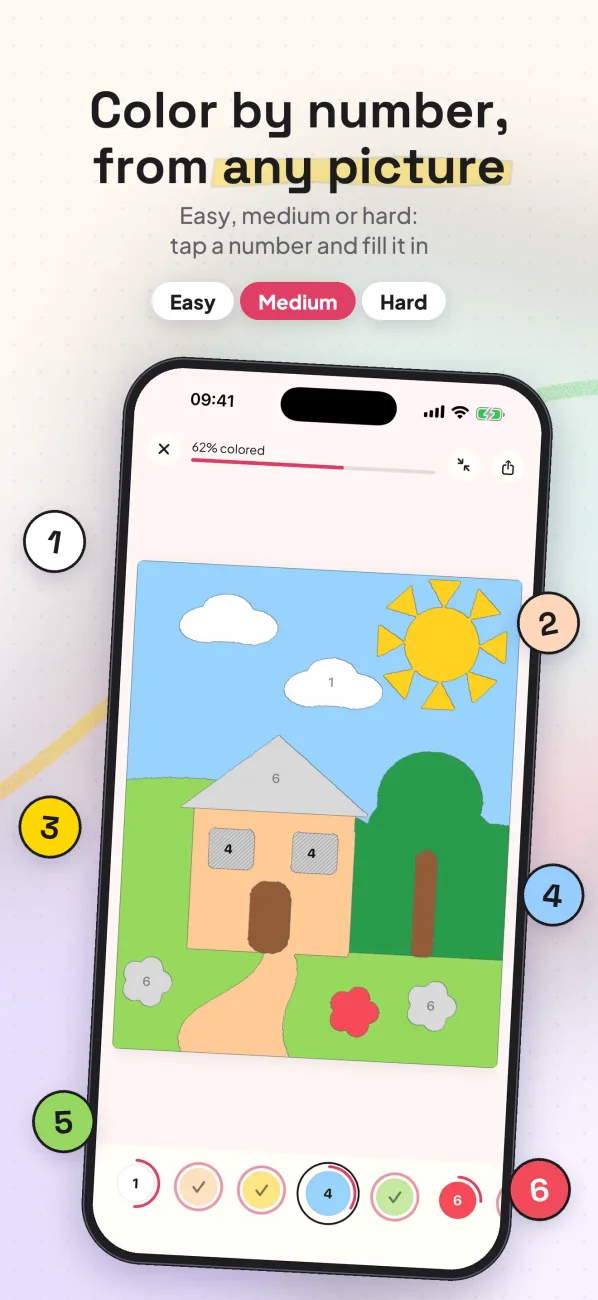
• New coloring styles: Mandala Coloring and Cartoon Coloring
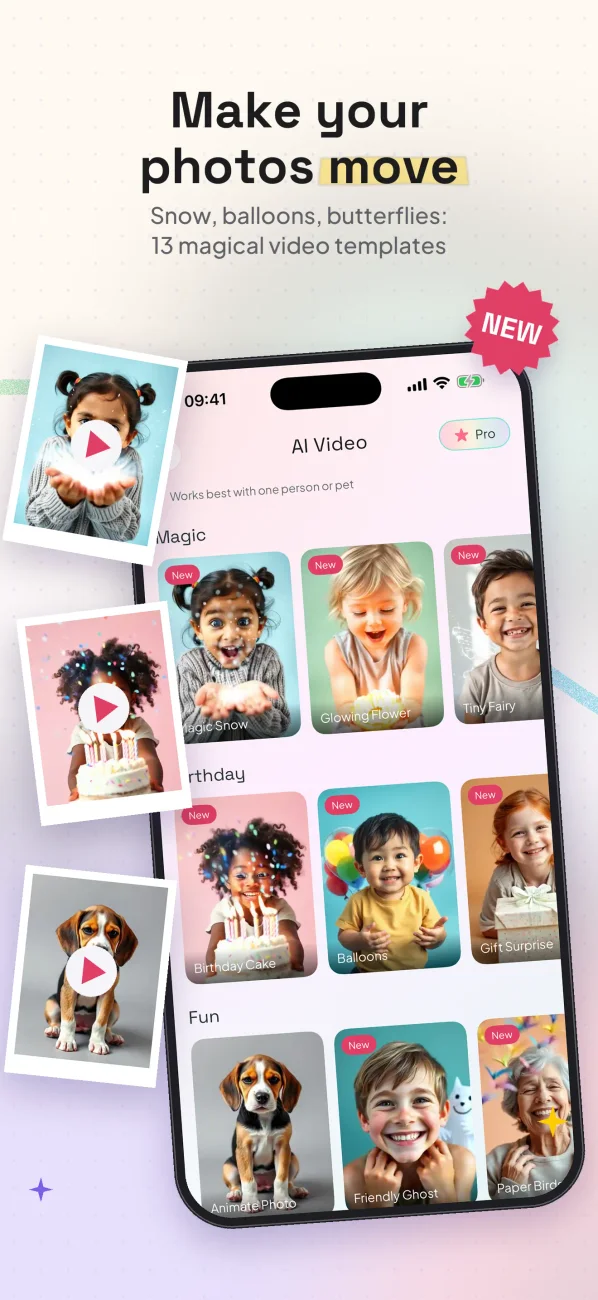
• Video: bring your photos to life with fun video templates
• Redesigned AR Drawing: trace any picture onto paper with your camera, now easier and steadier
• Gallery: all your creations in one place
• Light mode, a fresh new look and many performance improvements
Enjoy creating, and let us know what you think!
App privacy
What erdem caygor declares on the App Store about how this app handles data.
-
Data used to track you
May be used to track you across apps and websites owned by other companies.
- Identifiers
-
Data linked to you
May be collected and linked to your identity.
- Identifiers
-
Data not linked to you
May be collected but is not linked to your identity.
- Identifiers
Privacy practices may vary, for example with the features you use or your age.
Information
- Seller
- erdem caygor
- Category
- Photo & Video
- Version
- 2.0
- Updated
- Oct 29, 2026
- Released
- Mar 10, 2026
- Size
- 53.7 MB
- Requires
- iOS 17.6 or later
- Age rating
- 4+
- In-app purchases
- Yes
- Languages
- English, French, German, Italian, Japanese, Spanish, Turkish
- Copyright
- © 2026 Erdem Çaygör
You might also like
-
 Line Art Maker - Photo to ArtTurn Photos into Coloring Page
-
 Gimba: Animate Your DrawingsCartoon Video & AI Art Maker
-
 PoseMia: Photo Pose GuideCamera Posing & Selfie Ideas
-
 Best Roll – Photo CleanerKeep the best, delete the rest
-
 Coloring Pages: From PhotosPhoto to Printable Line Art
-
 ToyBox - Action Figure MakerAi Action Figure Toy Generator
-
 Anime AI - Anime Photo FilterAI Cartoon Art & Manga Maker
-
 Lineora: AI Coloring PagesPhotos to printable line art
-
 Animenizer - animation maker!Turn photo & video into anime
-
 Mosaic - Face Blur Photo AppPhoto & Video