Linea Field
Kitchen Design. On the Job.
Designed for iPhone, iPad
Free · In-app purchases
- Age rating4+
- CategoryGraphics & Design
- DeveloperJacob Aeschliman
- LanguagesEnglish
- Size139.2 MB
Links to the official App Store page
Download.org hosts no file of Linea Field. The button opens its official App Store page, published by Jacob Aeschliman. Listing last checked on Nov 14, 2026.
Screenshots


About
Keep the measured kitchen plan, customer details, finishes and drawing sheets in one project. The same layout carries through plan, 3D, Present and a Draft Concept Job Packet while job information stays with the saved work.
Start free with countertop design on iPhone or iPad. Full Kitchen Design, Present and Job Packet PDF export require Pro on iPad.
START FREE WITH COUNTERTOPS
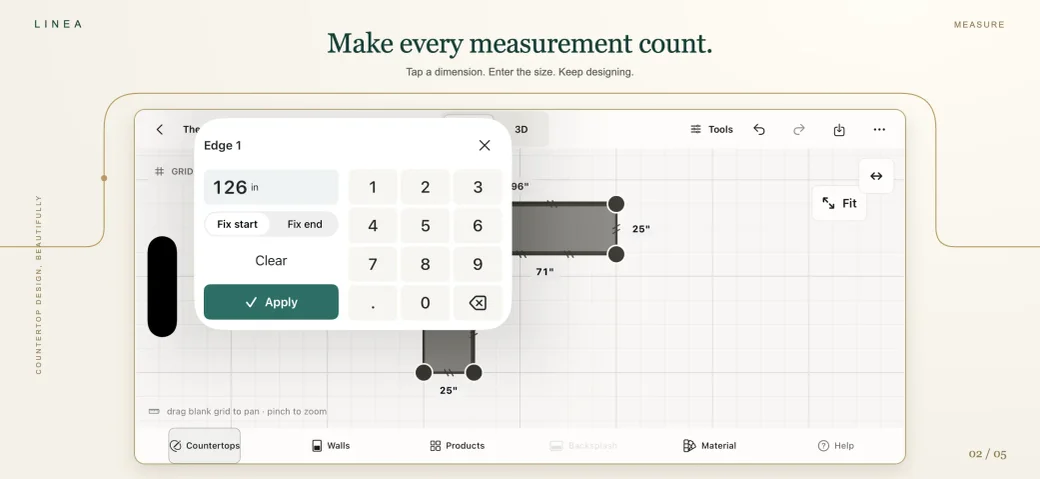
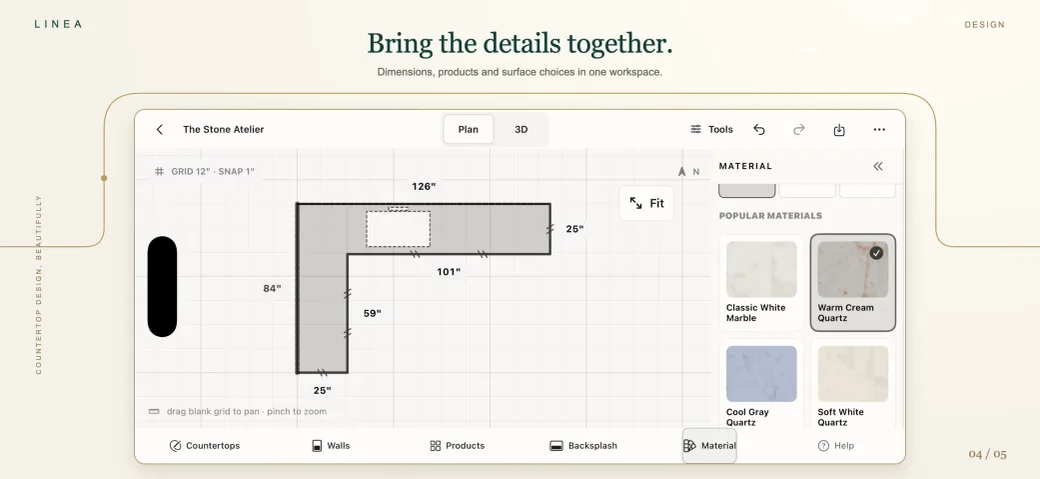
Enter measurements for a countertop, choose an included surface and edge, preview the material in 3D, and save and reopen local projects on iPhone or iPad.
DESIGN THE KITCHEN WITH PRO ON IPAD
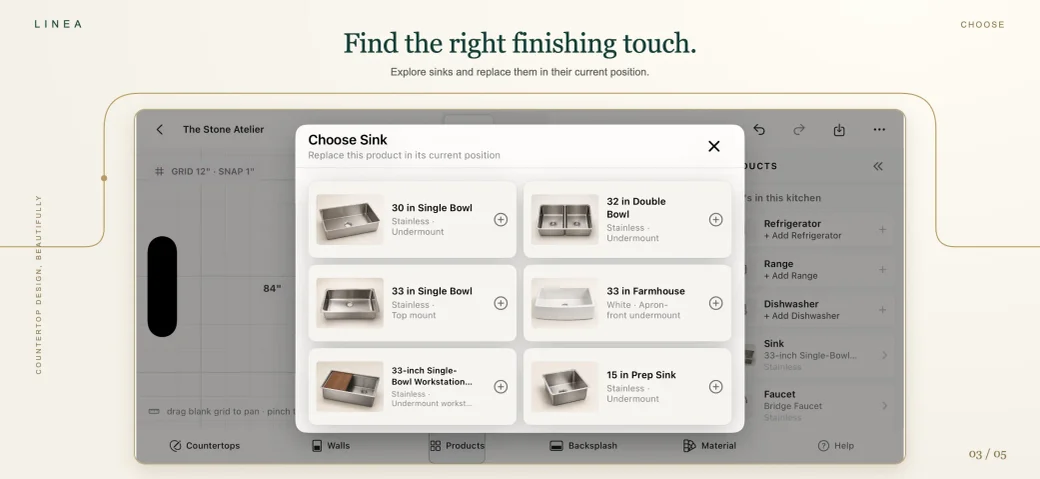
Lay out the room, cabinets, appliances and countertops in one measured plan. Review wall views, compare finishes for upper and lower perimeter cabinets, and present the kitchen in 3D. Customer details stay with the project as they change.
KEEP THE JOB PACKET WITH THE PROJECT
Company Drawing Packet choices appear in new and saved packets. Cabinet and countertop fields can differ, while each job keeps its own answers and notes. Add up to 20 detail boxes per sheet, then export a Draft Concept PDF with Pro.
FOR PLANNING AND CUSTOMER PRESENTATION
Drawings support design review. Verify final field measurements, engineering, manufacturer requirements and fabrication approval before ordering.
Support: https://lineakitchendesign.com/support
Privacy: https://lineakitchendesign.com/privacy
Terms of Use: https://www.apple.com/legal/internet-services/itunes/dev/stdeula/
What’s new
Version 1.2.1 · Oct 11, 2026
Kitchen Design on iPad now shows plain white six-panel doors in 3D, with trim and handles. Set a door open or closed and save that choice with the project. Open doorways remain clear.
Keep the same project when customer details change: choose Edit Customer Info, then Save Changes.
Your company Drawing Packet choices now appear automatically in new and saved packets. Set cabinet and countertop fields separately, add up to 20 detail boxes per sheet, and keep each job's answers with that project.
Choose different finishes for upper and lower perimeter cabinets, with easier access to finish controls on compact screens.
Kitchen views include corrected crown trim returns at exposed cabinet ends.
App privacy
What Jacob Aeschliman declares on the App Store about how this app handles data.
-
Data linked to you
May be collected and linked to your identity.
- Identifiers
Privacy practices may vary, for example with the features you use or your age.
Information
- Seller
- Jacob Aeschliman
- Category
- Graphics & Design
- Version
- 1.2.1
- Updated
- Oct 11, 2026
- Released
- Sep 8, 2026
- Size
- 139.2 MB
- Requires
- iOS 26.0 or later
- Age rating
- 4+
- Price
- Free
- In-app purchases
- Yes
- Languages
- English
- Copyright
- © 2026 Jacob Aeschliman
You might also like
-
 ArchKit - Kitchen DesignLiDAR Scanner & Cabinet Layout
-
 AI Kitchen Decorations Room#1 AI-powered kitchen Design
-
 Kitchen Design Studio AI#1 Kitchen Design Studio AI
-
 AI Kids Room Makeover Design#1 AI Kids Room Makeover
-
 CAD Import - For PDF to DWGConvert PDF, DWF, DGN to CAD
-
 Kitchen AI: Design & RemodelMakeover planner from a photo
-
 Blueprint: Cabinet DesignCabinet design with cut lists
-
 Ai Kitchen - Room Landscape Ai#1 Kitchen Ai home decorations
-
 AI Kitchen Design - NewKitchenRedesign cabinets with a photo
-
 AI Architecture RenderSketch to render & floor plan