
Lingo Journal
AI feedback for language study
Designed for iPhone, iPad, iPod touch
Free · In-app purchases
- Age rating4+
- CategoryEducation
- DeveloperLuan Wang
- LanguagesEnglish
- Size33.2 MB
Links to the official App Store page
Download.org hosts no file of Lingo Journal. The button opens its official App Store page, published by Luan Wang. Listing last checked on Nov 18, 2026.
Screenshots

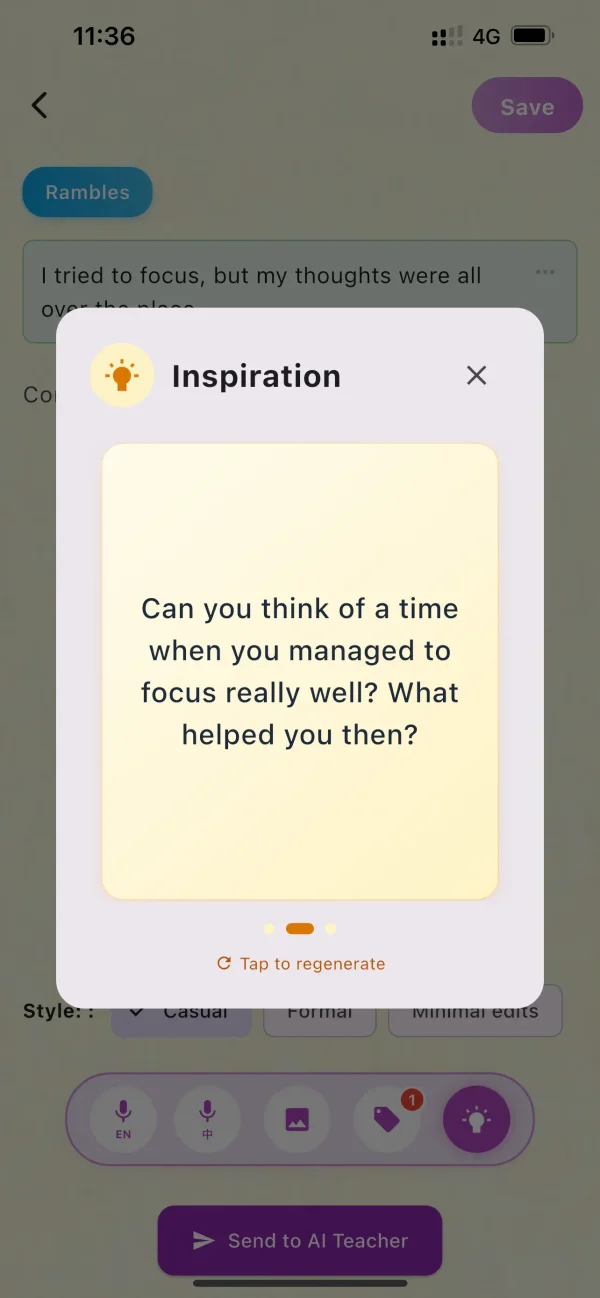
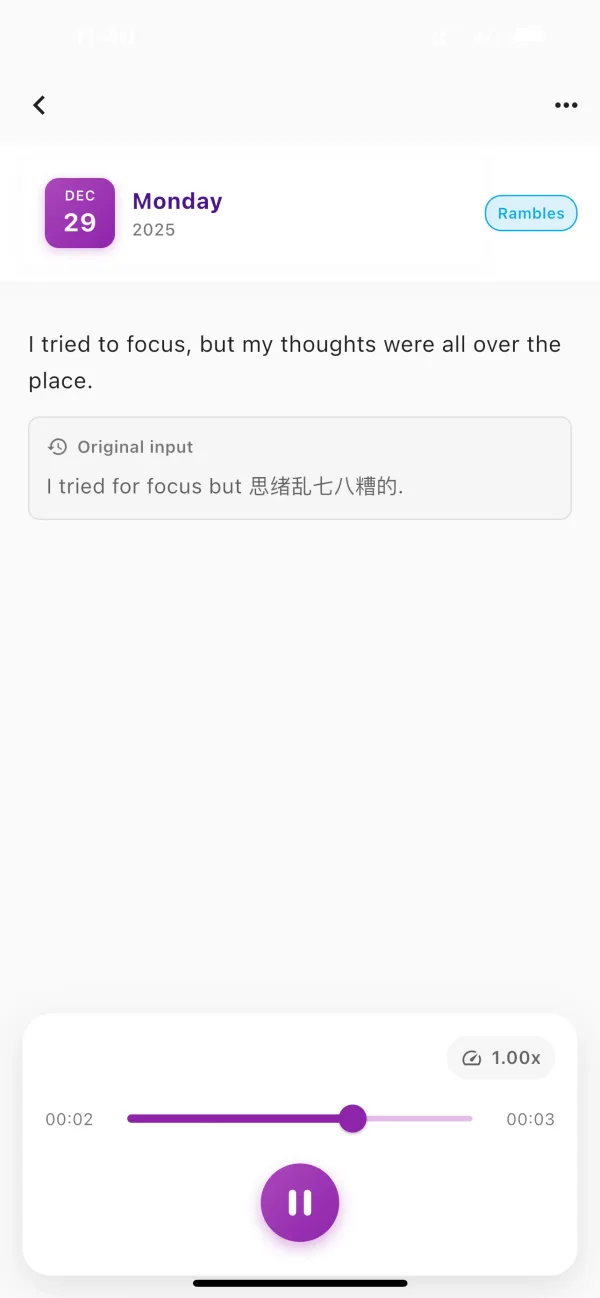

About
Many language learners can understand what they read or hear —but struggle to write or speak naturally in real life.
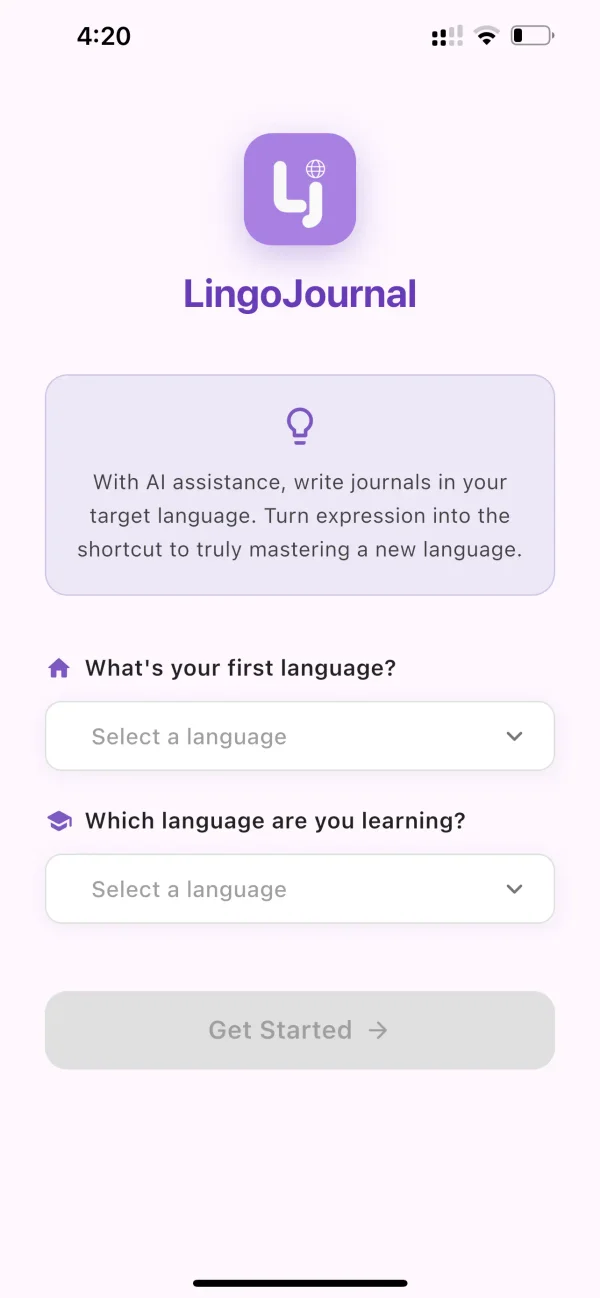
This app helps you turn everyday thoughts into real language ability through daily journaling in your target language. With AI-assisted feedback, you refine grammar, expression, and usage as you write about your own life — transforming passive knowledge into confident, usable communication.
Key Features
• Multilingual Journaling
Write journals in Chinese, English, Spanish, Japanese, Korean, French, or German, or naturally mix multiple languages in a single entry.
• AI Writing Feedback
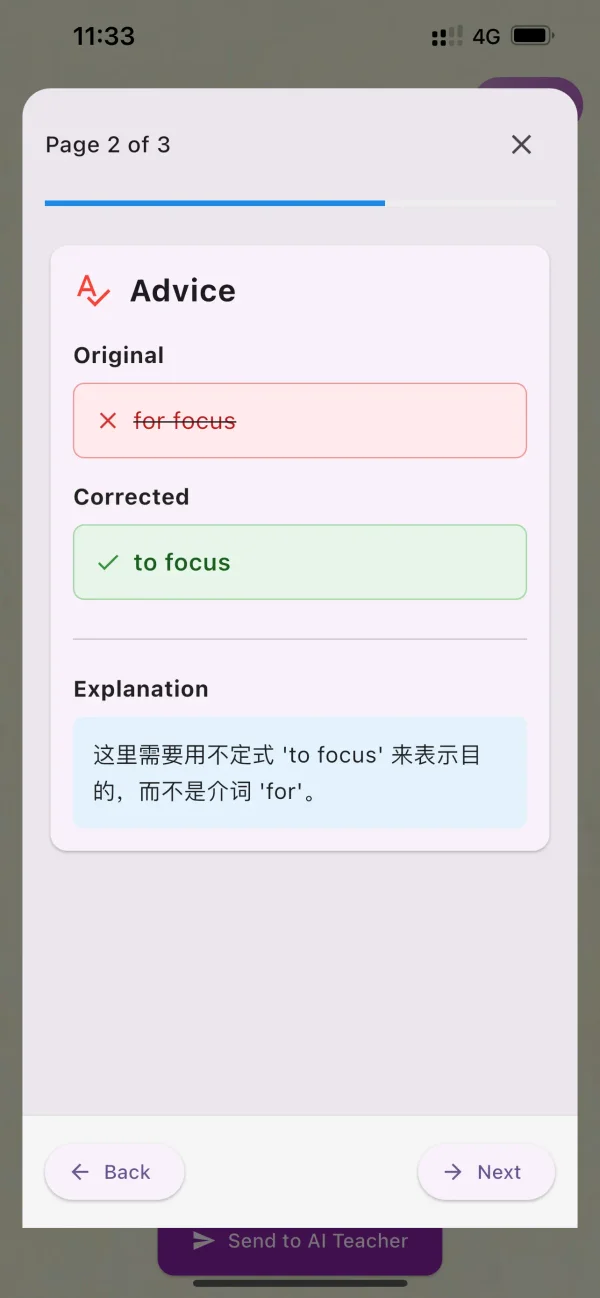
Receive grammar corrections and suggestions for more natural, native-level expressions in your target language. Multiple revision styles support different learning goals.
• Context-Aware Translation
Translate ideas based on meaning and context, helping you learn how thoughts are naturally expressed — not word by word.
• Expression Breakdown & Explanation
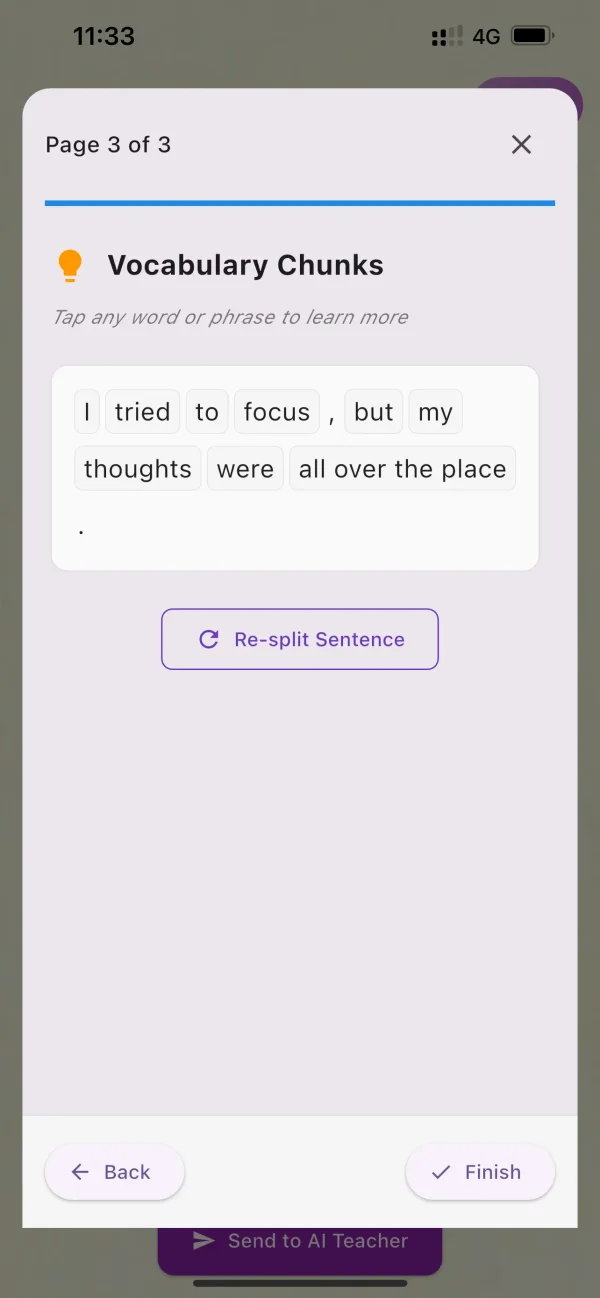
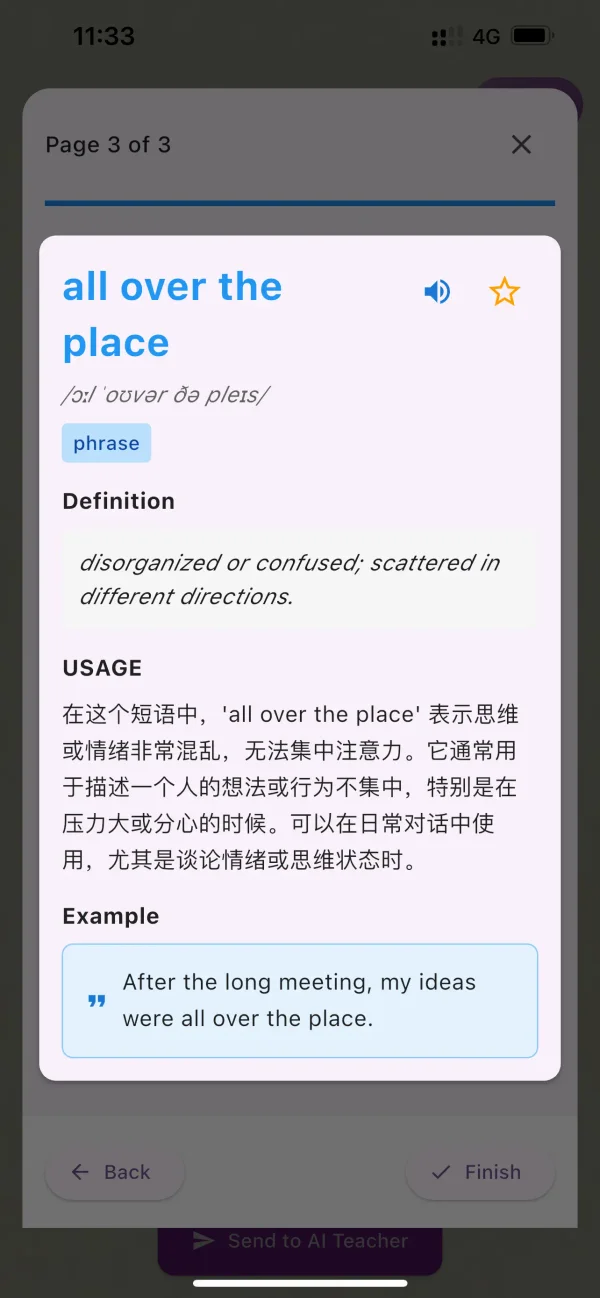
Entries are broken into meaningful language chunks, with clear explanations of how words and phrases work together in real usage.
• Vocabulary Collection & Flashcards
Save useful words and expressions from your writing and review them anytime with built-in flashcards.
• Flexible Journal Organization
Use tags and categories to organize journals, reflect on progress, and build consistent writing habits.
Sign in & Data Sync
Sign in securely with Sign in with Apple.
All journal data is stored privately in your own iCloud account and synced across devices using CloudKit Private Database. The developer cannot access your personal content.
Subscription & Usage
AI-assisted features include a free usage quota.
Once the free quota is used, a subscription is required to continue AI-powered feedback.
All subscriptions are handled exclusively through Apple In-App Purchase.
Model Access
Free users access the standard AI model.
Subscribers unlock more advanced models for higher-quality feedback, translations, and explanations.
Privacy & Data
Your journal content is used only to provide AI-powered language assistance.
All data remains private and is never shared publicly.
Terms of Use: https://lingojournal.vercel.app/terms
Privacy Policy: https://lingojournal.vercel.app/privacy
What’s new
Version 1.1.1 · Feb 25, 2026
Bug fixes.
App privacy
What Luan Wang declares on the App Store about how this app handles data.
-
Data linked to you
May be collected and linked to your identity.
- User content
- Identifiers
Privacy practices may vary, for example with the features you use or your age.
Information
- Seller
- Luan Wang
- Category
- Education
- Version
- 1.1.1
- Updated
- Feb 25, 2026
- Released
- Jan 8, 2026
- Size
- 33.2 MB
- Requires
- iOS 13.0 or later
- Age rating
- 4+
- Price
- Free
- In-app purchases
- Yes
- Languages
- English
- Copyright
- © 2026 Luan Wang
You might also like
-
 Lingua Logger: Study TrackerTrack Goals & Stay Fluent
-
 Kakito - Language JournalWrite. Reflect. Improve.
-
 LingoDiary: Language JournalLearn what matters
-
 VocabellaMaster Languages with AI
-
 Foxter dictionary & translatorEnglish vocabulary & phrases
-
 Relang: Language FlashcardsLearn 10+ languages fast
-
 Sorrel: Language Study DiaryTrack lessons and fluency
-
 lebewa: English with TV ShowsLearn words before you watch
-
 Animal picture games for kidsToddler learning 3 4 year olds
-
 Learn Spanish: Quiz & TestVocabulary, Grammar & Practice