
Lingom
The next most useful word.
Designed for iPhone, iPad
Free · In-app purchases
- Age rating4+
- CategoryEducation
- DeveloperVantinent Ltd.
- LanguagesEnglish
- Size35.2 MB
Links to the official App Store page
Download.org hosts no file of Lingom. The button opens its official App Store page, published by Vantinent Ltd. Listing last checked on Nov 20, 2026.
Screenshots

About
Lingom helps you learn the English words people actually use, without wasting time on vocabulary you already know.
Most apps throw long word lists at you. Lingom takes a smarter path: common words first, in order of real-world frequency, so you build useful English step by step.
HOW LINGOM WORKS
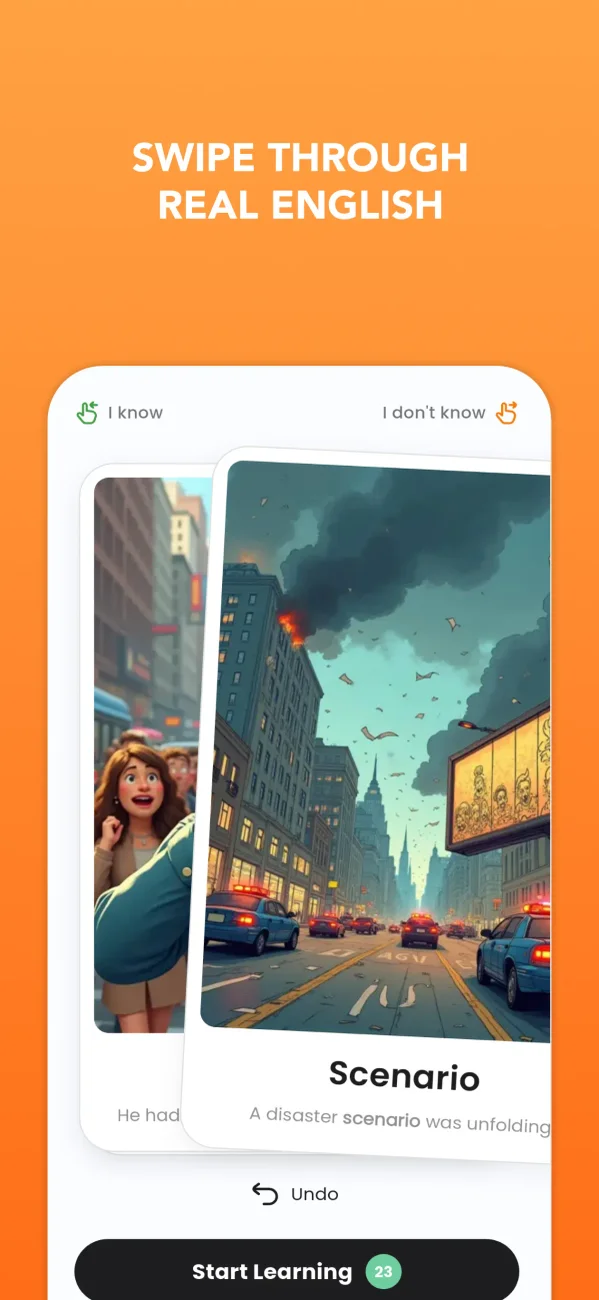
• Swipe through words: Mark words you already know and focus on what is new to you.
• Learn in smart order: Study from the most common English words toward less common ones.
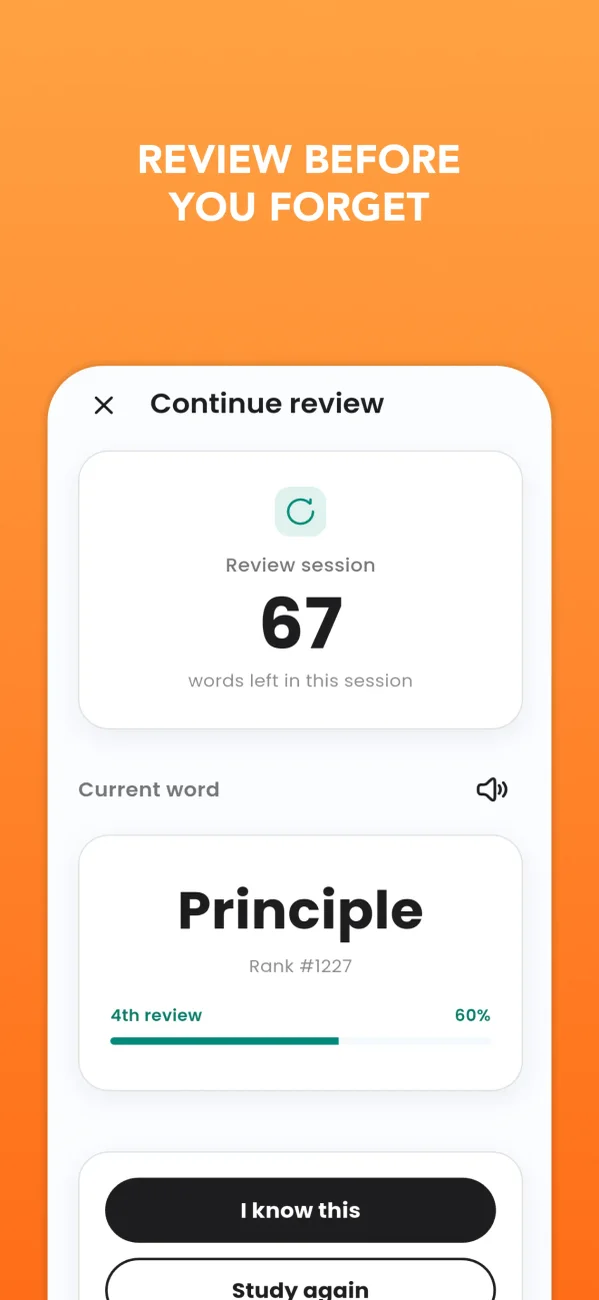
• Review at the right time: Short reviews bring words back before you forget them.
• Practice pronunciation: Use your microphone to check how you say words and build speaking confidence.
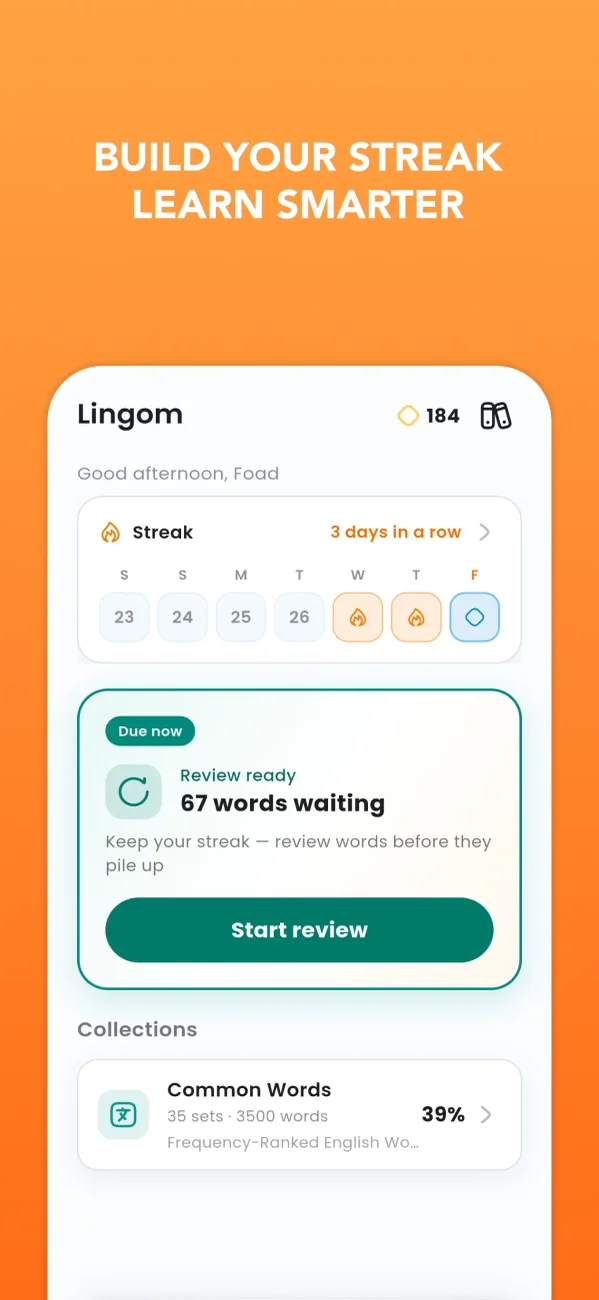
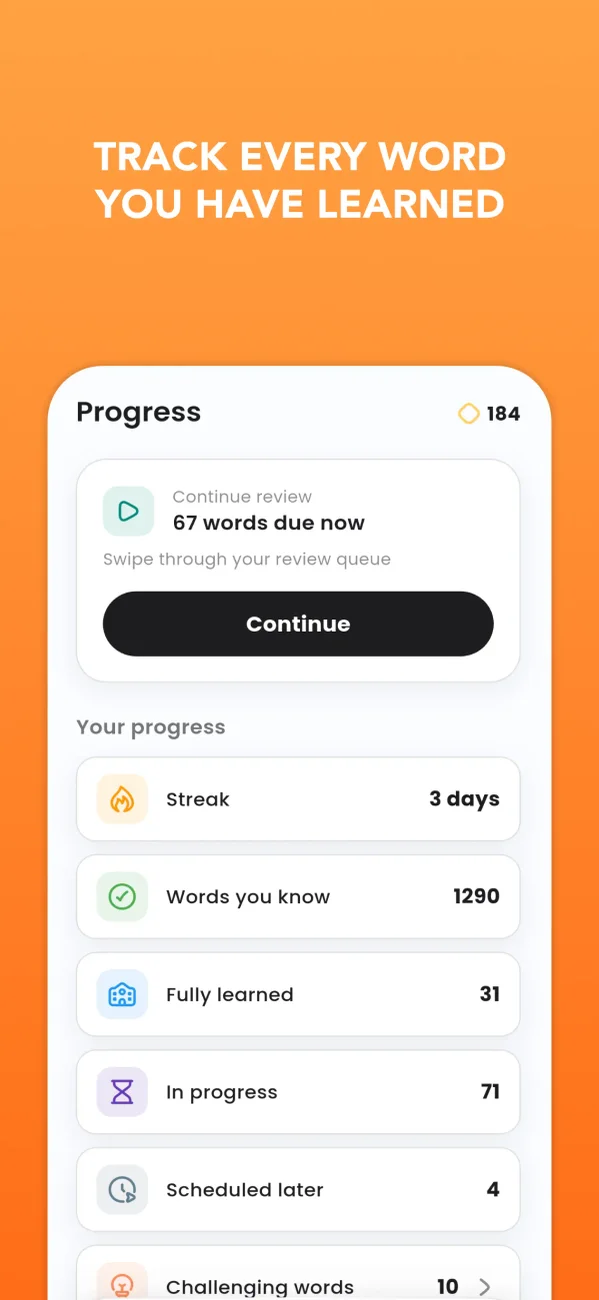
• Track your progress: See what you know, what you are learning, and what is ready to review.
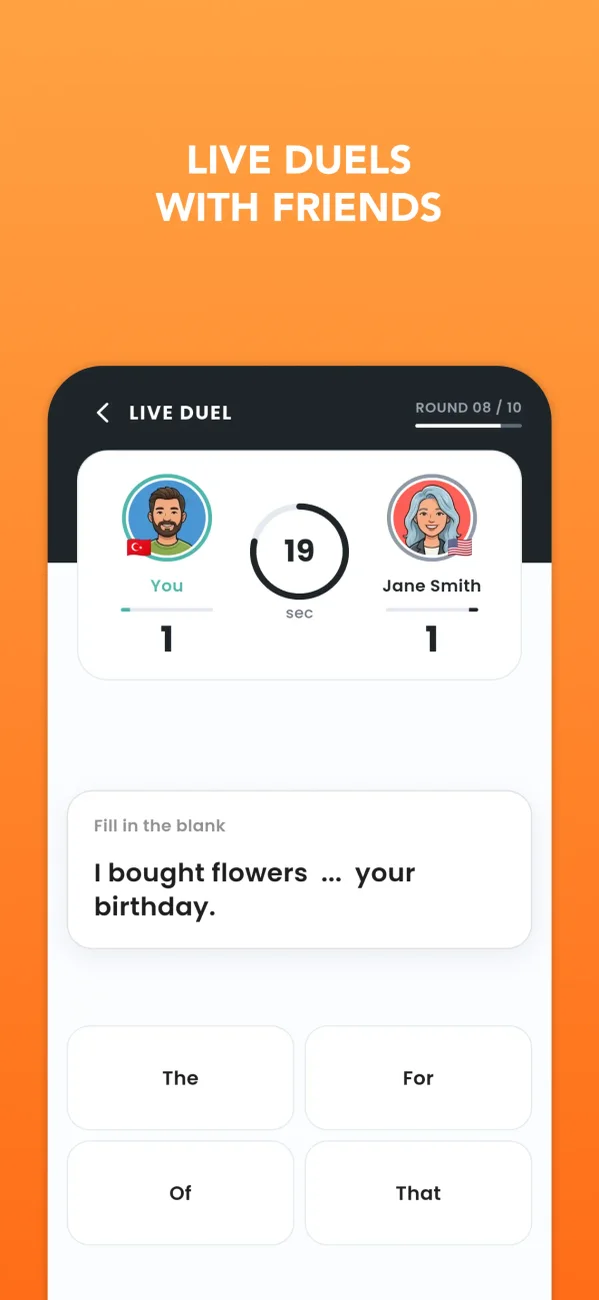
• Stay motivated: Build a daily streak and see how you compare with other learners.
WHY LEARNERS CHOOSE LINGOM
You do not need another app that treats every word the same. Lingom is built for people who want practical vocabulary: students, professionals, immigrants, and anyone improving everyday English for work, travel, or conversation.
Whether you are starting out or filling gaps in your vocabulary, Lingom keeps study sessions short and focused—perfect for a few minutes on the bus, between meetings, or before bed.
FREE TO DOWNLOAD
Download Lingom and begin learning right away. Core learning features are available at no cost. Optional Lingom Premium features (such as advanced access and extras) are available through a separate in-app purchase or auto-renewable subscription and are not included with the free download.
SUBSCRIPTION & IN-APP PURCHASES
• Lingom Premium is an optional auto-renewable subscription sold separately via in-app purchase.
• Payment is charged to your Apple ID account at confirmation of purchase.
• Subscription automatically renews unless canceled at least 24 hours before the end of the current period.
• Your account will be charged for renewal within 24 hours prior to the end of the current period.
• Manage or cancel anytime in Settings → Apple ID → Subscriptions.
• Prices are shown in the app at the time of purchase and may vary by region.
Questions or feedback? Visit lingom.me — we would love to hear from you.
Terms of Use: https://lingom.me/terms-of-service
Privacy Policy: https://lingom.me/privacy-policy
What’s new
Version 1.13.0 · Nov 6, 2026
CEFR Levels (A1..C1)
App privacy
What Vantinent Ltd. declares on the App Store about how this app handles data.
-
Data used to track you
May be used to track you across apps and websites owned by other companies.
- Identifiers
- Usage data
-
Data linked to you
May be collected and linked to your identity.
- Contact info
- Identifiers
- Usage data
-
Data not linked to you
May be collected but is not linked to your identity.
- Usage data
- Diagnostics
Privacy practices may vary, for example with the features you use or your age.
Information
- Seller
- Vantinent Yazilim Sanayi ve Ticaret Limited Sirketi
- Category
- Education
- Version
- 1.13.0
- Updated
- Nov 6, 2026
- Released
- Jul 23, 2026
- Size
- 35.2 MB
- Requires
- iOS 17.0 or later
- Age rating
- 4+
- Price
- Free
- In-app purchases
- Yes
- Languages
- English
- Copyright
- © 2026 Vantinent Ltd.
You might also like
-
 EasyWord: Learn EnglishWord, Phrases & Dialogs
-
 LinguaStory: Learn via StoriesVocabulary with AI stories
-
 LingoTail: Vocabulary BuilderFlashcards & Spaced Repetition
-
 TenperaIsekai'd: Perfect English
-
 Learn English with AI StoriesImprove English with Stories
-
 English Collocations: CollocaPractice Phrases, Fix Mistakes
-
 Inception : English SentenceLayered sentence decoded
-
 Spaced Repetition — FlashCardsLearn faster, remember more!
-
 WordCards: Learn EnglishSpeak & learn with AI
-
 BeyondWords · Learn to UseBuild Sentences, Use Words