LinguaCards: Language Learning
Flashcards for vocab & verbs
Designed for iPhone, iPad
In-app purchases
- Age rating4+
- CategoryUtilities
- DeveloperSergio Musoles Tornador
- LanguagesSpanish+ 27 more
- Size4.1 MB
Links to the official App Store page
Download.org hosts no file of LinguaCards: Language Learning. The button opens its official App Store page, published by Sergio Musoles Tornador. Listing last checked on Nov 12, 2026.
Screenshots


About
LinguaCards helps you learn languages with flexible flashcards, quick quizzes, and clear progress tracking. Choose your source and target languages, create decks by topic, add cards in seconds, and study anywhere—no connection required.
Why you’ll love it
• Any source → any target: pick the languages you want.
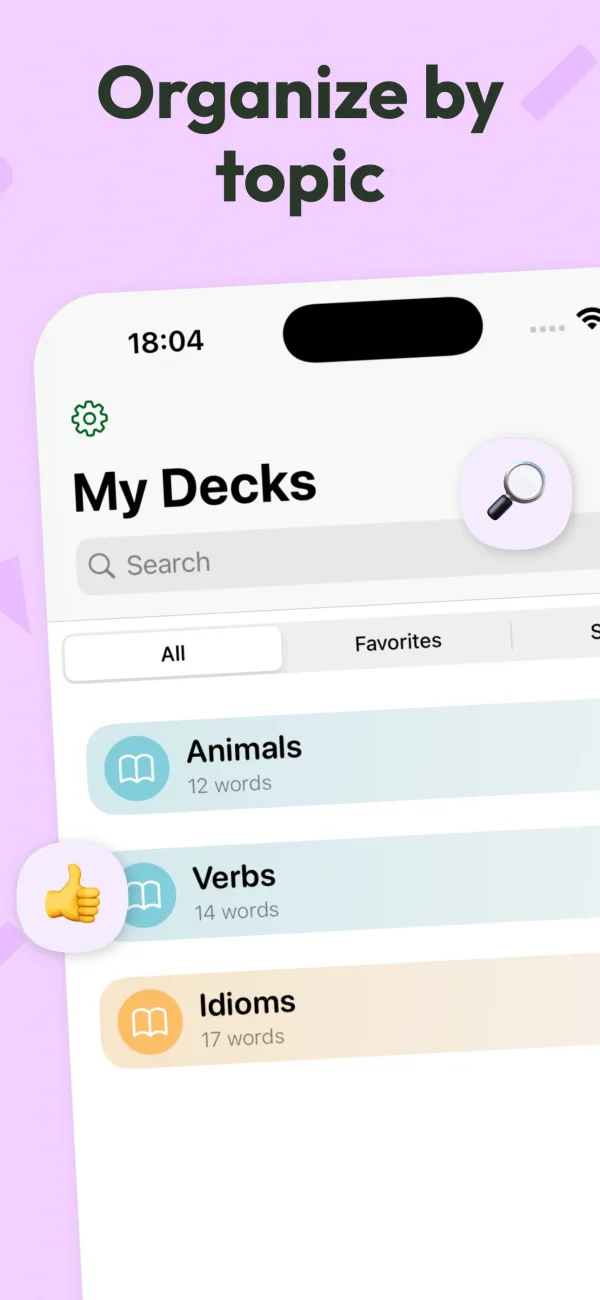
• Topic-based decks: keep vocabulary, verbs, and idioms organized.
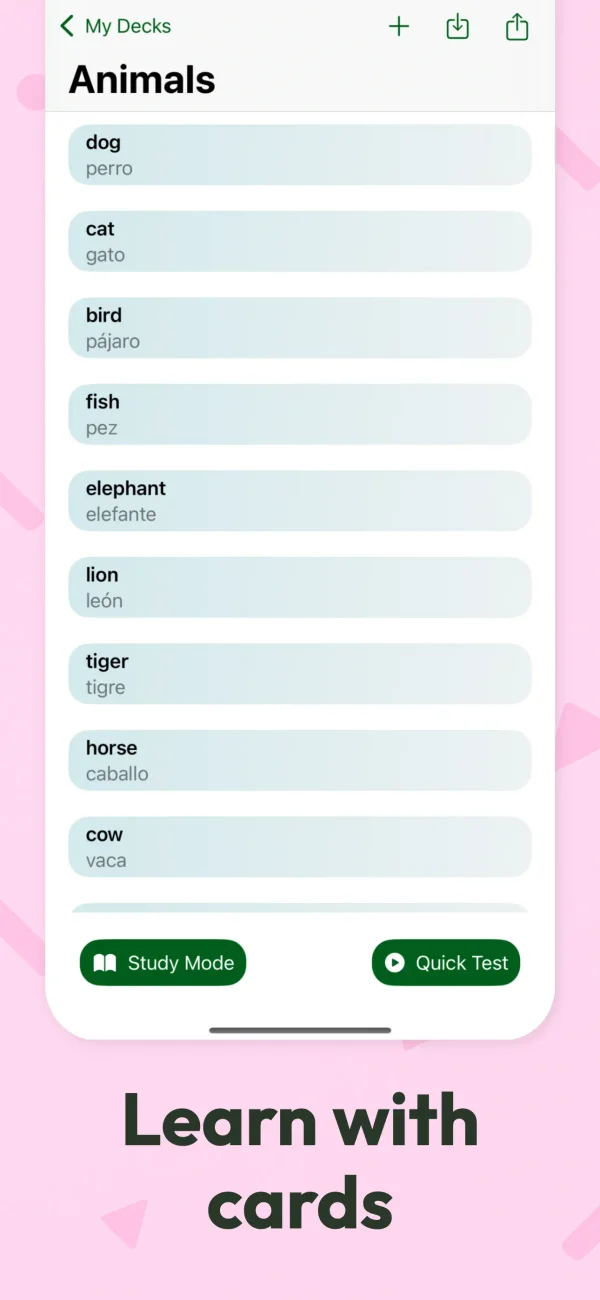
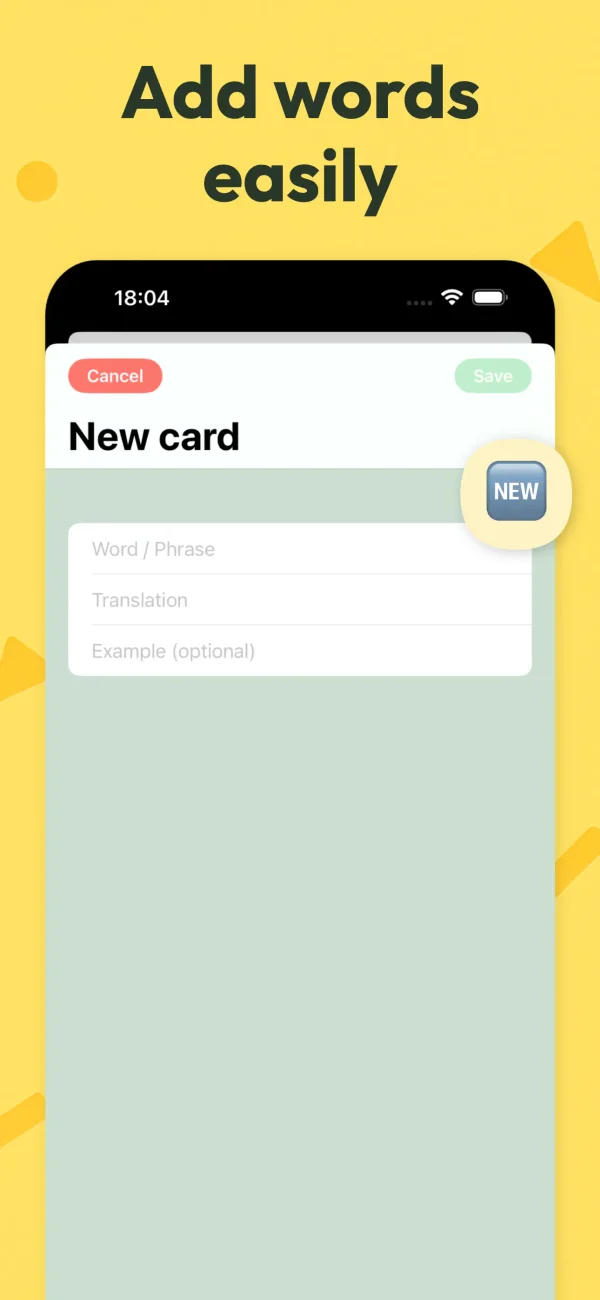
• Fast card creation: word, translation, and optional example.
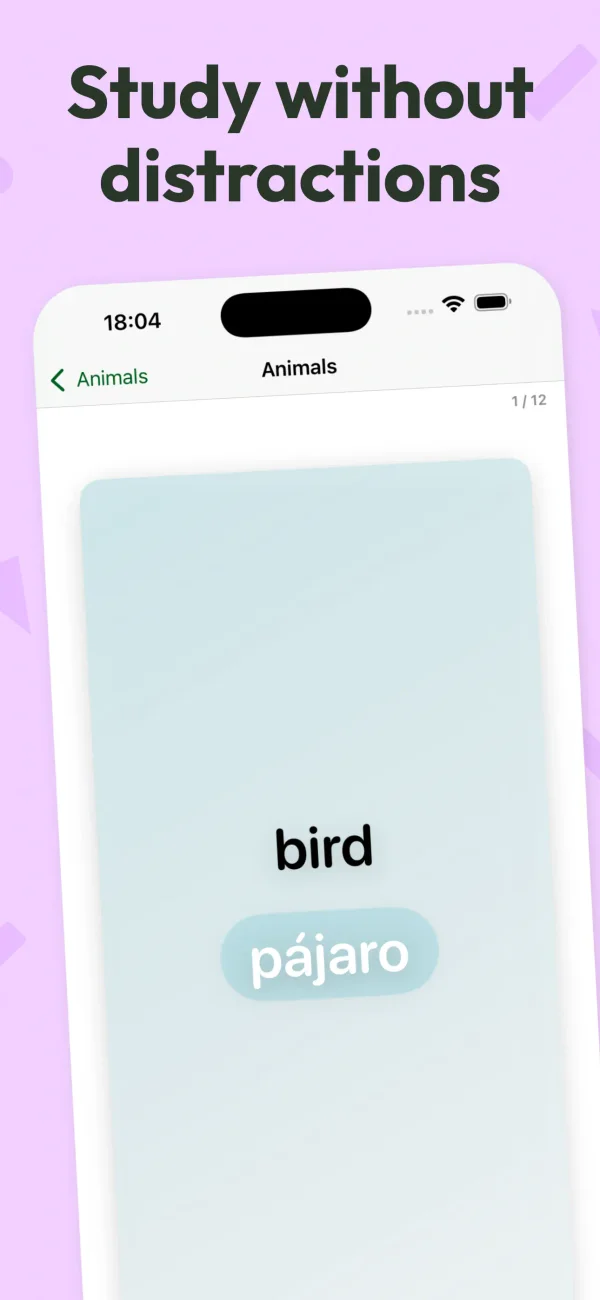
• Study Mode: flip to reveal and move at your pace.
• Quick Tests: multiple-choice quizzes to reinforce learning.
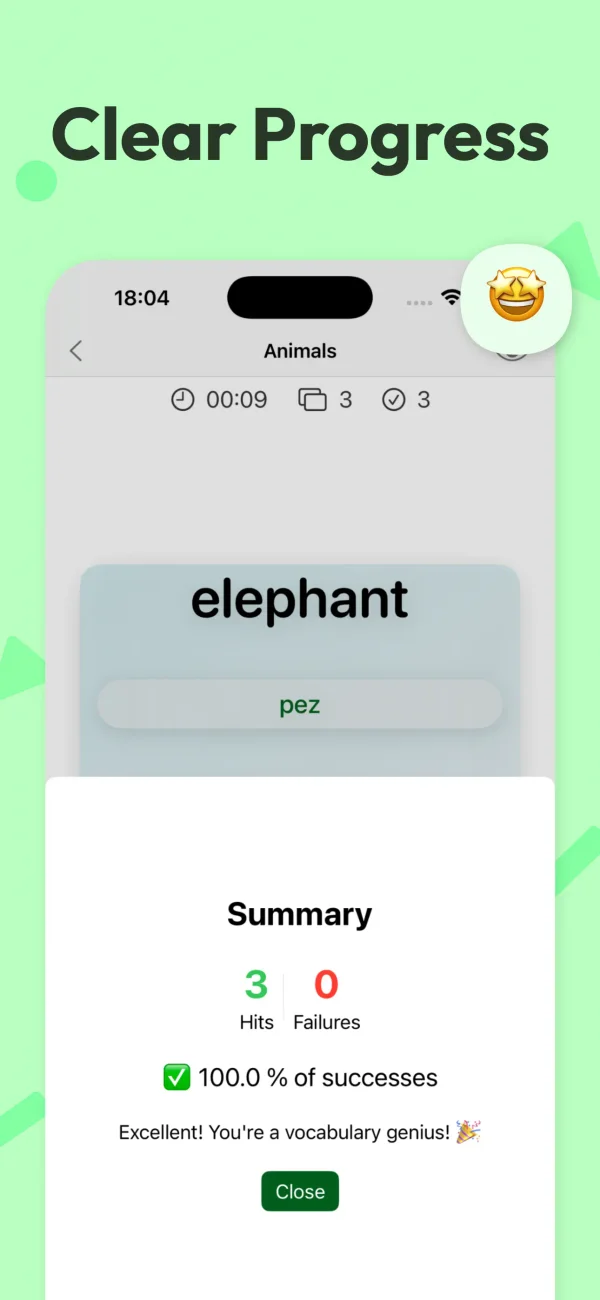
• Progress insights: hits, failures, success rate.
• Favorites & search: find the right deck instantly.
• Export & share: one-tap CSV export to back up or collaborate.
• Private & offline: your data stays on your device.
How to Use (Quick Guide)
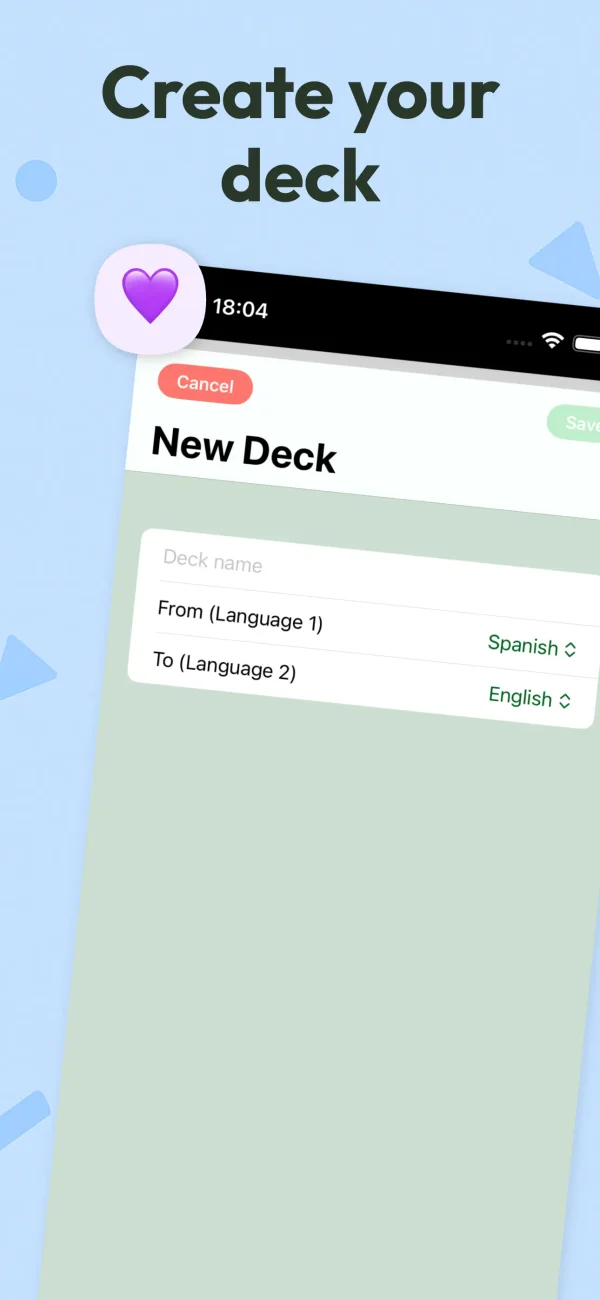
- Create a deck: Tap “New Deck”, name it, and select source & target languages.
- Add cards: Open the deck → “New Card” → fill Word, Translation, and (optional) Example. Save.
- Study: In the deck, choose Study Mode. Tap to reveal, swipe/advance to the next card.
- Quick Test: Tap Quick Test for a multiple-choice quiz. Review the summary at the end.
- Track progress: Check hits, failures, and success rate in the deck’s summary.
- Organize: Use search and Favorites to keep important decks at hand.
- Export/Share: Open the deck menu → Export CSV or Share.
- Offline: Everything works without internet; your progress is stored locally.
App privacy
What Sergio Musoles Tornador declares on the App Store about how this app handles data.
-
Data used to track you
May be used to track you across apps and websites owned by other companies.
- Identifiers
-
Data not linked to you
May be collected but is not linked to your identity.
- Identifiers
Privacy practices may vary, for example with the features you use or your age.
Information
- Seller
- Sergio Musoles Tornador
- Category
- Utilities
- Version
- 1.0
- Updated
- Aug 20, 2025
- Released
- Aug 20, 2025
- Size
- 4.1 MB
- Requires
- iOS 18.0 or later
- Age rating
- 4+
- In-app purchases
- Yes
- Languages
- Spanish, German, Bulgarian, Catalan, Czech, Traditional Chinese, Korean, Croatian, Danish, Finnish, French, Hindi + 16 more
- Copyright
- © Muso Games
You might also like
-
 FlashCards - learn languagesLearn languages with cards
-
 Flashcard CollectionsManage flashcards efficiently
-
 AI Translate - LiteUtilities
-
 Keep Fresh ProductsControl expiration dates
-
 ¿Qué tarifa?Utilities
-
 BODYBUDDY- EMSUtilities
-
 RaymotoUtilities
-
 Water Tracker:Drink ReminderDrink Water & Intake Tracker
-
 LambertGeocompass for Geologists
-
 FlipClock: Always On DisplayWatch, Timer, Pomodoro, Best!