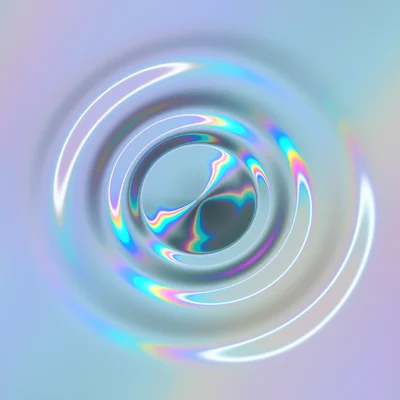
Fluid Simulation - LIQUIDTOUCH
Satisfying art for Live Photos
Designed for iPhone, iPad
Free · In-app purchases
- Age rating4+
- CategoryGraphics & Design
- DeveloperAppnics, LLC
- LanguagesEnglish+ 8 more
- Size13.3 MB
Links to the official App Store page
Download.org hosts no file of Fluid Simulation - LIQUIDTOUCH. The button opens its official App Store page, published by Appnics, LLC. Listing last checked on Nov 18, 2026.
Screenshots
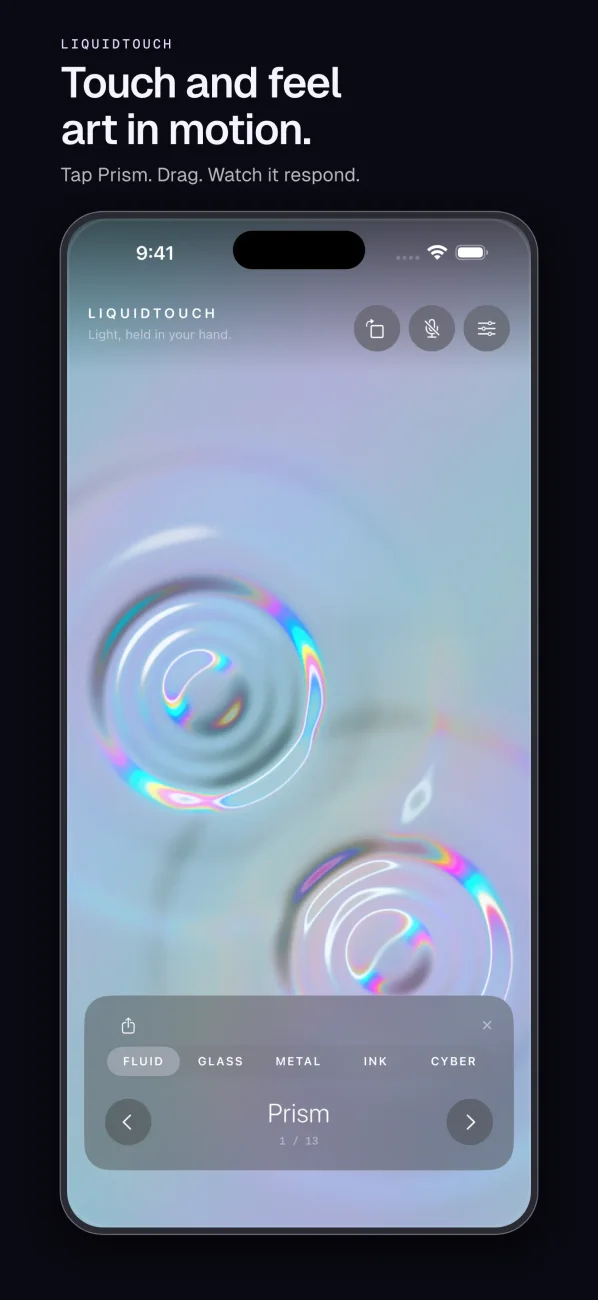

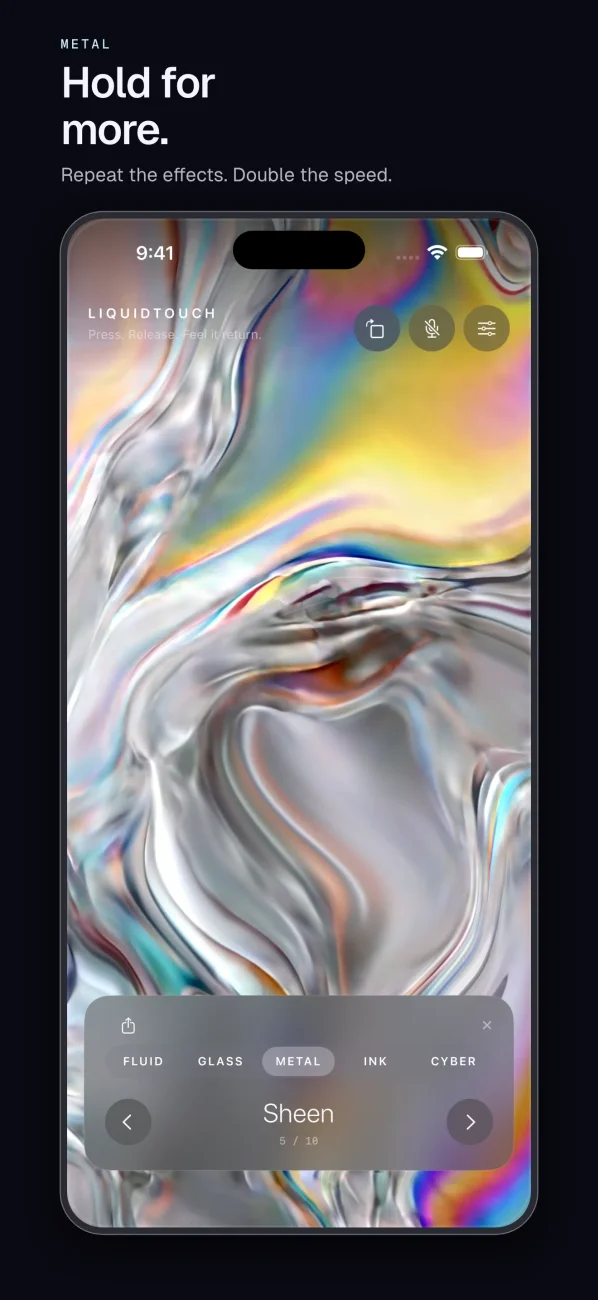
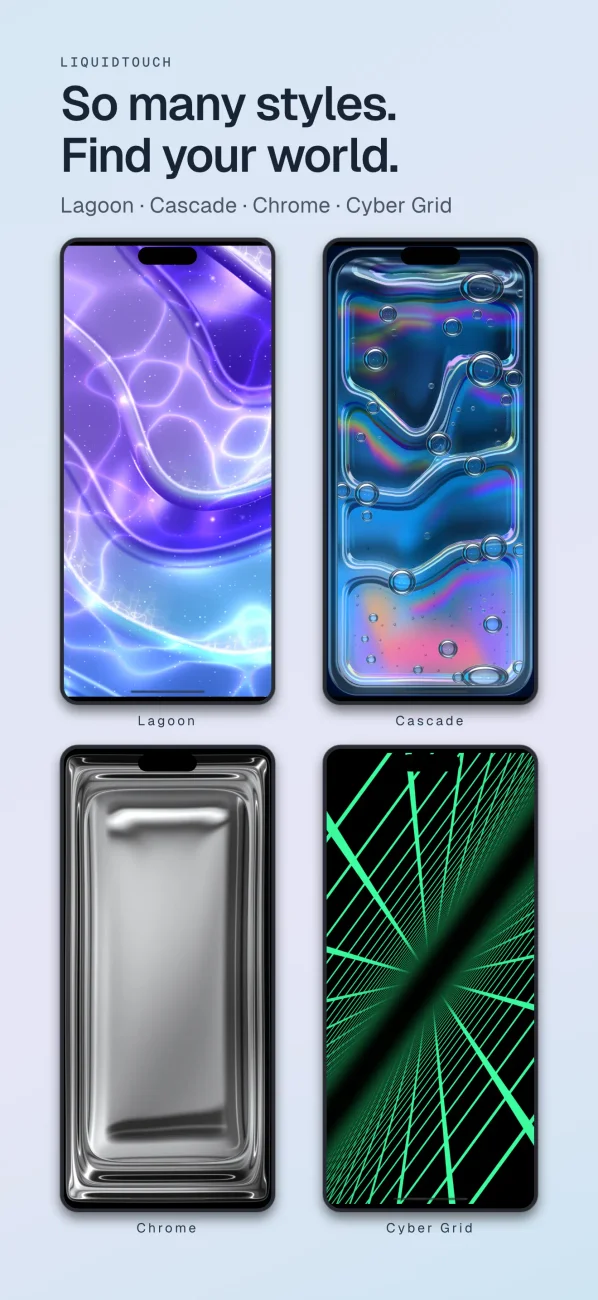
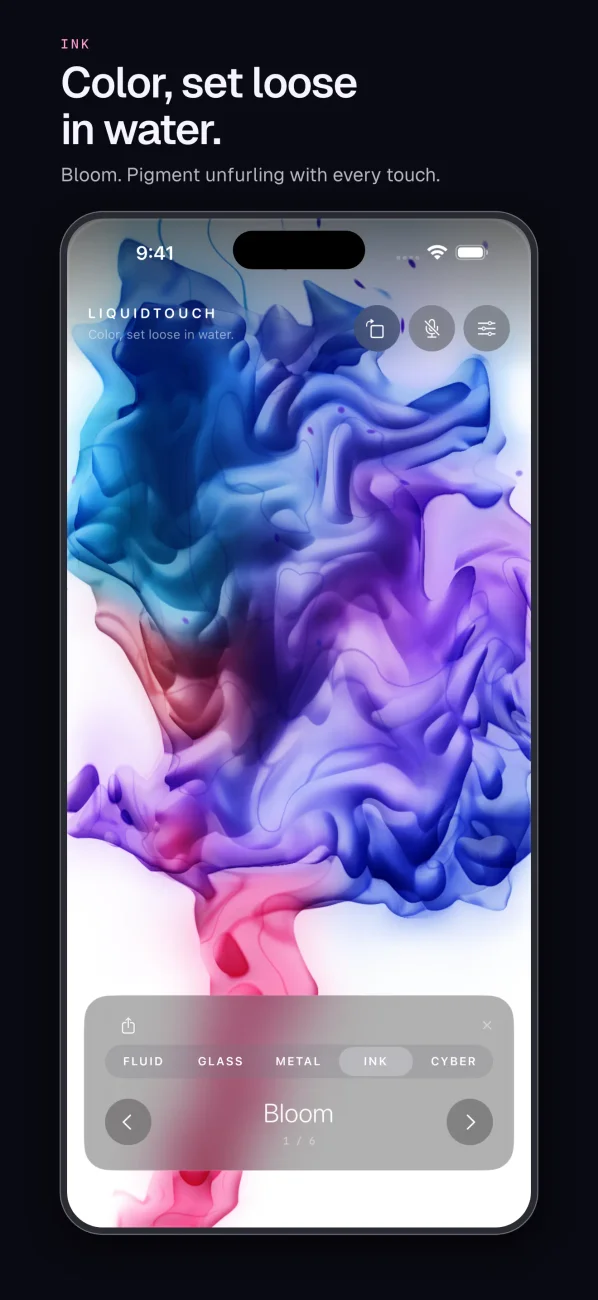
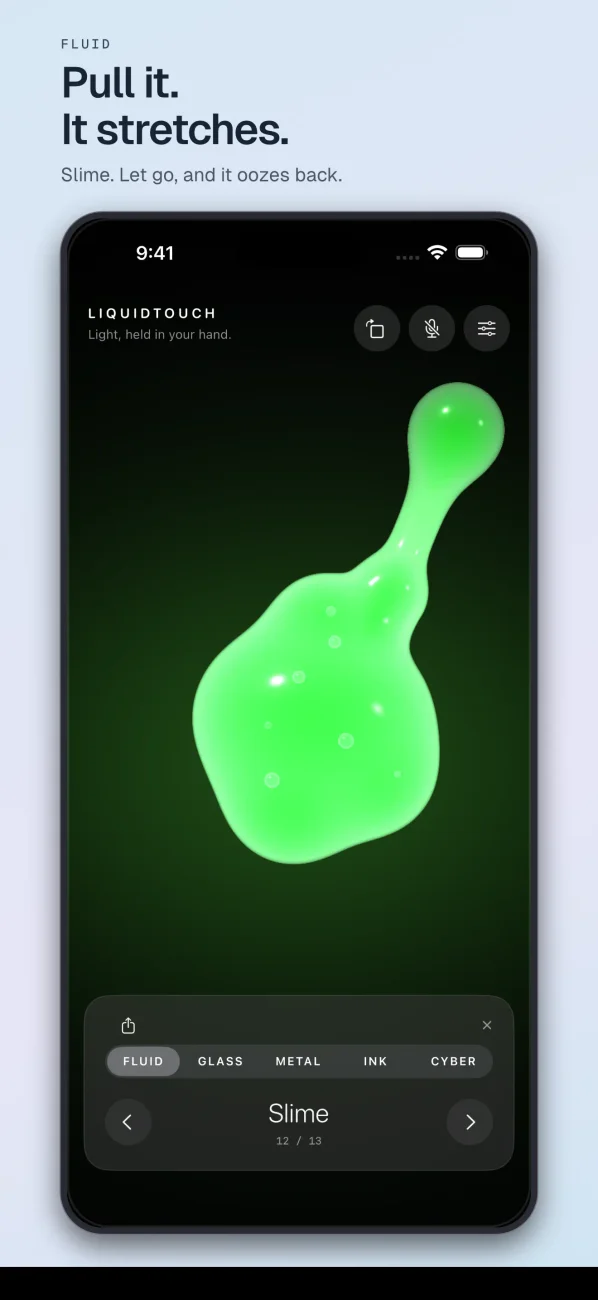
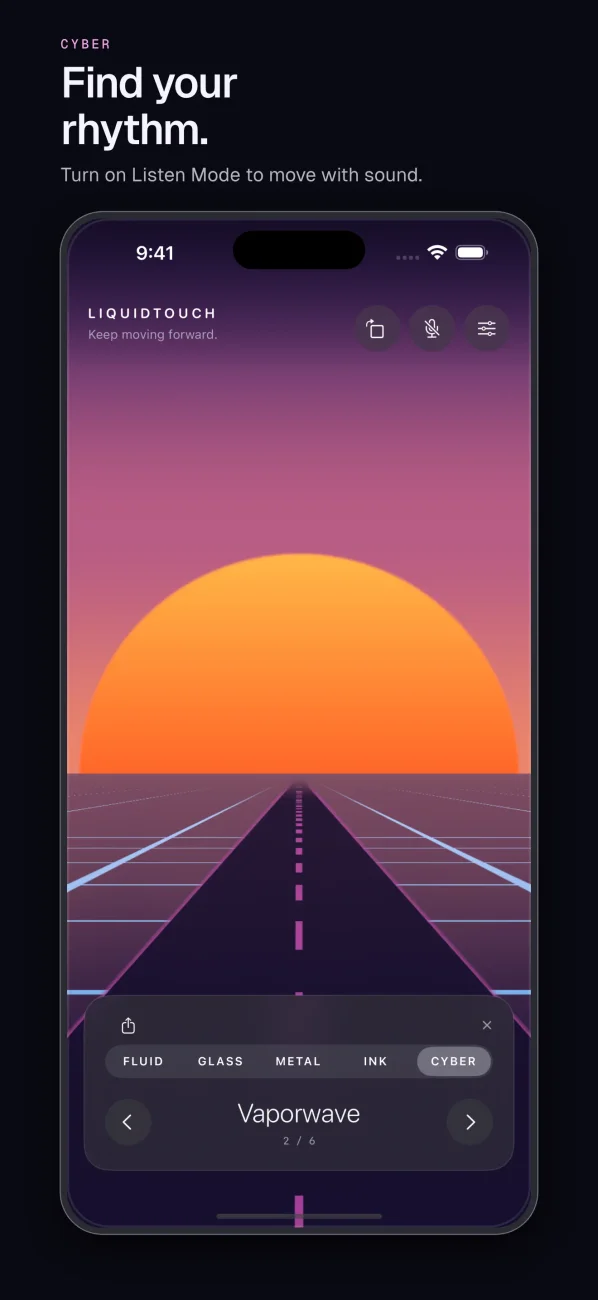

About
Art you can touch.
LIQUIDTOUCH is an art app for iPhone and iPad that lets you explore light, liquids, metal and geometry through taps and drags.
Tap to send ripples across the screen. Drag to change what you see. When you want to move your fingers without thinking or take a break, enjoy a little time with art at your own pace.
• Find your favorite among 45 artworks
Ripples of light, the clarity of glass, undulating metal, color set loose in water, scenery rushing past. Five styles, each with a feel of its own.
• Tap, drag and hold
Art responds to where and how you touch. Hold to speed up the motion and repeat effects in supported artworks. Feel haptic feedback on supported devices.
• Save and share the motion
Record a 3-second Live Photo, a 4K image or a video of up to 60 seconds while interacting with an artwork. Save it to Photos or send it through the system share sheet. Videos are saved in portrait Full HD.
On compatible iPhones, Live Photos can be set as Lock Screen wallpapers through iOS. Playback depends on the device, iOS version and photo eligibility. This is not a continuously animated Home Screen wallpaper feature.
• Listen Mode responds to sound
Turn on Listen Mode to make art respond to sounds around you. The microphone is used when you enable this feature. Microphone audio is not recorded in exported videos.
• Enjoy a bigger canvas
Enjoy LIQUIDTOUCH on iPad, or display art on a larger screen when connected to a compatible external display.
• Try every artwork first
The first-launch guide lets you touch every artwork before you choose a plan.
Access to the artworks is offered with a weekly or yearly auto-renewing subscription. The yearly plan includes a free trial for eligible new subscribers. See the purchase screen for prices and available offers.
Weekly and yearly plans renew automatically unless canceled at least 24 hours before the current period ends. Payment is charged to your Apple Account. Manage or cancel subscriptions in your Apple Account subscription settings. Restore previous purchases using Restore Purchases in the app.
Terms of Use (Apple Standard EULA):
https://www.apple.com/legal/internet-services/itunes/dev/stdeula/
What’s new
Version 1.3.2 · Nov 10, 2026
Minor improvements.
App privacy
What Appnics, LLC declares on the App Store about how this app handles data.
-
Data used to track you
May be used to track you across apps and websites owned by other companies.
- Identifiers
-
Data not linked to you
May be collected but is not linked to your identity.
- Purchases
- Identifiers
- Usage data
- Diagnostics
Privacy practices may vary, for example with the features you use or your age.
Information
- Seller
- Appnics, LLC
- Category
- Graphics & Design
- Version
- 1.3.2
- Updated
- Nov 10, 2026
- Released
- Sep 21, 2026
- Size
- 13.3 MB
- Requires
- iOS 17.0 or later
- Age rating
- 4+
- Price
- Free
- In-app purchases
- Yes
- Languages
- English, French, German, Japanese, Korean, Portuguese, Simplified Chinese, Spanish, Traditional Chinese
- Copyright
- © 2026 Appnics, LLC
You might also like
-
 Flux — Living Art WallpapersTouch light. Shape your space.
-
 GradianceFun & simple gradient design
-
 Squeegee Paint StudioPull a blade through wet paint
-
 Paint DynamicsRealtime Metal Fluid Paint
-
 Driftlight: Live WallpapersAnimated Lock Screen & Desktop
-
 Pattern Wallpaper MobileGraphics & Design
-
 Ultrasound to Image: BabyPicwhat would our baby look like
-
 Tappy PaintColoring Book & Bead Patterns
-
 Duo Wallpaper - Foldable PhoneAI · 4K Lock & Home Screens
-
 Frutiger Aero WallpaperRetro Aero Wallpapers