
ListNote: Lists & Notes
Shopping, to-dos and notes
Designed for iPhone, iPad
Free · In-app purchases
- Age rating4+
- CategoryProductivity
- DeveloperArkadiusz Ilkow
- LanguagesEnglish+ 22 more
- Size58.6 MB
Links to the official App Store page
Download.org hosts no file of ListNote: Lists & Notes. The button opens its official App Store page, published by Arkadiusz Ilkow. Listing last checked on Nov 17, 2026.
Screenshots


About
ListNote brings to-do lists, shopping lists and notes together in one simple app. Everything is saved to your account and ready on your phone and tablet.
To-do lists
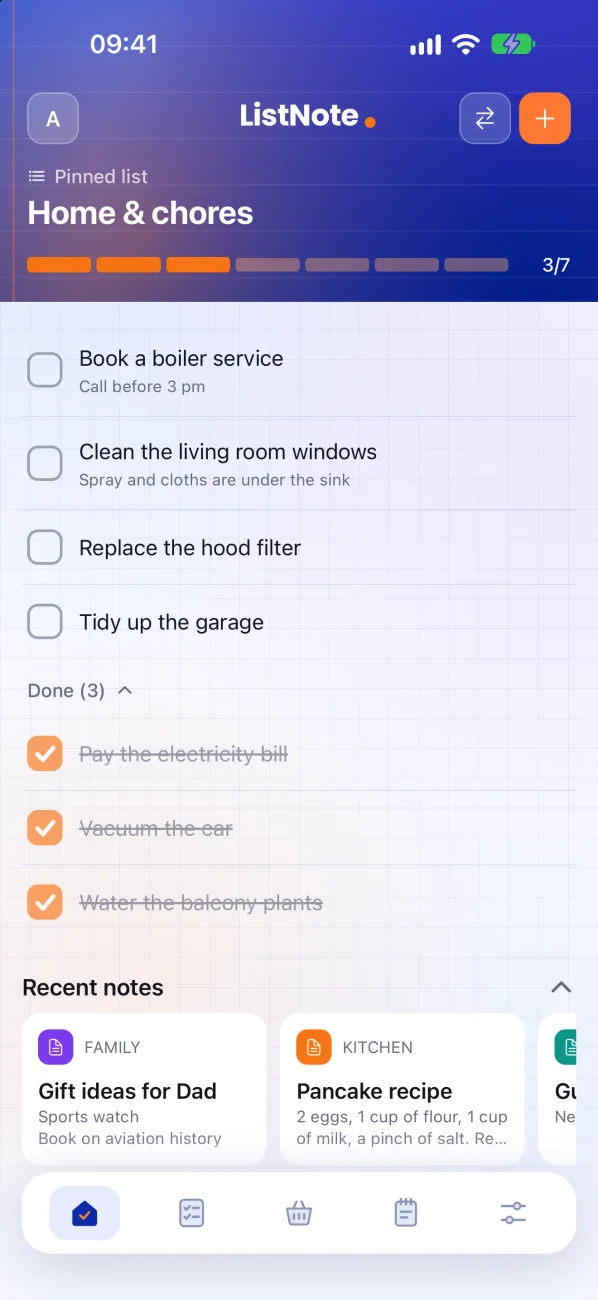
• Every item is a small note with a checkbox: add details, a color, or dictate it by voice.
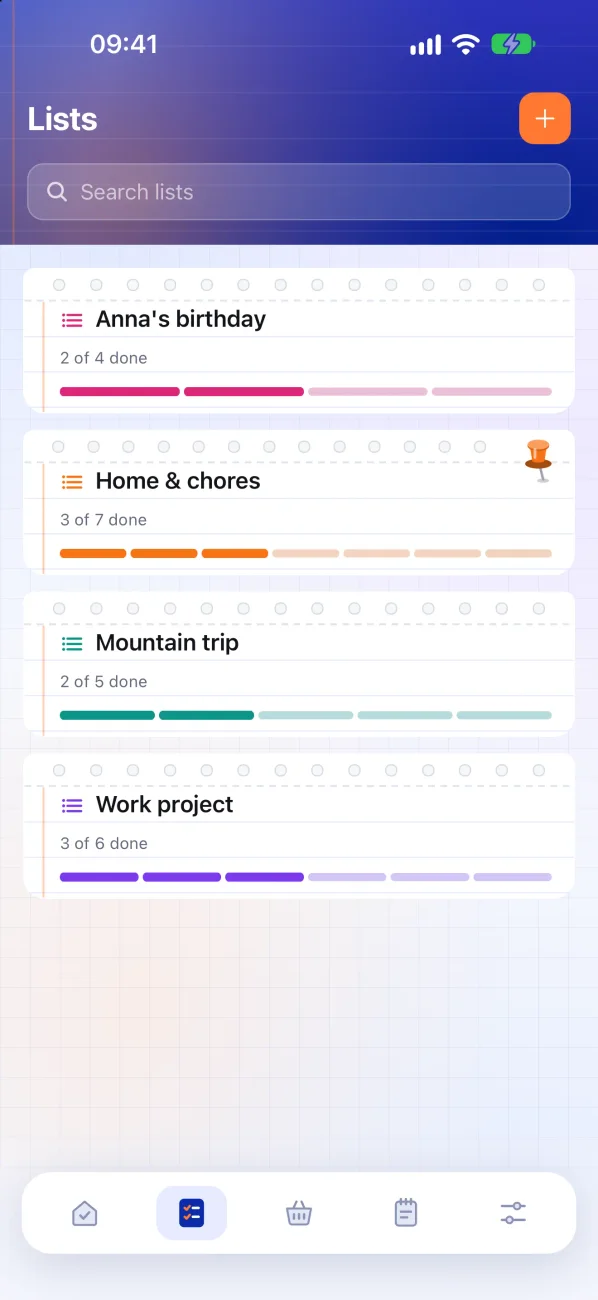
• Pin your most important list to the Home screen so you see it the moment you open the app.
• Swipe left to delete an item and undo with a single tap.
• Move and copy items between lists, and share lists with others.
• Done items fold away into a collapsible section, and a progress bar shows what is left.
Shopping
• Receipt-style shopping lists with your shopping progress.
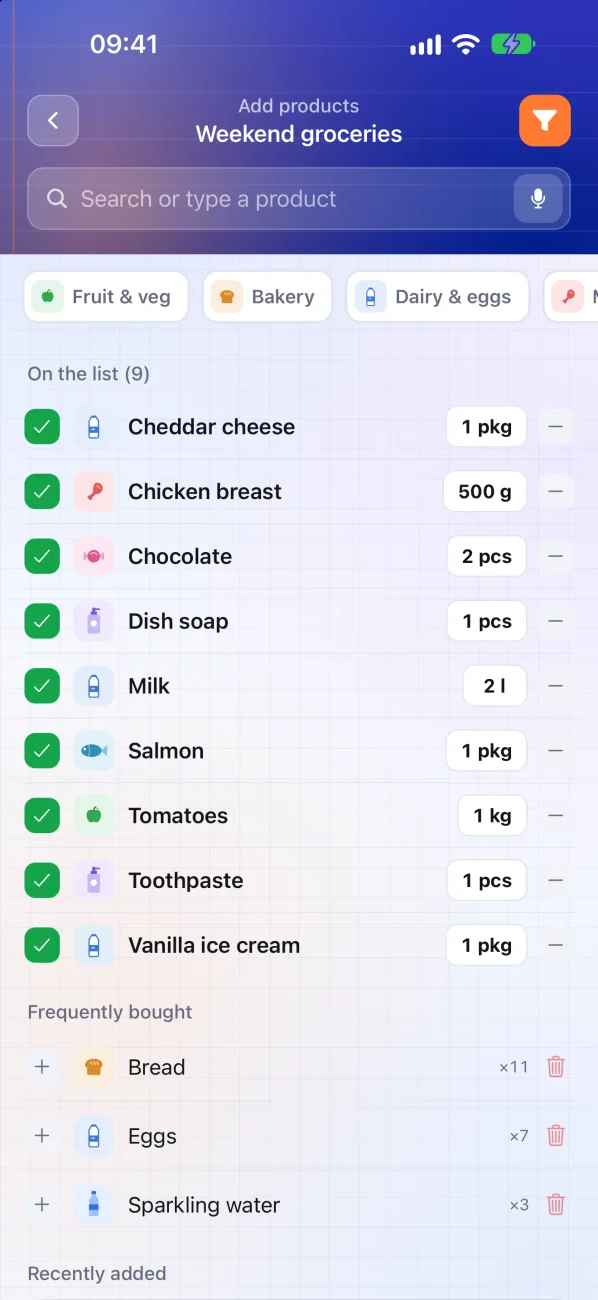
• Type "2 kg potatoes" or "milk, bread, eggs" — quantities and several products at once are recognized automatically.
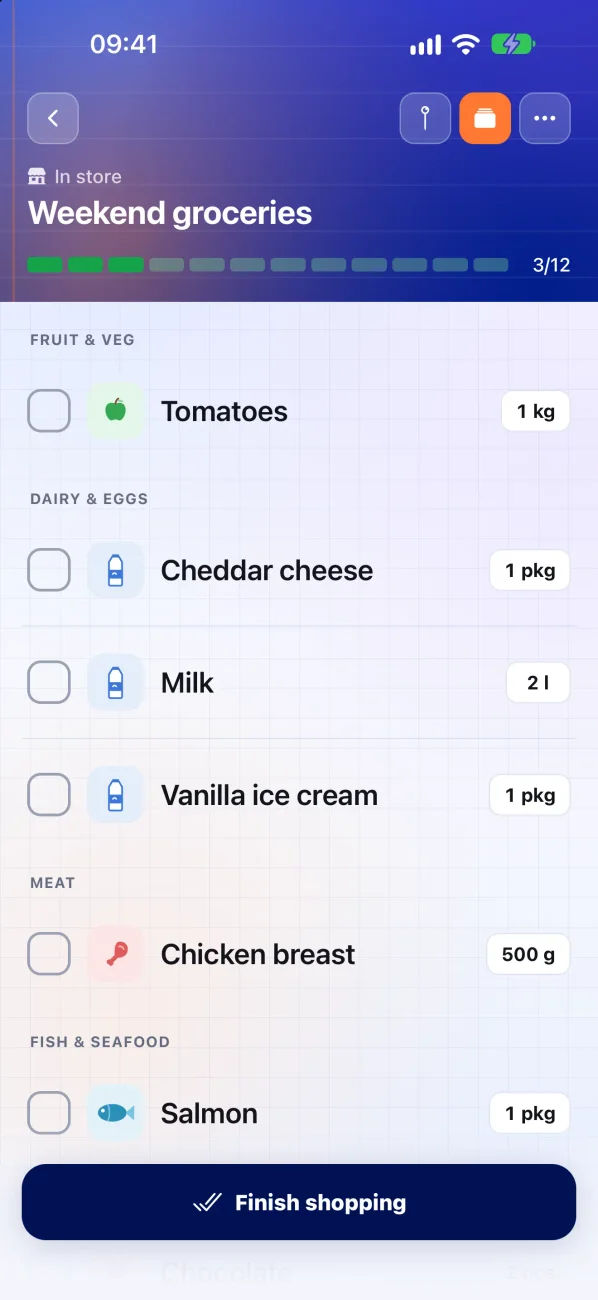
• Aisles with icons: fruit & veg, bakery, dairy, meat, fish, frozen and more.
• Frequently bought products and suggestions as you type.
• In-store mode: large rows, grouping by aisle and a cart that collects what you have bought.
Notes
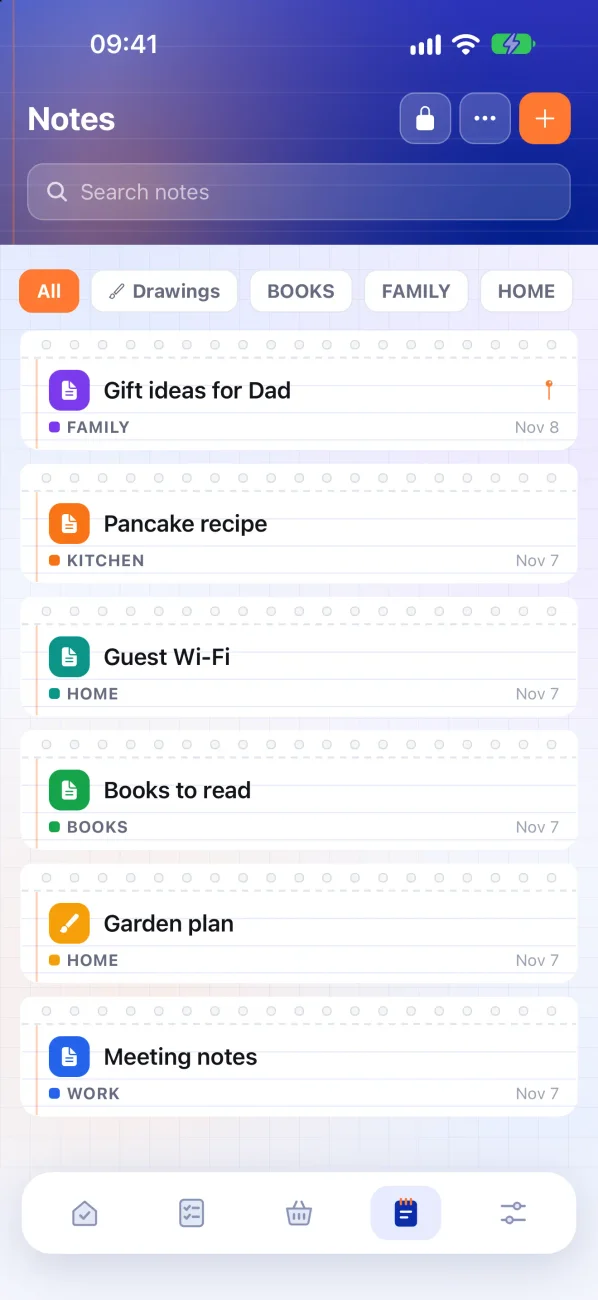
• Text notes with photos and dictation.
• Drawings: pen, highlighter, line, arrow, rectangle, circle and eraser, with undo.
• Note reminders, tags and pinning to the top.
• Turn a note into a list — every line becomes an item.
• Print or share as PDF or text.
• Trash: restore deleted notes for 30 days.
Privacy
• Hidden lists and notes protected with a password.
• Your data stays in your account only. Delete your account at any time from within the app.
Your style
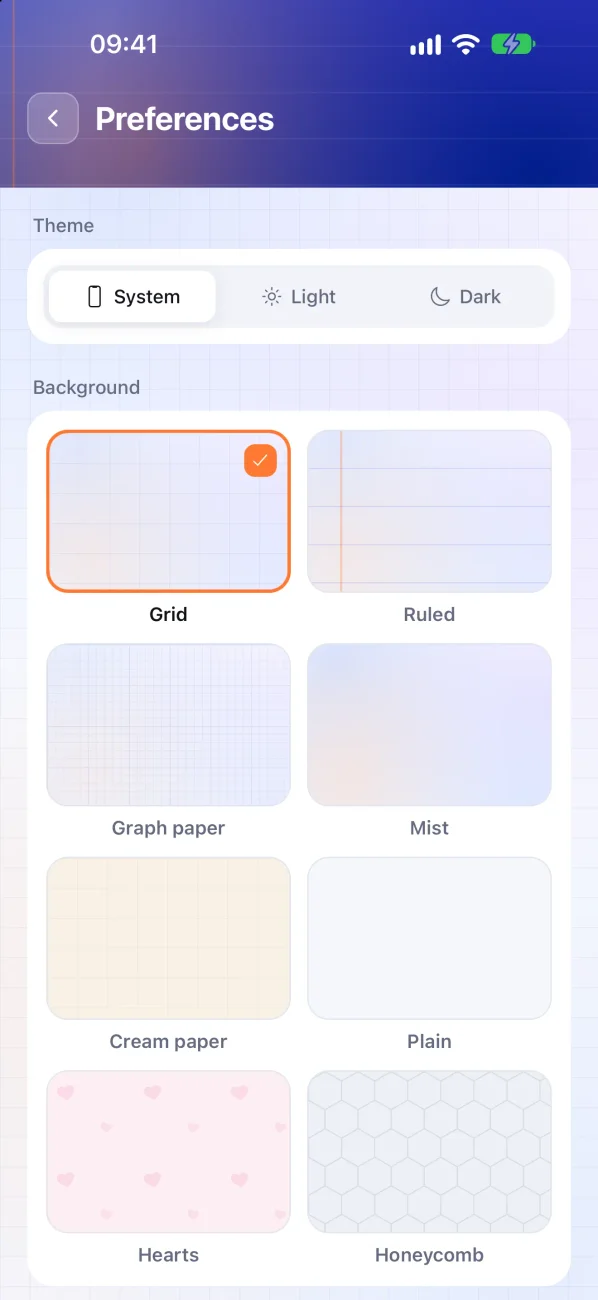
• Light and dark mode, eight backgrounds to choose from.
• Phone and tablet, in portrait and landscape.
• Works offline too — your changes sync when you are back online.
ListNote Pro
A Pro subscription removes ads, lets you add photos to notes and supports further development of the app. Monthly and yearly plans are available.
The ListNote Pro subscription (monthly or yearly) renews automatically. Payment is charged to your Apple ID account at confirmation of purchase. The subscription renews unless it is turned off at least 24 hours before the end of the current period. You can manage and cancel it in your App Store account settings.
Privacy Policy: https://www.privacypolicies.com/live/13462866-96ab-4ab0-b920-5fe63c7c0631
Terms of Use (EULA): https://www.apple.com/legal/internet-services/itunes/dev/stdeula/
What’s new
Version 3.0.1 · Nov 11, 2026
Bug fixes and performance improvements: faster opening of lists, shopping and notes, plus visual tweaks.
App privacy
What Arkadiusz Ilkow declares on the App Store about how this app handles data.
-
Data used to track you
May be used to track you across apps and websites owned by other companies.
- Location
- Identifiers
- Usage data
- Diagnostics
-
Data linked to you
May be collected and linked to your identity.
- Purchases
- Contact info
- User content
- Identifiers
-
Data not linked to you
May be collected but is not linked to your identity.
- Location
- Identifiers
- Usage data
- Diagnostics
Privacy practices may vary, for example with the features you use or your age.
Information
- Seller
- Arkadiusz Ilkow
- Category
- Productivity
- Version
- 3.0.1
- Updated
- Nov 11, 2026
- Released
- Nov 5, 2024
- Size
- 58.6 MB
- Requires
- iOS 16.4 or later
- Age rating
- 4+
- Price
- Free
- In-app purchases
- Yes
- Languages
- English, Czech, Danish, Dutch, Finnish, French, German, Greek, Hungarian, Italian, Japanese, Korean + 11 more
- Copyright
- © 2026 Impact IT
You might also like
-
 NoeHub NotesProductivity
-
 Task Manager ProgressManage your tasks !
-
 NotanoShared notes, lists and photos
-
 Listification: Simple ListsProductivity
-
 Bodcat NotebookPrivate Notes and Journal
-
 TinkleNoteDigital Notebook
-
 Pencil FireBuild, Launch & Pencil Fire
-
 Fountain NotesFrictionless idea capture
-
 MemflixAIThe Future of Learning
-
 HotJot NotesText ideas to yourself.