- Age rating4+
- CategoryProductivity
- DeveloperJames Lapslie
- LanguagesEnglish
- Size76.4 MB
Links to the official App Store page
Download.org hosts no file of Listplando. The button opens its official App Store page, published by James Lapslie. Listing last checked on Nov 21, 2026.
Screenshots


About
Listplando is a calm planner built on three steps: List it. Plan it. Do it.
LIST IT
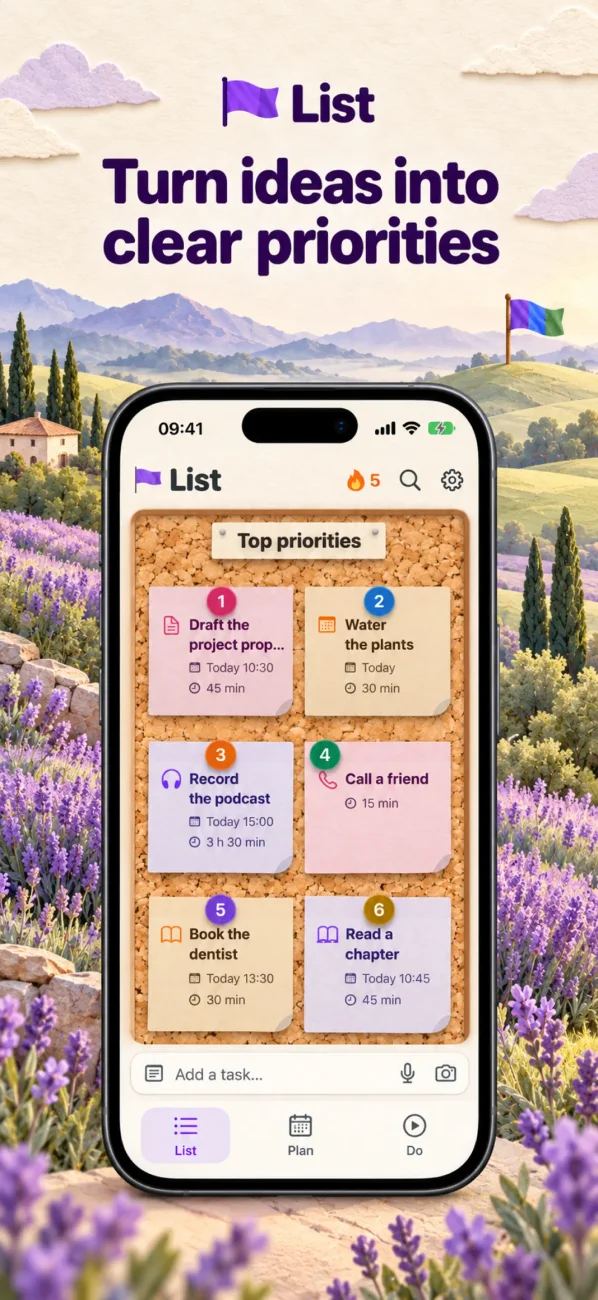
Get it out of your head. Type a task, say a few at once, or snap a photo of a whiteboard or notebook page and every line becomes a task you can check before saving. Tasks land as sticky notes in your brain dump. Pin your most important ones onto the cork board: pin 1 is your top priority.
PLAN IT
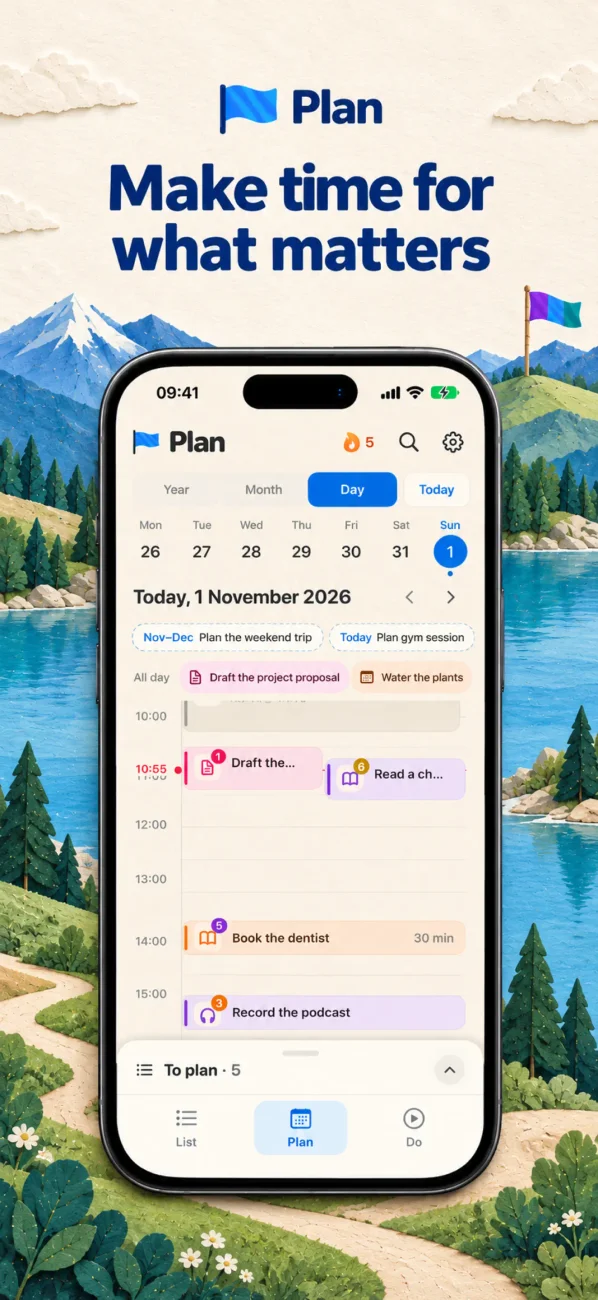
Give it time in your day. Open To plan, hold a note and drop it on your calendar, then roll the dial to set how long. Plan by day, month or year. Move bookings by dragging, change their length, add steps, or unplan them without losing anything you've done.
DO IT
Focus on what matters. Do shows today's priorities and agenda. Start a focus session and the timer shows what you've worked and what's left. Pause whenever you need. When time's up you choose what happens: finish, add five minutes, or save your progress for later. Complete all of today's priorities to keep your streak.
ALSO
• Home Screen and Lock Screen widgets for your next task, today and progress
• Optional calendar overlay, and export of your work blocks to their own calendar
• Light and dark mode, Dynamic Type, VoiceOver and Reduce Motion support
• Short video demos in Settings › Help
• No account. Your tasks stay on your device. Photos are read on the device. Speech is transcribed on the device where supported; for some languages, iOS sends audio to Apple's speech service. Apple Intelligence organises tasks on the device where available.
What’s new
Version 2.1 · Nov 2, 2026
A cleaner, smoother Listplando.
• Refined Dynamic Island feedback, with clearer status messages and quick Undo.
• Purple flags for List, blue for Plan and green for Do, with a gentle flutter as you switch pages.
• Softer, more natural sounds for adding, pinning, deleting and completing tasks.
• Cleaner screens with less explanatory text.
• Faster launch and more responsive everyday task management.
Your tasks, plans and progress stay with you.
App privacy
What James Lapslie declares on the App Store about how this app handles data.
-
Data not collected
The developer does not collect any data from this app.
Privacy practices may vary, for example with the features you use or your age.
Information
- Seller
- James Lapslie
- Category
- Productivity
- Version
- 2.1
- Updated
- Nov 2, 2026
- Released
- Jun 1, 2026
- Size
- 76.4 MB
- Requires
- iOS 17.0 or later
- Age rating
- 4+
- Price
- Free
- Languages
- English
- Copyright
- © 2026 Lapslie