Lite Tools: Smart Utilities
Simplify Your Digital Life
Designed for iPhone
Free · In-app purchases
- Age rating17+
- CategoryUtilities
- DeveloperZhtaNova Labs
- LanguagesEnglish+ 3 more
- Size60.0 MB
Links to the official App Store page
Download.org hosts no file of Lite Tools: Smart Utilities. The button opens its official App Store page, published by ZhtaNova Labs. Listing last checked on Nov 20, 2026.
Screenshots
About
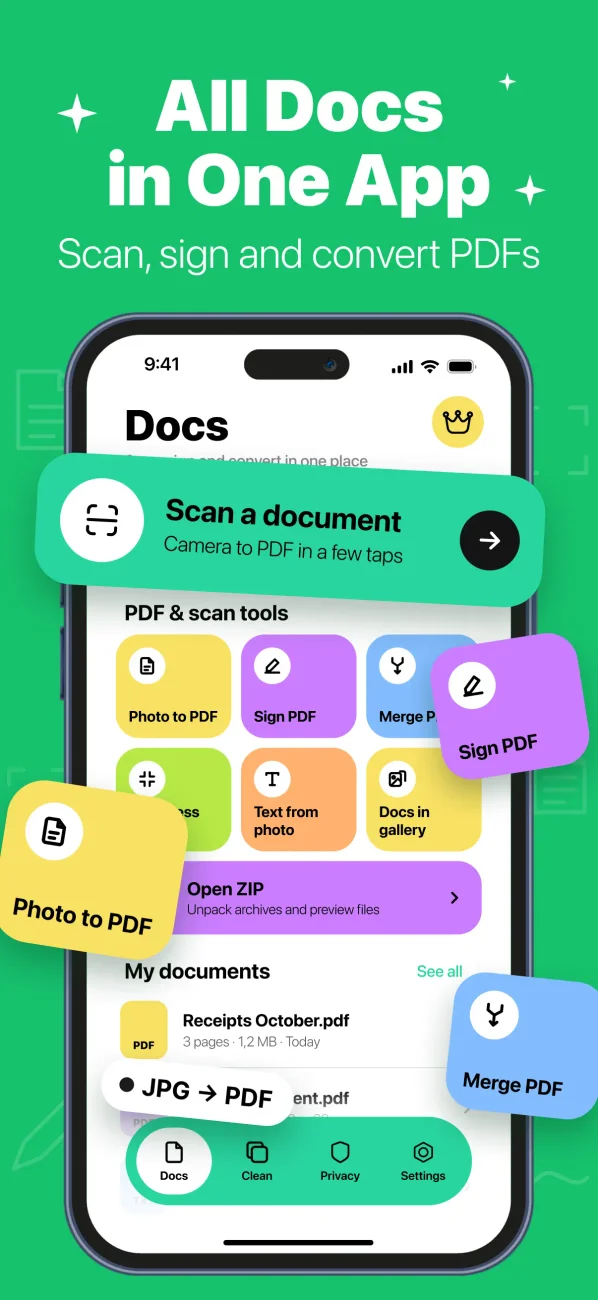
Lite Tools brings the small everyday jobs together in one neat app. Turn paper into PDFs, sign a contract, pull text out of a picture, open an archive or bring order to your photo library without jumping between a handful of single-purpose apps.
PAPER TO PDF
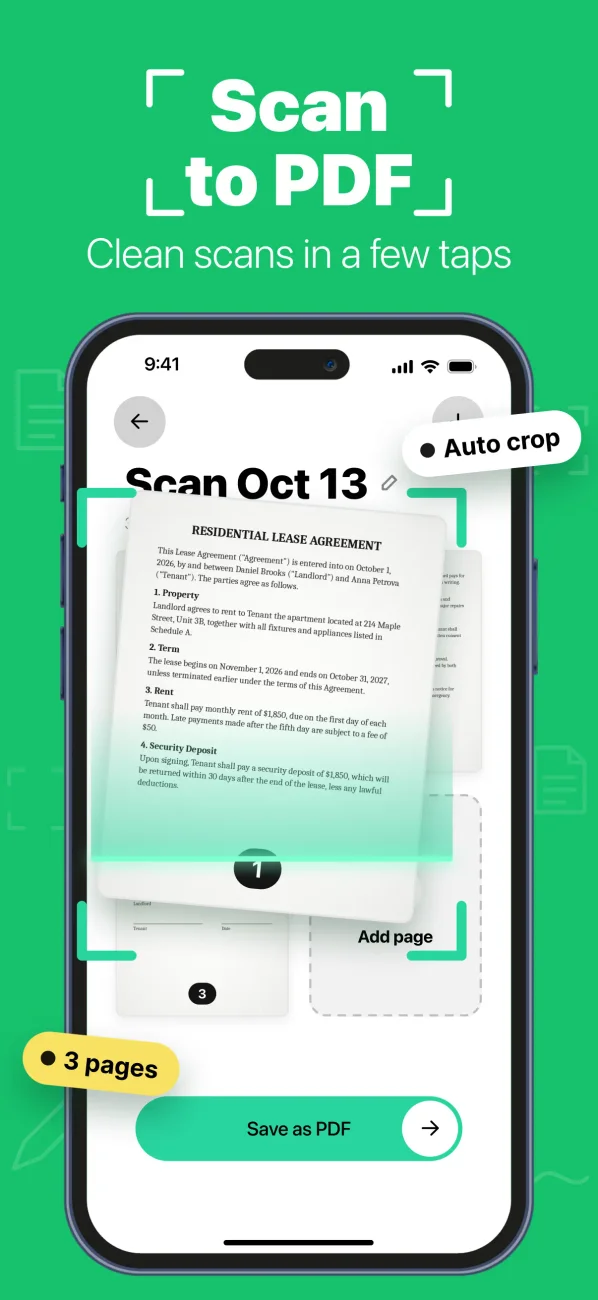
- Scan a Document: point the camera at a page and its edges are found for you. Rotate or crop each page, add more pages and save everything as one PDF.
- Photo to PDF: pick photos from your library, set their order and choose A4, US Letter or a size that fits each photo.
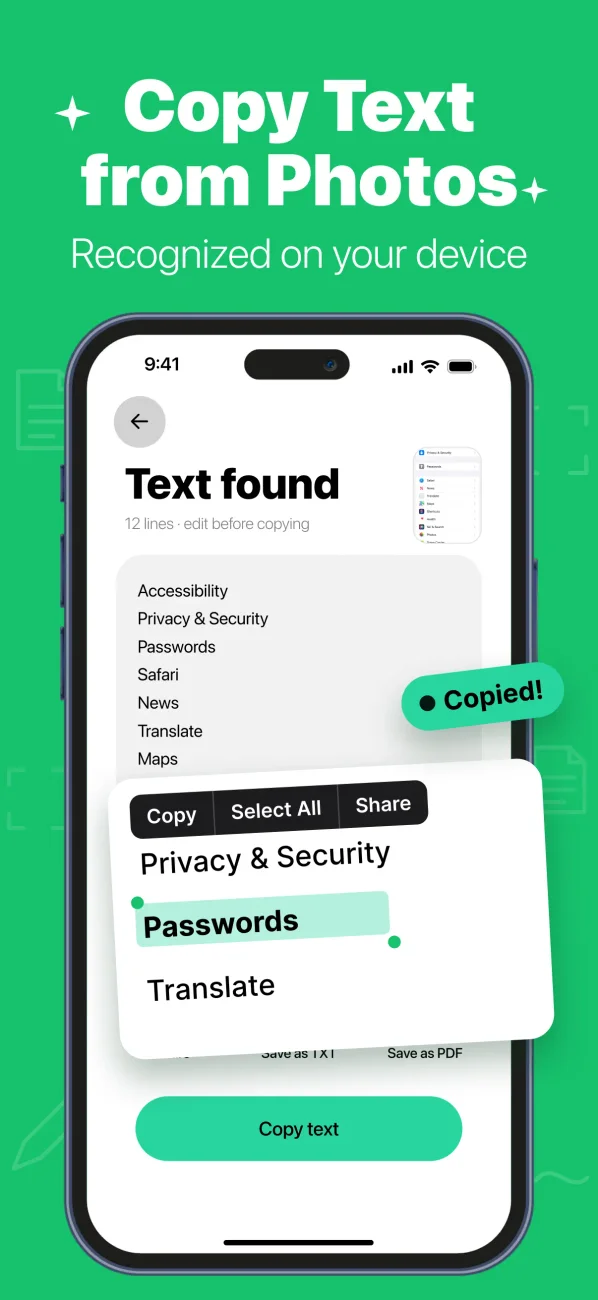
- Text from Photo: recognize printed text on a photo or screenshot, adjust it, then copy it or save it as a TXT or PDF file.
PDF ESSENTIALS
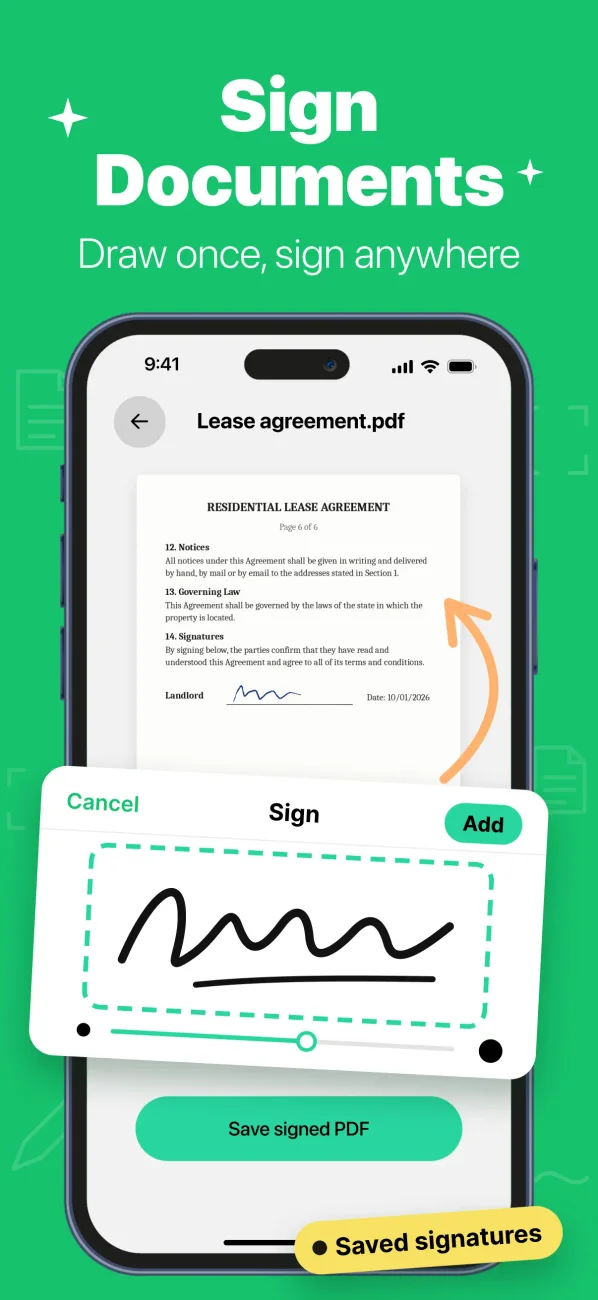
- Sign PDF: draw your signature once, place and resize it on the page and keep the signed version next to the original.
- Merge PDF: combine several PDFs into a single file in the order you choose.
- Compress PDF: pick a light, medium or strong setting to make a large PDF easier to send.
- Open ZIP: unpack archives, preview what is inside and save only the files you need. Password-protected archives are supported.
- My Documents: every PDF, scan and text you create lives in one list you can search, sort, rename and share from.
PHOTOS & MEDIA
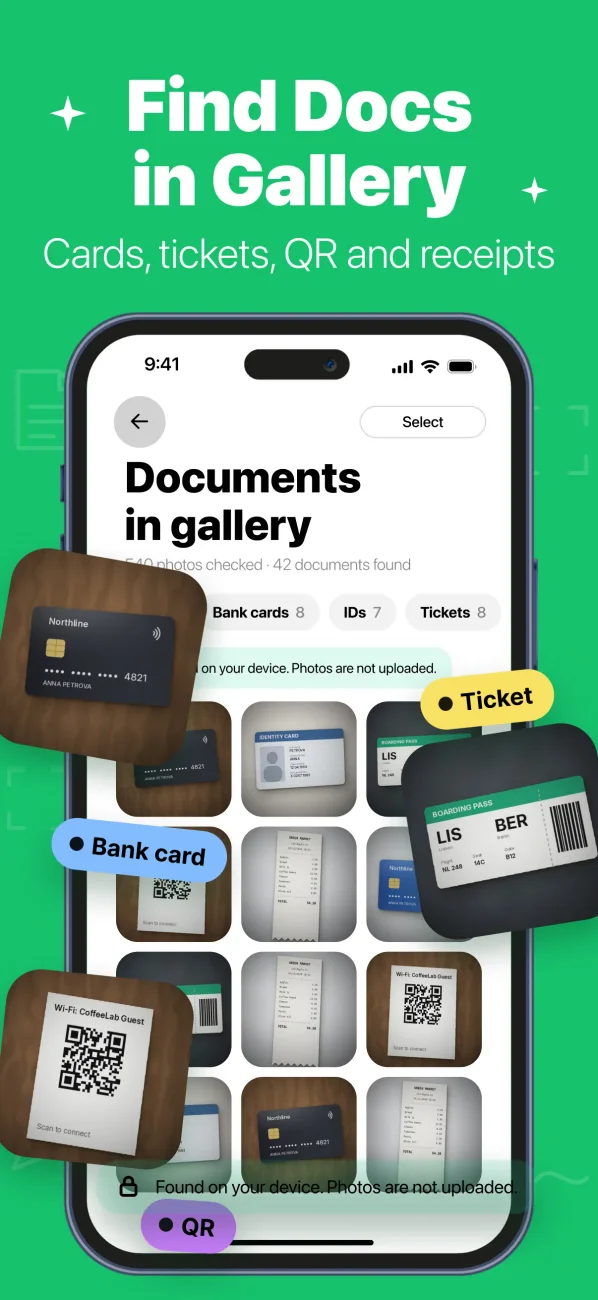
- Docs in Gallery: spots cards, IDs, tickets, QR codes and receipts among your photos and groups them with filters, so sensitive shots are easy to find and review.
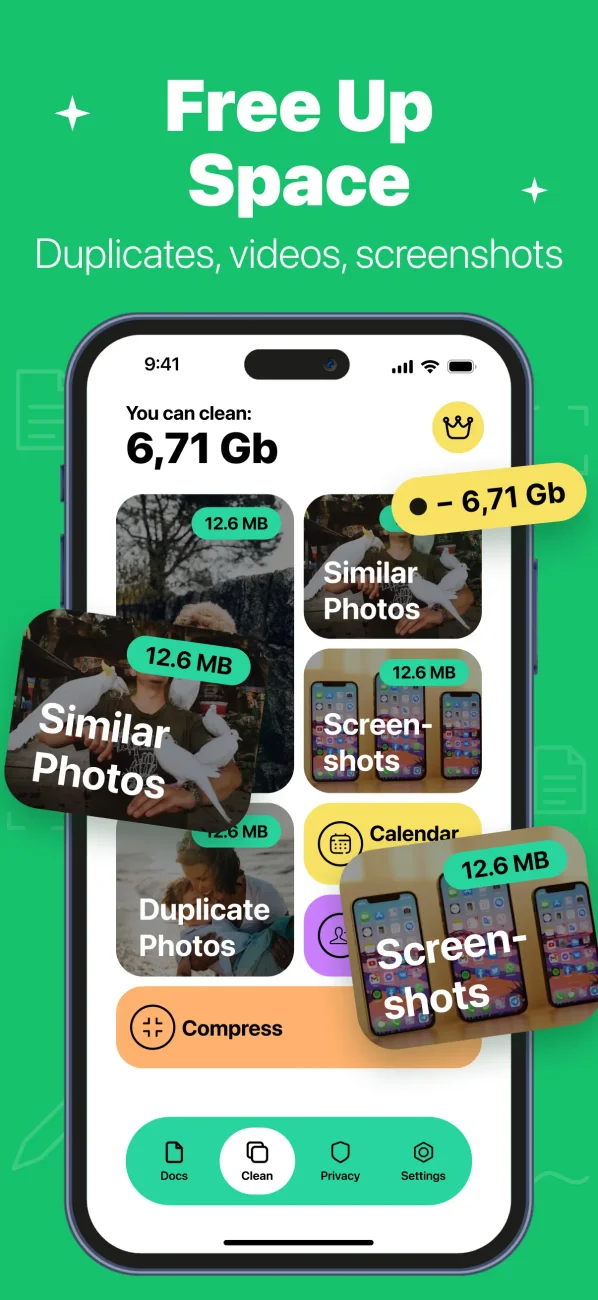
- Photo Review: look through similar shots and look-alike copies side by side, keep your favorites and decide what stays.
- Video Compress: create lighter copies of long videos with the quality level you choose.
- Screenshots: browse old screenshots and copy the text you need before you let them go.
- Contacts & Calendar: merge repeated contacts, complete missing details and review past events.
PRIVACY TOOLS
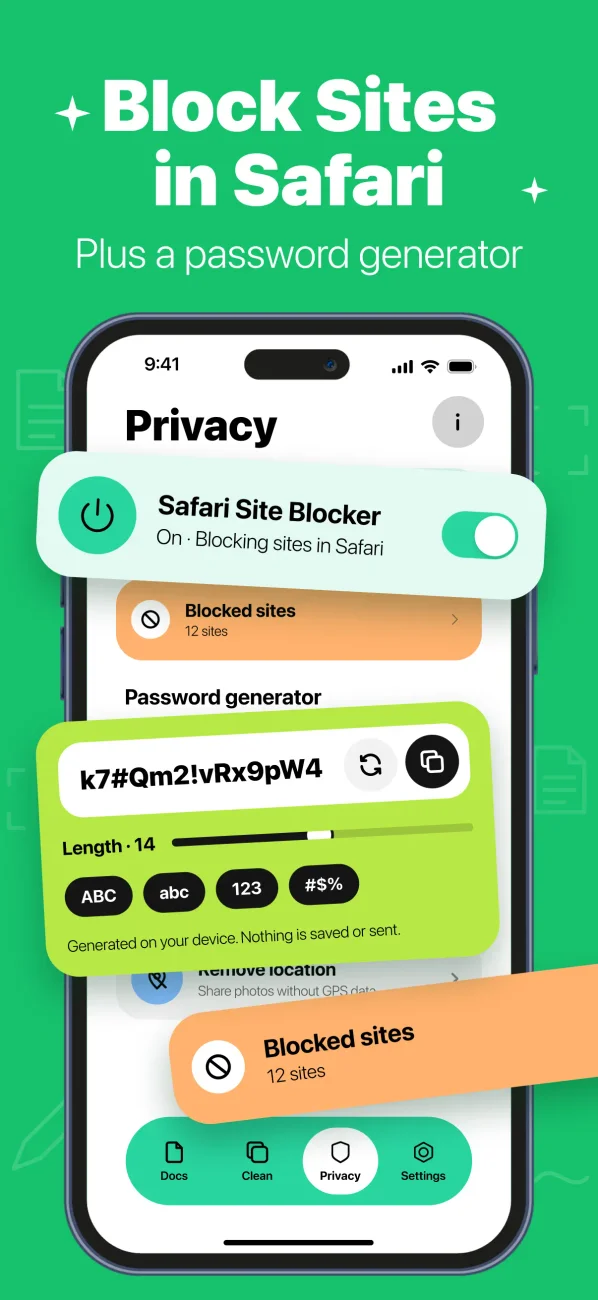
- Safari Site Blocker: keep a list of sites you never want to open in Safari and turn blocking on or off in one place.
- Password Generator: create a password with the length and character types you need and copy it in a tap.
- Remove Location: save copies of your photos without GPS data before you share them.
Download Lite Tools and keep your everyday tools in one place.
SUBSCRIPTION
- Lite Tools Premium unlocks every tool. It is offered as a weekly plan that starts with a 3-day free trial, or as a yearly plan.
- Payment is charged to your Apple ID account when you confirm the purchase or, for the weekly plan, when the free trial ends.
- The subscription renews automatically for the same period unless you cancel it at least 24 hours before the current period ends. The renewal is charged within the 24 hours before the period ends.
- You can manage or cancel the subscription anytime in Settings → [your name] → Subscriptions, or in your App Store account settings.
- Any unused part of a free trial is forfeited when you purchase a subscription.
Terms of Use: https://novizhtaservices.com/termsconditions.html
Privacy Policy: https://novizhtaservices.com/privacy.html
What’s new
Version 1.4 · Oct 21, 2026
- Document Scanning: Scan documents and convert them into PDF files.
- PDF Tools: Create PDFs from images, sign PDF documents, merge multiple PDFs, and compress PDF files.
- Text Recognition: Extract text from photos using OCR technology.
- Sensitive Data Detection: Scan the photo library for sensitive information, such as bank cards, identity documents, and other personal data.
- Archive Management: Work with archive files, including password-protected archives.
- Password Generator: Generate strong, secure passwords.
- Photo Location Data Removal: Remove location metadata (GPS data) from photos to help protect user privacy.
App privacy
What ZhtaNova Labs declares on the App Store about how this app handles data.
-
Data used to track you
May be used to track you across apps and websites owned by other companies.
- Identifiers
- Usage data
-
Data linked to you
May be collected and linked to your identity.
- Usage data
-
Data not linked to you
May be collected but is not linked to your identity.
- Identifiers
- Usage data
- Diagnostics
Privacy practices may vary, for example with the features you use or your age.
Information
- Seller
- Novi Zhta Services LTD
- Category
- Utilities
- Version
- 1.4
- Updated
- Oct 21, 2026
- Released
- Mar 11, 2026
- Size
- 60.0 MB
- Requires
- iOS 18.0 or later
- Age rating
- 17+
- Price
- Free
- In-app purchases
- Yes
- Languages
- English, Japanese, Portuguese, Spanish
- Copyright
- © 2026 NOVI ZHTA SERVICES LTD
You might also like
-
 MrClean: Photo CalendarSwipe, scan & organize photos
-
 CleanSnap: Smart Phone CleanupClean Album, Delete Duplicates
-
 Neatly Clean: Storage CleanerClean up iPhone storage
-
 PhotoKit: Cleanup your storageCleaner. Safer. Smarter.
-
 Supra Cleaner: CleanUp StorageAI Clean & Delete duplicates
-
 iSwipe - Phone CleanerClean Up your Phone Gallery
-
 Smart Cleaner: AI Clean UpClean Storage with AI Photos
-
 Nova: Phone Storage CleanerClean up your phone in seconds
-
 Wipify Cleaner: Smart Clean UpCleanup Storage, Photo Manager
-
 Cleanup-Smart GalleryClean, Delete Duplicate Photos