LittlePlotter
Curve Fitting & Data Charts
Designed for iPhone, iPad
Free · In-app purchases
- Age rating4+
- CategoryProductivity
- DeveloperJien Cao
- LanguagesEnglish
- Size3.7 MB
Links to the official App Store page
Download.org hosts no file of LittlePlotter. The button opens its official App Store page, published by Jien Cao. Listing last checked on Nov 21, 2026.
Screenshots
About
Six data points. One question: is there a trend?
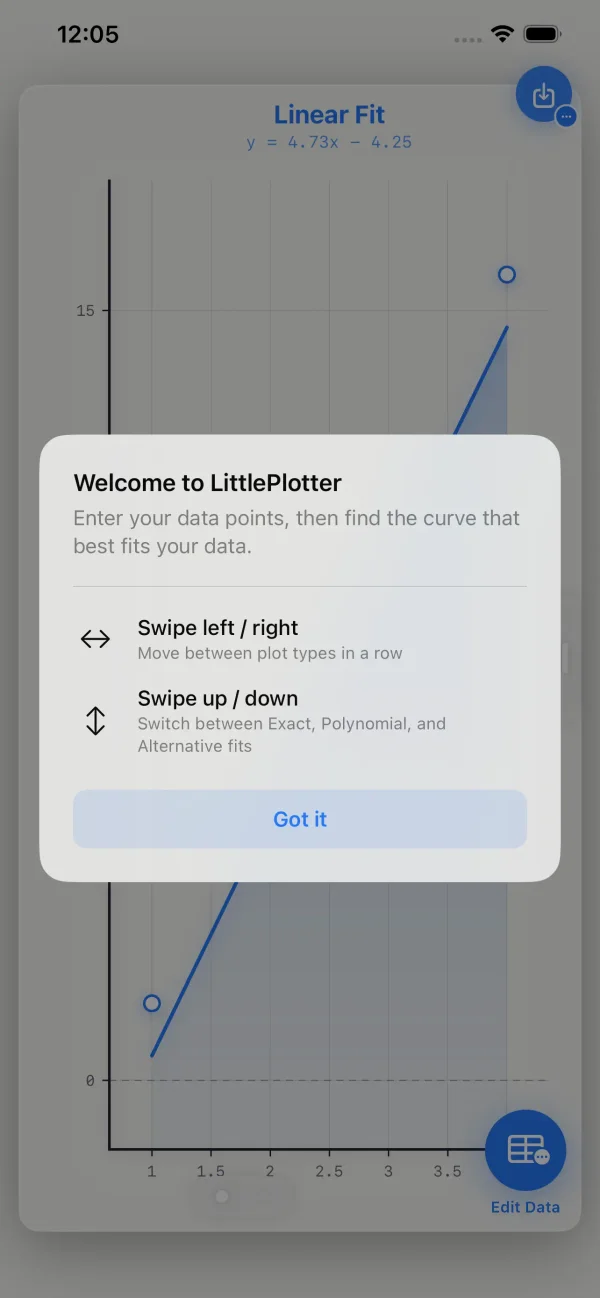
LittlePlotter gives you a fast, beautiful answer. Type your values, swipe through eight curve types, and share a clean chart — in the time it takes to unlock your phone. No spreadsheet. No setup. No noise.
EIGHT FITS, ONE SWIPE AWAY
LittlePlotter covers the curves you actually reach for:
• Line Segments — connect your points exactly as they are
• Cubic Spline — smooth interpolation through every data point
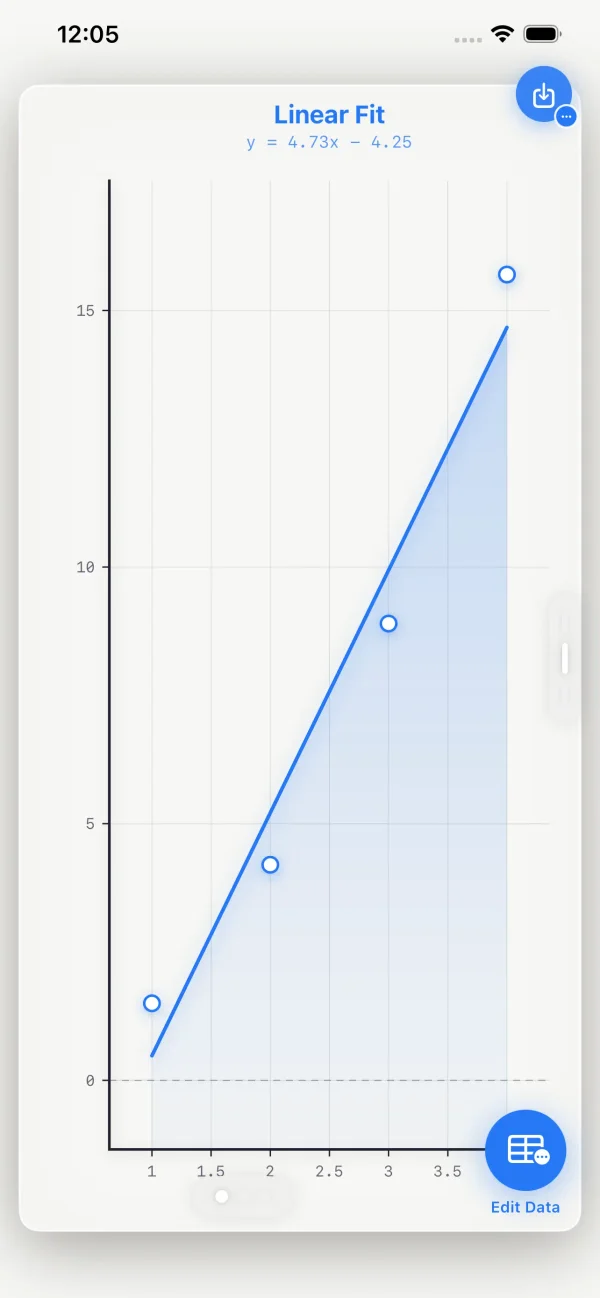
• Linear, Quadratic, Cubic — least-squares polynomial fits
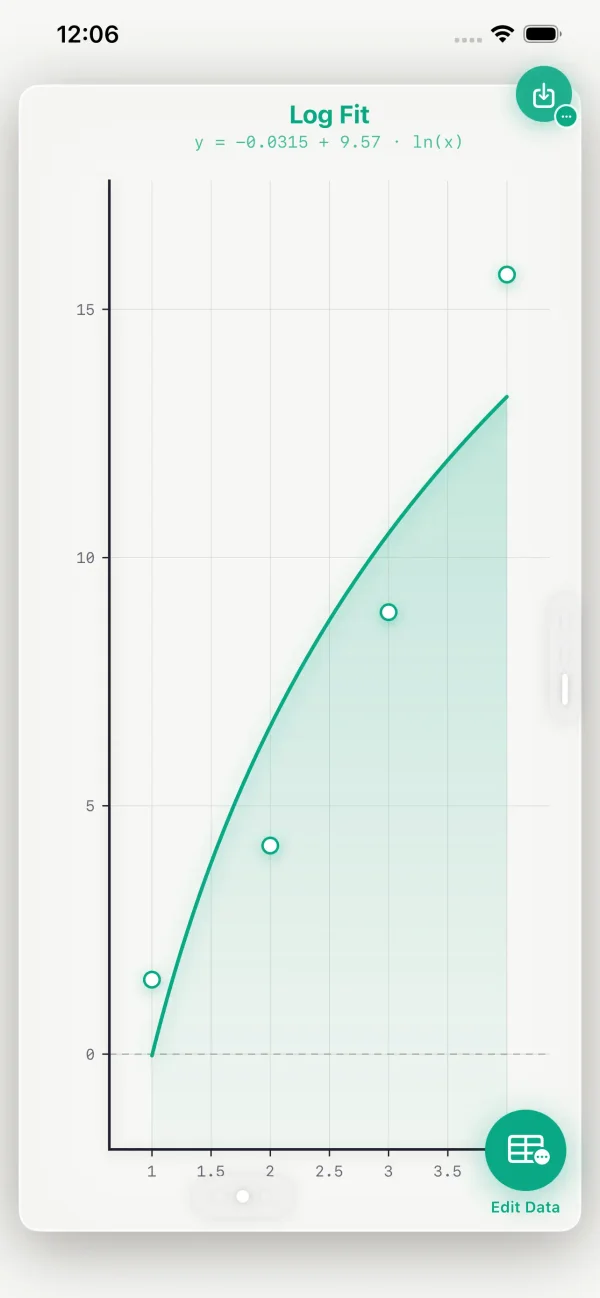
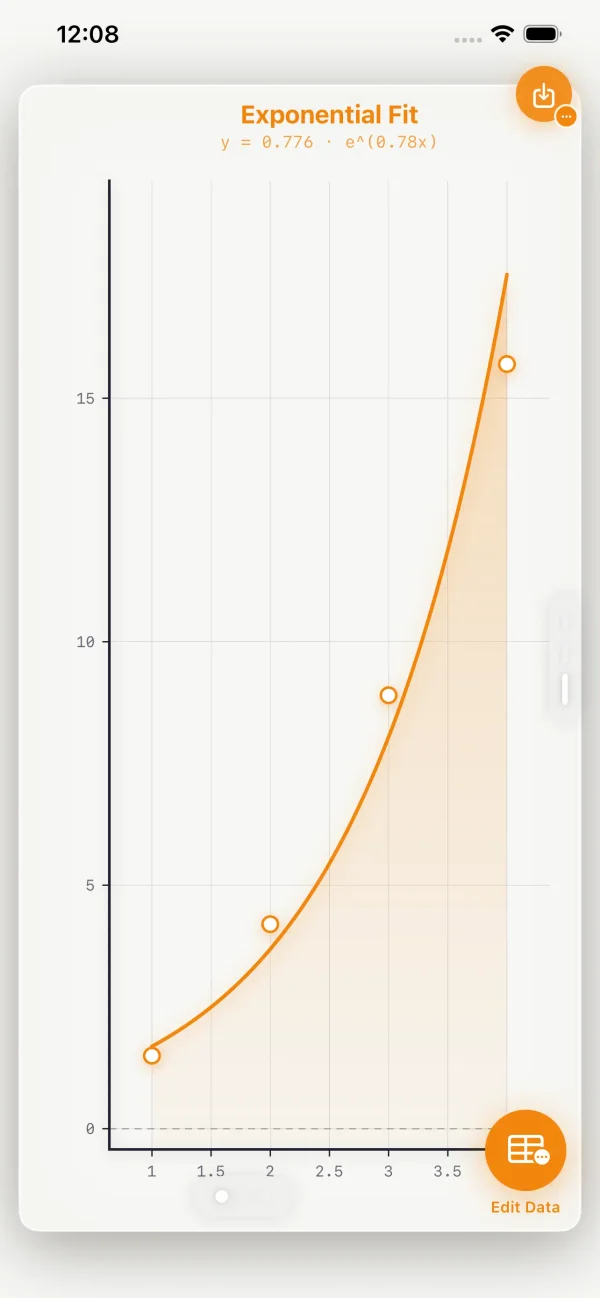
• Exponential, Logarithmic, Power Law — for data that grows or compresses nonlinearly
The fitted equation is shown directly on the chart. If a fit can't be computed — wrong domain, too few points — the chart explains why.
DESIGNED FOR SPEED
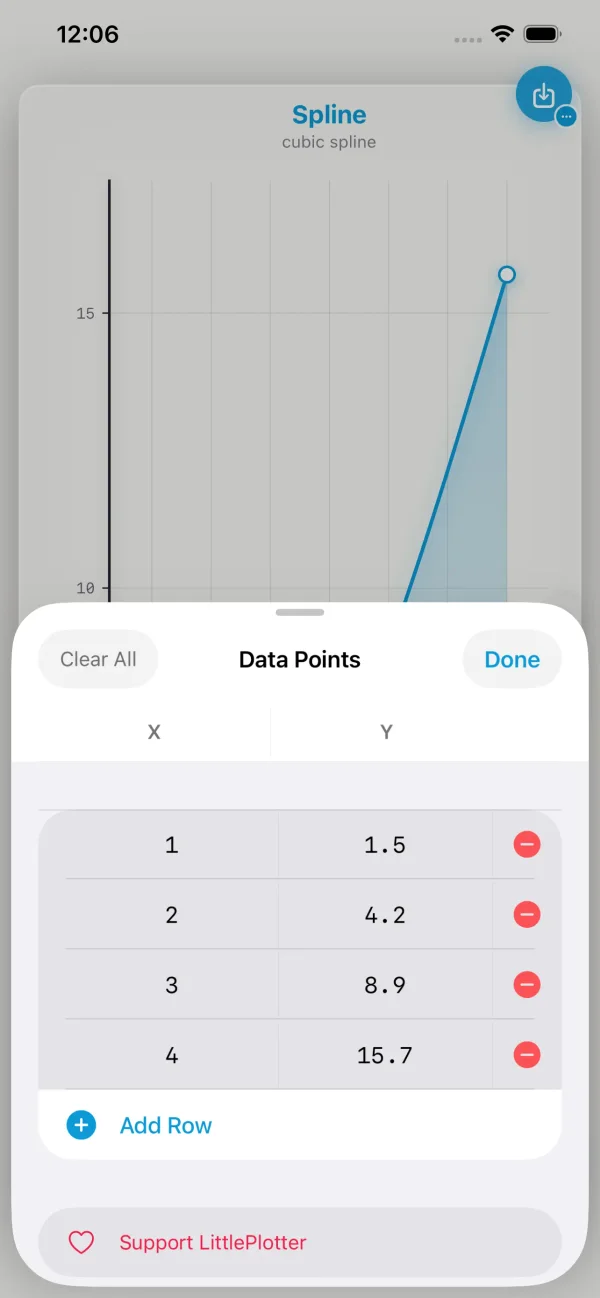
The chart fills the entire screen. A single button opens the data table; edit your values and the chart updates live behind the sheet. Swipe left and right to move between fits, up and down to switch between fit families. Your data is saved automatically so you pick up exactly where you left off.
SHARE-READY OUTPUT
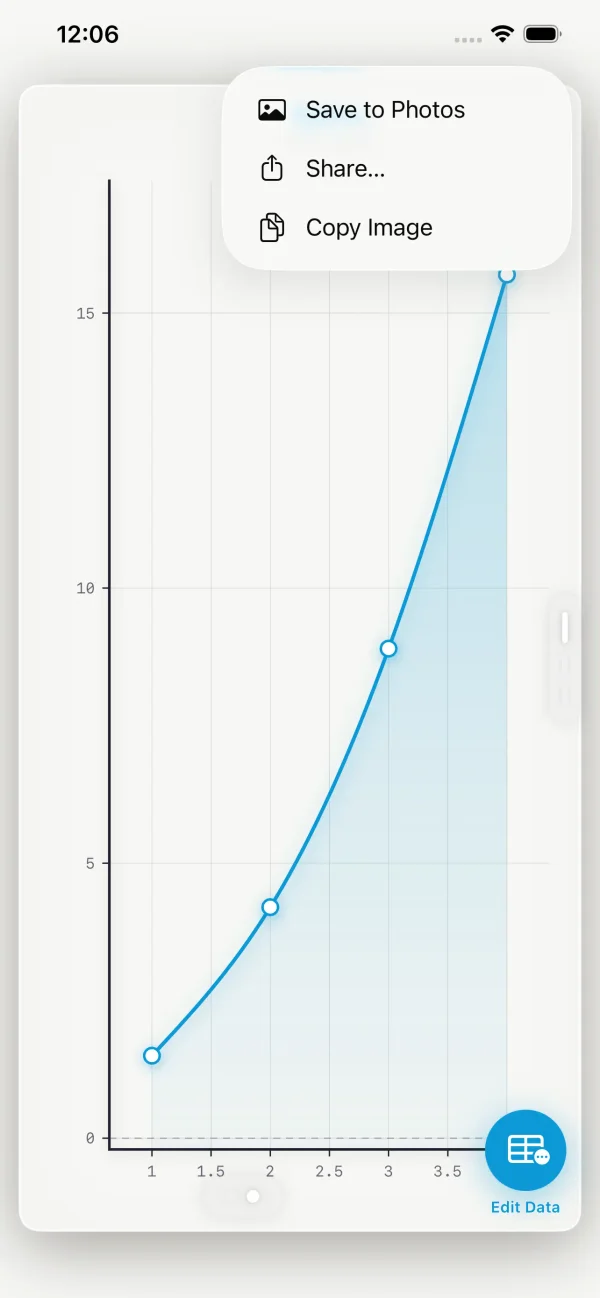
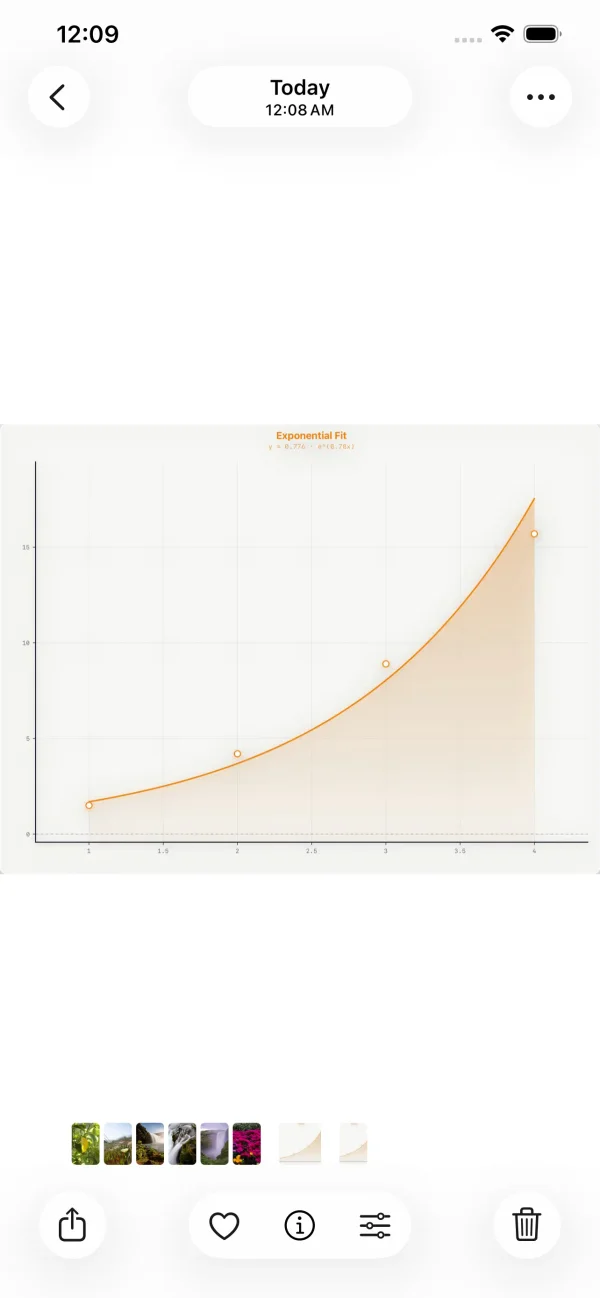
One tap exports a clean, high-resolution chart to your Photos. Press and hold for more: share via AirDrop, Messages, or any app, or copy directly to the clipboard.
WHO IT'S FOR
LittlePlotter is for anyone who works with measurements and wants a fast, clean answer: researchers checking a calibration curve, students visualising lab data, engineers sketching a trend on the fly, teachers making a quick diagram. If you've ever opened a spreadsheet just to plot six numbers, this was made for you.
What’s new
Version 1.1 · Sep 12, 2026
1) Add split-screen view for iPad;
2) Fix bug in Data Points handling.
App privacy
What Jien Cao declares on the App Store about how this app handles data.
-
Data not collected
The developer does not collect any data from this app.
Privacy practices may vary, for example with the features you use or your age.
Information
- Seller
- Jien Cao
- Category
- Productivity
- Version
- 1.1
- Updated
- Sep 12, 2026
- Released
- Apr 7, 2026
- Size
- 3.7 MB
- Requires
- iOS 26.2 or later
- Age rating
- 4+
- Price
- Free
- In-app purchases
- Yes
- Languages
- English
- Copyright
- © 2026 Jien Cao
You might also like
-
 Opening Bell: Habit TrackerRoutines Priced Like Stocks
-
 Prayer lock - Pray Screen TimeBlock Apps. Focus on Prayers
-
 Chart Graph MakerMaking graphics easier
-
 Solo QuestsGo solo. Level up with Quests.
-
 Quest: Task & Habit ManagerTrack Progress, Achieve More
-
 # Simple GraphCreate Charts from Tables
-
 Chart Builder ProGraph Maker
-
 Chart Builder - Vizzyplots, tier maker, chart aı
-
 Chart Maker - Build GraphsCharts Line, Bar, Donut & More
-
 Habit Tracker - HabitSwipeHabit Tracker & Best Friends