
Live Caption AI
Real-time caption & translate
Designed for iPhone, iPad
Free · In-app purchases
- Age rating4+
- CategoryUtilities
- DeveloperLive Caption, Inc.
- LanguagesEnglish
- Size48.7 MB
Links to the official App Store page
Download.org hosts no file of Live Caption AI. The button opens its official App Store page, published by Live Caption, Inc. Listing last checked on Nov 25, 2026.
Screenshots

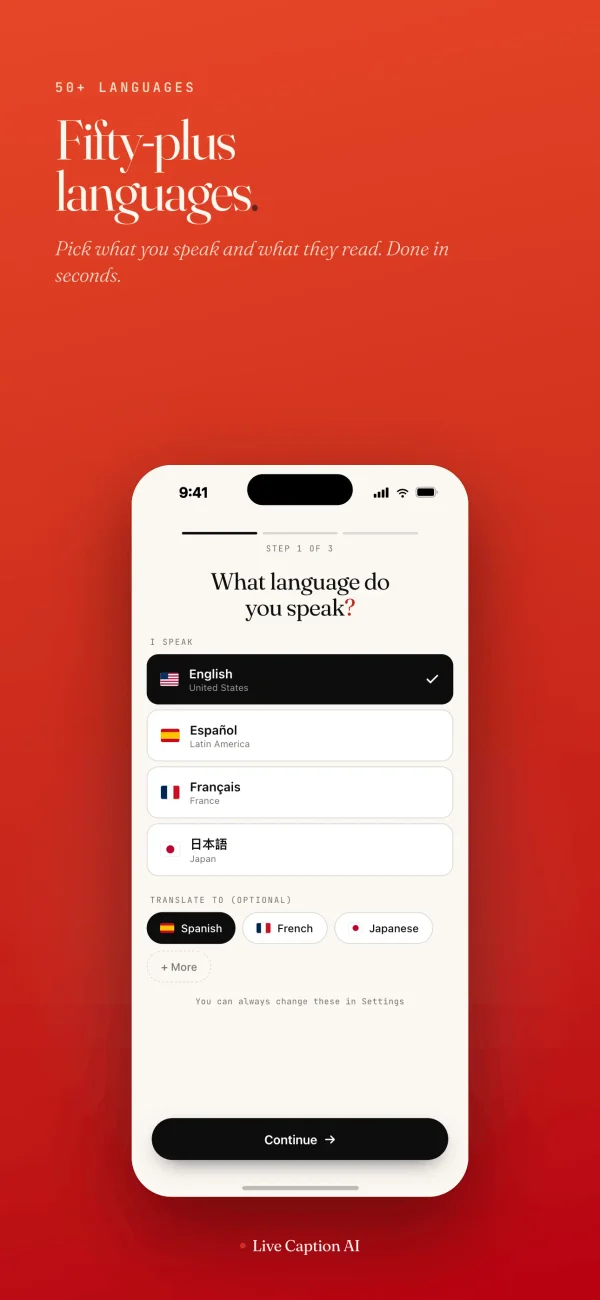

About
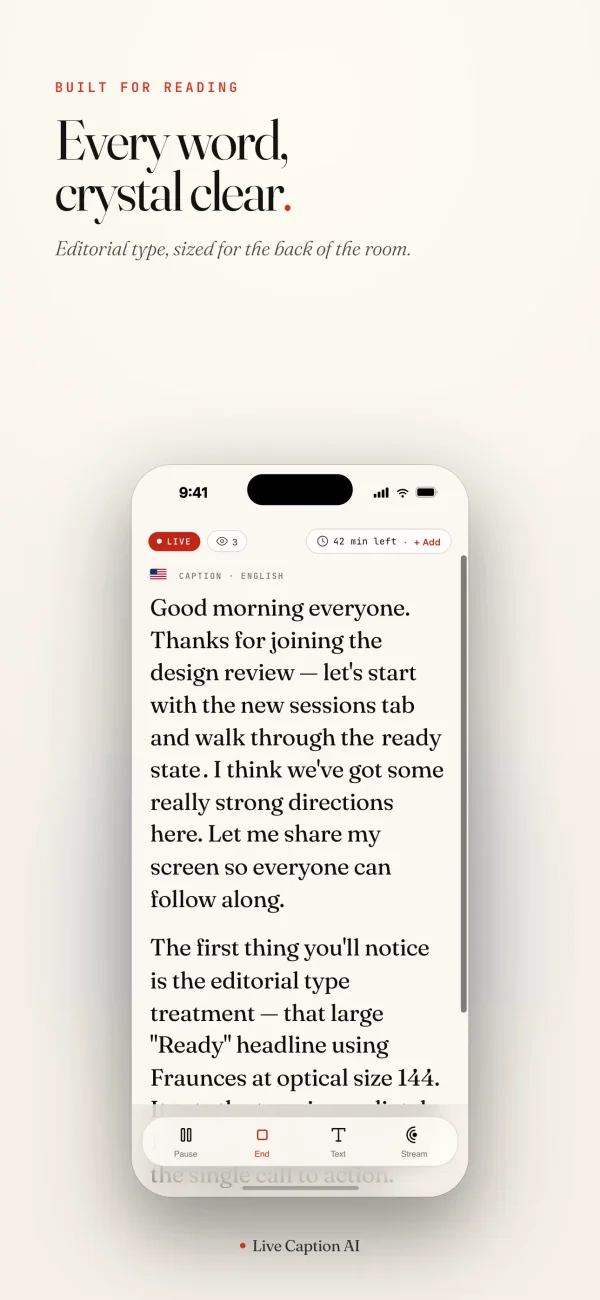
Live Caption AI turns speech into live captions — on your screen, or on every phone in the room. Built for churches, conferences, classrooms, meetings and events where people need to follow every word.
LIVE CAPTIONS
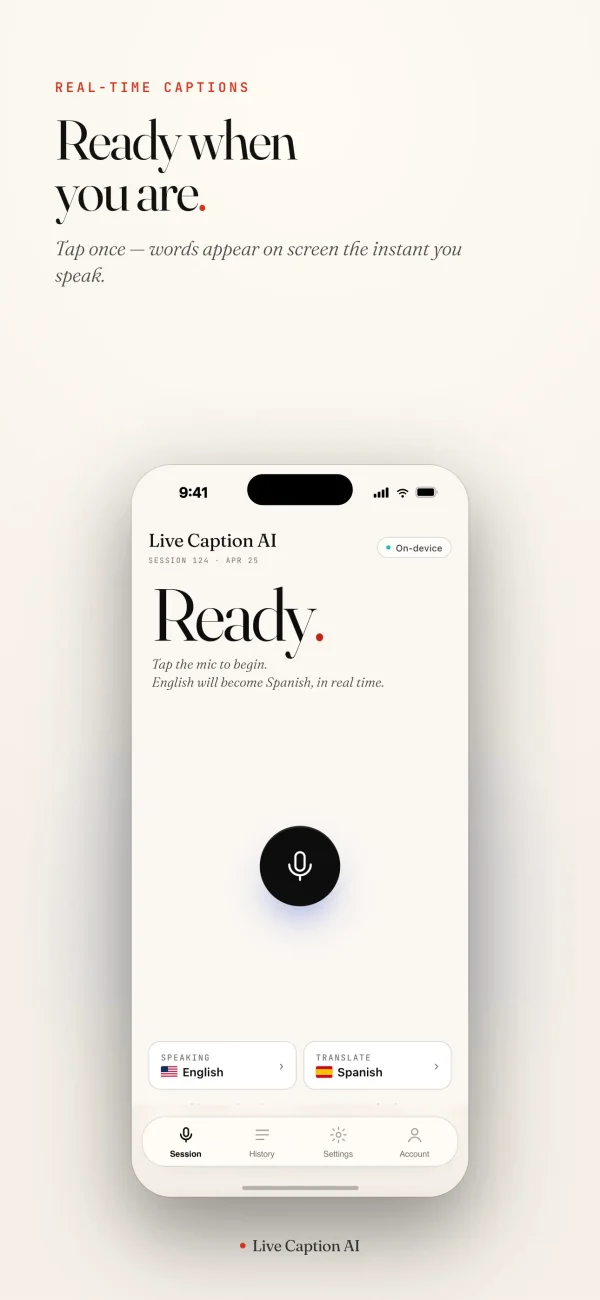
Tap the mic and captions appear as people speak. Captioning on your device is free;
Professional adds cloud speech recognition for accents, noisy rooms and distant
microphones.
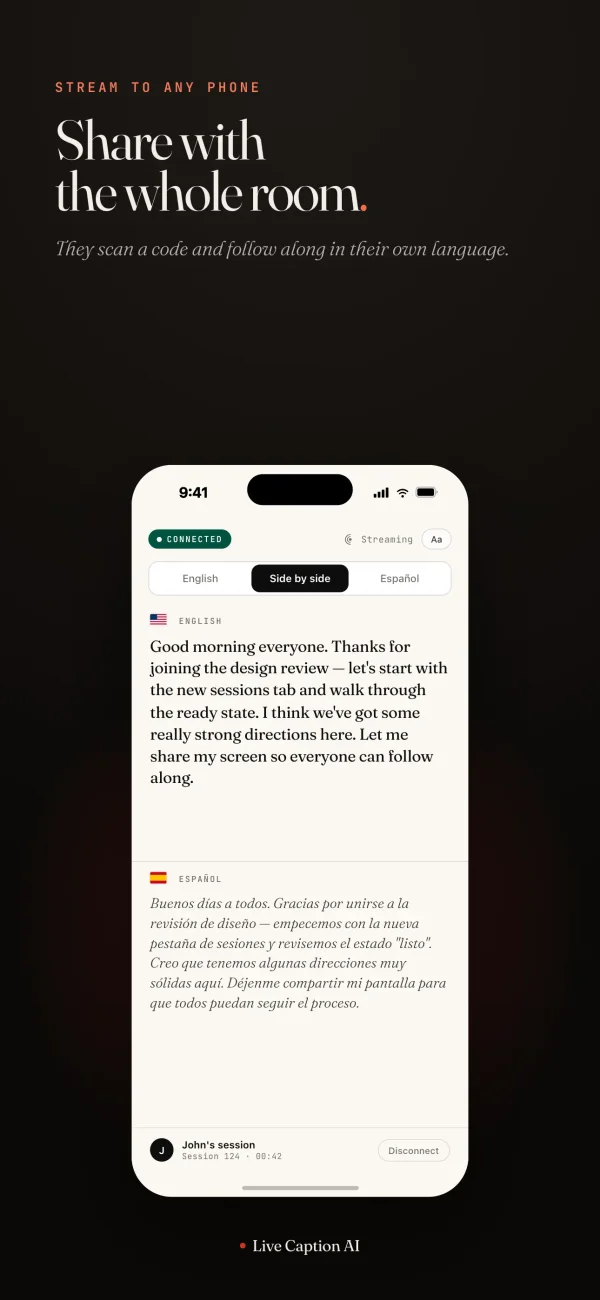
BROADCAST TO EVERY PHONE
Share a QR code and your audience reads the captions live on their own phones — no app or
account needed for viewers. Reserve up to 5 broadcast links ahead of time and print their
QR codes on bulletins, programs or signs; the same code works every week.
LIVE TRANSLATION
Translate captions into any of 34 languages as people speak, and your audience can follow
along in the translated language on their phones. Professional includes 8 hours of
translation each month, with top-ups available.
SPECIALIZED RECOGNITION
Choose General, Medical, Worship & Ministry, or Finance & Earnings — and add up to 100
Custom Terms of your own: names, places, scripture books, product names, specialist
vocabulary.
AI SUMMARIES
Turn any session into a Brief Overview, Detailed Summary, Action Items, or Meeting Notes in
one tap.
YOUR TRANSCRIPTS
Every session is saved to History. Search them, and export as TXT, SRT subtitles, JSON or
PDF.
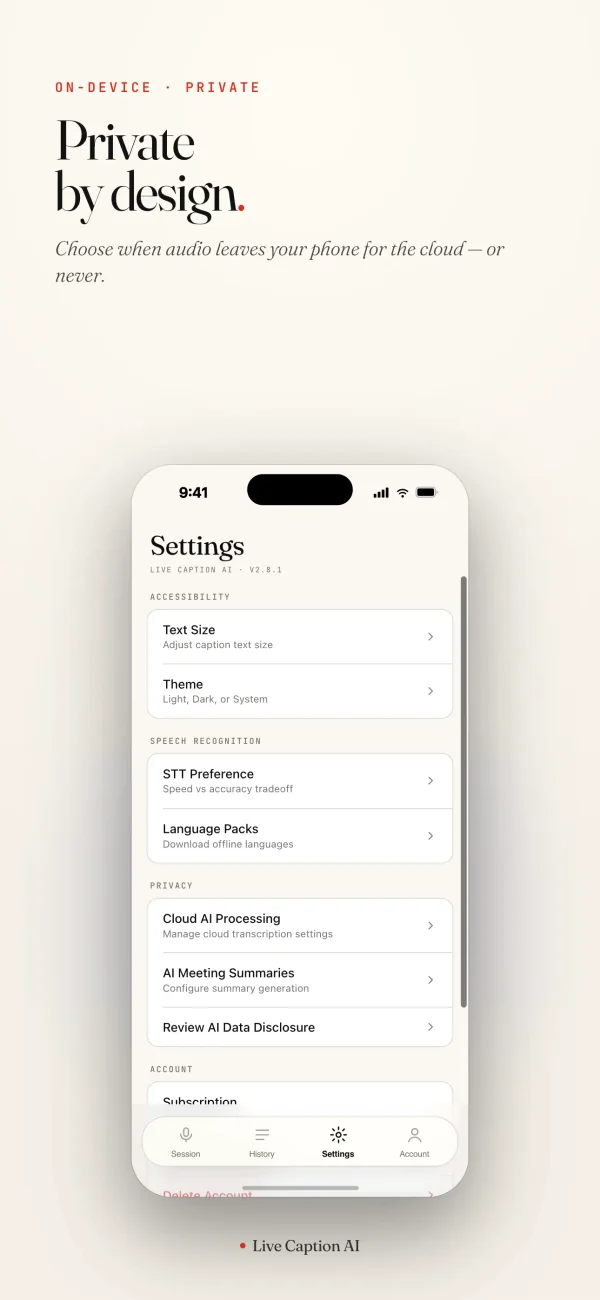
PRIVACY
We never store your session audio. Transcripts stay in your account until you delete them,
and you can delete your account and data from inside the app at any time.
PLANS
• Free: on-device captioning
• Professional: $19.99/month or $199.99/year — cloud speech recognition, live translation,
broadcasting to phones, reserved broadcast links, AI summaries and Custom Terms
New accounts get 7 days of Professional free.
What’s new
Version 2.0.20 · Nov 23, 2026
• Broadcast links: pick the date and time from a calendar and clock instead of typing them. Both are optional.
• If captions don't start, the app now tells you why — a quiet room, a connection problem, or microphone access — and offers a one-tap way to keep going.
App privacy
What Live Caption, Inc. declares on the App Store about how this app handles data.
-
Data linked to you
May be collected and linked to your identity.
- Purchases
- Contact info
- User content
- Identifiers
- Usage data
-
Data not linked to you
May be collected but is not linked to your identity.
- Contact info
Privacy practices may vary, for example with the features you use or your age.
Information
- Seller
- Live Caption, Inc.
- Category
- Utilities
- Version
- 2.0.20
- Updated
- Nov 23, 2026
- Released
- Apr 1, 2024
- Size
- 48.7 MB
- Requires
- iOS 16.4 or later
- Age rating
- 4+
- Price
- Free
- In-app purchases
- Yes
- Languages
- English
- Copyright
- © 2010 Live Caption, Inc.
You might also like
-
 Conference Live CaptioningTranscribe & Translate events
-
 ConvoCap - Speech TranscribeClosed Captioning for Life
-
 Live Caption & Translationinstant Live captions
-
 CC: AI Transcribe & TranslateLive Voice Recorder Translator
-
 Live Transcribe with SubtitlyRealtime. On Device. No WiFi.
-
 Transcribe Live: Voice to TextSpeech Notes AI Transcription
-
 HearviewHearview
-
 CaptionKitLive church translations
-
 Voice To Text Live TranscribeLive Transcribe Speech To Text
-
 Be My Ears - Live Captionlive caption and translation