Live Earth Camera - GPS Map
HD Satellite View & 3D Globe
Designed for iPhone, iPad, iPod touch
Free · In-app purchases
- Age rating12+
- CategoryNavigation
- DeveloperInfinityBridgeLimited
- LanguagesEnglish+ 11 more
- Size178.2 MB
Links to the official App Store page
Download.org hosts no file of Live Earth Camera - GPS Map. The button opens its official App Store page, published by InfinityBridgeLimited. Listing last checked on Nov 27, 2026.
Screenshots

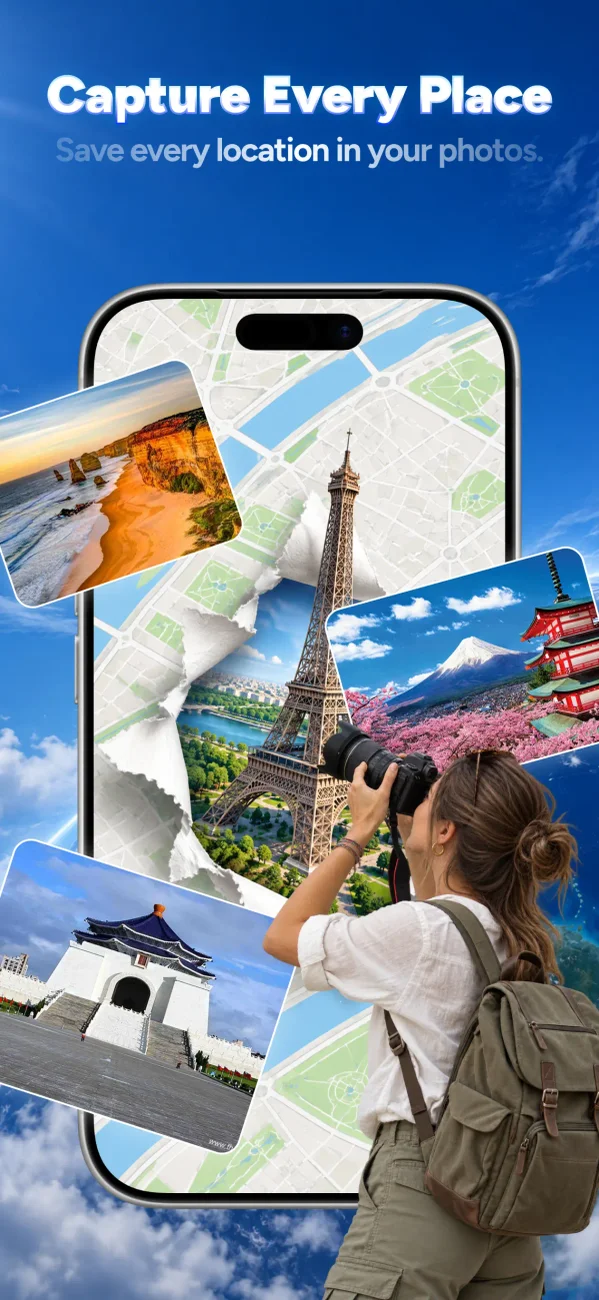
About
Explore the whole planet from your phone — from orbit down to the sidewalk.
Spin a 3D globe, zoom into high-resolution satellite imagery of any address, then drop into street-level panoramas and look around. Along the way, check traffic, track flights overhead, read air quality, and find your bearing with a built-in compass.
3D GLOBE
Start from space. Spin the globe, tilt it, and zoom smoothly down to a single street. Terrain and elevation are rendered in 3D, so mountains, coastlines and valleys keep their shape as you descend.
HD SATELLITE IMAGERY
High-resolution aerial and satellite imagery for locations worldwide. Zoom in on a neighborhood, follow a coastline, or look at terrain that no road map shows. Switch between satellite, terrain and standard map styles.
STREET-LEVEL PANORAMAS
Drop into a street and look around in 360°. Pan, tilt and move along the road to see what a place actually looks like at eye level — useful before a trip, a move, or a first visit.
LIVE PUBLIC WEBCAMS
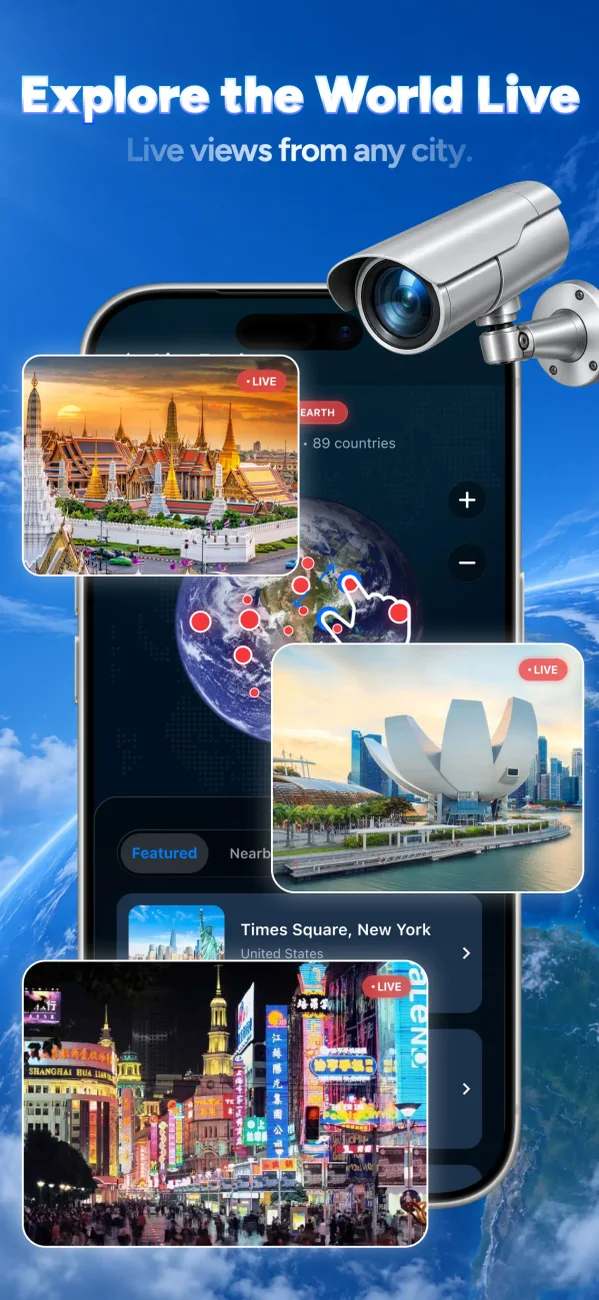
Watch public webcam streams shared by their operators — beaches, city squares, mountain passes and harbors around the world. These are genuine live streams, updated continuously by the people who run them.
GPS, COMPASS AND ROUTES
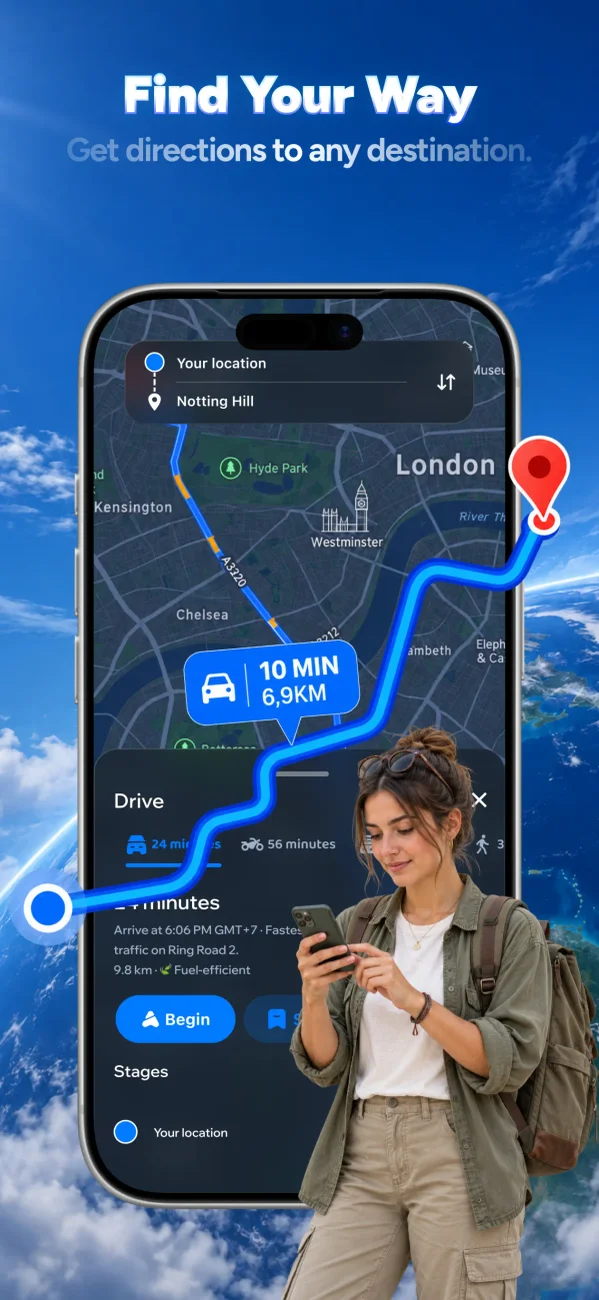
See where you are, which way you are facing, and how to get somewhere. A built-in compass shows your heading, and route directions get you from your current location to any place you find on the map.
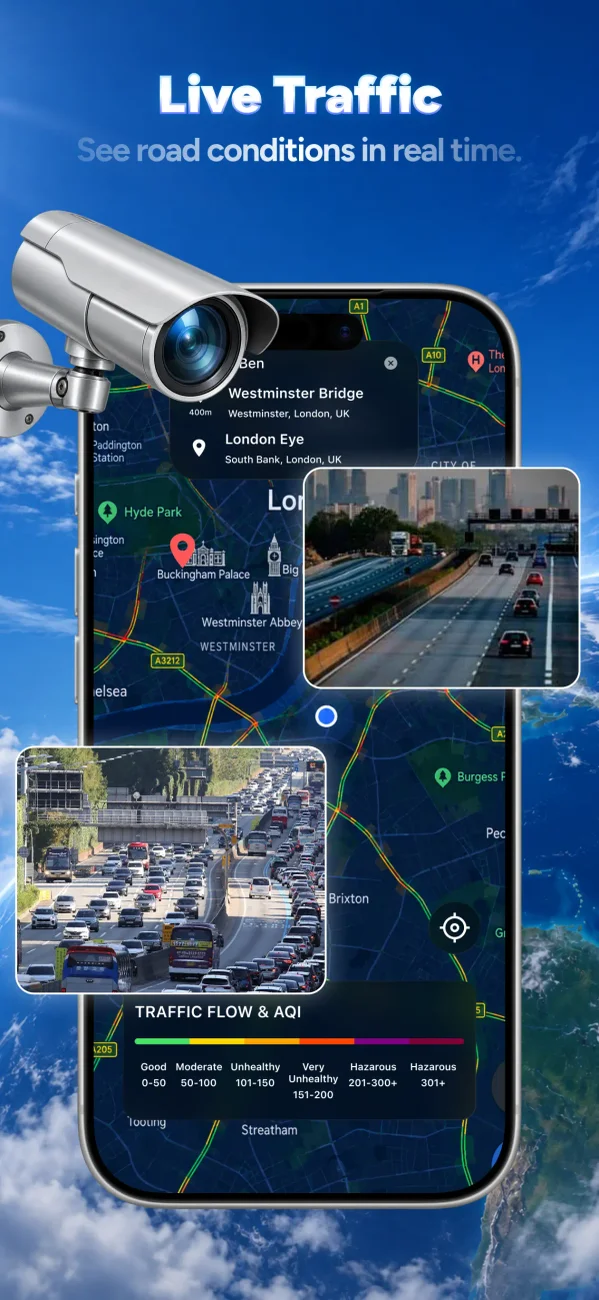
TRAFFIC
Color-coded traffic conditions on the map, so you can see where things are moving and where they are not before you leave.
FLIGHT TRACKER
See aircraft currently in the sky above an area, with route and altitude details for the flights you tap.
AIR QUALITY
Current air quality readings for locations around the world, so you know what the air is like before you head out.
FAST AND LIGHT
Maps load quickly and the app stays light on battery, so you can keep exploring without watching your charge drain.
HOW THE IMAGERY WORKS
Please read this before downloading, so you know exactly what you are getting.
Satellite and aerial imagery in this app comes from mapping data providers and is captured periodically — not continuously. Depending on the location, the most recent image may be weeks, months or longer old. This is true of every consumer mapping app: no publicly available service shows a real-time satellite feed of a specific address, and this app does not either.
Street-level panoramas are photographs taken at a point in time and are also not live.
The one genuinely live part of the app is the public webcam section, where streams are provided in real time by the camera operators themselves. Camera availability depends on those operators and can change without notice.
ABOUT THIS APP
Live Earth Camera - GPS Map is an independent map and imagery viewer. It is not affiliated with, endorsed by, or sponsored by Google, Apple, or any mapping, satellite or imagery provider. Map, imagery, traffic, flight and air quality data are supplied by third-party providers, and coverage, accuracy and update frequency vary by location and by provider.
This app does not provide surveillance of private property, does not show live imagery of any specific address, and cannot be used to observe people or places in real time.
Subscription details, pricing and terms are shown in the app before any purchase is confirmed. Payment is charged to your Apple Account at confirmation of purchase. A subscription renews automatically unless it is turned off at least 24 hours before the end of the current period. You can manage or cancel your subscription in your Apple Account settings.
Terms of Use: https://www.apple.com/legal/internet-services/itunes/dev/stdeula/
What’s new
Version 1.6.0 · Oct 30, 2026
App optimizations, bug fixes, and improved user experience.
App privacy
What InfinityBridgeLimited declares on the App Store about how this app handles data.
-
Data used to track you
May be used to track you across apps and websites owned by other companies.
- Identifiers
-
Data linked to you
May be collected and linked to your identity.
- Identifiers
-
Data not linked to you
May be collected but is not linked to your identity.
- Location
- Usage data
- Diagnostics
Privacy practices may vary, for example with the features you use or your age.
Information
- Seller
- Infinity Bridge Limited
- Category
- Navigation
- Version
- 1.6.0
- Updated
- Oct 30, 2026
- Released
- Aug 24, 2026
- Size
- 178.2 MB
- Requires
- iOS 15.5 or later
- Age rating
- 12+
- Price
- Free
- In-app purchases
- Yes
- Languages
- English, Arabic, French, German, Hindi, Indonesian, Italian, Japanese, Korean, Portuguese, Spanish, Vietnamese
- Copyright
- © 2026 Infinity Bridge Limited Co. LTD
You might also like
-
 OrbiScopeLive Cams, 3D Maps & Traffic
-
 Live World : GPS MapLive Cams & Street View
-
 Cando Translator—World Talktext, voice, and images
-
 Earth Lens: 3D Map & Live CamStreet View, GPS & Compass
-
 GPS Maps: Route Planner360° Street Photos & Nearby
-
 Sky Radar: Live FlightsReal-Time Flight Tracking
-
 CamRoam: Live Map & GPSWorld Webcams & GPS Camera
-
 Locaris – GPS World MapLive Views & GPS Travel Tools
-
 World Vista—GPS Map&Live CamEarth Live,3D Map,GPS Cam
-
 LiveGlobe: GPS Map CameraEarth, Maps & GPS Camera