LiveMotion: Live Wallpaper
Video to Live Wallpaper
Designed for iPhone, iPad
Free · In-app purchases
- Age rating4+
- CategoryPhoto & Video
- DeveloperAccelOcean LLC
- LanguagesEnglish+ 9 more
- Size72.6 MB
Links to the official App Store page
Download.org hosts no file of LiveMotion: Live Wallpaper. The button opens its official App Store page, published by AccelOcean LLC. Listing last checked on Nov 25, 2026.
Screenshots



About
LiveMotion makes it easy to create beautiful Live Wallpapers and Live Photos for your iPhone.
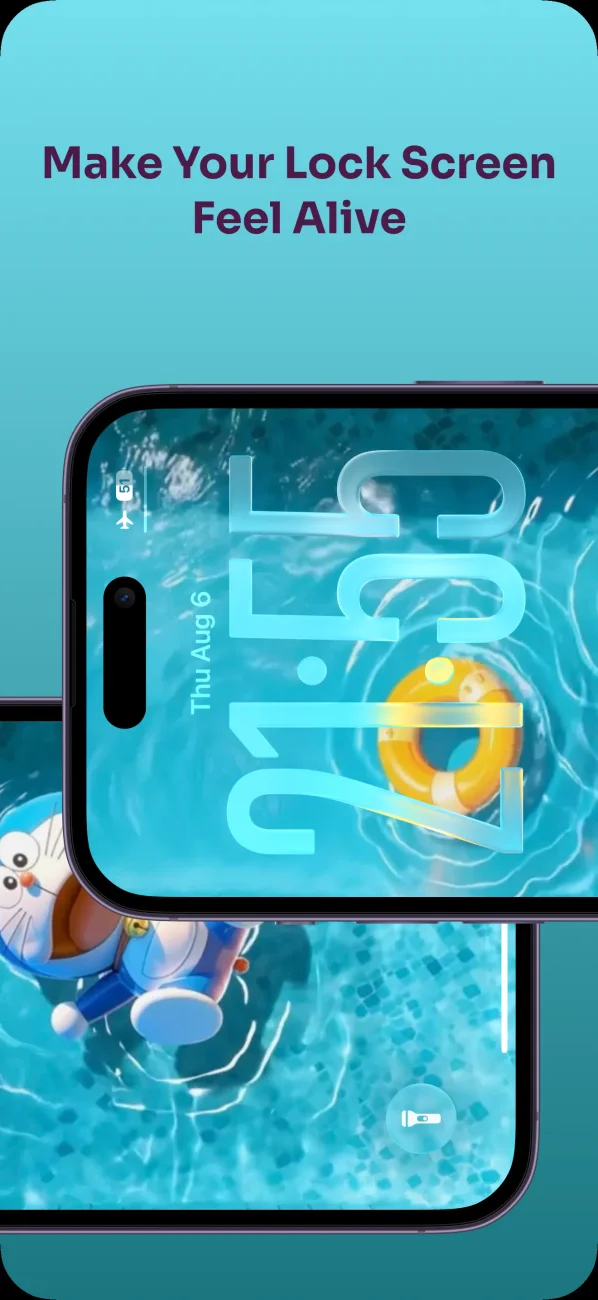
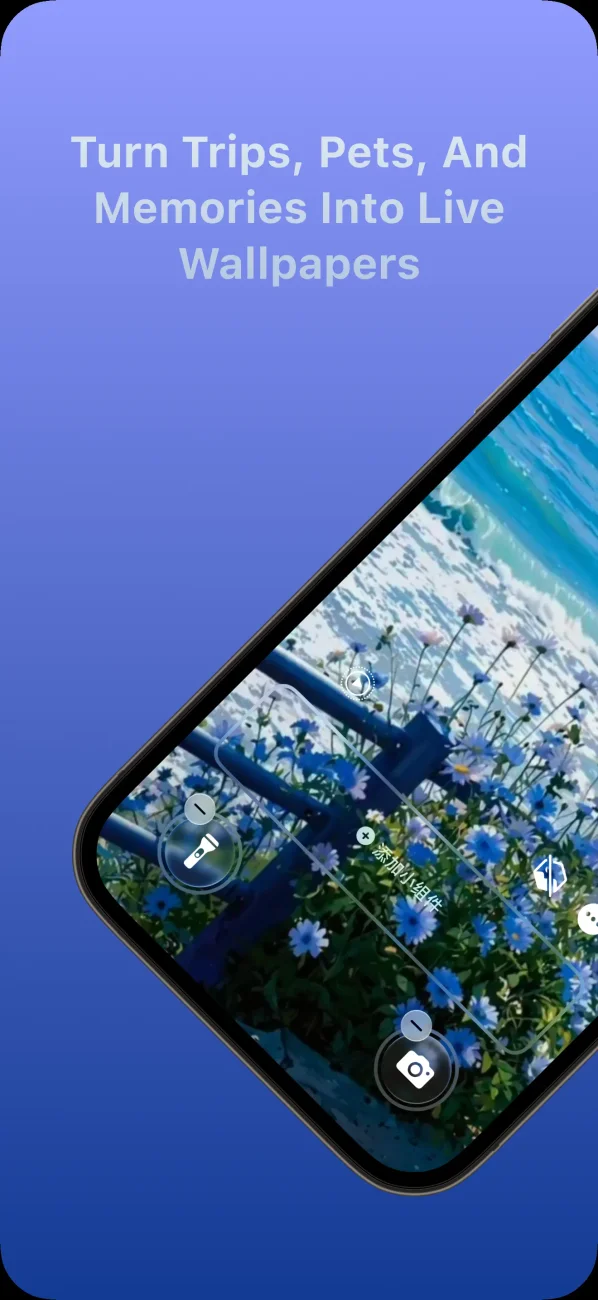
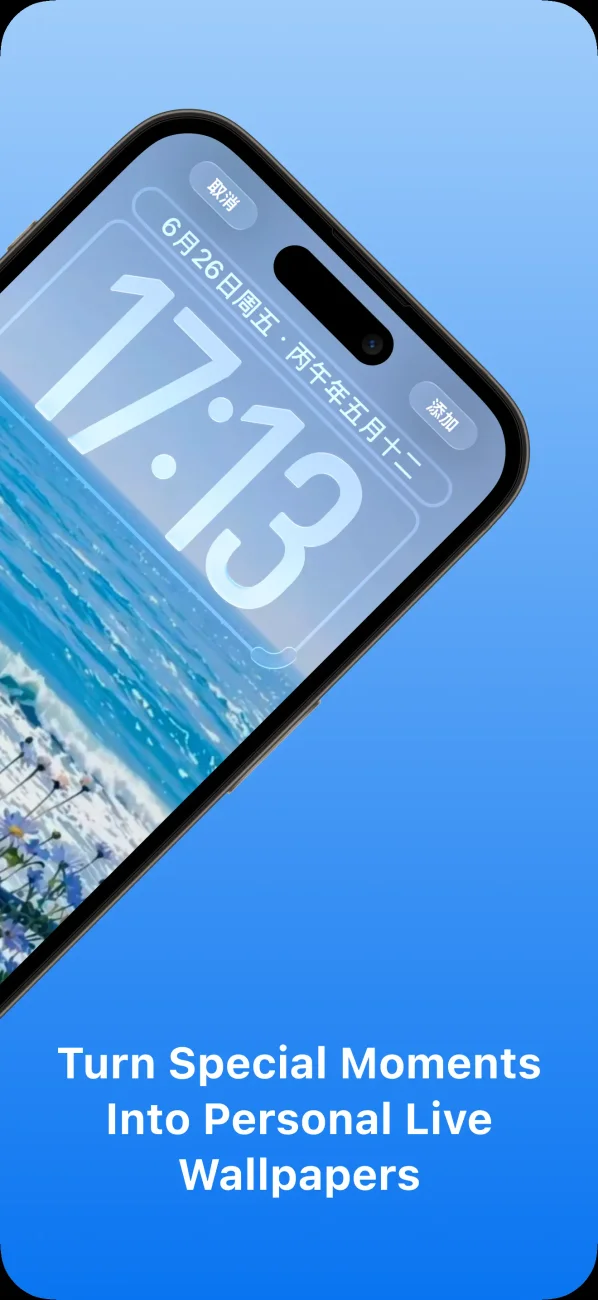
Turn your favorite videos into motion wallpapers for your Lock Screen. Choose a video, select the best moment, preview the motion, and create a Live Wallpaper that saves directly to your Photos library.
You can also explore curated Live Wallpapers inside the app, preview animated styles, and save them as Live Photos. Whether you want a personal video, a travel memory, a pet moment, a portrait clip, or a polished animated wallpaper, LiveMotion helps you make your Lock Screen feel more personal and alive.
### What You Can Do
- Turn videos into Live Wallpapers
- Create Live Photos from your own clips
- Select the best motion range before saving
- Preview your selected video clip before export
- Save Live Wallpapers directly to Photos
- Browse curated animated wallpaper styles
- Export Live Photos as separate photo and video files
- Keep your personal media processed on device
### Built for Personal Wallpapers
LiveMotion is designed for quick, focused wallpaper creation. Import a video, choose the section that looks best on your Lock Screen, and create a Live Wallpaper without a complicated editing timeline.
### Curated Live Wallpaper Gallery
Browse a growing collection of animated lock screen wallpapers. Preview motion styles, pick a favorite, and save it as a Live Photo for your wallpaper setup.
### Premium Features
LiveMotion Premium unlocks the complete live wallpaper collection, video-to-wallpaper creation, and unlimited exports with full output controls.
### How It Works
1. Choose a video or wallpaper style.
2. Preview the motion.
3. Create a Live Wallpaper.
4. Save it to Photos.
5. Set it as your iPhone Lock Screen wallpaper.
LiveMotion gives you a simple way to make your iPhone feel more personal every time you wake the screen.
Terms of Use: https://www.apple.com/legal/internet-services/itunes/dev/stdeula/
Privacy Policy: https://www.accelocean.com/legal/livemotion-privacy/
What’s new
Version 3.7.2 · Nov 24, 2026
- Added new wallpaper resources.
- Improved the user experience.
App privacy
What AccelOcean LLC declares on the App Store about how this app handles data.
-
Data not linked to you
May be collected but is not linked to your identity.
- Usage data
- Diagnostics
Privacy practices may vary, for example with the features you use or your age.
Information
- Seller
- AccelOcean LLC
- Category
- Photo & Video
- Version
- 3.7.2
- Updated
- Nov 24, 2026
- Released
- Dec 2, 2024
- Size
- 72.6 MB
- Requires
- iOS 17.6 or later
- Age rating
- 4+
- Price
- Free
- In-app purchases
- Yes
- Languages
- English, French, German, Indonesian, Japanese, Korean, Portuguese, Russian, Simplified Chinese, Spanish
- Copyright
- © 2026 AccelOcean
You might also like
-
 LiveMax - Live Wallpaper MakerTurn Video into Live Wallpaper
-
 iErase - AI Remove BackgroundRemoval By AI, On Your Device
-
 Quick Live Photo-Video & LiveCreate Live Wallpapers
-
 MyerSplash 2Clock & Wallpaper
-
 PixelShot - Screenshot FinderOrganize screenshots using AI
-
 Toolbox for Instagram#1 Create, plan and publish
-
 Video To Live Wallpapers#1 Live Wallpapers
-
 SuperScale Photo Enhancer AIEnhance Image, Restore Quality
-
 LiveMotion - Live Photo to GIFLive memories from photos
-
 Frame Capture - Video to PhotoExport Pic & HD Image Grabber