- Age rating9+
- CategoryBusiness
- DeveloperJAPAN MEDIA SYSTEMS Corp.
- LanguagesEnglish+ 1 more
- Size8.0 MB
Links to the official App Store page
Download.org hosts no file of LiveOn. The button opens its official App Store page, published by JAPAN MEDIA SYSTEMS Corp. Listing last checked on Nov 13, 2026.
Screenshots

About
Detail
LiveOn for iPhone/iPad
Description
The Web conferencing System "LiveOn" makes it possible to participate in the web conference at any place, at any time not only between smart phones such as iPhone or iPad, but also between PC.
"LiveOn" can perform the smooth conference by video and audio.
The participant in the smart phone can also become the chairman of the conference.
The following functions are available in this application.
- Transmission and reception of video
- Transmission and reception of audio
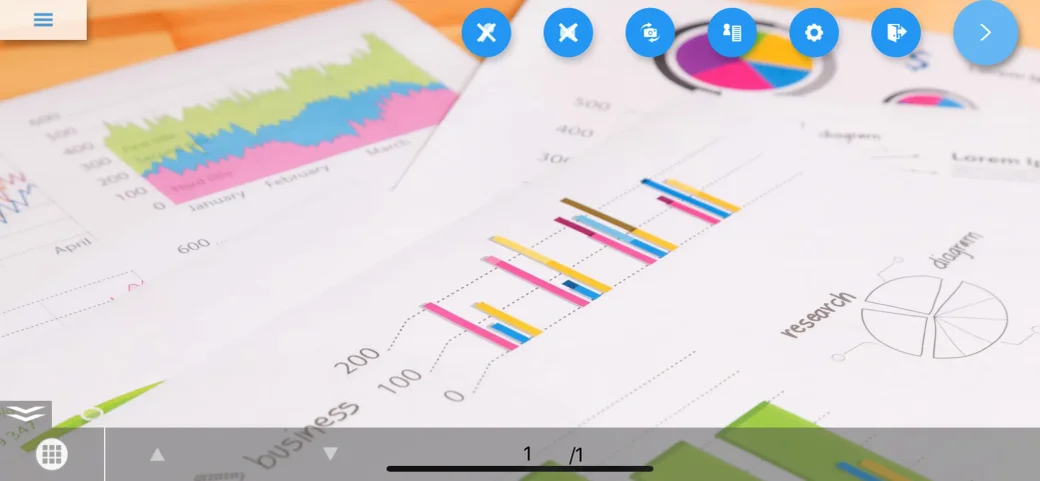
- Document Sharing
Can share a document such as Excel, Word, PowerPoint and PDF with all participants.
Can draw on shared document.
*Only the Chairmanship holder can operate the document sharing.
*The Chairmanship can be transferred to the another participant while conferencing.
- Message
Messages can be exchanged with specific users participating in the conference.
- Chat
Messages can be exchanged with all users participating in the conference.
- Screen Sharing
Screen Sharing allows to share the device's screen, and to show the shared screen of the other participant's device.
- Questionnaire
Questionnaire allows the chairmanship holder to send a questionnaire to every participant and count the result of the votes from the participants.
- Multi-User Mode
A participant can request a voice to speak.
Up to 4 participants can speak.
The Chairmanship cannot be transferred to the other participant in Multi-User mode.
- Large Mode Conference
Up to 150 users can participate in the Large Mode Conference.
You cannot speak at the time you enter the room.
To speak, you need to become a Speaker with the "Start Button".
Please note:
*License of "LiveOn" is required to use this application.
*This application will be available on LiveOn V10 or later.
*Usage of WiFi is recommended when using this application.
*Depending on the status of network, it may cause drop of video frames or intermittent of audio.
*Applying the flat-rate plan is recommended when using 3G or LTE transmission.
Also, the carrier may impose the bandwidth restriction when exceeding the traffic limit.
*All rights are reserved by Japan Media Systems Corp.
*By downloading this app, you accept user agreement of LiveOn.
User agreement of LiveOn
http://www.liveon.ne.jp/support/asp_kiyaku.html
What’s new
Version 3.12.2 · Oct 8, 2026
◇Improvement
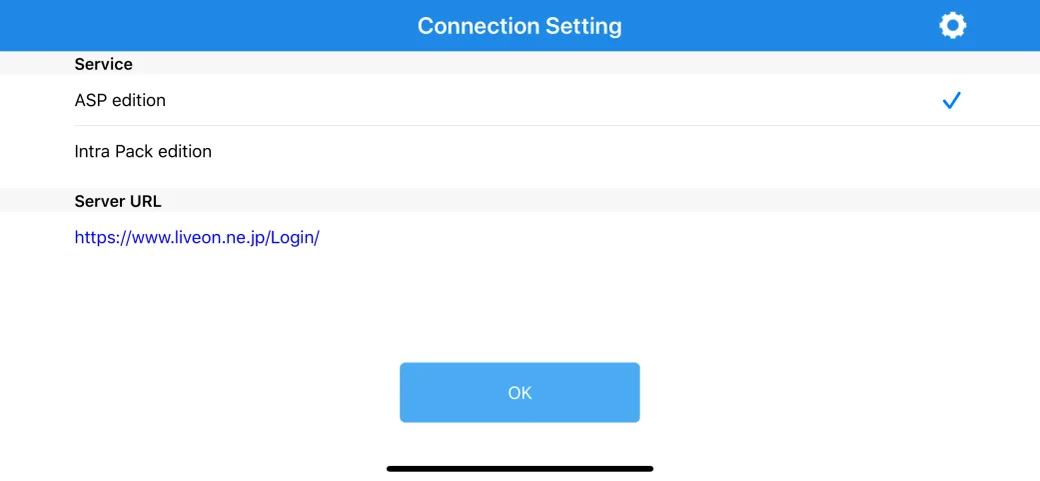
-"ASP - Portal" is now available for selection on the connection settings screen.
App privacy
What JAPAN MEDIA SYSTEMS Corp. declares on the App Store about how this app handles data.
-
Data not collected
The developer does not collect any data from this app.
Privacy practices may vary, for example with the features you use or your age.
Information
- Seller
- JAPAN MEDIA SYSTEMS Corp.
- Category
- Business
- Version
- 3.12.2
- Updated
- Oct 8, 2026
- Released
- Mar 19, 2012
- Size
- 8.0 MB
- Requires
- iOS 15.0 or later
- Age rating
- 9+
- Price
- Free
- Languages
- English, Japanese
- Copyright
- © JAPAN MEDIA SYSTEMS Corp.