
- Age rating17+
- CategoryUtilities
- DeveloperAqualux
- LanguagesEnglish+ 6 more
- Size250.7 MB
Links to the official App Store page
Download.org hosts no file of LivePool Heater. The button opens its official App Store page, published by Aqualux. Listing last checked on Nov 12, 2026.
Screenshots

About
LivePool Heater is a free app that allows you to manage your pool’s heat pump through your smartphone or tablet. Control your heat pump anytime and anywhere thanks to LivePool Heater to make the most of your pool and enjoy a stress-free, relaxing time with your family or friends.
The LivePool Heater app can be downloaded for free from the APP Store.
Creating an account
When you access the app for the first time, you can create an account in just a few clicks and all your data will be protected and processed in compliance with GDPR. You can quickly configure your pool, providing personalised piloting that takes into account your specific conditions.
LivePool Heater is available in 7 different languages.
Easy and intuitive pairing
Once you have registered, your equipment can be easily connected to your smartphone via your home Wi-Fi network thanks to the LivePool Connect connection module located on the back of the heat pump.
You can access the app by scanning the QR code below the PAC or under the LivePool Connect box at the back of the machine. You then need to type in the security code of your home network by pressing the pairing button (double arrow) on the LivePool Connect box so that the app recognises and automatically uses it.
Main interface
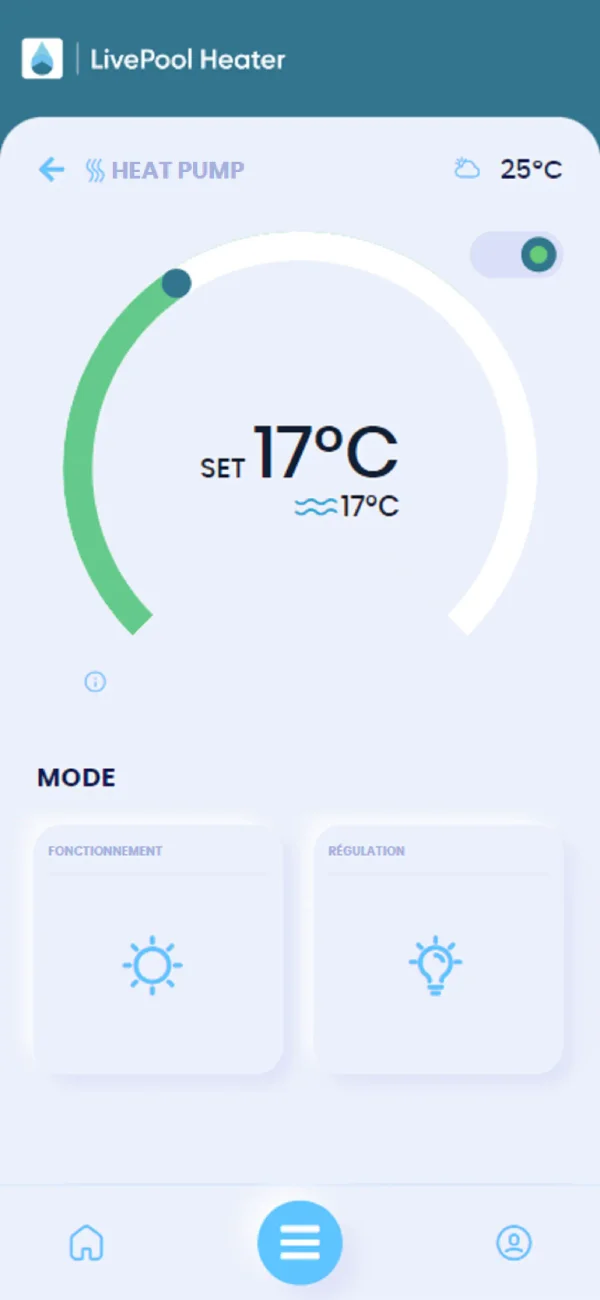
Once you are connected to the app, the following features are available:
1. Heat pump, pool temperature, setpoint temperature and weather status information
2. Switching the heat pump on/off
3. Configuring the setpoint temperature
The temperature can be set by sliding the cursor around the temperature circle
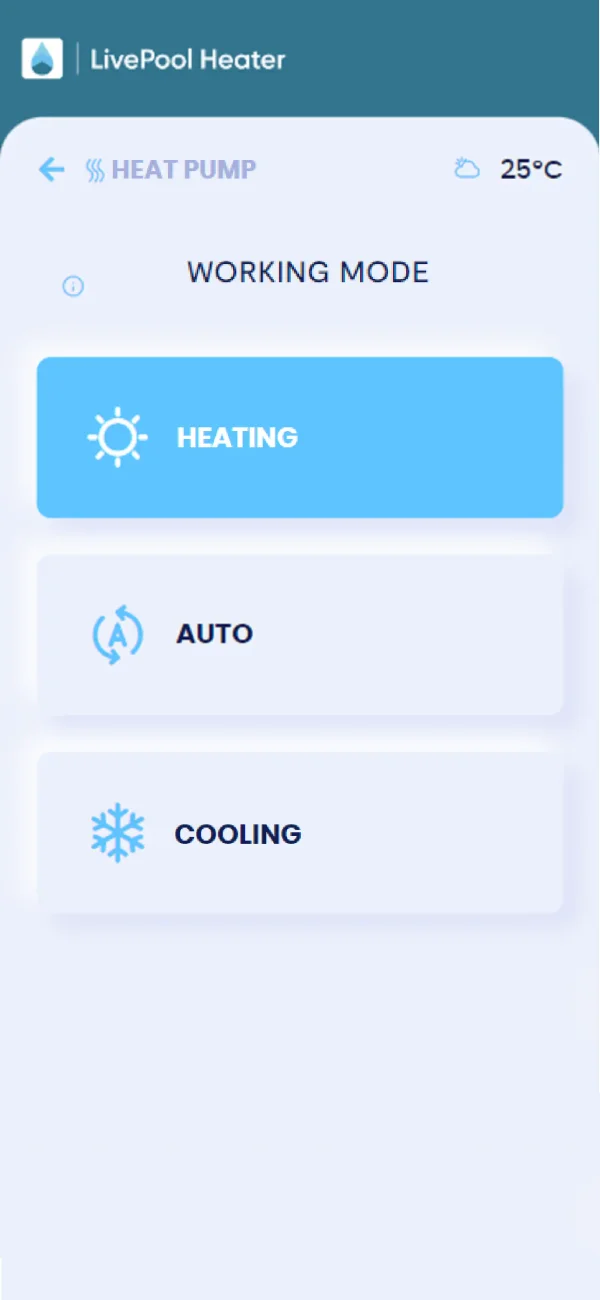
3. Choice of operating mode - Heating/Automatic/Cooling
In heating mode, the PAC will only be switched on to heat the water (if pool t° lower than setpoint t°)
In cooling mode, the PAC will only be switched on to cool the water (if pool t° higher than setpoint t°)
In automatic mode, the PAC will heat or cool the water to constantly adjust the pool temperature and maintain the setpoint temperature
4. Choice of regulation mode– Boost/ Smart/Eco
This is only accessible when in Heating or Cooling mode
In Boost mode, the PAC will operate at between 50% and 100% power so that it reaches the setpoint temperature as quickly as possible
In Smart mode, the PAC will adapt as efficiently as possible throughout its full power range to optimise both reaching the setpoint temperature and energy efficiency
In Eco mode, the PAC will operate at a maximum of 50% power to ensure that the noise level remains low
5. Data history
Access the graphic interface showing operation of your PAC across the period of your choice (the last 2, 7 or 14 days)
Account management
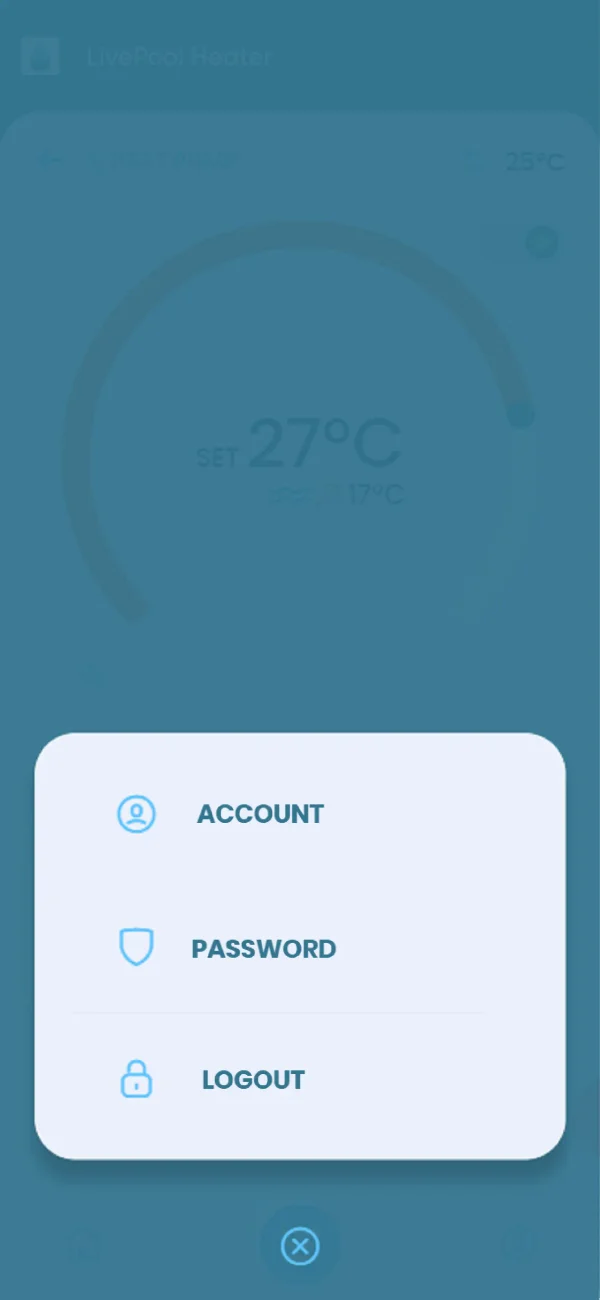
In just a few clicks, you can configure your choice of language and contact e-mail address, change your password, log off completely or delete your account.
After-sales service
If you encounter any issues with your equipment, the app will immediately notify you of the problem and direct you to the first level for resolving it.
If the problem is not resolved, our hotline technicians will proactively take over and provide you with advice based on data from the machine and the relevant error codes.
What’s new
Version 9.1 · Oct 16, 2026
Improvement of certain features.
App privacy
What Aqualux declares on the App Store about how this app handles data.
-
Data linked to you
May be collected and linked to your identity.
- Contact info
- Identifiers
-
Data not linked to you
May be collected but is not linked to your identity.
- Location
Privacy practices may vary, for example with the features you use or your age.
Information
- Seller
- AQUALUX SAS
- Category
- Utilities
- Version
- 9.1
- Updated
- Oct 16, 2026
- Released
- Mar 6, 2024
- Size
- 250.7 MB
- Requires
- iOS 14.2 or later
- Age rating
- 17+
- Price
- Free
- Languages
- English, Dutch, French, German, Italian, Portuguese, Spanish
- Copyright
- © 2024 LivePool