LiveSight: Blind & Low Vision
Talking Camera & Voice Aid
Designed for iPhone, iPad
- Age rating4+
- CategoryNavigation
- DeveloperMustafa BILGIC
- LanguagesEnglish
- Size5.3 MB
Links to the official App Store page
Download.org hosts no file of LiveSight: Blind & Low Vision. The button opens its official App Store page, published by Mustafa BILGIC. Listing last checked on Nov 28, 2026.
Screenshots
About
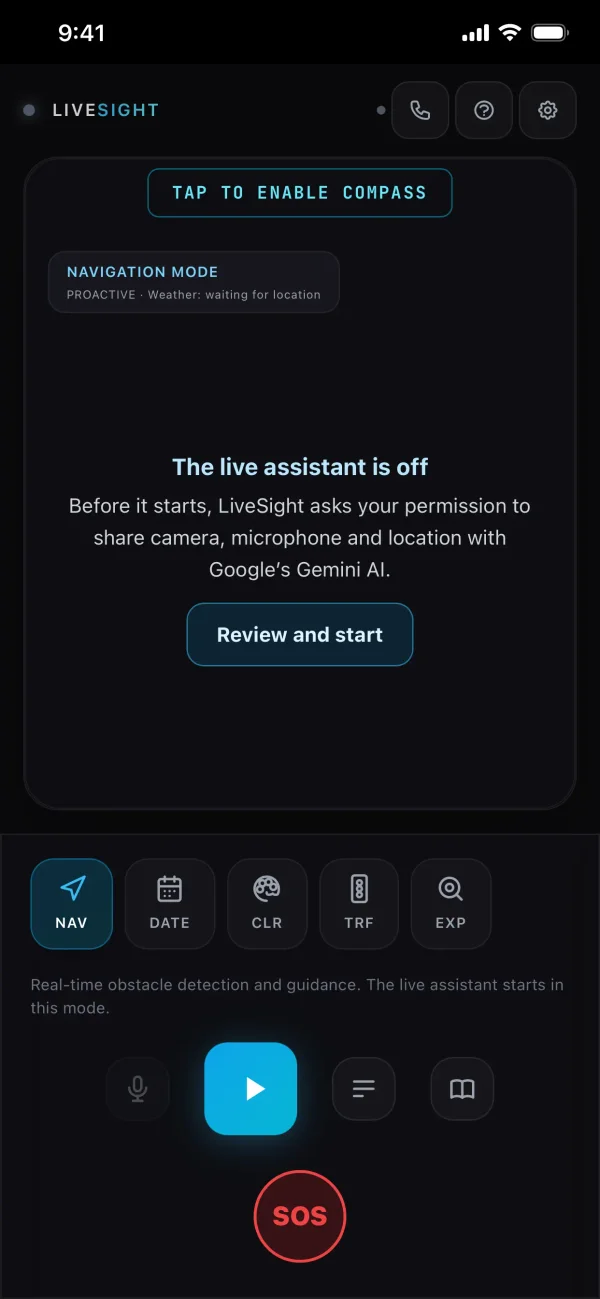
LiveSight is a free, live voice assistant for blind and low-vision people. It streams your camera and microphone to a live AI model on Google's servers; the model looks at the camera view and talks back, and LiveSight adds haptic feedback. It works with your own free API key from Google AI Studio; the app shows you how to get one when you first open it. Without a key you can still open the app and use SOS, emergency contacts, the Journal and Settings.
Five modes:
- Navigation mode warns you about obstacles ahead, with a clock direction.
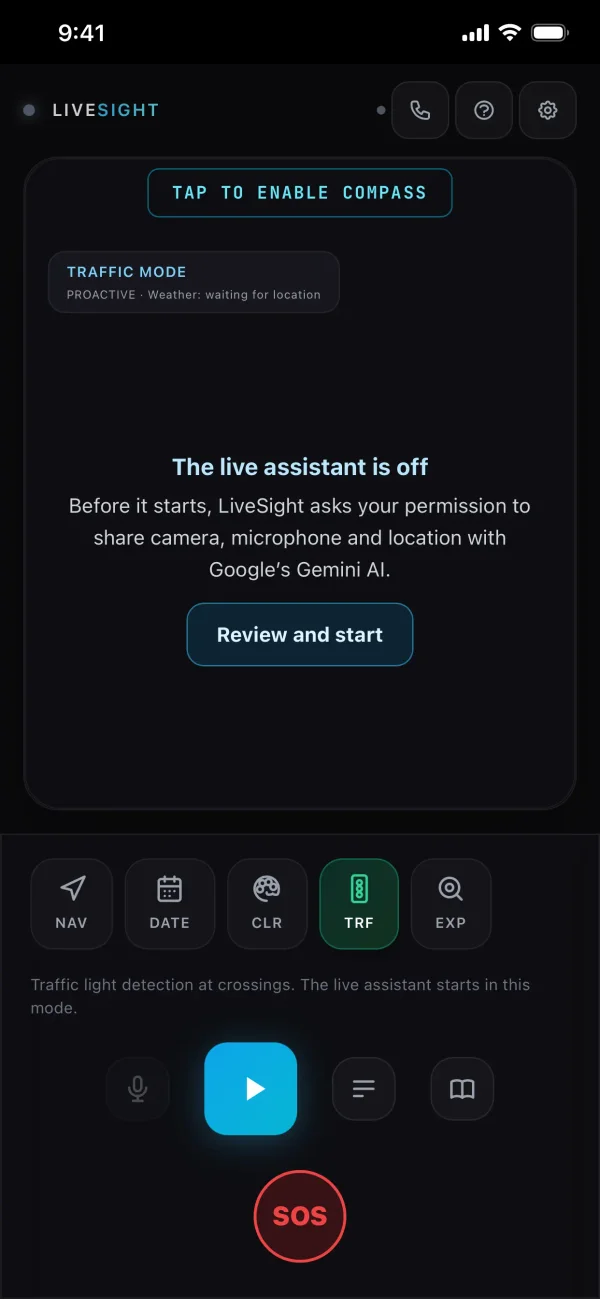
- Traffic mode tells you the colour of the traffic light it sees. Always confirm with your cane, guide dog or other cues before crossing.
- Colors mode describes the colour and pattern of clothing and objects.
- Expiration mode reads expiry dates on packaging.
- Explore mode describes your surroundings.
The app's interface is in English; the assistant can speak English, Turkish, Spanish, German, French, Arabic, Chinese or Japanese.
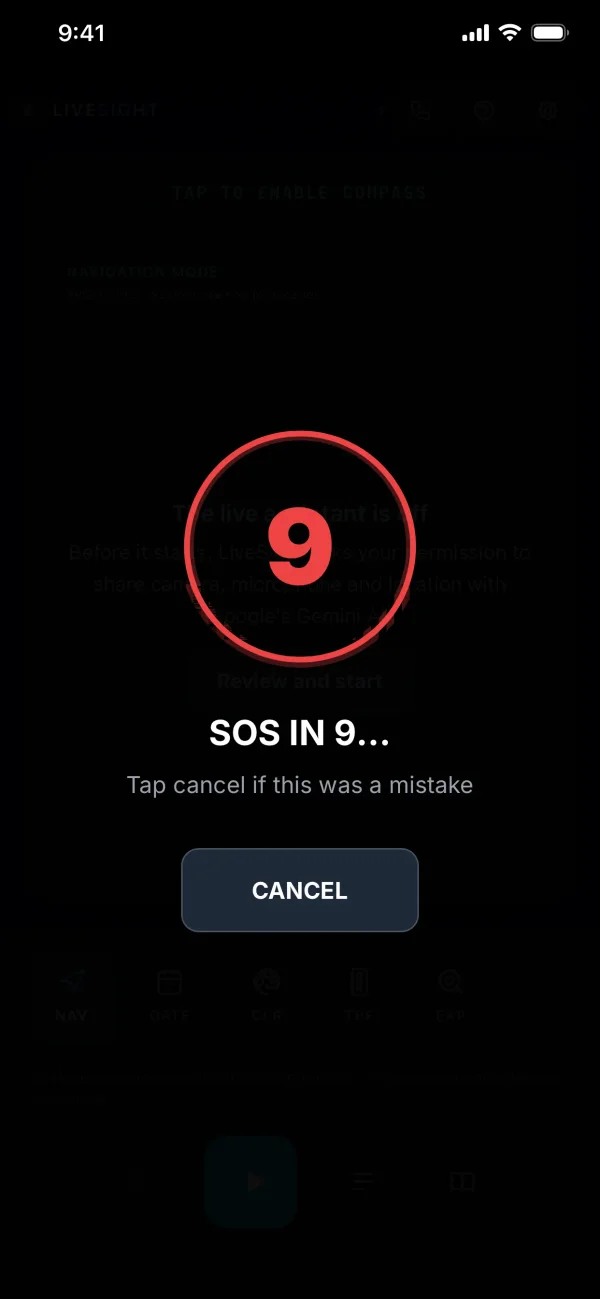
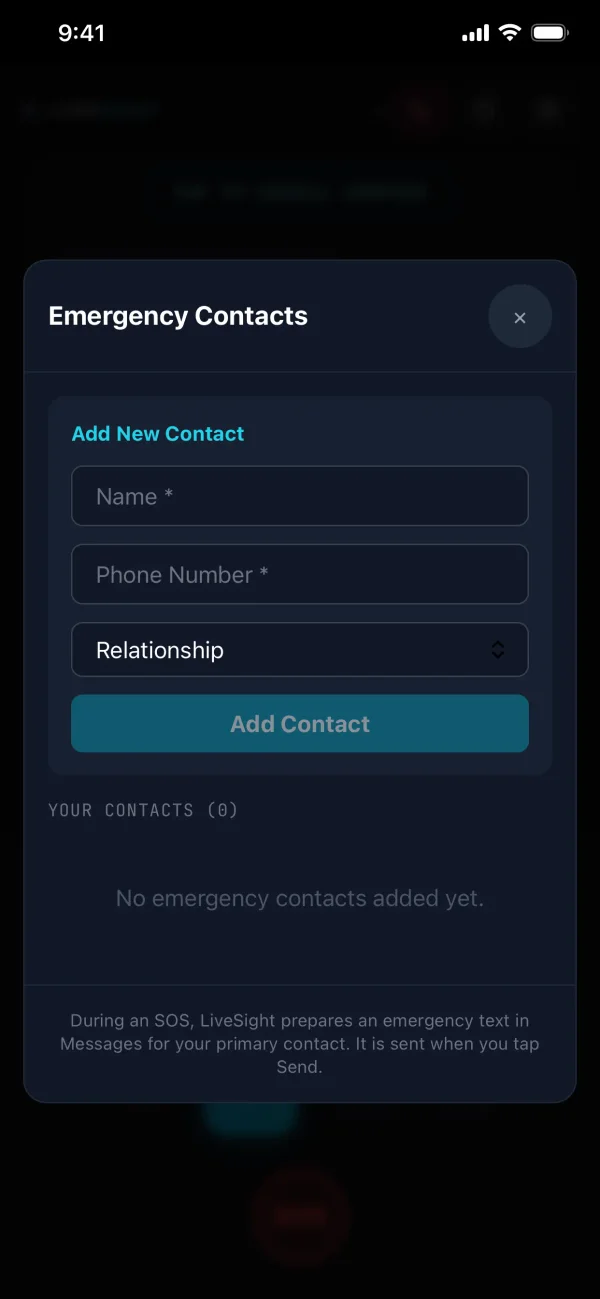
SOS: hold the red SOS button for 3 seconds. If you have saved an emergency contact, LiveSight opens Messages with a ready-made emergency text and, when available, your location; nothing is sent until you tap Send. LiveSight never calls emergency services. A 10-second countdown with Cancel comes first. Saying "send SOS", the assistant (if it concludes you are in immediate danger or asking for help) or an unanswered fall check with Auto SOS on starts the same countdown.
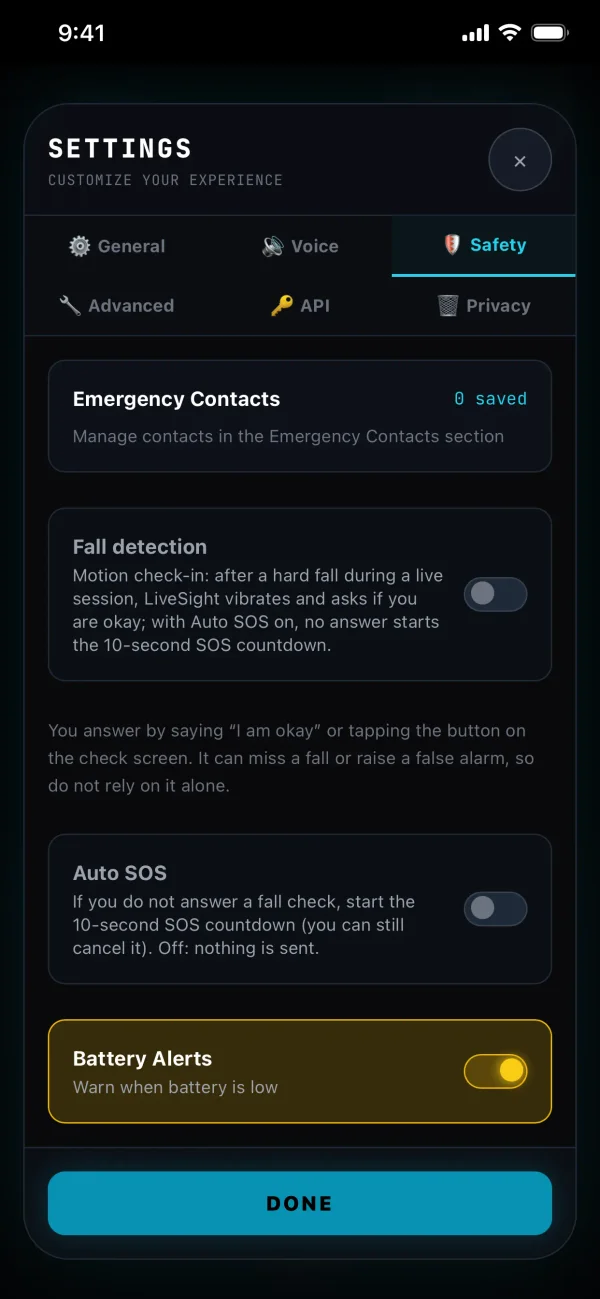
Fall detection (Settings > Safety, off by default): during a live session, after a hard fall LiveSight vibrates and asks if you are okay; with Auto SOS on, no answer starts the SOS countdown. It can miss a fall or raise a false alarm.
The AI can be wrong or miss things. LiveSight is an aid, not a replacement for a white cane, a guide dog, orientation and mobility training or emergency services.
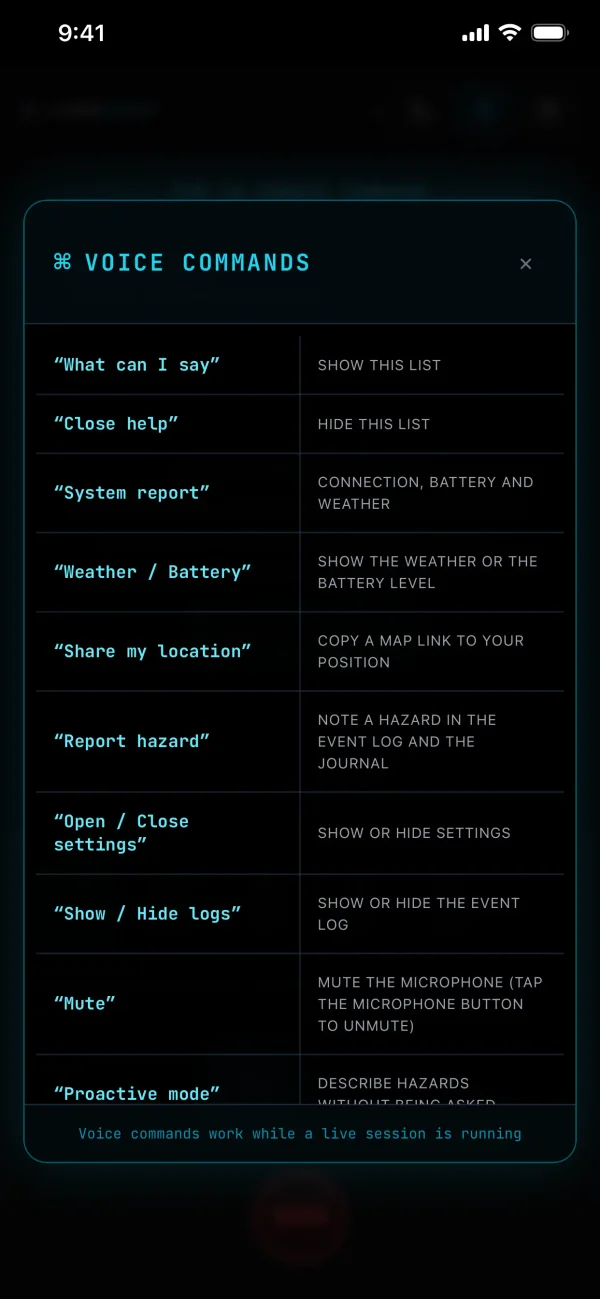
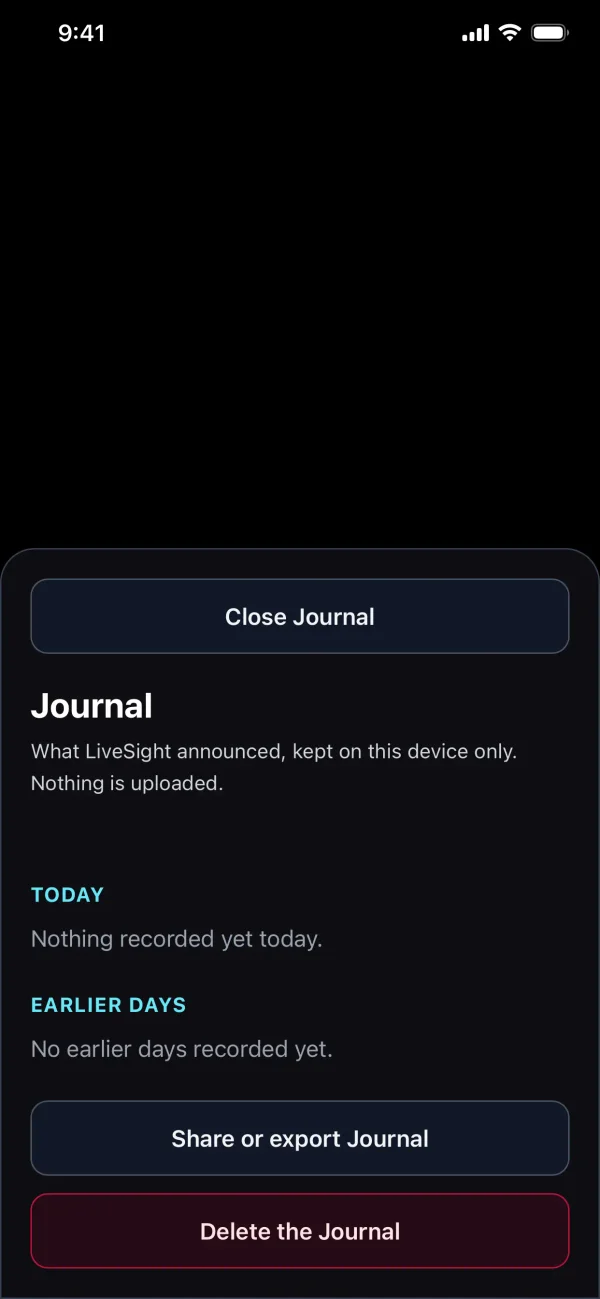
Completely free: LiveSight is free for everyone, with every feature included. That covers all five modes, voice commands, SOS, emergency contacts, fall detection and the Journal (a record of what LiveSight announced, kept on your device for 90 days and never uploaded; you can read earlier days, share or export it, and delete it at any time). No purchases, no ads, no account.
Your free key from Google: LiveSight uses your own free API key from Google AI Studio. Getting one takes about a minute with any Google account, and the app walks you through it. Google sets the free limits for your key. If you ever need higher limits, you can turn on Google's paid tier for your own key; Google bills you for it directly. LiveSight never charges you anything.
Privacy: only after you agree to a one-time question, and only while a session is running, camera frames, audio, your location and the weather there (if you allow location), and your language, speech speed and mobility-aid settings go directly from your device to Google, using your key. On Google's free tier, Google says it may use this content to improve its products and that human reviewers may read it. For the weather, your coordinates go to Open-Meteo once per app launch. Nothing is sent to the developer.
Requirements for the live assistant: your own free Google AI Studio API key (the app shows you how to get one), an internet connection, and camera and microphone permission. Location is optional.
Privacy Policy: https://cinderspire.github.io/support/privacy-livesight.html
Terms of Use (EULA): https://www.apple.com/legal/internet-services/itunes/dev/stdeula/
What’s new
Version 2.2.3 · Nov 27, 2026
• LiveSight now speaks your phone's language from the first launch.
• A language you choose yourself in Settings is kept.
App privacy
What Mustafa BILGIC declares on the App Store about how this app handles data.
-
Data not linked to you
May be collected but is not linked to your identity.
- Location
- User content
- Diagnostics
- Surroundings
Privacy practices may vary, for example with the features you use or your age.
Information
- Seller
- Mustafa BILGIC
- Category
- Navigation
- Version
- 2.2.3
- Updated
- Nov 27, 2026
- Released
- May 8, 2026
- Size
- 5.3 MB
- Requires
- iOS 16.0 or later
- Age rating
- 4+
- Languages
- English
- Copyright
- © 2026 Mustafa Bilgic
You might also like
-
 Feelario - AI Helper for BlindSpatial Sound & AI Scenes
-
 Sight: Detect & NavigateLiDAR guidance for the blind
-
 GuideDog NavVirtual Guide Dog
-
 CruiseAIAI-Powered Driving Companion
-
 BlindoorsNavigation
-
 CrossGuide Blind NavigationFind Safe Pedestrian Crossing
-
 AudioVistaReal-Time Audio Description
-
 Tehlike HaritasıNavigation
-
 SightGuideThe real-time guidance app
-
 kotonaviNavigation