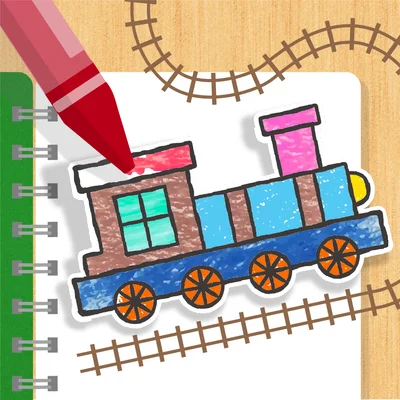
Living Coloring
Make your own unique pictures!
Designed for iPhone, iPad, iPod touch
Free · In-app purchases
- Age rating4+
- CategoryFamily
- Developermonois Inc.
- LanguagesEnglish+ 1 more
- Size143.3 MB
Links to the official App Store page
Download.org hosts no file of Living Coloring. The button opens its official App Store page, published by monois Inc. Listing last checked on Nov 24, 2026.
Screenshots



About
Enjoy coloring
• 3 stages with 10 pictures each, for a total of 30 cute pictures to choose your favorite characters from!
• Highly intuitive coloring tool helps you stay inside the lines!
• With colorful, unique color palettes like chameleon and macaron!
Enjoy moving pictures
• Your finished pictures will start moving just like they've come to life!
• Tap to enjoy various animations!
• Drag the train and watch it go super fast!
Make your own unique pictures • Save your favorite pictures in the app!
• Add stars and line up your favorite pictures in order! • Choose characters from your favorites to appear on the stage!
Color lots of wonderful original pictures to decorate the stage!
===How to use===
There are three types of stages: the insect stage, the train stage, and the sea creatures stage. (There will be more types soon!)
Please choose any stage you like.
Choose a picture to color, then choose a coloring method.
• Coloring mode: This will help you color each part separately and stay inside the lines.
• Drawing mode: This lets you color and draw freely over the lines.
Actions on the coloring screen
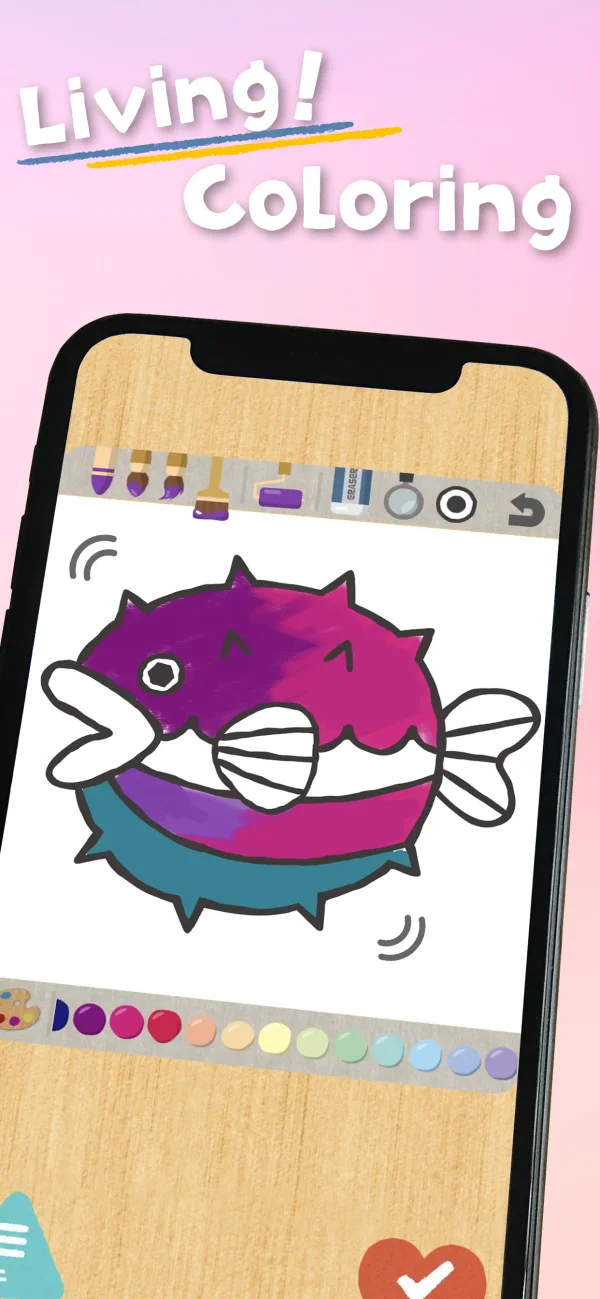
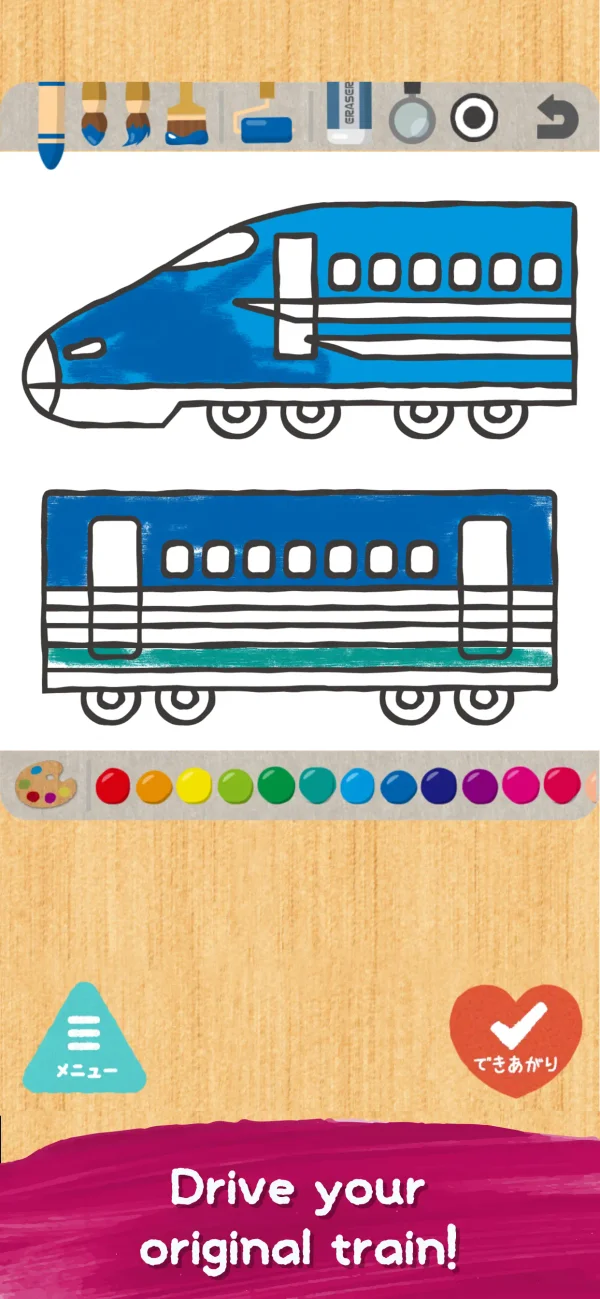
• Choose a coloring tool from the top palette. There are four different brushes, a roller tool that lets you color an entire section with just one touch, and an eraser tool to erase your coloring.
• Use the zoom tool in the top palette to zoom in and color small areas.
• Choose from three different line thicknesses in the top palette.
• You can use the Undo button in the top palette to undo a certain number of actions.
• You can also zoom in or out by pinching in or out with two fingers.
• Drag with two fingers to move the screen while zoomed in.
• Choose preset colors from the bottom palette. You can scroll to the right and left in the bottom palette.
• Use the palette button in the bottom palette to display the custom color palette and choose any color you like.
Choose characters on stages
The insect stage has a total of 10 characters to choose from, including the butterfly, bee, stag beetle, ladybug, sunflower, caterpillar, beetle, dragonfly, and mushroom!
The train stage has a total of 10 characters including the Shinkansen, Express, Conventional, and Locomotive!
The sea creatures stage has a total of 10 characters including the whale, octopus, jellyfish, starfish, turtle, crab, dolphin, angelfish, blowfish, and seaweed!
There will be even more stages and characters soon!
What’s new
Version 1.8.1 · Feb 14, 2026
Minor bug fixes.
App privacy
What monois Inc. declares on the App Store about how this app handles data.
-
Data used to track you
May be used to track you across apps and websites owned by other companies.
- Identifiers
- Usage data
- Other data
-
Data not linked to you
May be collected but is not linked to your identity.
- Identifiers
- Usage data
- Other data
Privacy practices may vary, for example with the features you use or your age.
Information
- Seller
- monois Inc.
- Category
- Family
- Version
- 1.8.1
- Updated
- Feb 14, 2026
- Released
- Oct 26, 2018
- Size
- 143.3 MB
- Requires
- iOS 15.0 or later
- Age rating
- 4+
- Price
- Free
- In-app purchases
- Yes
- Languages
- English, Japanese
- Copyright
- © monois Inc.
You might also like
-
 let's move vehicles !various types of vehicles
-
 Train Tsumi TsumiLet's build up trains
-
 Train Zoom-ZoomPlay Tap the train
-
 Car Tsumi Tsumilet's stack the cars
-
 SuperTrainRun Tohoku&HokkaidoHigh-speed Train run game!
-
 Fly! Linear -shinkansen-Flies high speed Train Game !
-
 Rail RoamEndless Train Runner
-
 Train Simulator: Track Rush 3DFast Rail Driving & Dodging
-
 Marble Race.Race through colorful levels
-
 Conduct THIS! – Train ActionAward Winning Puzzle Game