
LL Player: Local Music
Offline MP3 & FLAC, No Ads
Designed for iPhone, iPad, iPod touch
Free
- Age rating4+
- CategoryMusic
- Developer静伟 吴
- LanguagesEnglish+ 15 more
- Size22.1 MB
Links to the official App Store page
Download.org hosts no file of LL Player: Local Music. The button opens its official App Store page, published by 静伟 吴. Listing last checked on Nov 23, 2026.
Screenshots
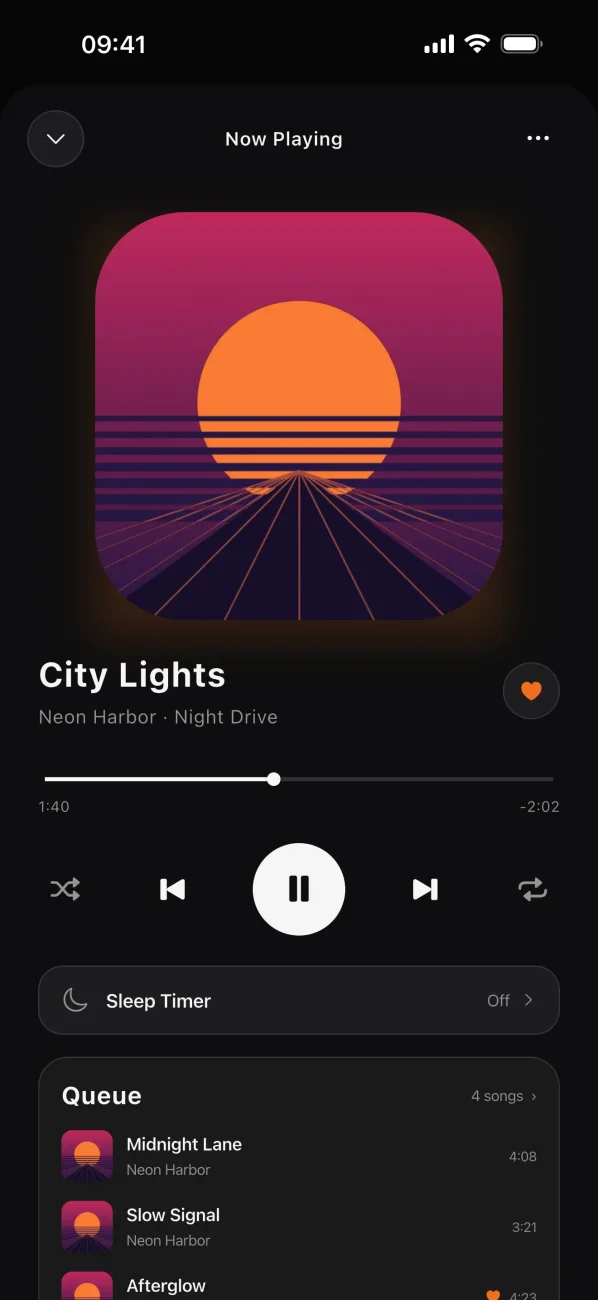

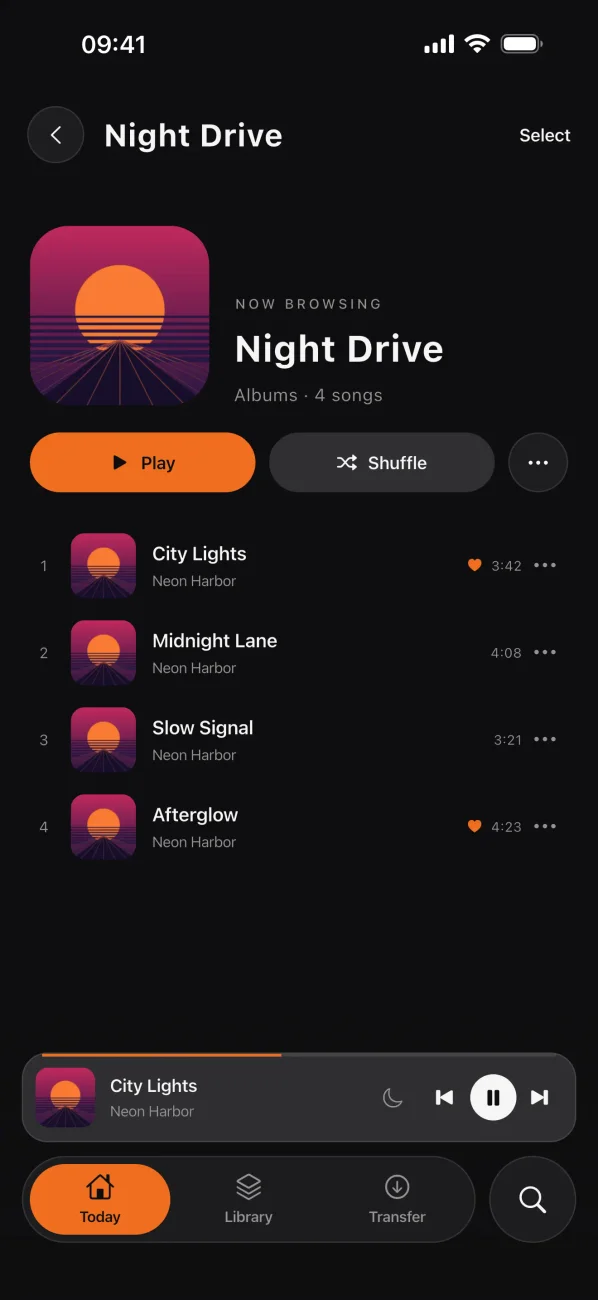
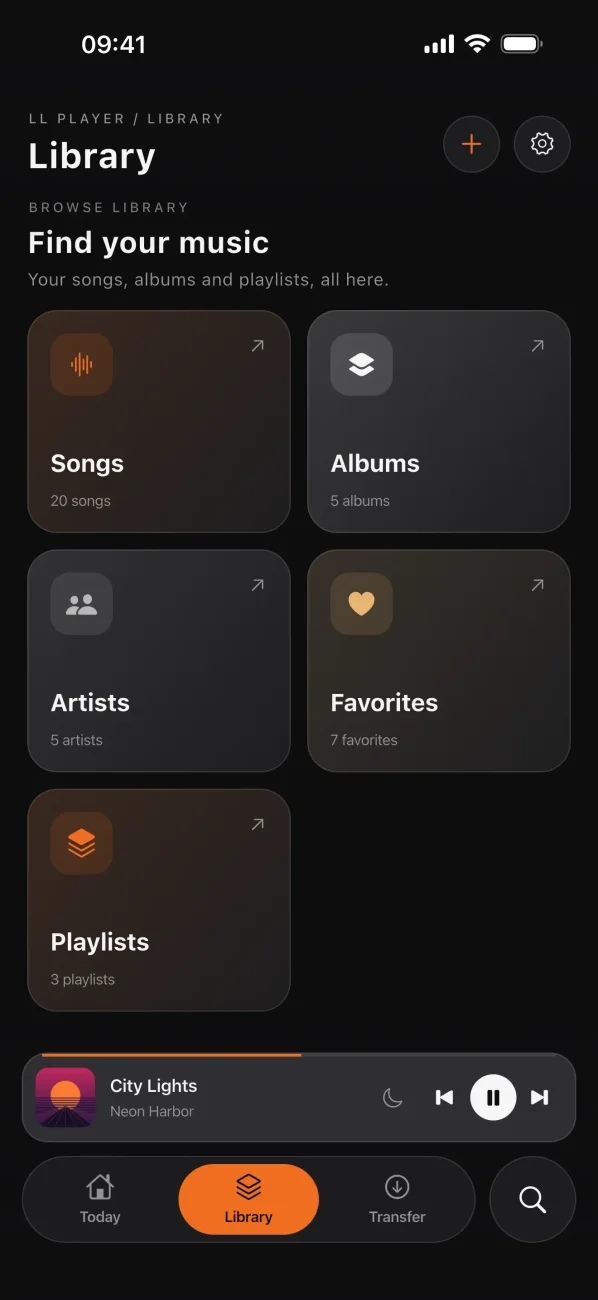
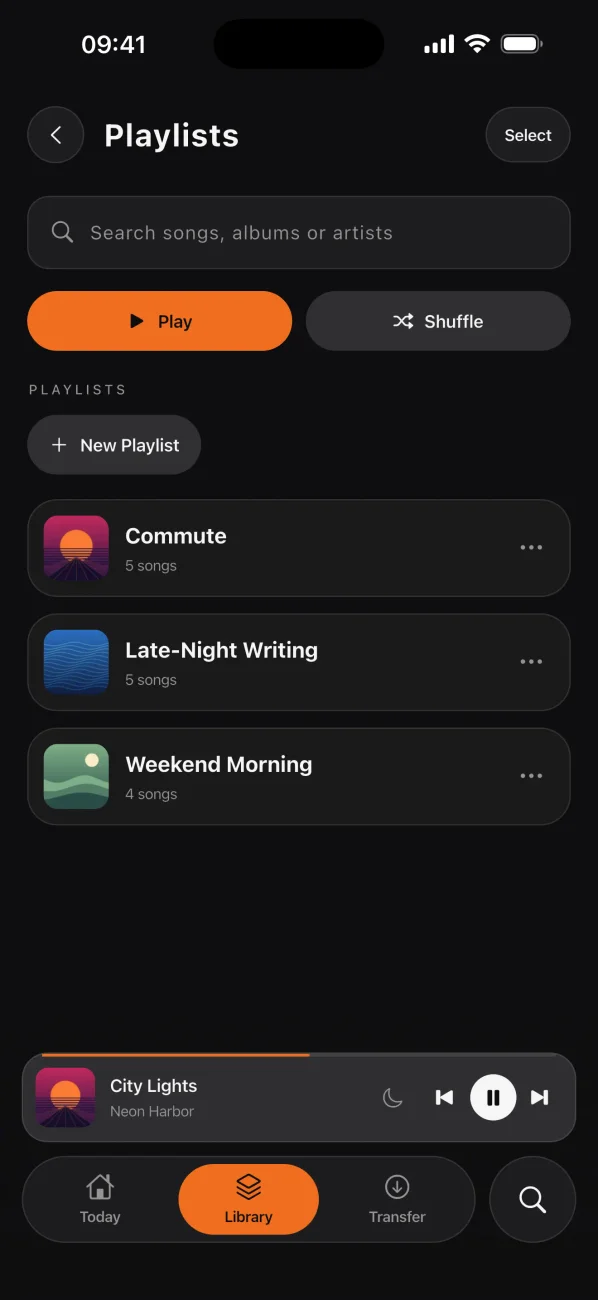
About
LL Player (Lingo Local Player) is a music player for the audio files you own. Bring your music to iPhone or iPad, listen offline, and organize it your way.
NO ACCOUNT, NO DATA COLLECTION
• Open it and start listening: no sign-up, no login
• No analytics, advertising or crash-reporting SDKs, and no servers of ours
• Your music, favorites and playlists stay on your device and, with iCloud sync on, go only to your own iCloud
ADD MUSIC EASILY
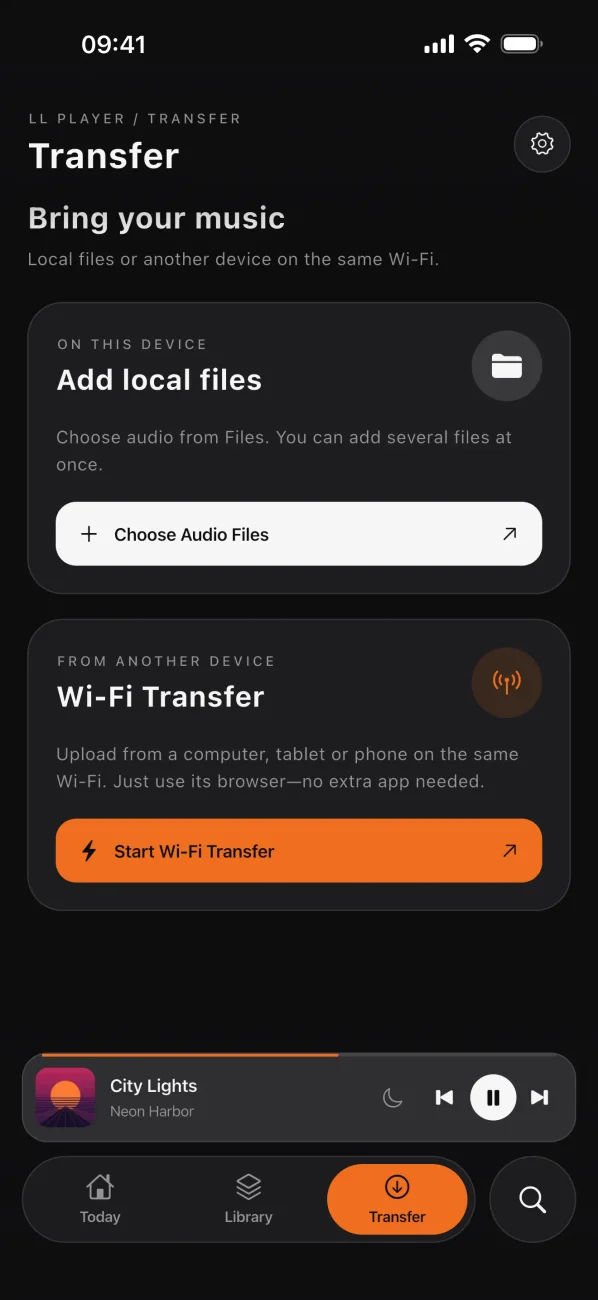
• Import several files at once from the Files app
• Wi-Fi transfer: any computer, tablet or phone on the same network can drop in files or whole folders through a web browser. No desktop app, no cable
• Open audio in LL Player from other apps
• Duplicates are detected by content, so the same song is never imported twice
MADE FOR EVERYDAY LISTENING
• Background playback with Lock Screen and Control Center controls
• Shuffle and repeat (off, all or one); see and reorder the queue any time
• Sleep timer: stop after a set time or a number of songs; playback pauses and keeps its place
• CarPlay: browse songs, albums, artists and playlists on your car's display
ORGANIZE YOUR WAY
• Browse by song, album and artist, with cover art read from your files
• Like a song or a whole album, build playlists and add selections in one go
• iCloud sync: keep songs, favorites and playlists the same on iPhone and iPad, and restore deleted songs within 30 days
• Edit song info in your library without rewriting your files; deleting removes only the in-app copy
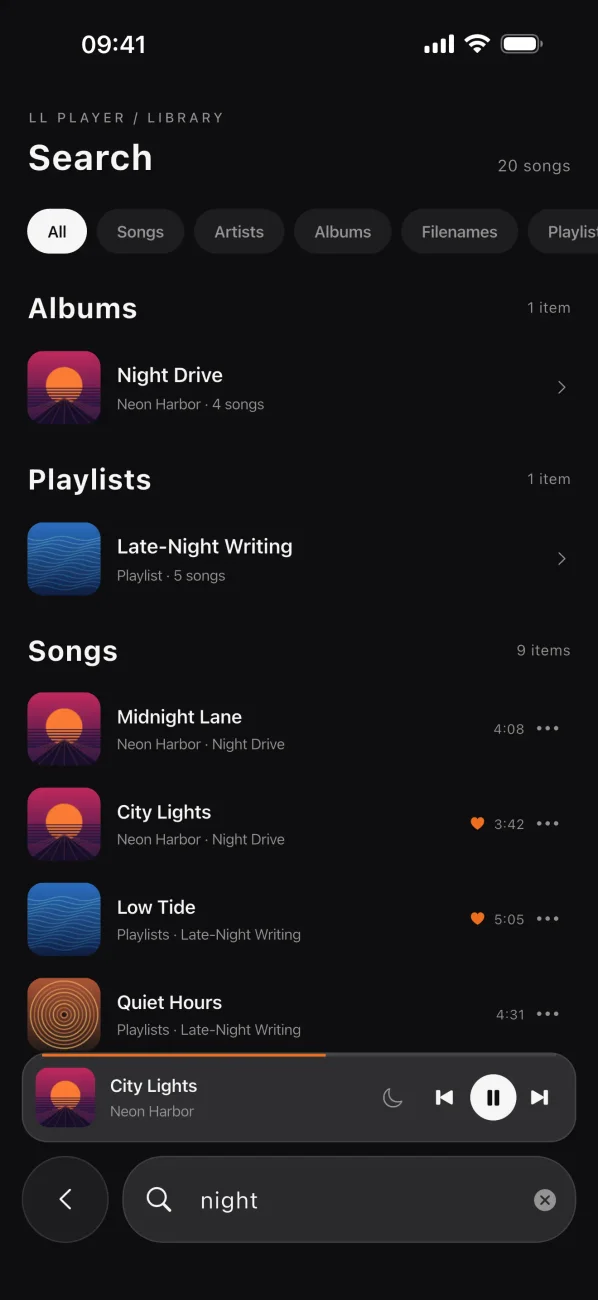
• Search everything: titles, artists, albums, file names, lyrics, genres and years, several words at once
IPAD AND LANGUAGES
• Sidebar navigation and two-column pages on iPad, with the phone layout in Split View
• Interface in 16 languages, following your system language or chosen in Settings › Language
Plays common formats such as MP3, M4A/AAC, FLAC and WAV; playback depends on the system media framework. LL Player doesn't offer streaming or a music catalog. Import audio you have the right to use.
Privacy Policy: https://player.lingo.show/en/privacy
Terms of Use: https://player.lingo.show/en/terms
What’s new
Version 1.1.2 · Nov 22, 2026
Play your favorites by category. Filter any album, artist, playlist, or library section to show and play only liked songs. In Favorites, sort by artist, album, or date and play or shuffle any group right from its heading. You can also add the current song to a playlist directly from Now Playing.
App privacy
What 静伟 吴 declares on the App Store about how this app handles data.
-
Data not collected
The developer does not collect any data from this app.
Privacy practices may vary, for example with the features you use or your age.
Information
- Seller
- 静伟 吴
- Category
- Music
- Version
- 1.1.2
- Updated
- Nov 22, 2026
- Released
- Nov 6, 2026
- Size
- 22.1 MB
- Requires
- iOS 15.0 or later
- Age rating
- 4+
- Price
- Free
- Languages
- English, French, German, Indonesian, Italian, Japanese, Korean, Polish, Portuguese, Russian, Simplified Chinese, Spanish + 4 more
- Copyright
- © 2026 Jingwei Wu
You might also like
-
 RE:TR4CKS Music PlayerRediscover Your Music
-
 掌音Music
-
 Frogtoon MusicWatch music videos & playlists
-
 Simply Music PlayerA simple, offline music player
-
 Loco Music PlayerYour music, folder by folder
-
 Melos - Music PlayerOffline music player, No ads
-
 MusiPro : Offline Music PlayerPlaylists & Mp3 Music Player
-
 iTingo: Offline Music PlayerMP3 · FLAC · Lyrics · WiFi
-
 VibeDeck PlayerSpeed Changer, Pitch, Stems
-
 Now Spinning - Vinyl PlayerTurntable for Apple Music