- Age rating4+
- CategoryProductivity
- DeveloperDave Sebek
- LanguagesEnglish
- Size10.0 MB
Links to the official App Store page
Download.org hosts no file of LLMster. The button opens its official App Store page, published by Dave Sebek. Listing last checked on Nov 22, 2026.
Screenshots

About
LLMster is a fast, private iPhone and iPad client for models running on your LM Studio server (https://lmstudio.ai). Stream replies, reasoning, tool activity, and image-based conversations from the models you host—in an app designed to feel at home on iOS.
Private by design
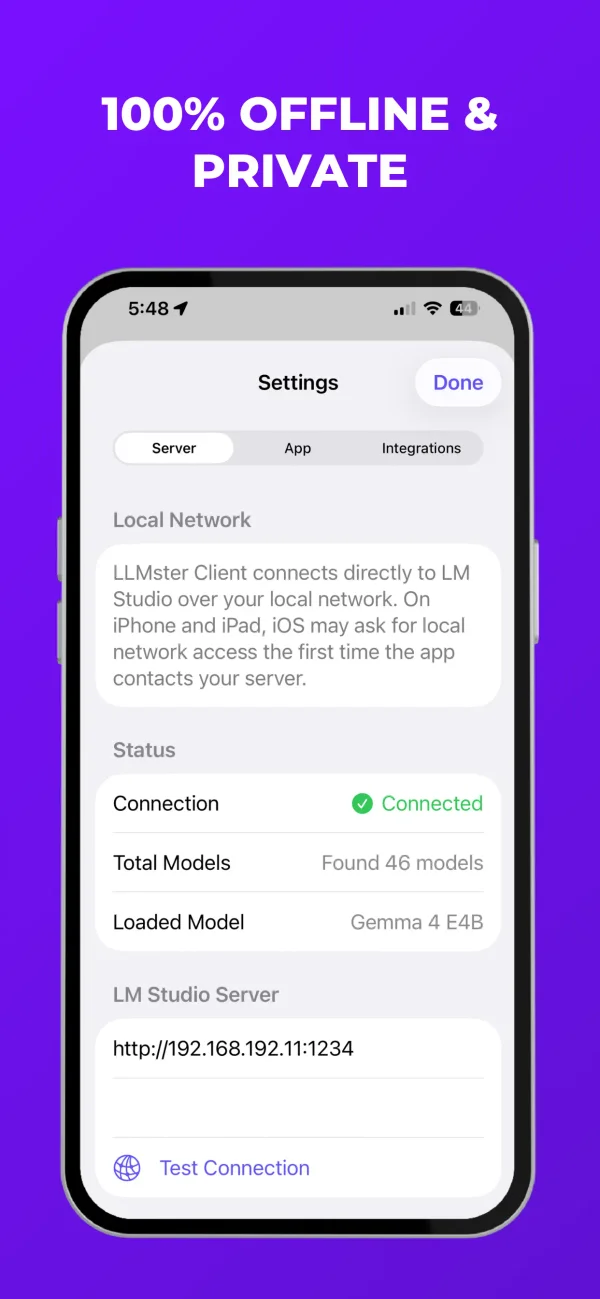
LLMster connects directly to the server you choose. There’s no LLMster account, telemetry, hosted chat service, or cloud relay in the middle. Your conversation library stays on your device, while model context stays with your configured server. External integrations run only when you choose to enable them.
Your models, wherever you run them
Keep your models on the machine built for them: a workstation, home server, or always-on computer. Run the LM Studio desktop app or LM Studio’s headless daemon, point LLMster at the host, and start chatting. No companion desktop client is required.
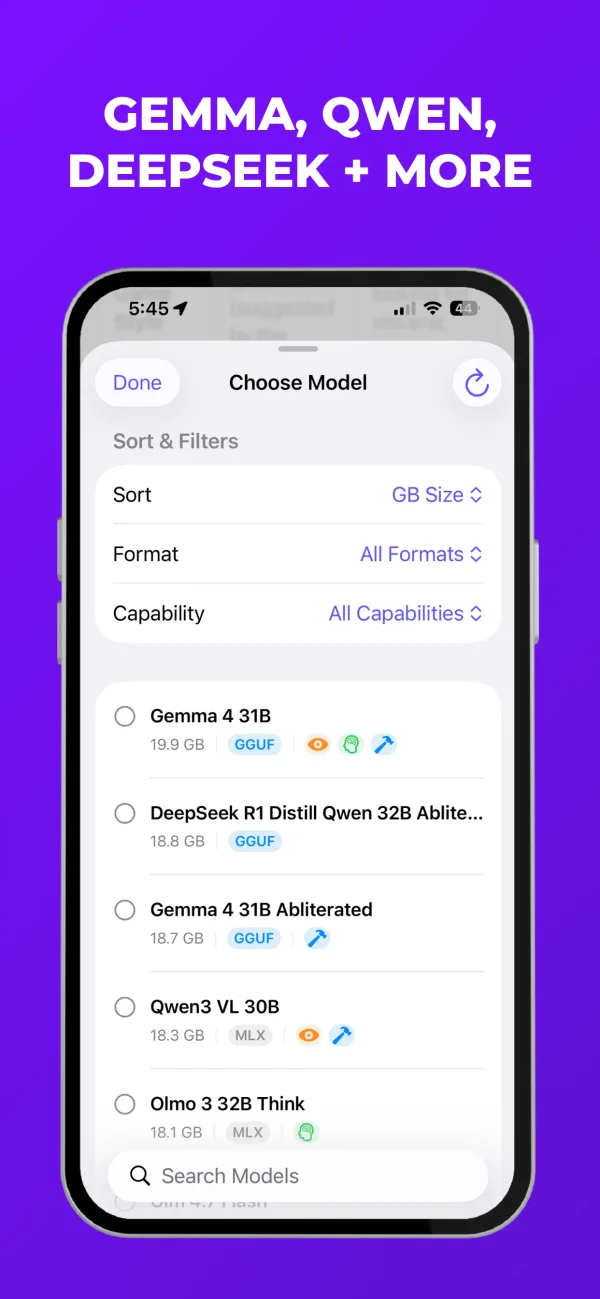
Choose the right model without leaving the conversation:
• Search or sort by name, size, or format, then pin favorites
• See which models support vision, reasoning, or tool calls
• Change models without starting a new chat
Organized from the start
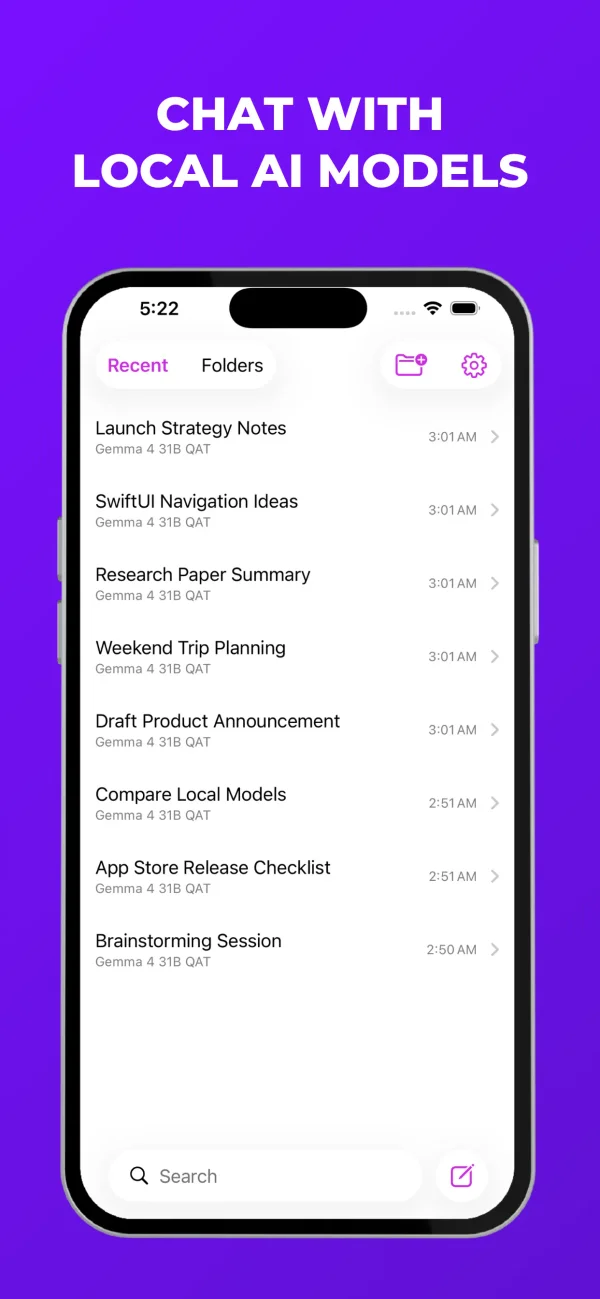
Search chats by title, model, or folder. Browse recent conversations across every folder, then organize, rename, pin, or duplicate important threads.
Move and protect your chats
Share individual conversations as .llmster files and import them on another device while preserving messages, images, reasoning, tool history, and chat settings.
Back up and restore your entire local chat library—including folders, pins, drafts, and attachments—with optional password protection. Backups do not include server addresses, authentication keys, or app-wide settings.
LLMster also verifies transferred response context against your configured LM Studio server before continuing a chat.
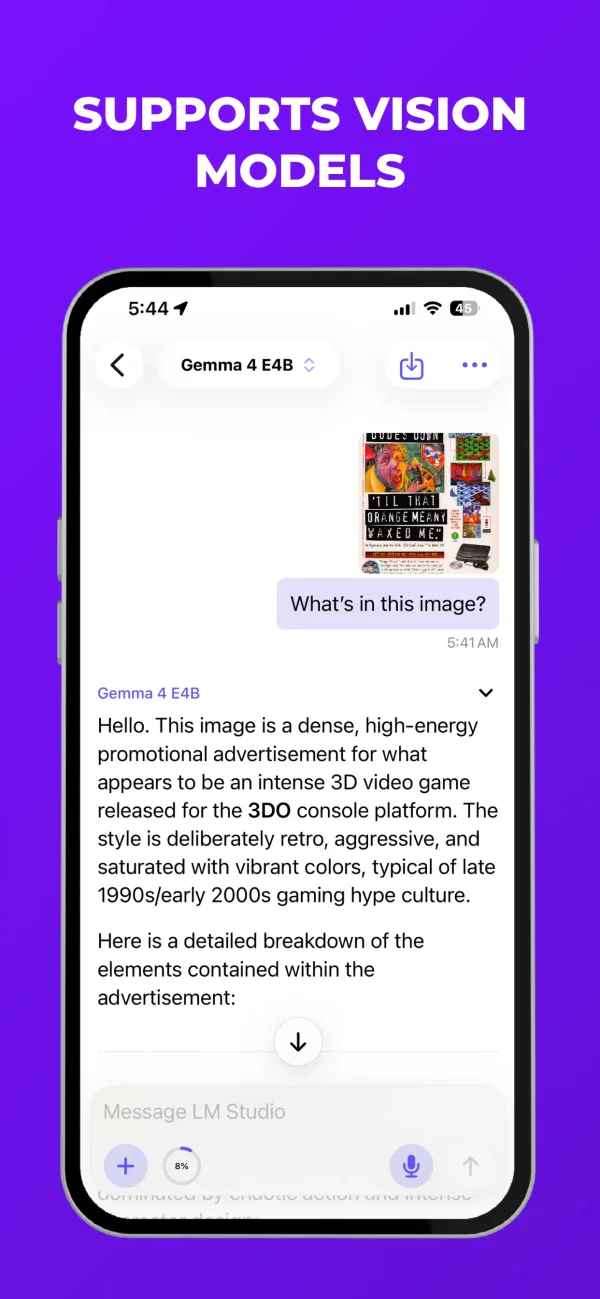
Vision, direct to your server
Attach up to four screenshots, photos, or scanned pages to a message and send them to a compatible vision model. LLMster resizes and compresses images on your device before sending them, so the originals remain with you. Open any attachment and pinch to zoom when you need to inspect the details.
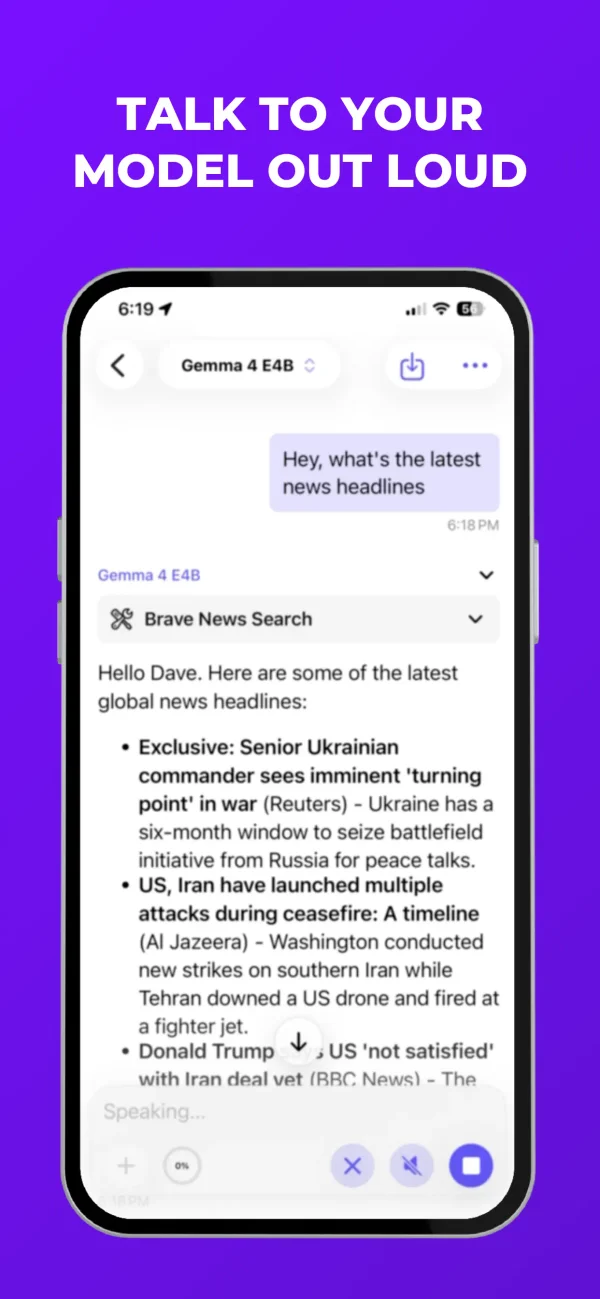
Hands-free voice chat
Talk naturally using on-device speech recognition and text-to-speech. Audio stays on your device; only the resulting text is sent to your configured server. Natural turn-taking and subtle haptics keep the conversation moving without touching the screen.
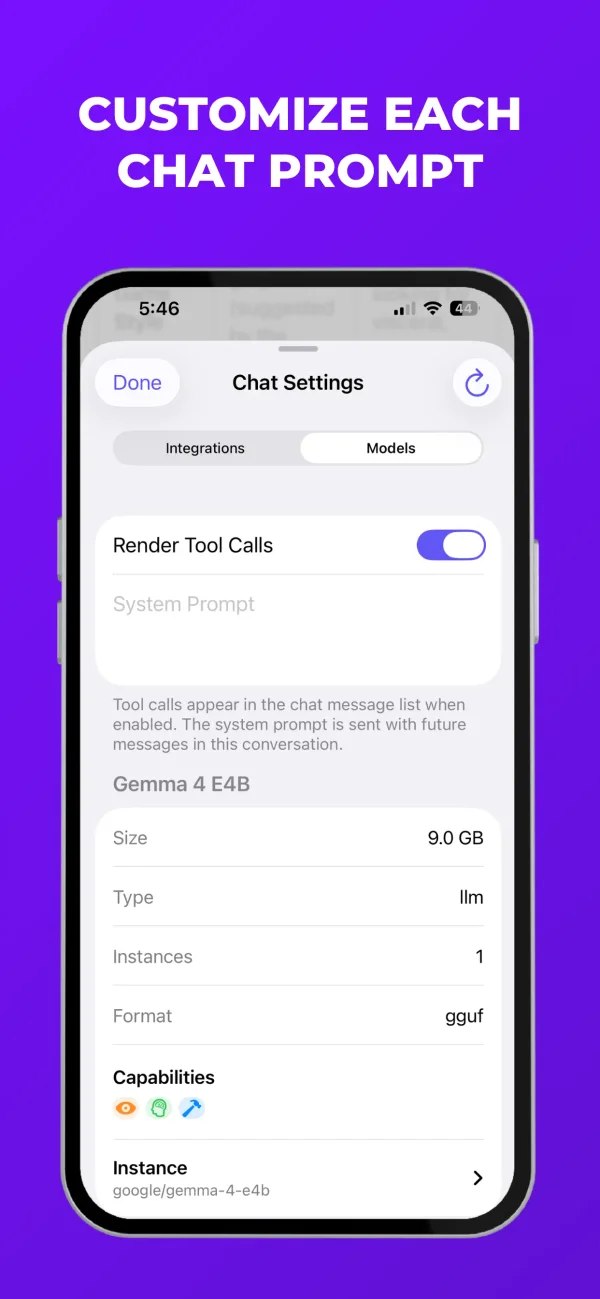
Control each conversation
Every chat can have its own:
• Integrations already configured in LM Studio
• Custom system prompt
• Tool-call visibility
• Live reasoning preference
Stream reasoning as Markdown while the model works, or keep the interface quiet with a compact Thinking indicator and open the completed reasoning when you want it. Control response auto-scrolling, and choose System, Light, or Dark appearance with your preferred accent color.
Rich responses, as they arrive
LLMster renders streaming Markdown smoothly, including syntax-highlighted code with copy controls, inline and block math, tables, links, lists, and more. Export or share transcripts with their original Markdown intact.
Keep going while you move on
Run LM Studio on a workstation or headless server and connect from your phone. With Tailscale on both devices, you can keep chatting over cellular or another Wi-Fi network while your models run at home.
Setup instructions are available at https://llmster.app/support
What’s new
Version 1.8 · Nov 20, 2026
v1.8 give you more control over how your model responds and which tools it can use on iPhone and iPad.
- Adjust reasoning, temperature, and Max Output for each conversation. You can also change reasoning from the context gauge beside the message field.
- Tap a model in the picker to see its capabilities before loading it. To change how much context it can use, set a Context Limit in Chat Settings and reload the model.
- Import MCP integrations from mcp.json, choose which tools each integration can use, and set which integrations start enabled in new chats.
- In a reopened long conversation, pulling down at the top now loads earlier messages. This replaces the previous tap-to-load button.
App privacy
What Dave Sebek declares on the App Store about how this app handles data.
-
Data not collected
The developer does not collect any data from this app.
Privacy practices may vary, for example with the features you use or your age.
Information
- Seller
- Dave Sebek
- Category
- Productivity
- Version
- 1.8
- Updated
- Nov 20, 2026
- Released
- Jun 22, 2026
- Size
- 10.0 MB
- Requires
- iOS 26.0 or later
- Age rating
- 4+
- Price
- Free
- Languages
- English
- Copyright
- © 2026 Eastechs, LLC
You might also like
-
 Local LLM: MITHRILLocal AI Models On-Device
-
 Cumbersome: AI LLM API ClientAPI to ChatGPT, OpenAI, Ollama
-
 LM Mini: Private Offline AIAI Chat for Ollama & LM Studio
-
 Atomic Chat: Private Local AIPrivate & Offline AI Assistant
-
 Noema: Local AI & Offline LLMPrivate AI Chat with Files
-
 Pal Chat - AI Chat ClientPowerful AI chat playground
-
 Locally AI by LM StudioLocal & Private AI Assistant
-
 Enclave - Local AI AssistantAnonymous, Offline, Private AI
-
 PocketPal AIProductivity
-
 Google AI Edge GalleryPrivate, Fast, Offline AI