- Age rating4+
- CategoryProductivity
- DeveloperMinwoo Jung
- LanguagesEnglish
- Size31.7 MB
Links to the official App Store page
Download.org hosts no file of Local AI Bench. The button opens its official App Store page, published by Minwoo Jung. Listing last checked on Nov 7, 2026.
Screenshots

About
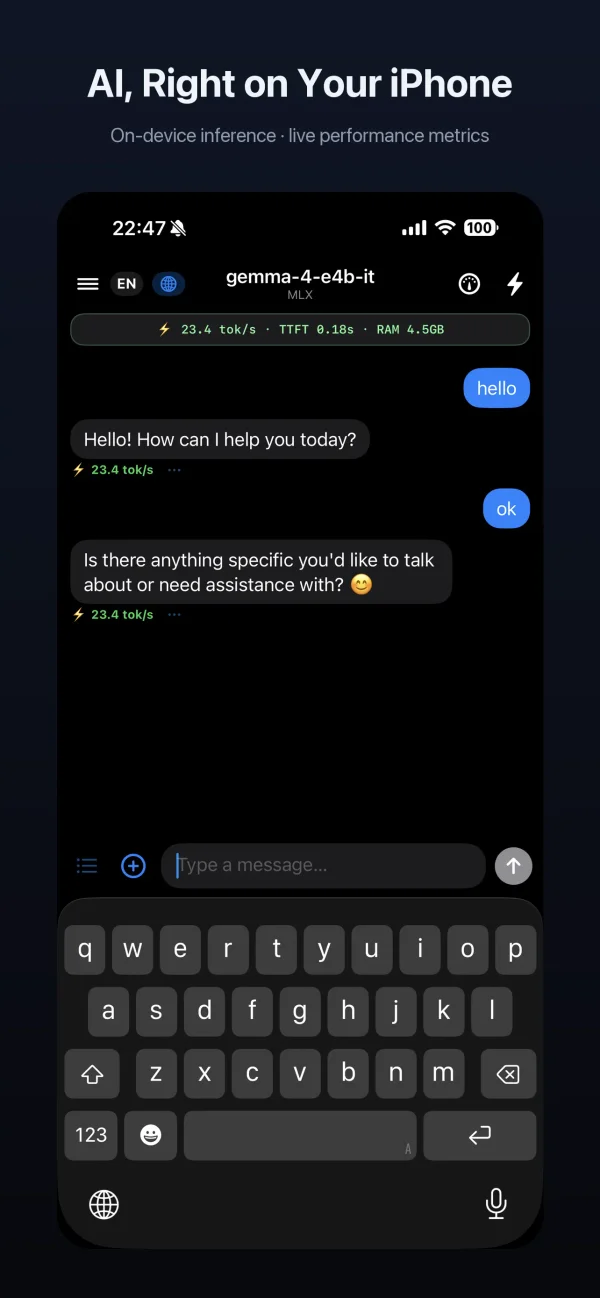
LocalAI Bench is an on-device benchmark app that runs AI models directly on your iPhone and measures their performance and capabilities. All inference happens inside your device — your conversations and personal data never leave it.
■ On-Device Execution
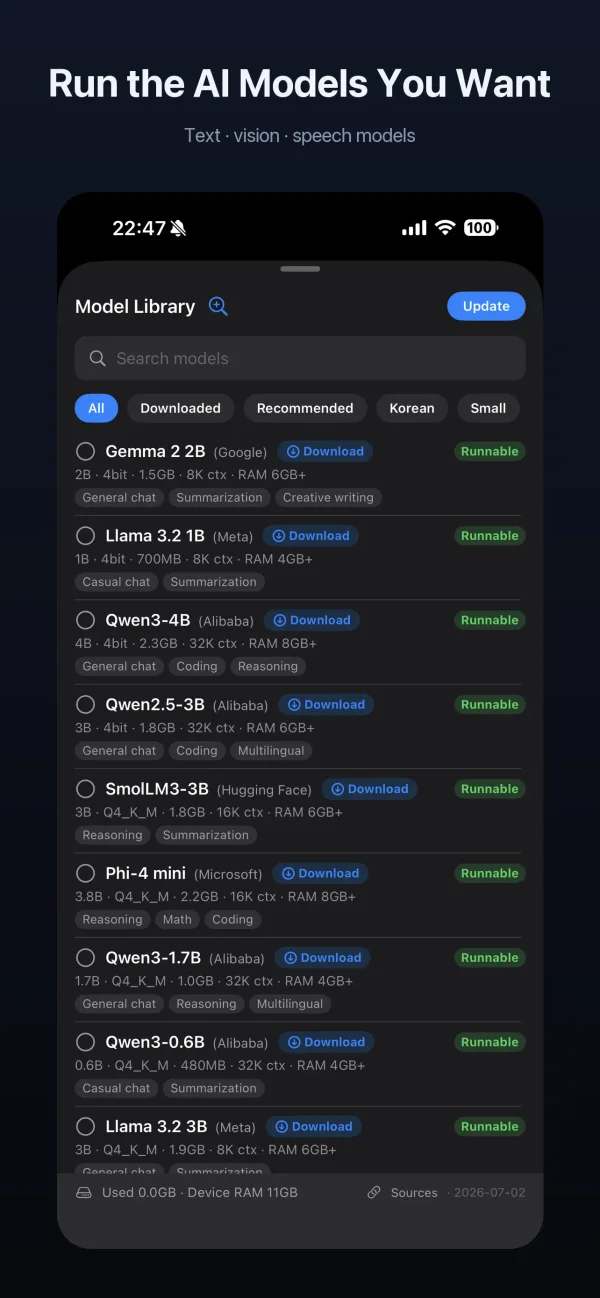
- Download open AI models (Llama, Qwen, Gemma, Phi, and more) and run them right on your device
- Works fully offline once a model is downloaded
■ Real-Time Performance Metrics
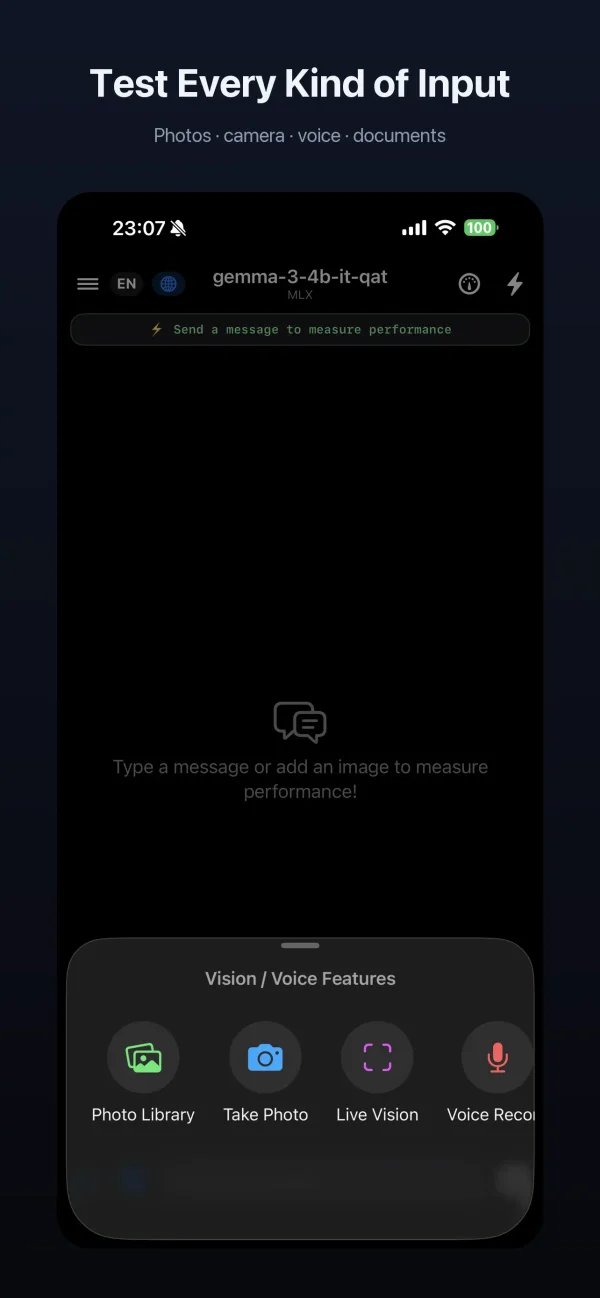
- Generation speed (tok/s), time-to-first-token (TTFT), peak memory (RAM), and thermal state — displayed live while you chat
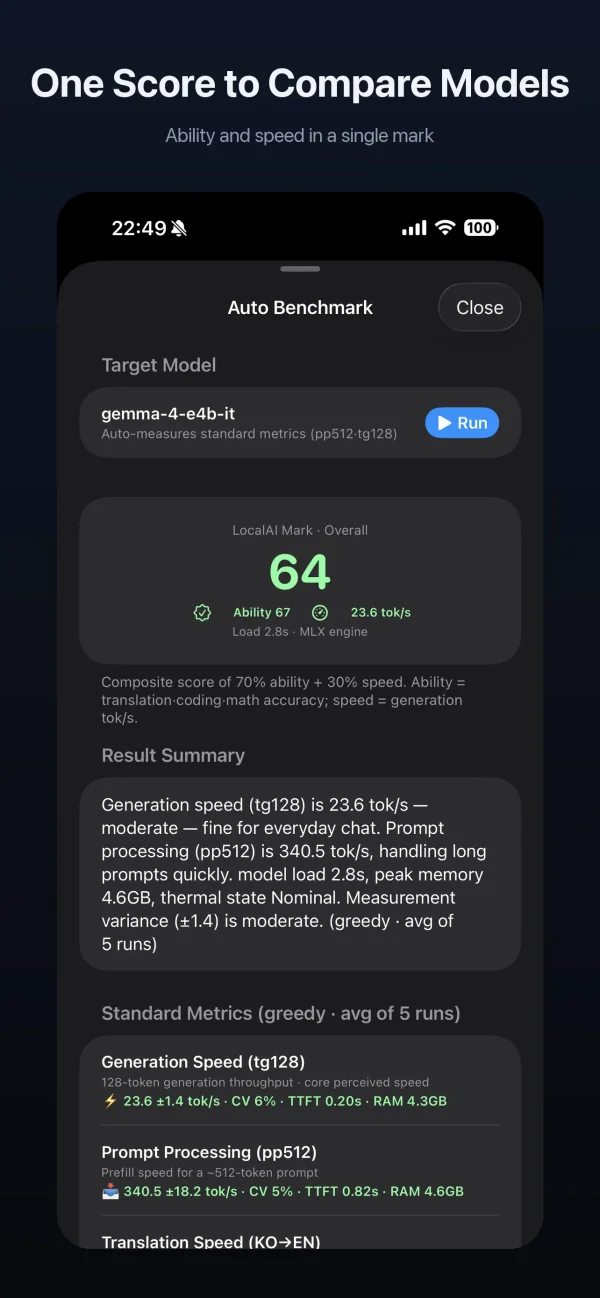
- Automated benchmark with a standard methodology: repeated measurements of text generation, prompt processing, translation, coding, and math speed
■ Capability Evaluation
- Auto-graded tasks: math, coding, multilingual translation (Korean↔English/Japanese/Chinese), summarization, reasoning, and vision
- Compare capability, speed, and memory at a glance (choose 2-axis, composite, or efficiency scoring)
■ Vision & Speech Models
- Vision: attach photos or recognize objects through the live camera
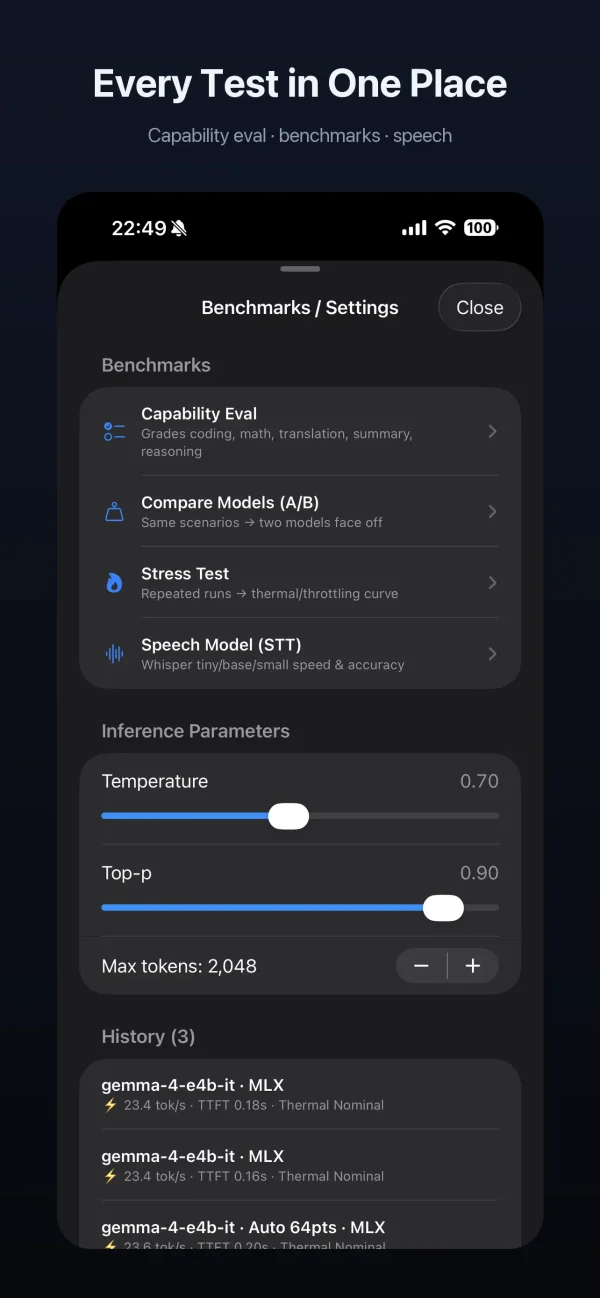
- Speech: compare Whisper (tiny/base/small) transcription speed (RTF)
■ Compare & Manage Models
- A/B head-to-head between two models, stress tests (thermal throttling curve)
- Search models by capability (vision, coding, reasoning) or vendor and add them, with automatic iOS compatibility checks
■ Web Search (optional)
- When enabled, fetches Wikipedia references for the model — ask about recent events
- Inference stays 100% on-device; automatically skipped when offline
Pure on-device AI — no cloud APIs, no fees, no subscriptions. Runnable models depend on your device's performance; larger models are recommended for devices with more memory.
What’s new
Version 1.1.4 · Oct 5, 2026
Release Notes(’26. 10. 3)
• Version 1.1.4
New
- Live performance : while an answer is generating, speed (apsed time update in the performance bar
- Search progress : with web search on, you can see "preparing the search query -> searching for the actual query", so you know what the AI is
looking up
- Open sources : referenced documents and articles appear as chips under the answer - tap one to open the original
- Copy button : copy an answer with one tap, without openin
- Reasoning preview : while a reasoning model is thinking you see the elapsed time and its latest line, and expanding it no longer pushes the
screen away
- Benchmark progress : the auto benchmark and capability test show each item as pending, running or done, with its result
- Live model downloads : downloaded size, speed and time lel file-finishing step is called out separately
- Clean up unused model files : remove leftover files of models no longer in the list from Settings -> Data
- New models : MiniCPM5, Qwen3.5 0.8B, Ministral 3, LFM2.5 anbeige 4.2
Improvements
- Follow-up requests : with web search on, requests like "write the problem and its solution" or "summarize that" no longer get answered from unrelated search results -> they continue the conversation
- You can scroll up while an answer is still generating, and jump back to the latest with a button
- Models you add yourself now show their size and memory rel download size
- Updated to the latest inference engine (MLX)
- Fixed long model names overlapping the icons at the top
Stability
- Fixed the app closing when loading a model larger than the device's memory -> you now get a message before loading
- Fixed a model failing to load when it was re-downloaded adownload
- Fixed the typing indicator spinning forever after stopping a reply
- Fixed errors during a search being hidden
App privacy
What Minwoo Jung declares on the App Store about how this app handles data.
-
Data not collected
The developer does not collect any data from this app.
Privacy practices may vary, for example with the features you use or your age.
Information
- Seller
- Minwoo Jung
- Category
- Productivity
- Version
- 1.1.4
- Updated
- Oct 5, 2026
- Released
- Jun 16, 2026
- Size
- 31.7 MB
- Requires
- iOS 17.0 or later
- Age rating
- 4+
- Languages
- English
- Copyright
- © 2026 gomgomgirlmarket
You might also like
-
 유월의 토마토Productivity
-
 Mal Memo - Live TranscriptionPrivate On-Device Voice Notes
-
 PromoLinks By PromoTrack.meSmartLinks for Music Promotion
-
 AigentikVisual AI Workflow Builder
-
 Smartly AiProductivity
-
 Linkworld.aiAI Workflows. Build your own.
-
 Memoria - Local AIFully offline. Remembers you.
-
 Penrose : Local AI AssistantProductivity
-
 Second Brain - Voice NotesAI Voice Notes
-
 VoiceDoc: Local AI DocsVoice Notes to Smart Documents