
Localhost Master - HTTP Server
File Sharing and Streaming
Designed for iPhone, iPad
Free · In-app purchases
- Age rating17+
- CategoryUtilities
- DeveloperSoroush Chehresa
- LanguagesEnglish
- Size5.5 MB
Links to the official App Store page
Download.org hosts no file of Localhost Master - HTTP Server. The button opens its official App Store page, published by Soroush Chehresa. Listing last checked on Nov 12, 2026.
Screenshots



About
Localhost Master lets you share files and text across all your devices instantly — no internet, no cloud, no cables required. Just connect to the same Wi-Fi and you're ready to go.
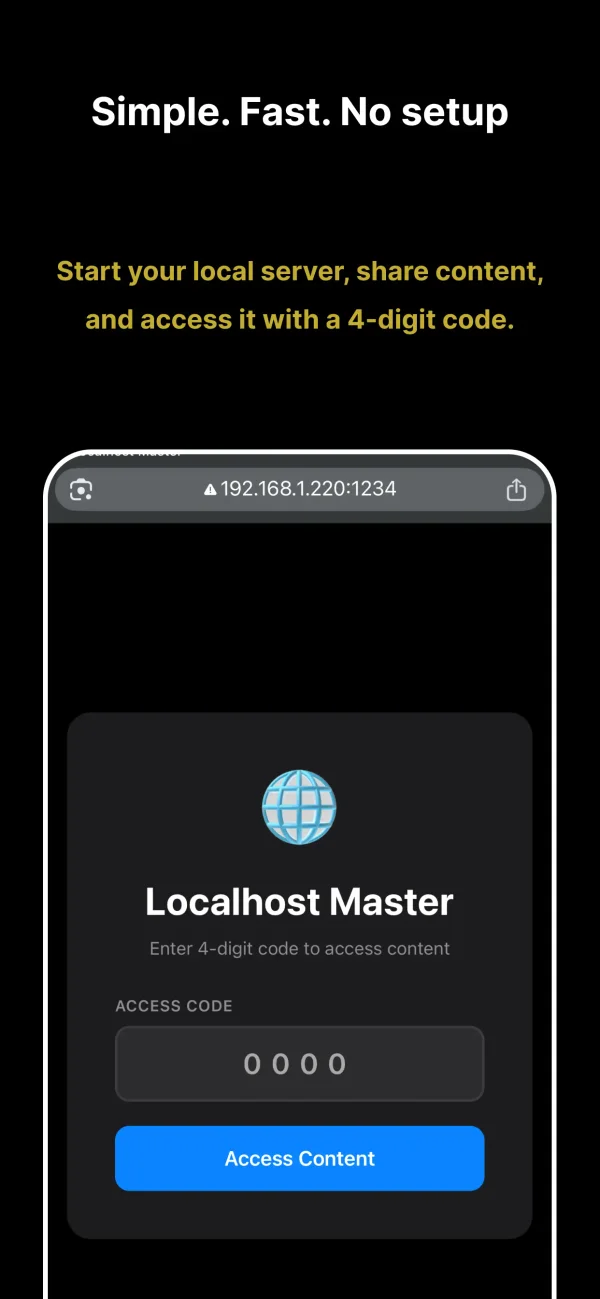
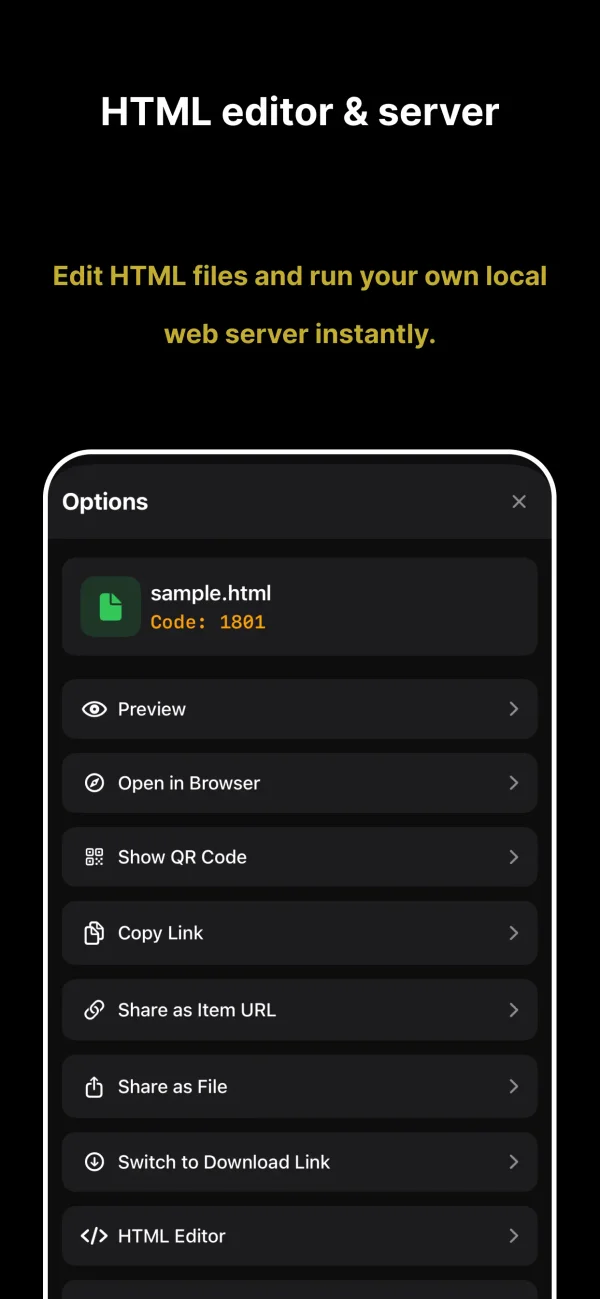
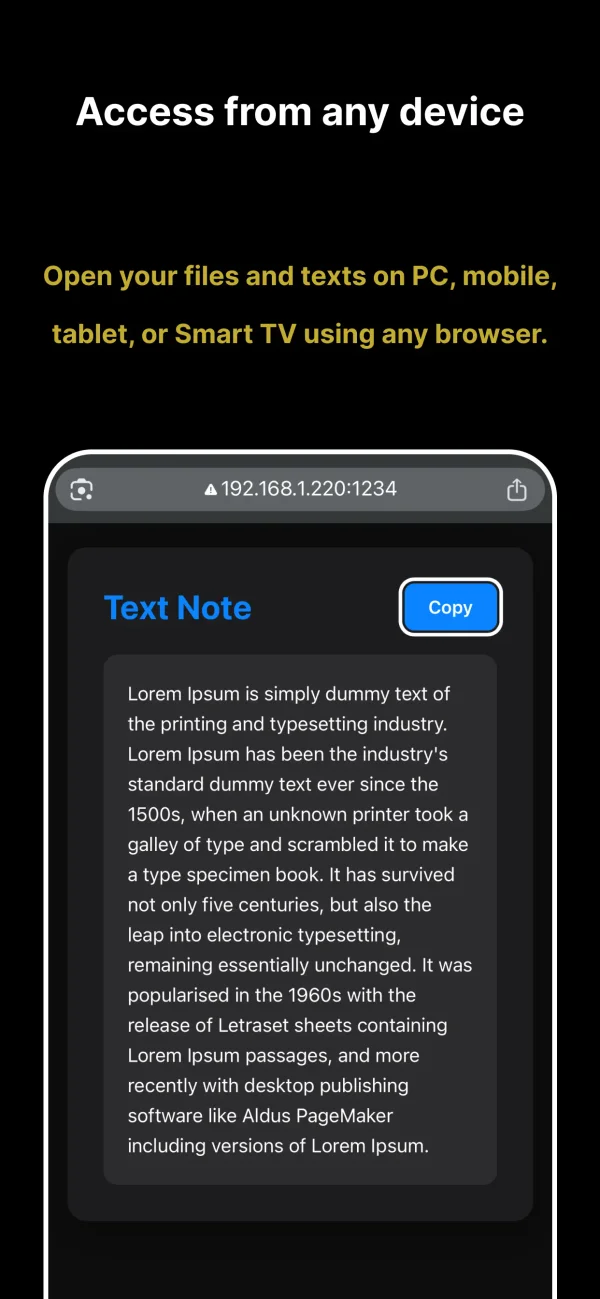
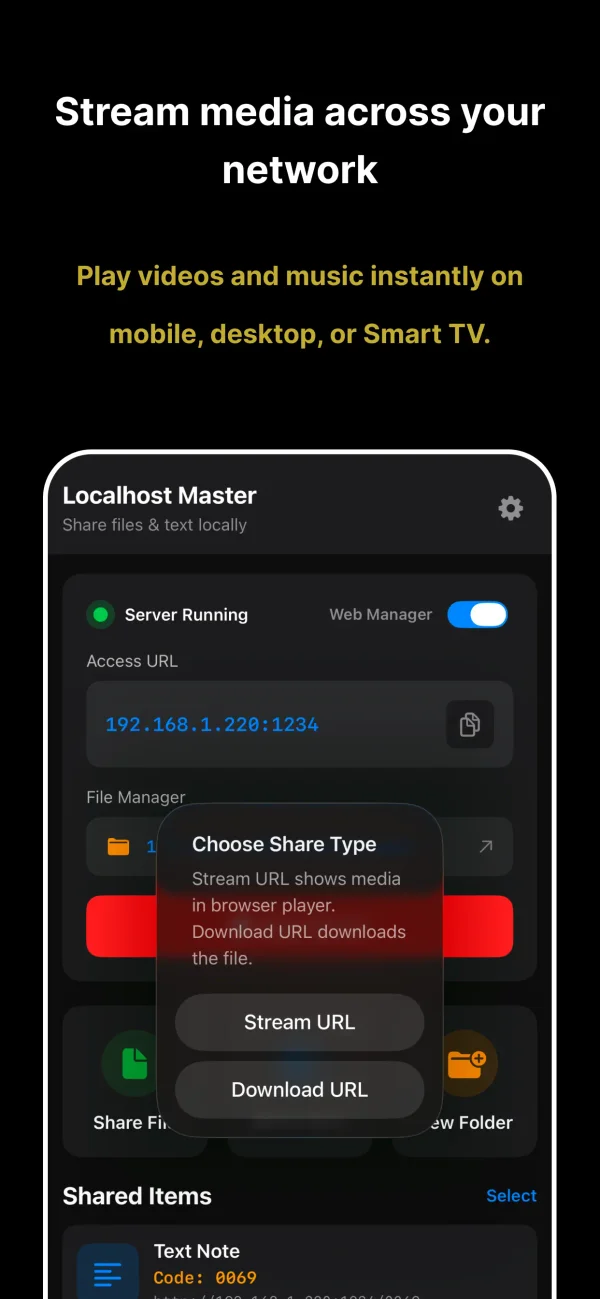
Simply add a file or type some text, and Localhost Master spins up a local HTTP server on your device. Every item gets a unique 4-digit code. Anyone on your network can access it instantly from a phone, tablet, PC, smart TV, or any browser — just by visiting a simple URL.
Key Features:
Multi-Device Support
Share with smart TVs, Windows PCs, Macs, iPhones, iPads, phones, and any device with a browser — all on the same Wi-Fi or hotspot.
Local Network Only
Everything stays on your network. Your files never touch the internet or any external server. Fast, private, and secure by design.
4-Digit Access Codes
Each shared item gets a short, memorable code. No long URLs, no account logins, no friction.
Share Files, Photos & Text
Transfer images, videos, documents, audio files, and plain text snippets in seconds.
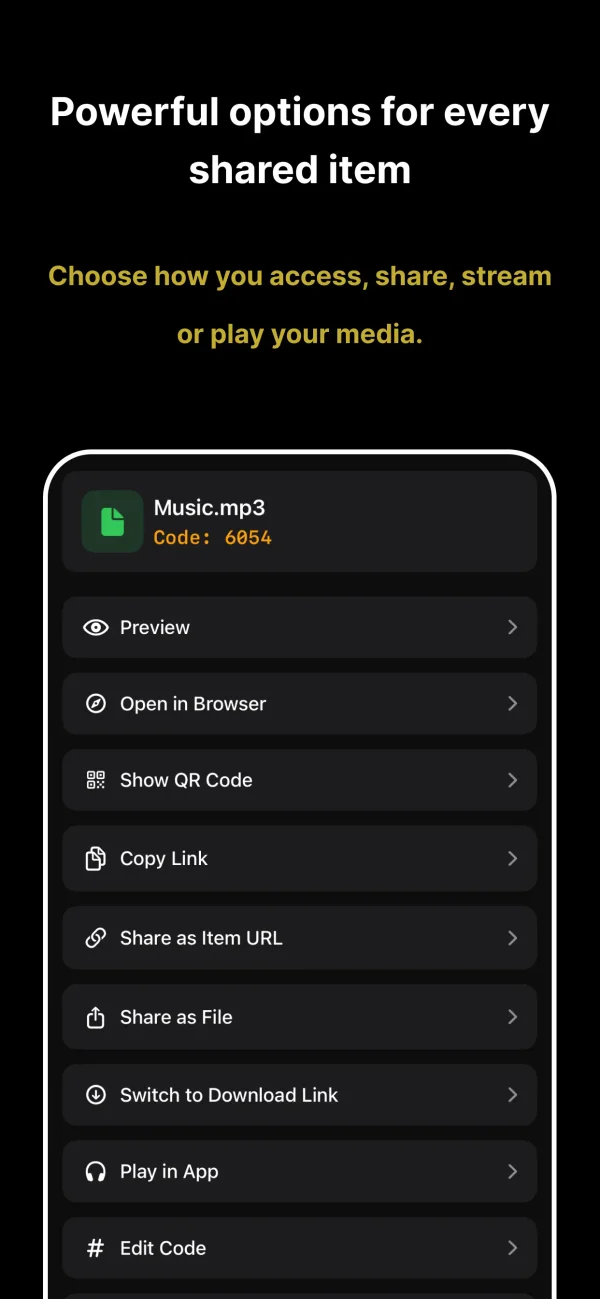
QR Code Sharing
Generate a QR code for any item so nearby devices can connect instantly without typing anything.
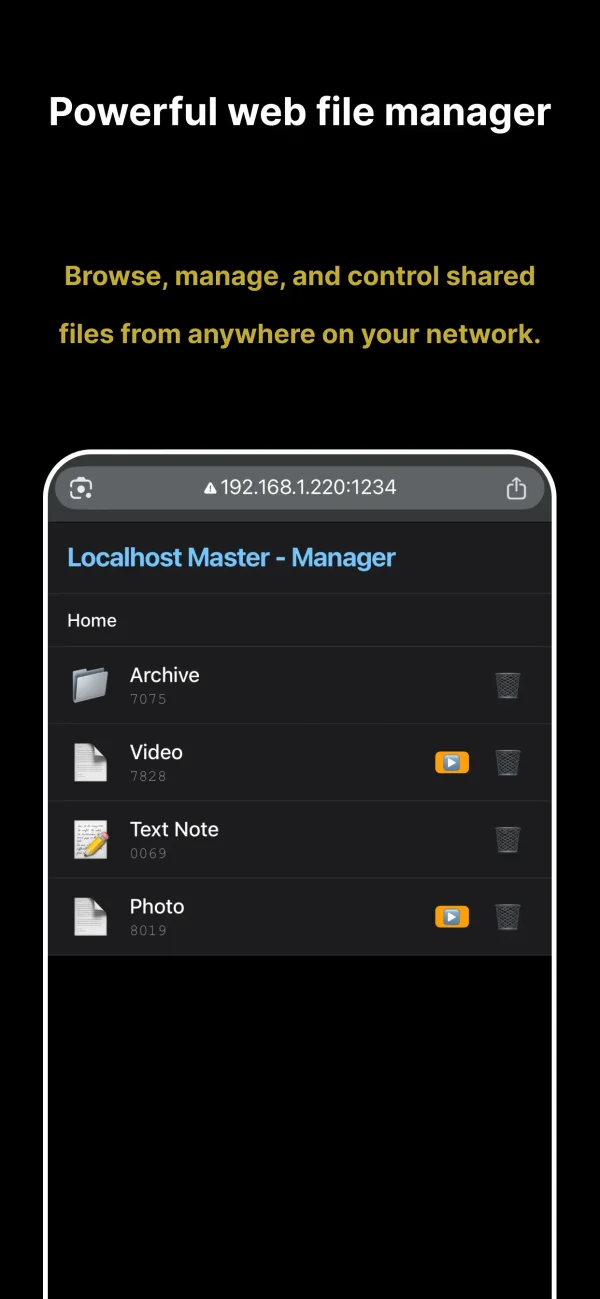
Web File Manager
Upload files directly to your device from any browser on your network — no app install needed on the other end.
Folder Organization
Keep your shared items tidy with folders and custom names.
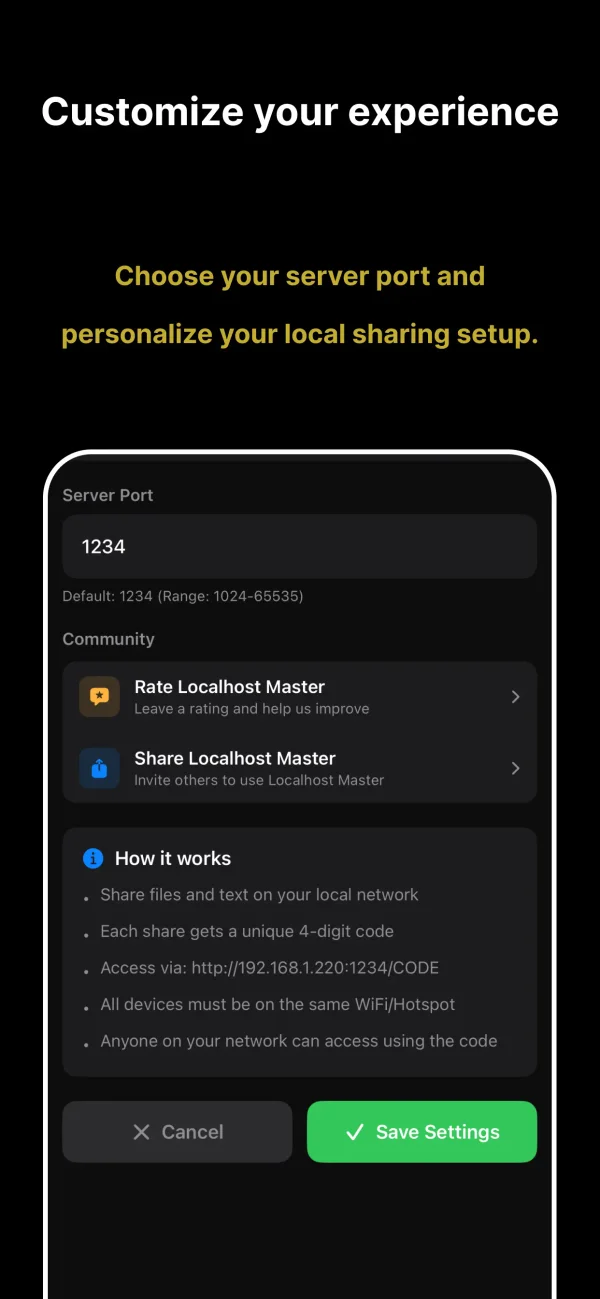
Custom Server Port
Run the server on any port you choose.
No Internet Required
All transfers happen entirely over your local network. Private, fast, and always available as long as you're on Wi-Fi.
Terms of Use: https://mydishview.com/easy-share-terms.html
Privacy Policy: https://mydishview.com/easy-share-privacy.html
What’s new
Version 2.0.2 · Oct 17, 2026
Bug fixes and improvements
App privacy
What Soroush Chehresa declares on the App Store about how this app handles data.
-
Data used to track you
May be used to track you across apps and websites owned by other companies.
- Identifiers
-
Data linked to you
May be collected and linked to your identity.
- Identifiers
Privacy practices may vary, for example with the features you use or your age.
Information
- Seller
- Soroush Chehresa
- Category
- Utilities
- Version
- 2.0.2
- Updated
- Oct 17, 2026
- Released
- Apr 29, 2025
- Size
- 5.5 MB
- Requires
- iOS 26.1 or later
- Age rating
- 17+
- Price
- Free
- In-app purchases
- Yes
- Languages
- English
- Copyright
- © Soroush Chehresa
You might also like
-
 AI Document Scanner ProUtilities
-
 MobileDiskTransfer files via Wi-Fi
-
 Auto Web Refresher ProTop Access: Tickets & Travel
-
 2min Video SplitterSplit Videos in 2min Chunks
-
 Web Automation toolsWeb Automation Made Simple
-
 PocketServer: Folder SharingNo cloud, no cables needed.
-
 iWebServerYour personal web server
-
 SanpSave - webPage Screenshotweb pdf & Grab Images/Videos
-
 ProKit: Barometer & ToolsAltimeter, Sound, QR & NFC
-
 Allow Right Click for SafariEnable copy/paste on any site