LocationLab
Location Testing & GPX Routes
Designed for iPhone
Free · In-app purchases
- Age rating4+
- CategoryDeveloper Tools
- DeveloperSHU-CHIH LIN
- LanguagesEnglish+ 3 more
- Size12.4 MB
Links to the official App Store page
Download.org hosts no file of LocationLab. The button opens its official App Store page, published by SHU-CHIH LIN. Listing last checked on Nov 24, 2026.
Screenshots


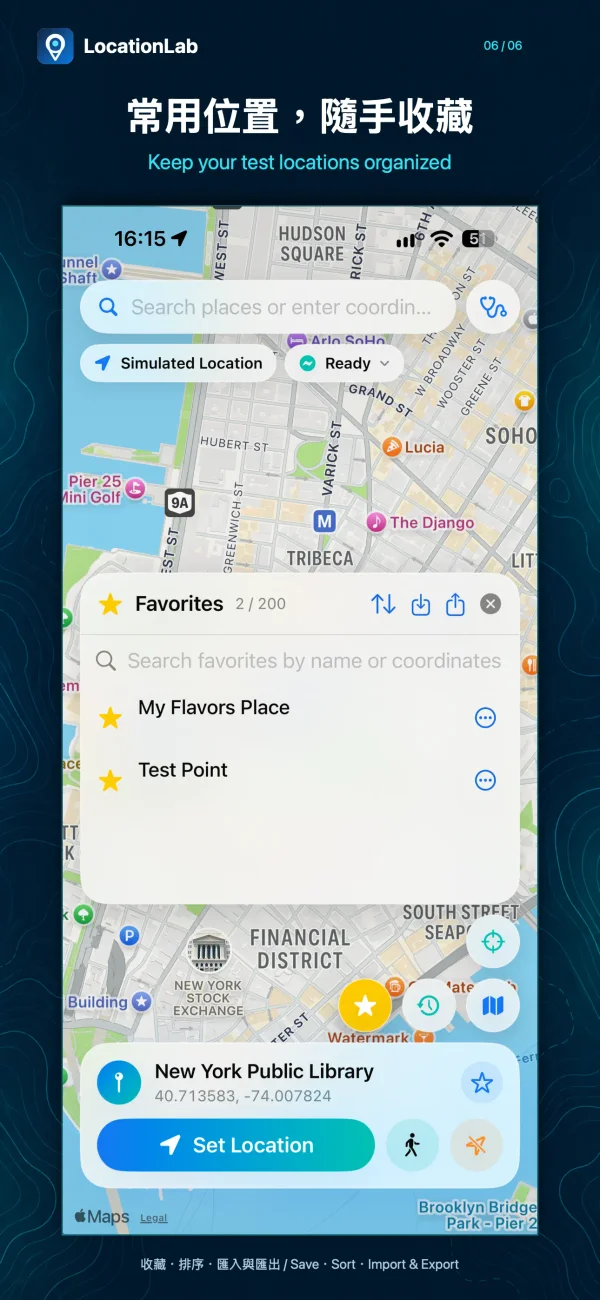
About
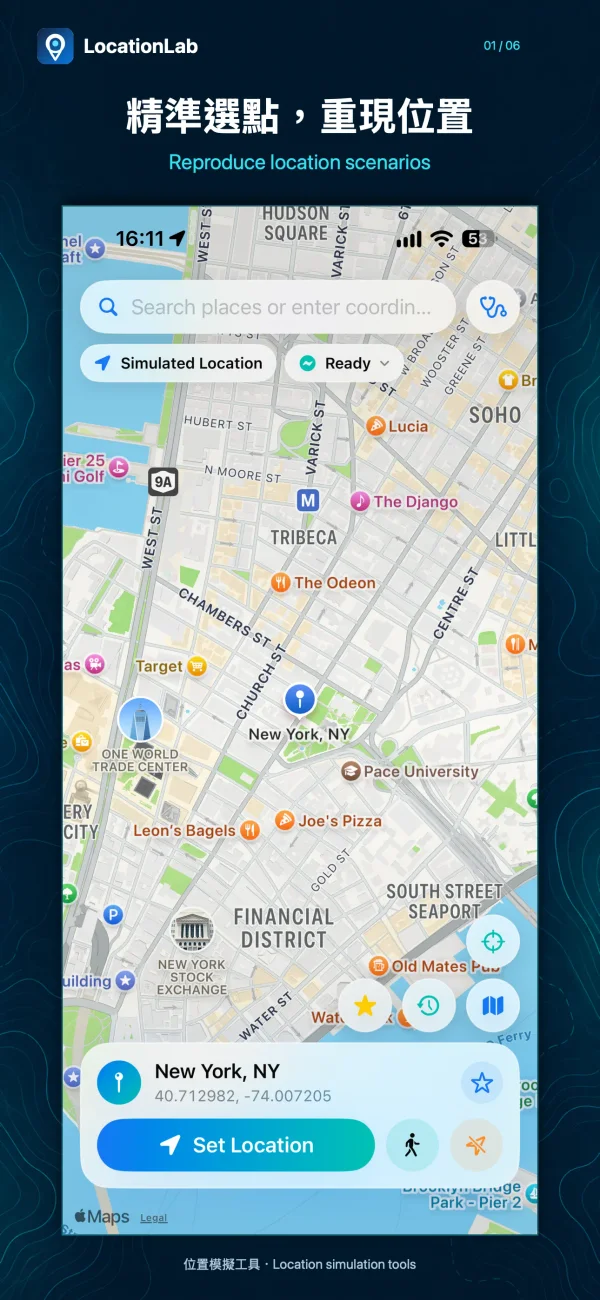
LocationLab helps iOS developers and QA testers reproduce location scenarios on their own test iPhone. Search for places, enter exact coordinates or select points on the map to test stationary and moving locations.
Features:
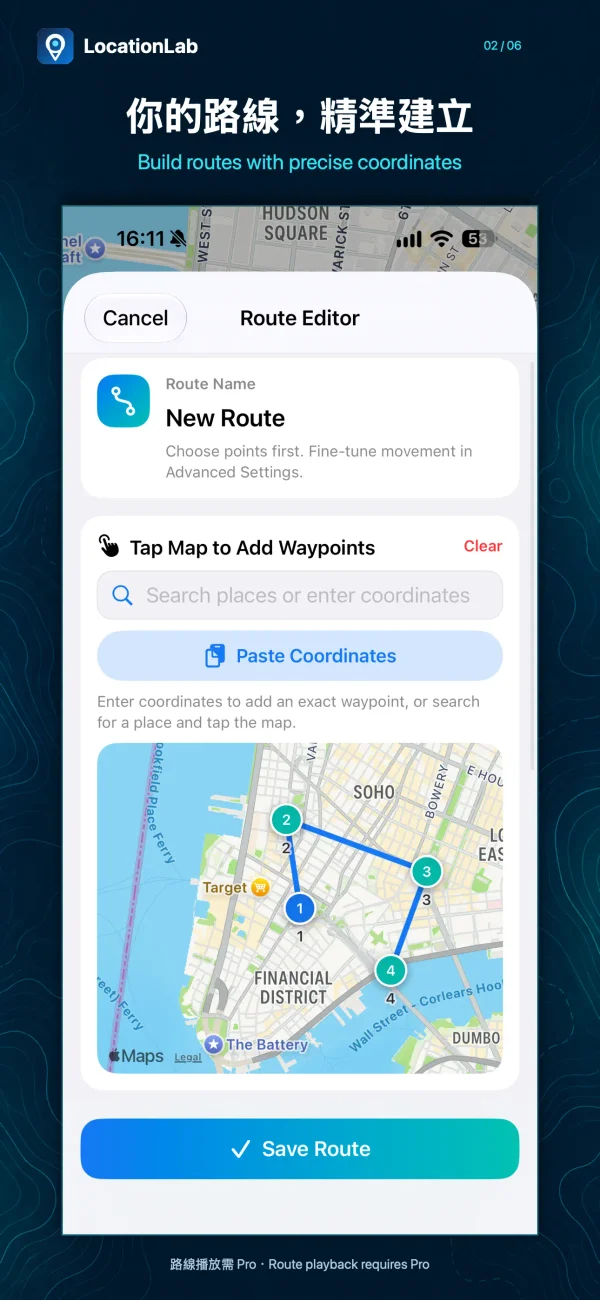
• Paste multiple coordinates at once, review the parsed count, errors and preview, then confirm a temporary route.
• Reorder favorites and saved routes; optimize route order, reverse routes and remove duplicate points.
• Create, edit, import and share GPX routes; share plain-text coordinates, one point per line.
• Petal Orbit and Ring Orbit patterns with adjustable radius and speed, and continuous or jump transitions between centers.
• Share original centers, expanded paths or offset copies without modifying the original route.
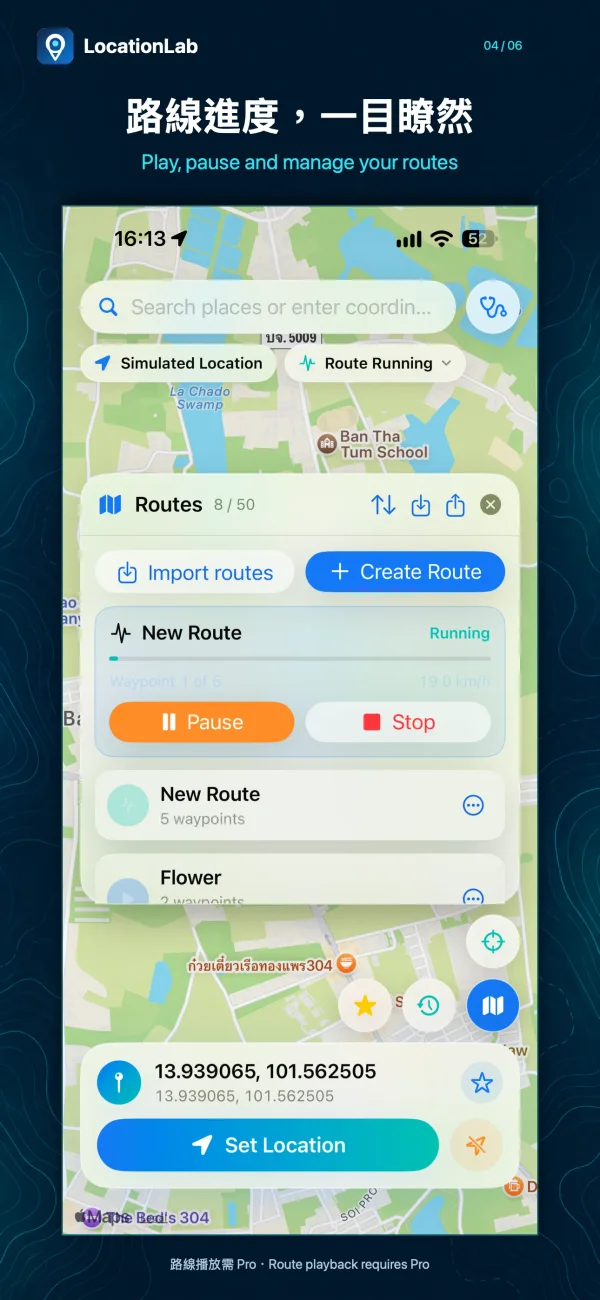
• Fixed or varying speed, point-to-point arrival pauses, continuous or jump-back loops, and random roaming with adjustable range and speed.
• Remember the last selected position without automatically starting simulation on relaunch.
• Stop testing and restore the real location.
The free tier includes three successful location settings per local calendar day and a homepage banner, subject to consent and ad availability. Pro offers monthly, three-month and annual auto-renewable subscriptions with identical features: unlimited location settings, up to 500 favorites and 100 saved routes, route playback/orbits, random roaming and no banner while Pro is active. Prices are shown in the app. Eligible customers can start a 7-day free trial with Apple purchase confirmation; declining a subscription does not remove the daily free allowance. Restore Purchases and Manage Subscription are on the Pro page.
After entitlement expiry, saved data is retained but new paid actions are blocked. A route already started with a valid entitlement may continue for up to 24 hours after its last verified expiry. This does not extend other Pro access, and stopping ends the allowance. Connection loss or system termination can still interrupt playback. Restore Real Location, pairing import and connection recovery are not subject to the daily quota.
Requirements:
• iOS 26 or later with Developer Mode enabled.
• On iOS 27 or later, choose LL Pair to create a pairing file on the iPhone and send or export it. On iOS 26, or when choosing computer setup, connect to a Mac or Windows PC by USB and use the LocationLab Setup Assistant. The macOS release is notarized; Windows may show SmartScreen.
• After initial device pairing, use Wi-Fi or follow the app’s built-in tunnel and brief manual Airplane Mode steps to create or rebuild the local connection. The computer is not needed after setup.
• If the local connection has failed, follow the app’s reconnection guide before restoring the real location.
LocationLab uses the iOS developer location-simulation workflow. Apple Maps and other Core Location apps may receive simulated locations. Pairing files, favorites and routes are processed locally; file sharing is initiated by the user. See the privacy policy for free-tier advertising data and choices. The app does not route general Internet traffic to developer servers.
Before navigation, location sharing, emergency services or other safety-related activities, stop testing and confirm that the real location has been restored.
Trials automatically renew at the selected plan price unless cancelled. To avoid charges, cancel at least 24 hours before the trial ends. Manage or cancel subscriptions in your Apple Account settings.
Privacy policy: https://locationlab.net/privacy.html
Terms of use: https://www.apple.com/legal/internet-services/itunes/dev/stdeula/
What’s new
Version 0.5.8 · Oct 14, 2026
On iOS 27 or later, choose LL Pair or computer setup and open the LL Pair App Store page from the guide. Send a pairing file directly when supported by LL Pair, or export and import it through Files. A single-coordinate search now shows the destination’s current time, time zone, and difference from your iPhone’s configured time zone; you can turn this off in Connection & Diagnostics. A paused saved route can resume after setting one location or running a one-time route.
App privacy
What SHU-CHIH LIN declares on the App Store about how this app handles data.
-
Data linked to you
May be collected and linked to your identity.
- Purchases
- Location
- Contact info
- User content
- Identifiers
- Usage data
- Diagnostics
-
Data not linked to you
May be collected but is not linked to your identity.
- Identifiers
- Diagnostics
Privacy practices may vary, for example with the features you use or your age.
Information
- Seller
- SHU-CHIH LIN
- Category
- Developer Tools
- Version
- 0.5.8
- Updated
- Oct 14, 2026
- Released
- Sep 7, 2026
- Size
- 12.4 MB
- Requires
- iOS 26.0 or later
- Age rating
- 4+
- Price
- Free
- In-app purchases
- Yes
- Languages
- English, Japanese, Korean, Traditional Chinese
- Copyright
- © 2026 SHU-CHIH LIN
You might also like
-
 Termini - SSH ClientRemote Terminal Server Manage
-
 WLOC: Location ChangerCoordinate & Route QA Testing
-
 HTTPS Capture Traffic DecryptWeb API Debug & Packet Sniffer
-
 LocalDevVPNDeveloper Tools
-
 ProxyPin - Open Source CaptureHTTP(S) Traffic Capture
-
 Surge 6Advanced Network Toolbox
-
 Cookie-EditorSecure, Open-Source, on Safari
-
 Proxyman - Capture HTTPSCapture HTTPS from your iPhone
-
 Apps ConnectVPN - Powered by mihomo