Lock Learn: Passive Learning!
Lock Screen Vocabulary Widget
Designed for iPhone
Free · In-app purchases
- Age rating4+
- CategoryEducation
- DeveloperMaxQ Consulting Services LLC
- LanguagesEnglish
- Size3.2 MB
Links to the official App Store page
Download.org hosts no file of Lock Learn: Passive Learning!. The button opens its official App Store page, published by MaxQ Consulting Services LLC. Listing last checked on Nov 15, 2026.
Screenshots


About
Lock Learn puts a vocabulary word on your lock screen and swaps it out every 10 minutes, all day. You're checking your phone constantly anyway, so you might as well pick something up in the meantime. There are no study sessions, no streaks to maintain, and no extra time required.
How it works:
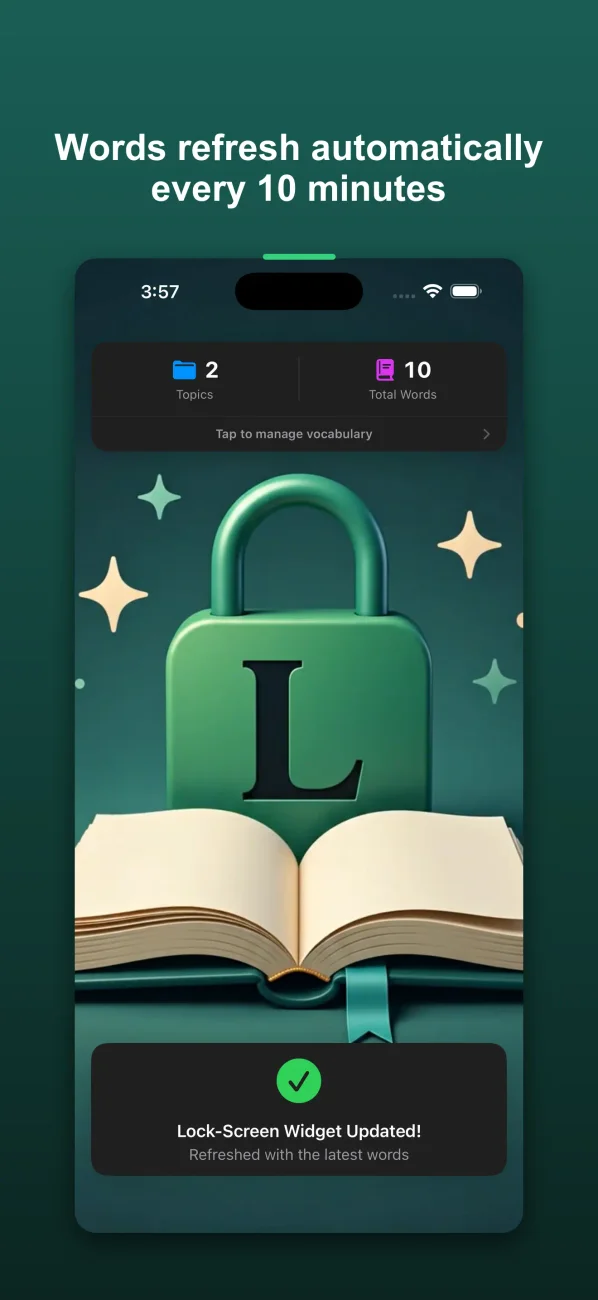
Add the Lock Learn widget to your lock screen. From that point on, every time you glance at your phone you'll see a different word from your list along with its definition and grammar type. The widget refreshes in the background every 10 minutes without you doing anything.
Build your own word lists:
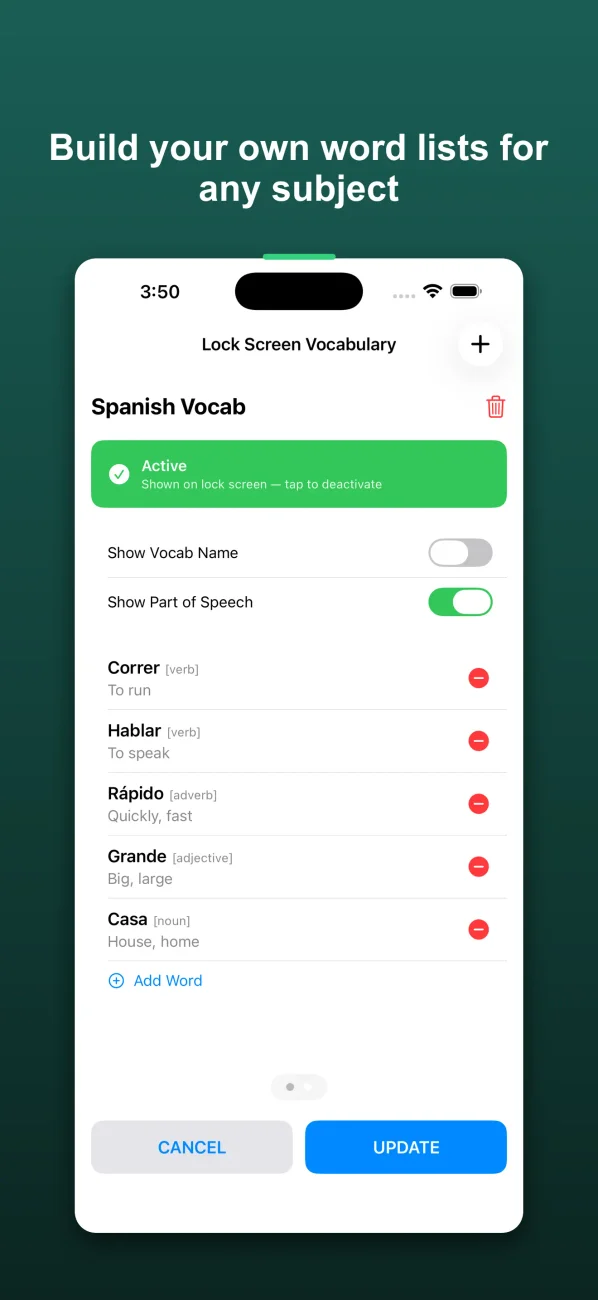
Lock Learn isn't tied to a preset word bank. You create topics for whatever you're working on: a language you're studying, industry terminology, SAT prep words, culinary terms, anything you want. Every entry includes a definition and a grammar label so you understand how to actually use the word, not just what it means.
Tap to go deeper:
Spot a word you want to explore? Tap the widget and Lock Learn opens directly to that word's topic so you can review, edit, or add related words.
Free to start:
You get up to 20 vocabulary words completely free, with no trial period and no expiration date. If you want more, a small one-time purchase unlocks unlimited words and there's no subscription.
Features:
- Lock screen widget that rotates vocabulary every 10 minutes
- Organize words into topics and categories
- Grammar labels included with every entry
- Tap-to-open deep link goes directly to the word currently on your lock screen
- Free up to 20 words, one-time purchase for unlimited
What’s new
Version 1.0.6 · Jun 25, 2026
Tidied up the App Store listing. No changes to the app itself this time.
App privacy
What MaxQ Consulting Services LLC declares on the App Store about how this app handles data.
-
Data not collected
The developer does not collect any data from this app.
Privacy practices may vary, for example with the features you use or your age.
Information
- Seller
- MAXQ CONSULTING SERVICES, LLC
- Category
- Education
- Version
- 1.0.6
- Updated
- Jun 25, 2026
- Released
- Jun 12, 2026
- Size
- 3.2 MB
- Requires
- iOS 18.6 or later
- Age rating
- 4+
- Price
- Free
- In-app purchases
- Yes
- Languages
- English
- Copyright
- © 2026 MaxQ LLC
You might also like
-
 Vocab Vault ProLearn Words on Lock Screen
-
 LexWidget: VocabularyYour words on your Home Screen
-
 Daily English: WidgetEnglish word of the day widget
-
 Glance Widget: Easy VocabularyDaily Words & Vocab Builder
-
 Vocab Builder: Lock ScreenDaily English Words Widget
-
 Bloo: Daily Language WidgetVocab, Streaks & Home Screen
-
 Glim: Lock Screen VocabularyWidget flashcards for glances
-
 Vocabword: Word of the DayDaily Word Widget & Quizzes
-
 DailyLingo - Word of the DayVocab Sent to Your Lock Screen
-
 A New Word Every DayEnglish & Japanese vocabulary