Lock Notify Remote
Unlocked alerts & remote lock
Designed for iPhone, iPad, Mac
Free · In-app purchases
- Age rating4+
- CategoryUtilities
- DeveloperAdem Yuksel
- LanguagesEnglish+ 7 more
- Size48.0 MB
Links to the official App Store page
Download.org hosts no file of Lock Notify Remote. The button opens its official App Store page, published by Adem Yuksel. Listing last checked on Nov 14, 2026.
Screenshots


About
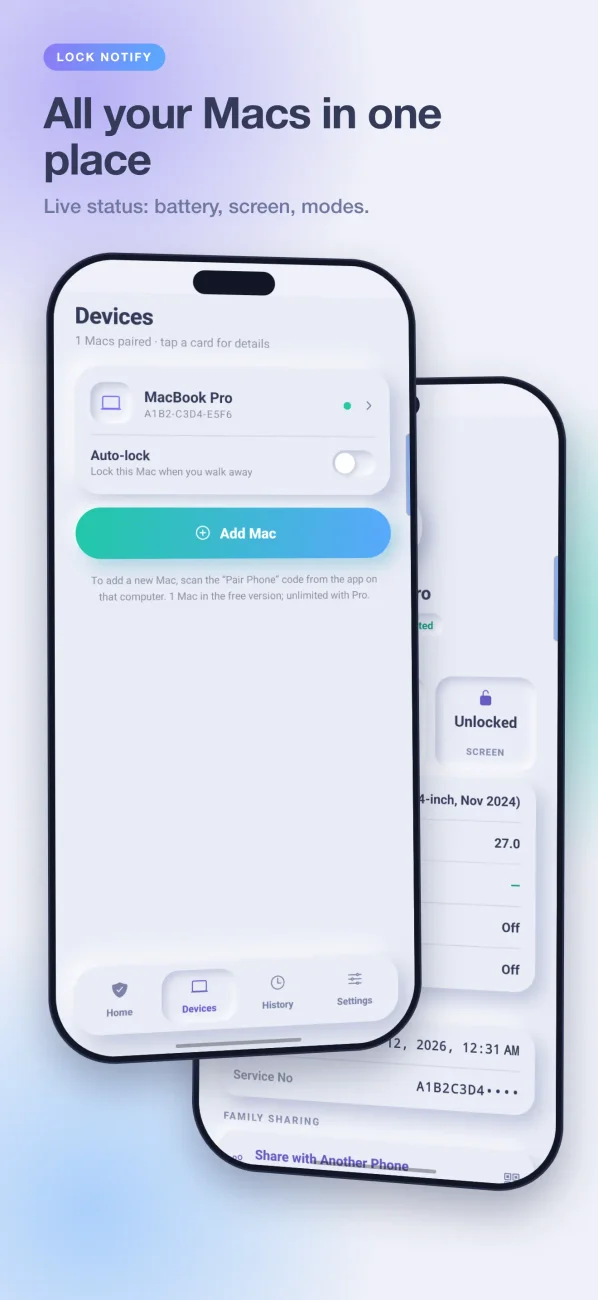
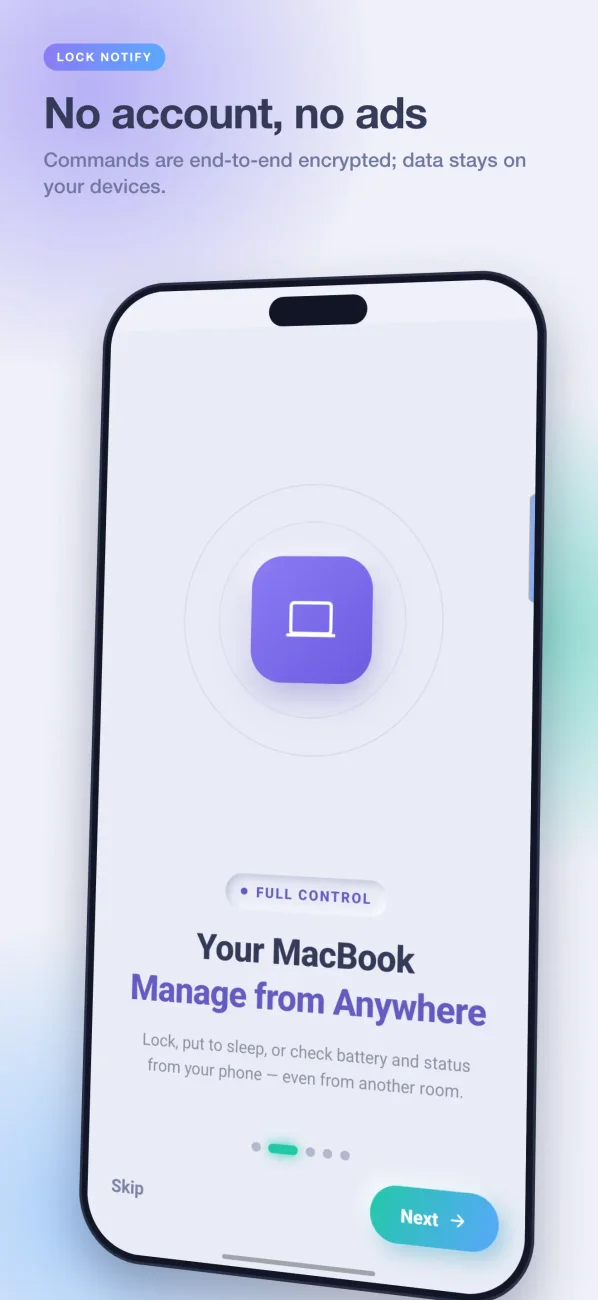
Walked away and forgot to lock your Mac? Lock Notify sends a notification to your phone whenever your Mac is left unlocked and idle. Tap "Lock" right on the notification and your Mac locks instantly. Every lock is verified, and you are told the real result.
HOW IT WORKS
Install the free Mac companion app (macOS 13 or later), scan the QR code on your Mac's screen with your phone, and you're done. No account needed. The pairing code is stored only on your own devices.
FEATURES
• Left-unlocked alert: a notification when your Mac is awake and idle
• One-tap remote lock, verified every time
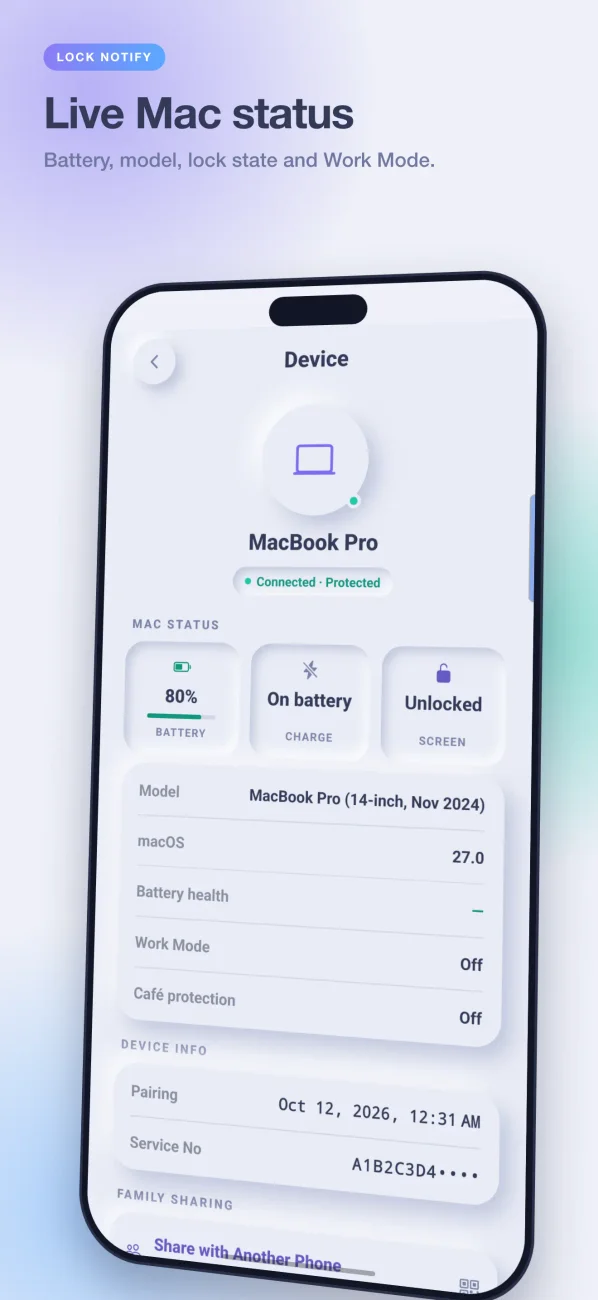
• Live status: battery, model, locked or not, Work Mode on or off
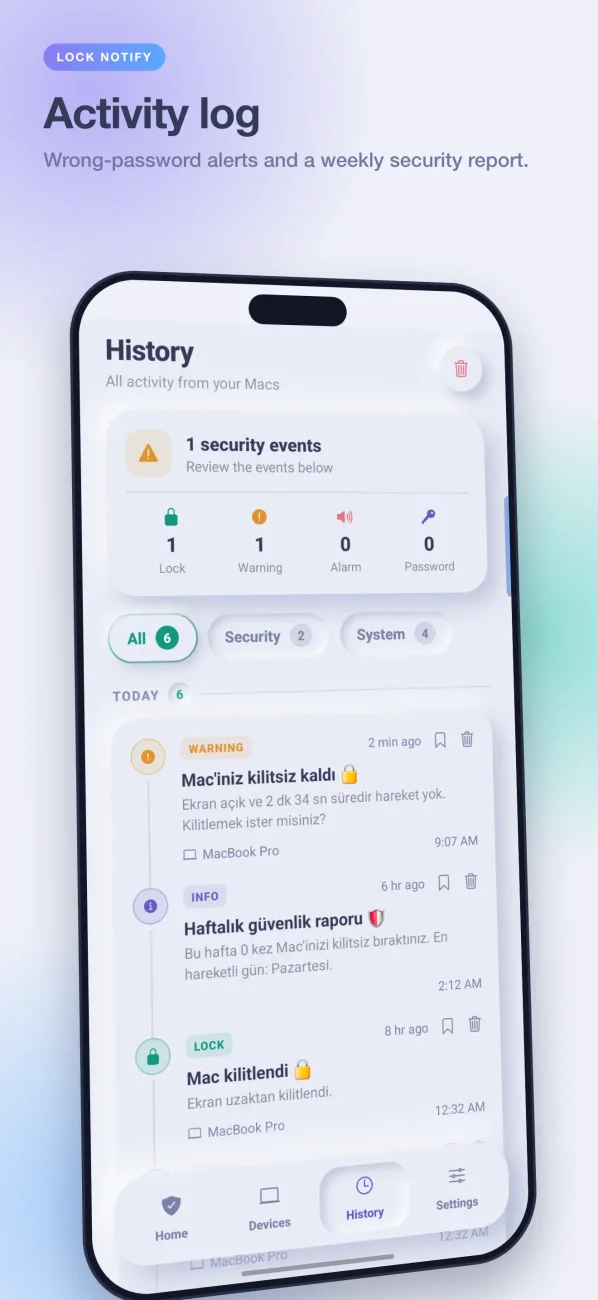
• Wrong-password alert: instant notice when someone tries a wrong password on the lock screen
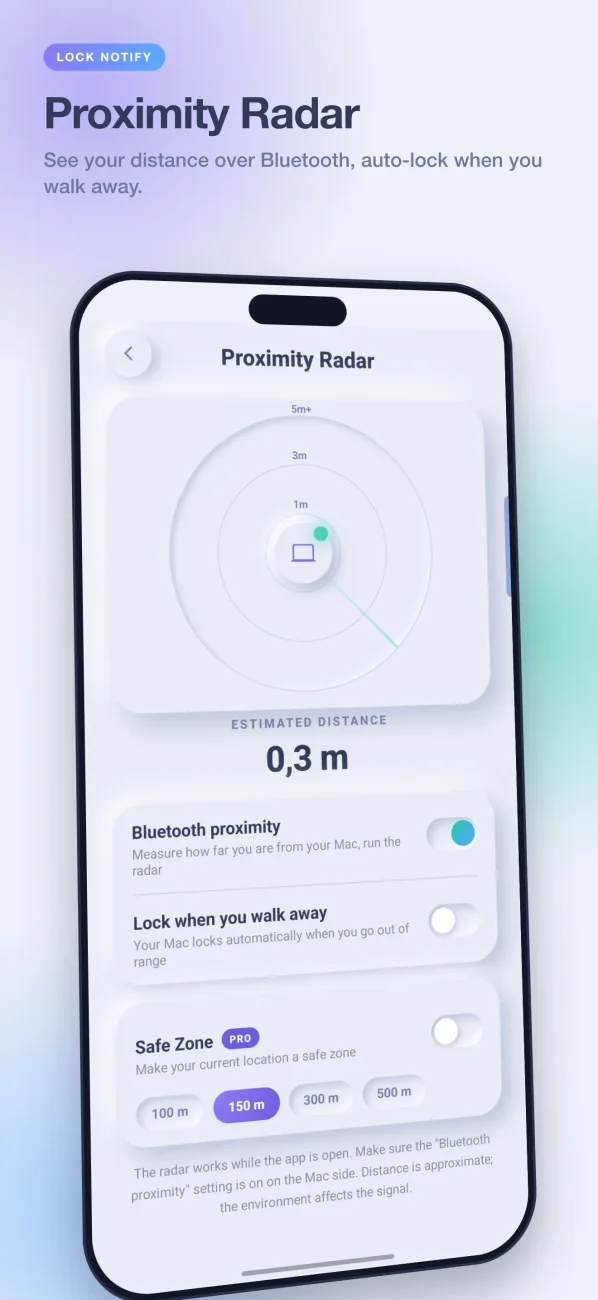
• Bluetooth proximity radar: see your distance to the Mac and lock automatically when you walk away
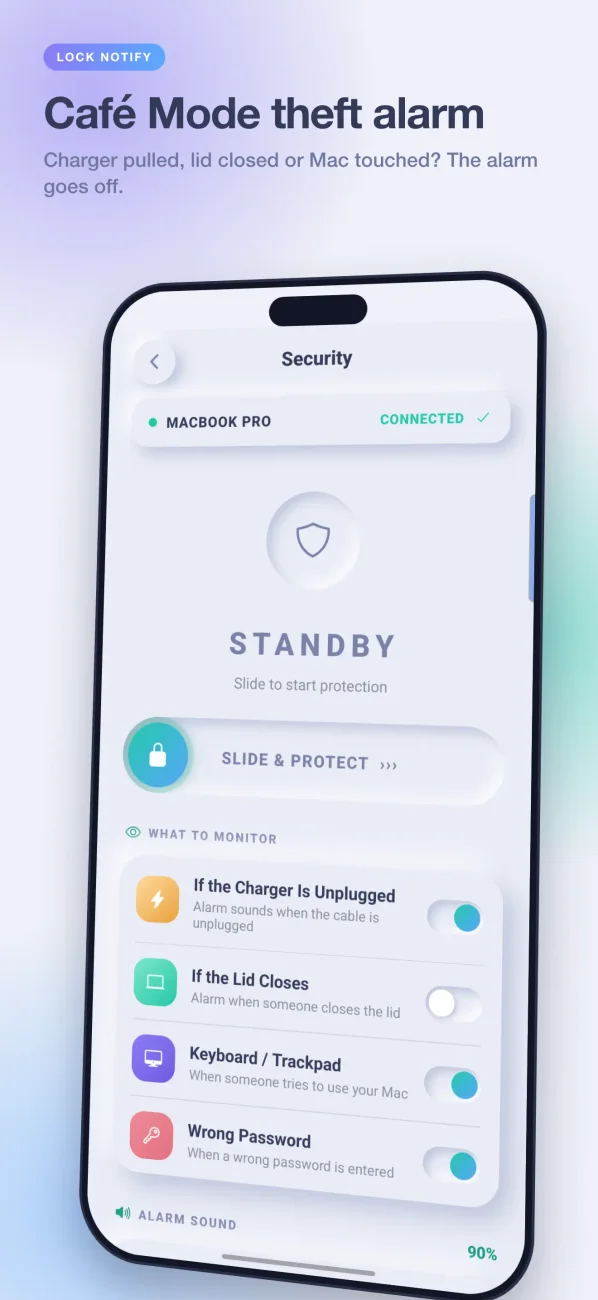
• Café Mode: full-screen theft alarm if the charger is pulled, the lid is closed, or someone touches the Mac
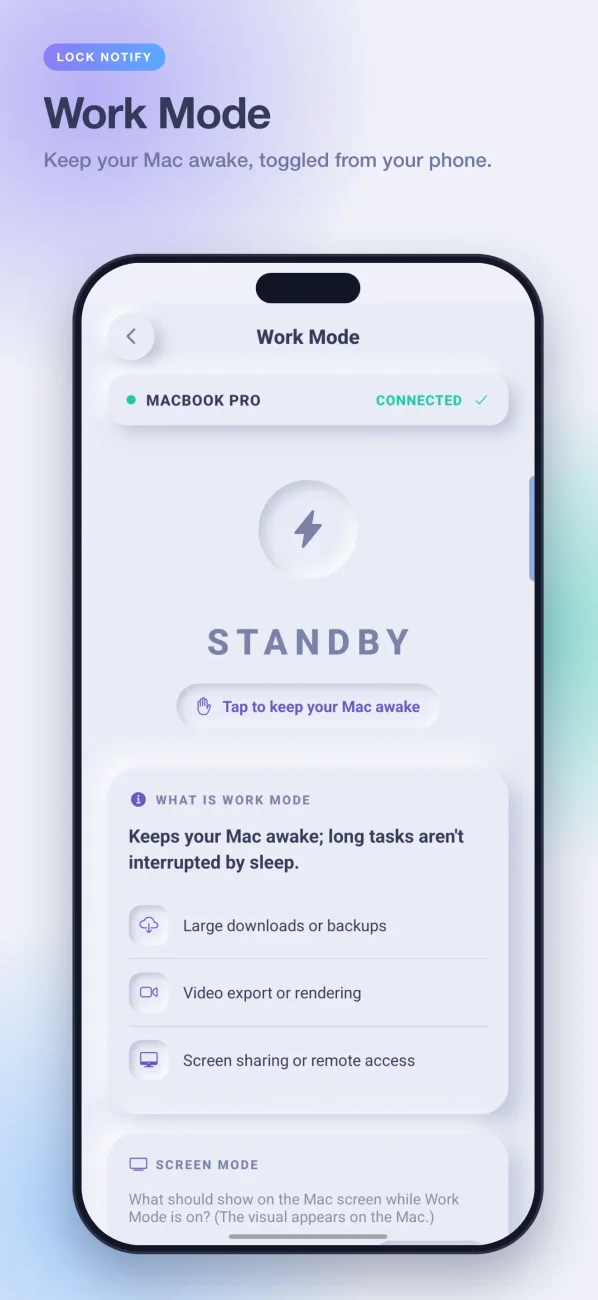
• Work Mode: keep your Mac awake, toggled from your phone
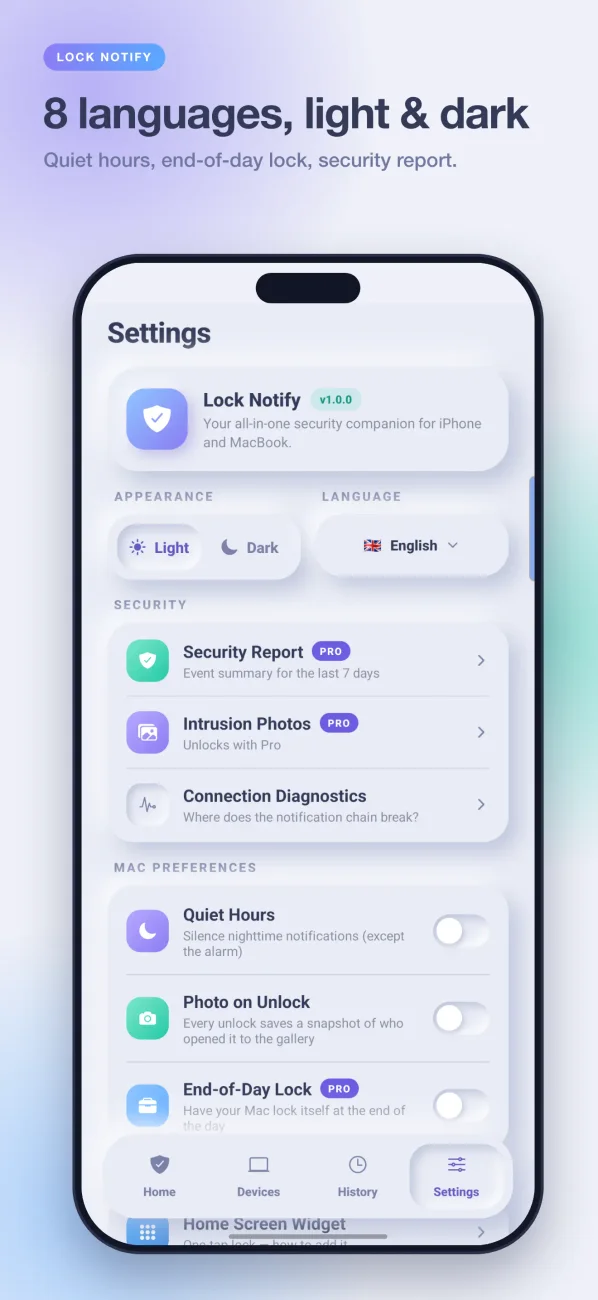
• Scheduled end-of-day lock
• Quiet hours
• Activity log and weekly security report
• Apple Watch app and home-screen widget: lock from your wrist or with one tap
• Available in English, Turkish, German, French, Spanish, Russian, Chinese and Japanese
PRO (one-time purchase)
• Unlimited Macs (free tier: 1)
• Intruder photo: a front-camera frame attached to the wrong-password alert*
• Remote alarm and remote sleep
• Auto-lock when you leave a safe zone (location)
• Multi-Mac widget, full history and security report
PRIVACY
No account, no ads, no analytics. The command channel is end-to-end encrypted; the server only sees an opaque envelope. Location and photo processing stay on your devices. The only data shared is an anonymous push token used to deliver notifications.
SECURITY NOTE
Locking is one-way: your phone can only lock your Mac. There is no remote unlock.
* Wrong-password detection and intruder photo work on the macOS versions supported by the Mac app; they are not available on macOS 26 and later in the Mac App Store version.
App privacy
What Adem Yuksel declares on the App Store about how this app handles data.
-
Data not linked to you
May be collected but is not linked to your identity.
- Purchases
- Identifiers
Privacy practices may vary, for example with the features you use or your age.
Information
- Seller
- Adem Yuksel
- Category
- Utilities
- Version
- 1.0.0
- Updated
- Oct 20, 2026
- Released
- Oct 20, 2026
- Size
- 48.0 MB
- Requires
- iOS 16.4 or later
- Age rating
- 4+
- Price
- Free
- In-app purchases
- Yes
- Languages
- English, French, German, Japanese, Russian, Simplified Chinese, Spanish, Turkish
- Copyright
- © 2026 Adem Yüksel
You might also like
-
 Punycode URL BlockerBlock IDN xn-- Punycode URLs
-
 Presence RemoteRemote lock and slide clicker
-
 Helm: Mac Remote ControllerControl Your Mac from iPhone
-
 ProxiOne: Proximity Auto LockLaptop Anti-Theft Alarm
-
 Lock Apps :Photos & App LockerApp Lock - Hide Photos, Videos
-
 Transcription - Fast & OfflineAudio & Video to Text
-
 Lockpup: App Lock & VaultHide Photos, Face ID Locker
-
 PortKnockKnock with Siri & Shortcuts
-
 Photo Secret Locker: VaultLock & Hide Photos, Videos
-
 Apporta - App LockSuper Locker , Block Hide Apps