Lock Screen List: Todo Widget
Shopping & Quick Checklist
Designed for iPhone, iPad
Free · In-app purchases
- Age rating4+
- CategoryProductivity
- DeveloperBrenda Grimes
- LanguagesEnglish
- Size72.3 MB
Links to the official App Store page
Download.org hosts no file of Lock Screen List: Todo Widget. The button opens its official App Store page, published by Brenda Grimes. Listing last checked on Nov 15, 2026.
Screenshots


About
Keep your most important lists visible whenever you need them.
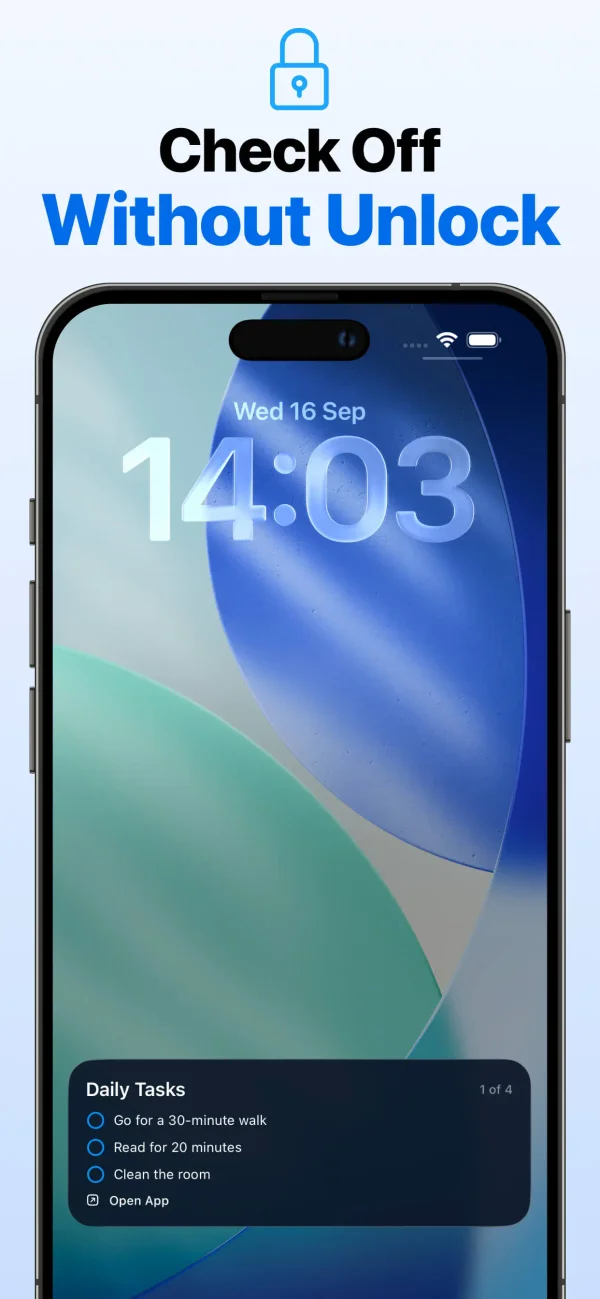
Lock Screen List lets you place shopping items, daily tasks, packing checklists, errands, and quick reminders directly on your iPhone Lock Screen. See what is left and check off completed items without opening the app.
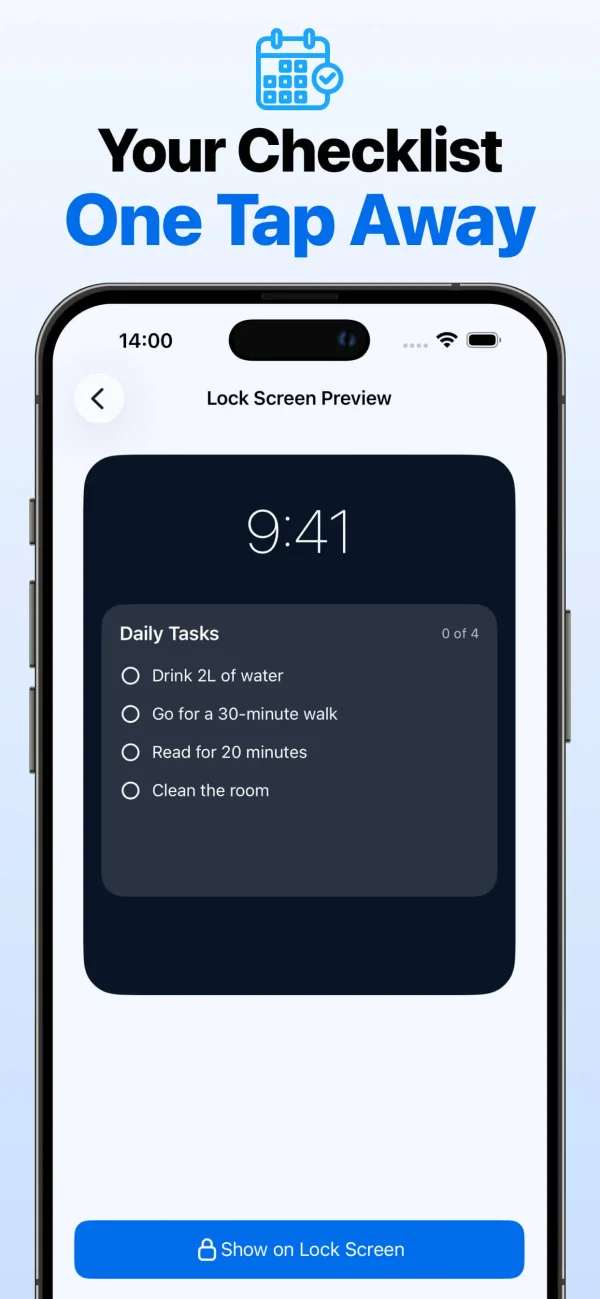
Create a list, add your items, and choose Show on Lock Screen. Up to five unfinished items remain visible at a glance. When you complete an item, the next one automatically appears in its place.
USE IT FOR
• Grocery and shopping lists
• Daily tasks and errands
• Packing checklists
• Household chores
• Workday priorities
• Quick personal reminders
KEY FEATURES
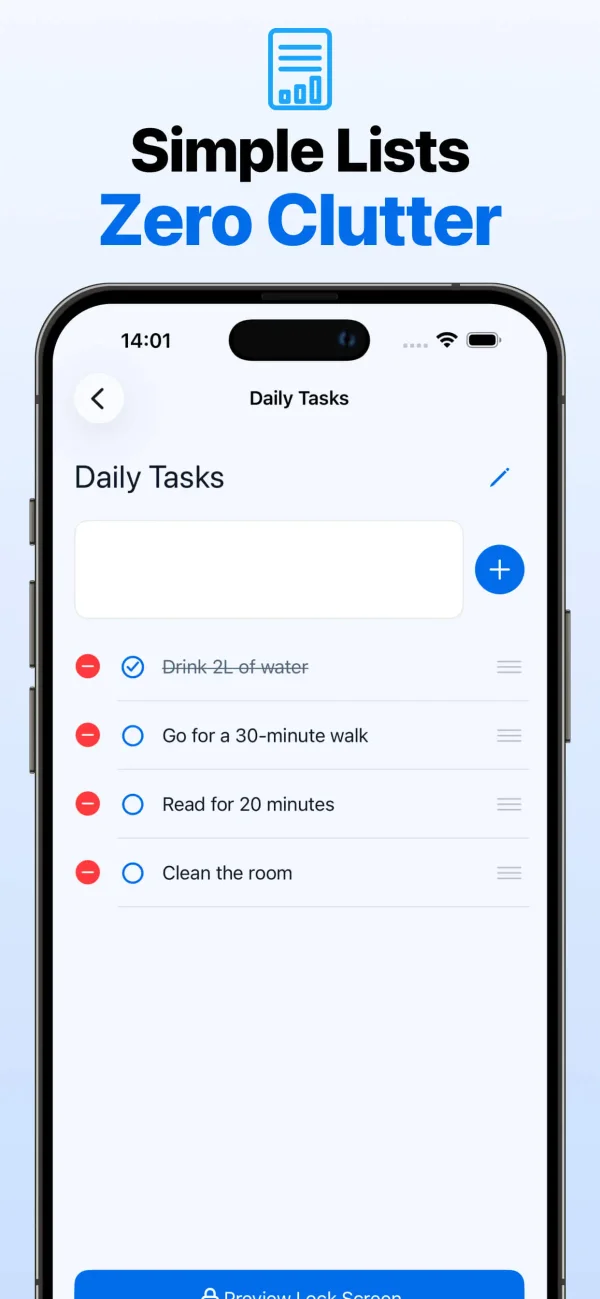
• Create and manage multiple lists
• Display an active list on the Lock Screen
• Check off items without opening the app
• Track completed and remaining items
• Edit, reorder, rename, duplicate, or delete lists
• Restore accidentally completed items
• Add an interactive Home Screen widget
• Keep list contents stored on your device
HOW IT WORKS
1. Create a new list.
2. Add the items you need.
3. Tap Show on Lock Screen.
4. Check off items as you complete them.
Only one list is displayed on the Lock Screen at a time, helping you stay focused on what matters right now. When every item is completed, you can end the list or return to the app and start another one.
No complicated projects, calendars, tags, or productivity systems — just a simple checklist that stays within sight.
Terms of Use Link: https://www.apple.com/legal/internet-services/itunes/dev/stdeula/
What’s new
Version 1.2 · Nov 9, 2026
A fresh look for your lists!
We’ve redesigned the app’s interface with a cleaner, more polished look. Create, manage, and check off your everyday lists in a refreshed experience.
App privacy
What Brenda Grimes declares on the App Store about how this app handles data.
-
Data not collected
The developer does not collect any data from this app.
Privacy practices may vary, for example with the features you use or your age.
Information
- Seller
- Brenda Grimes
- Category
- Productivity
- Version
- 1.2
- Updated
- Nov 9, 2026
- Released
- Oct 26, 2026
- Size
- 72.3 MB
- Requires
- iOS 17.0 or later
- Age rating
- 4+
- Price
- Free
- In-app purchases
- Yes
- Languages
- English
- Copyright
- © 2026 Brenda Grimes
You might also like
-
 Chore Wars: AI Cleaning GameChore Tracker & Leaderboard
-
 Sidecart: Shared Shopping ListCouples & family grocery list
-
 Listlet: Recipe & Grocery ListYour Smart Shopping List
-
 Fridge: Lock Screen NotesSticky to-do checklist widget
-
 Lock Screen Notes: Quick PinSticky Notes & Quick Reminders
-
 Grocery List: Smart ShoppingGet notifications near a store
-
 SumMail AINever Miss Important Emails
-
 Your Day: Simple To-Do ListTasking Has Never Been Easier
-
 Plannie - Family calendarFamily calendar, chores, meals
-
 GlanceKit: Lock Screen WidgetNotes, Lists, Calendar & Clock