
LockdAI: Screen Time Control
Focus/study tool for students
Designed for iPhone
Free · In-app purchases
- Age rating4+
- CategoryProductivity
- DeveloperJacob Maddox
- LanguagesEnglish
- Size20.4 MB
Links to the official App Store page
Download.org hosts no file of LockdAI: Screen Time Control. The button opens its official App Store page, published by Jacob Maddox. Listing last checked on Nov 12, 2026.
Screenshots
About
LockdAI helps you actually focus, and actually study:
Most focus apps just block your phone. LockdAI does that, plus gives you an AI study assistant and exam generator, so the time you free up actually gets used.
Block what distracts you:
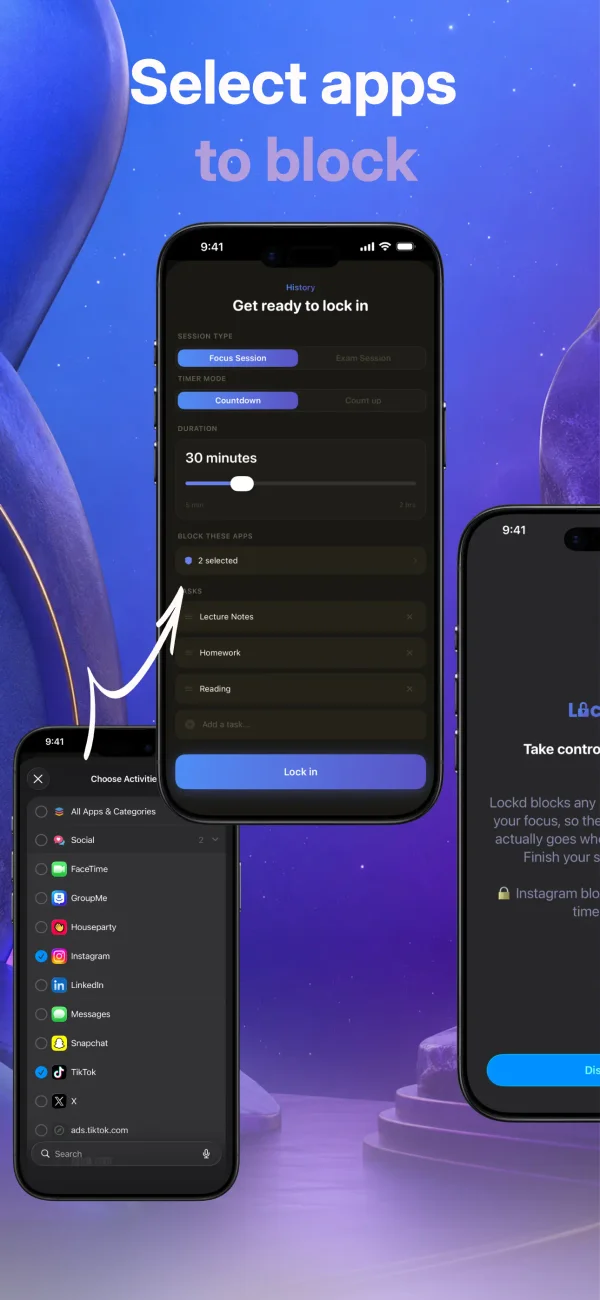
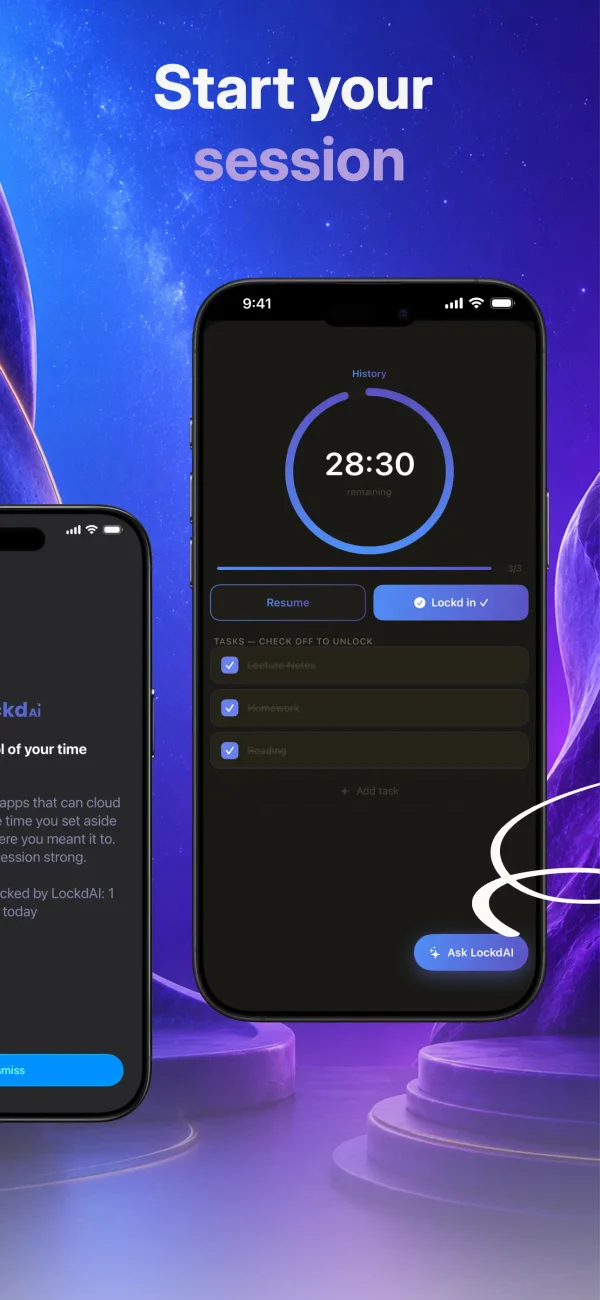
Choose exactly which apps get locked during your study sessions: Instagram, TikTok, games, whatever pulls your attention. Set a timer, lock in, and get it done.
Ask LockdAI anything:
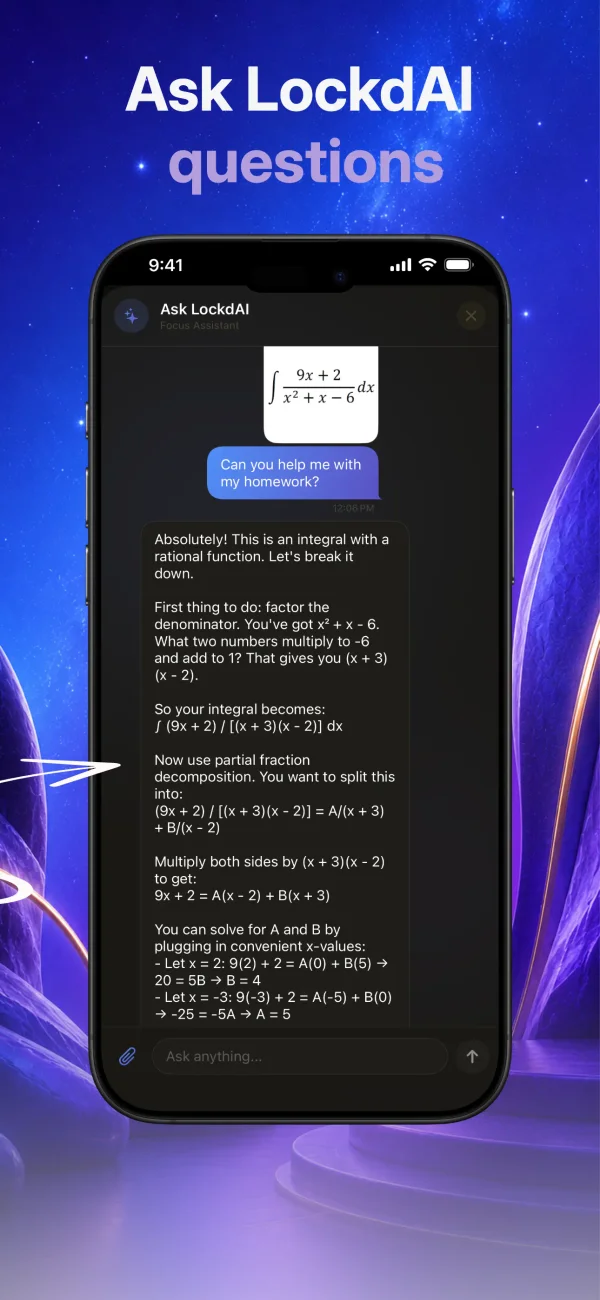
Stuck on a problem? Ask your built in AI study assistant and get real explanations, not just answers.
Turn your notes into a real exam:
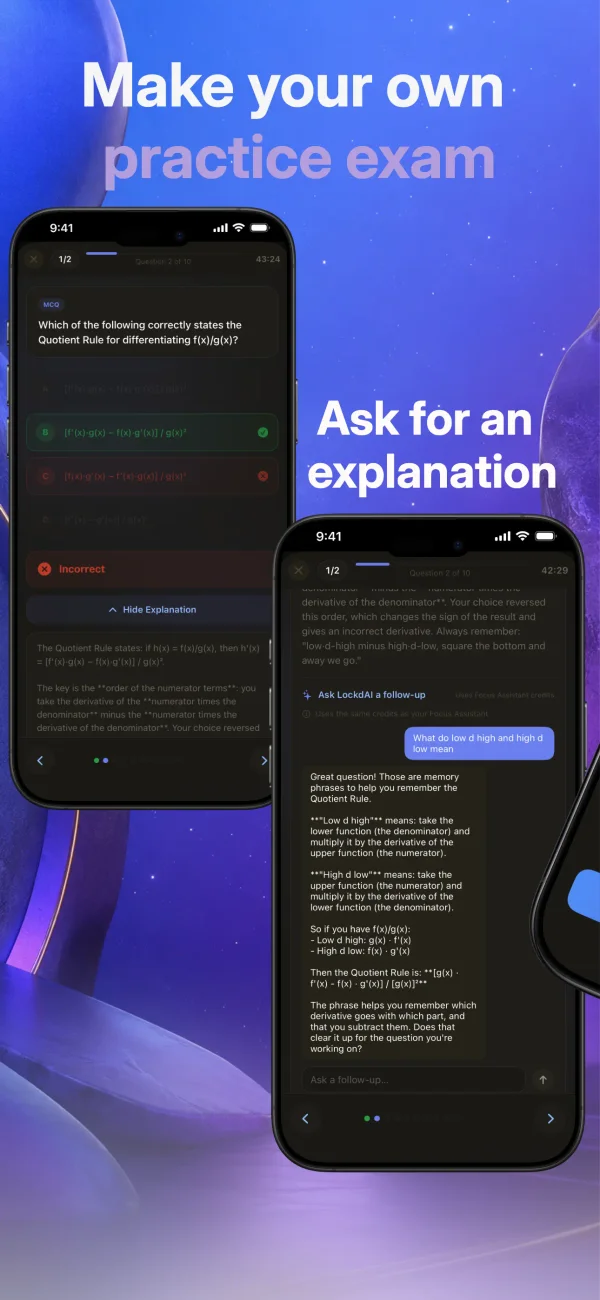
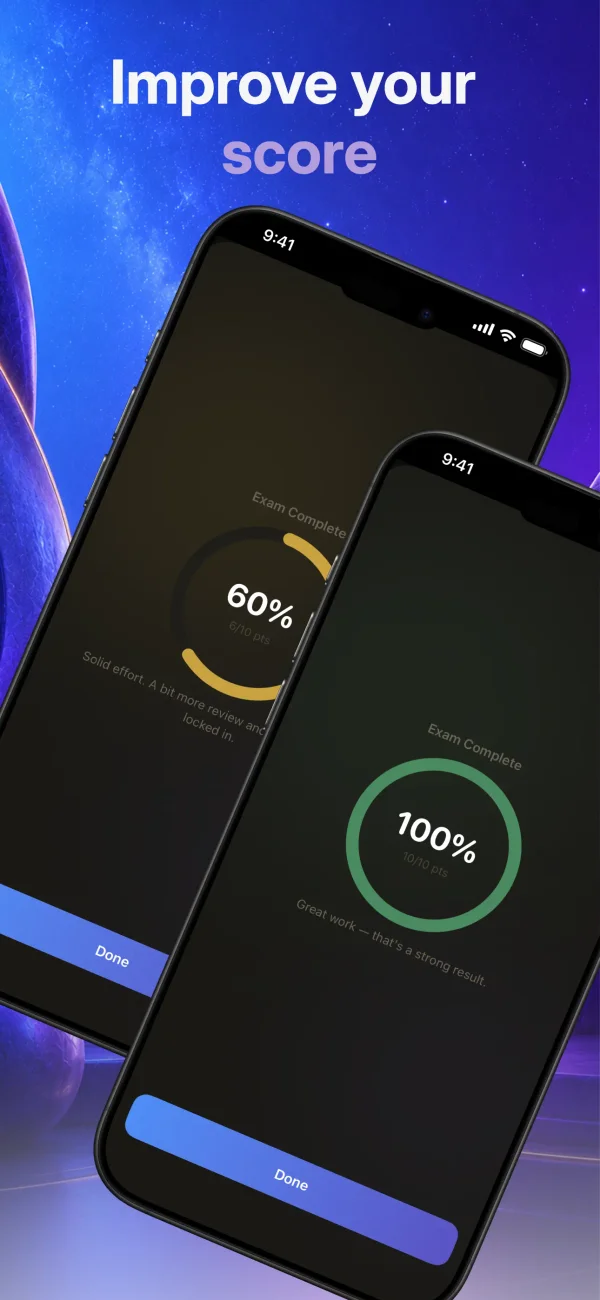
Upload your notes or a photo of your material, and LockdAI generates a personalized practice exam to help you actually prepare, not just review.
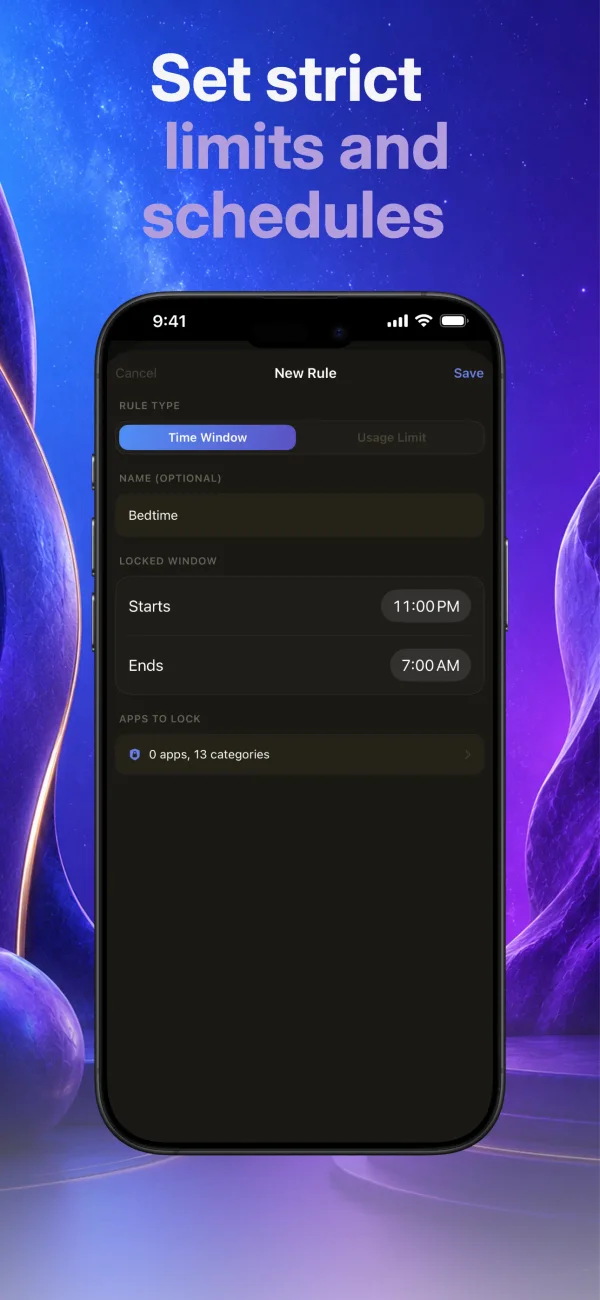
Lockdown Mode: set your own limits and schedules
Build time window rules, like a study hours lockdown, or set daily usage limits for specific apps. Fully customizable to your schedule. Want extra accountability? Turn on Hard Lockdown, and once a rule starts locking an app, it can't be turned off until the rule ends.
See your progress
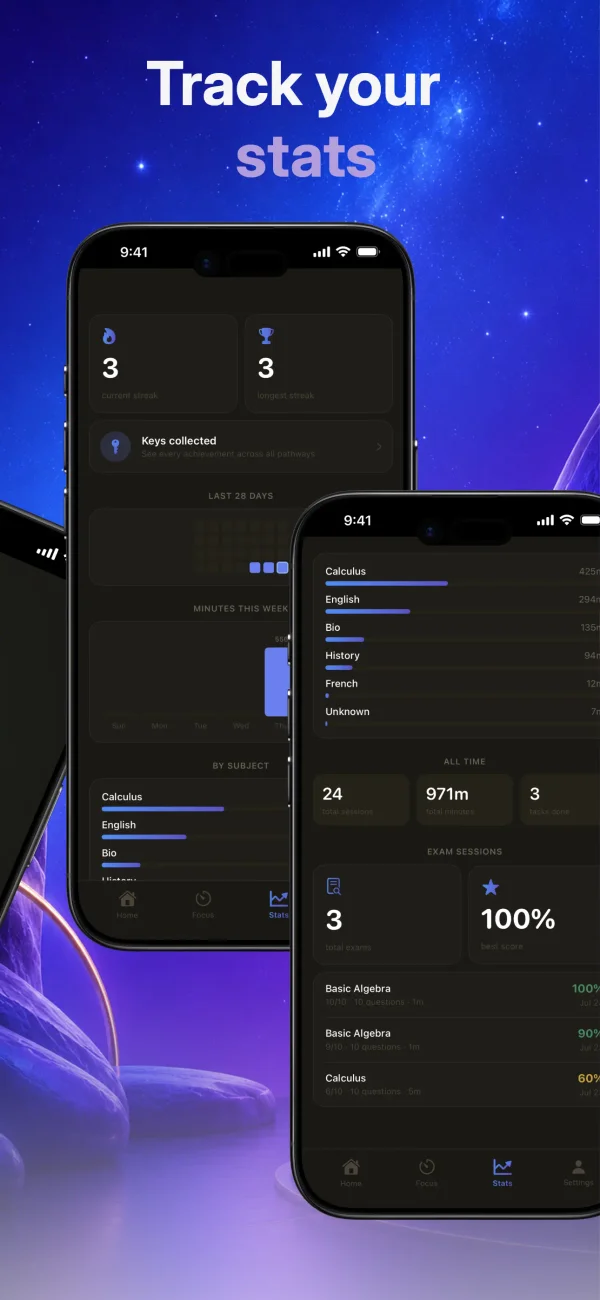
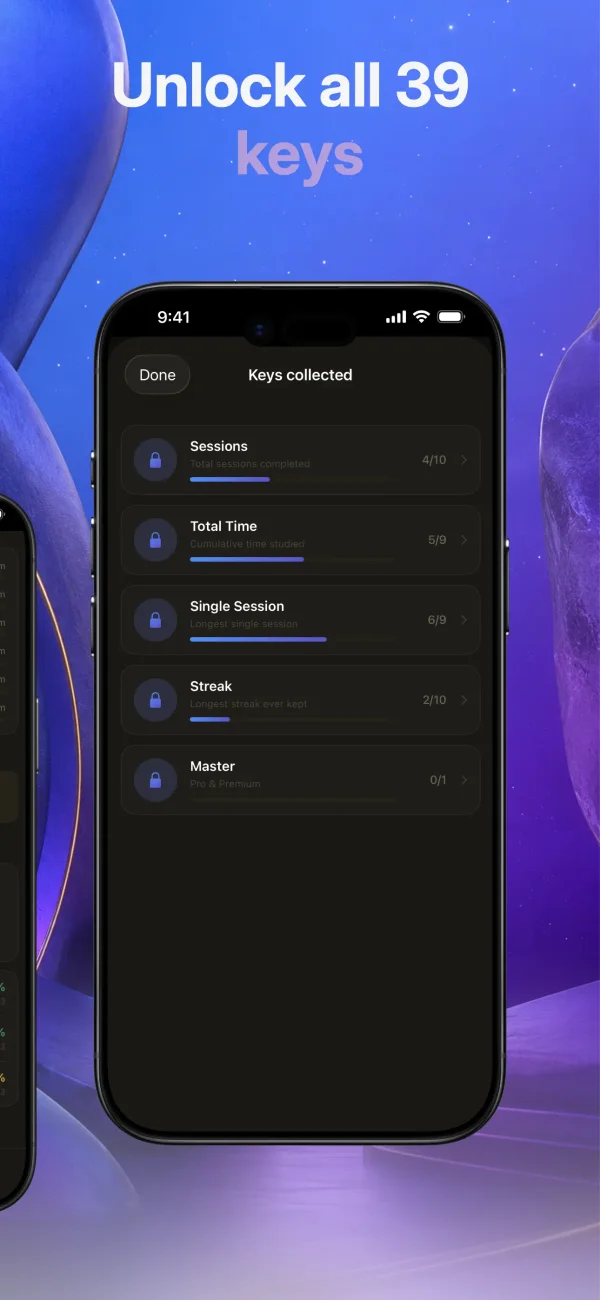
Track study streaks, session history, and unlock achievement keys as you build real study habits over time.
LockdAI is built for students, middle school through college, who want a study tool that respects their time and actually helps them learn.
Terms of Use (EULA): https://www.apple.com/legal/internet-services/itunes/dev/stdeula/
App privacy
What Jacob Maddox declares on the App Store about how this app handles data.
-
Data linked to you
May be collected and linked to your identity.
- Purchases
- Contact info
- Identifiers
-
Data not linked to you
May be collected but is not linked to your identity.
- User content
- Identifiers
- Usage data
- Diagnostics
Privacy practices may vary, for example with the features you use or your age.
Information
- Seller
- Jacob Maddox
- Category
- Productivity
- Version
- 1.0
- Updated
- Oct 5, 2026
- Released
- Oct 5, 2026
- Size
- 20.4 MB
- Requires
- iOS 26.2 or later
- Age rating
- 4+
- Price
- Free
- In-app purchases
- Yes
- Languages
- English
- Copyright
- © 2026 Jacob Maddox
You might also like
-
 Tenki: Focus & App BlockerLife without distractions
-
 Pocket Piggy: Kids Chore ChartAllowance Tracker & Rewards
-
 ChoreUnlock: Chores & RewardsEarn Screen Time, Build Habits
-
 OpenAd: App BlockerFocus & Limit Screen Time
-
 AppBlocker: Block Apps & FocusAI for Lower Screentime
-
 Tok Blok: Refocus App BlockerStop Doom Scrolling & Lock in
-
 Deadbolt: Dumb Phone & DetoxApp blocker & less screen time
-
 CalendarBridgeStay in Sync
-
 Zario: Screen Time & Focus AIStop scroll, refocus & unpluq
-
 Humanize AI: Text RewriterNatural & real write