LockIn: Password Manager App
Secure Password Safe & Vault
Designed for iPhone, iPod touch
Free · In-app purchases
- Age rating17+
- CategoryProductivity
- DeveloperMatechMobile Software JSC
- LanguagesEnglish
- Size44.7 MB
Links to the official App Store page
Download.org hosts no file of LockIn: Password Manager App. The button opens its official App Store page, published by MatechMobile Software JSC. Listing last checked on Nov 15, 2026.
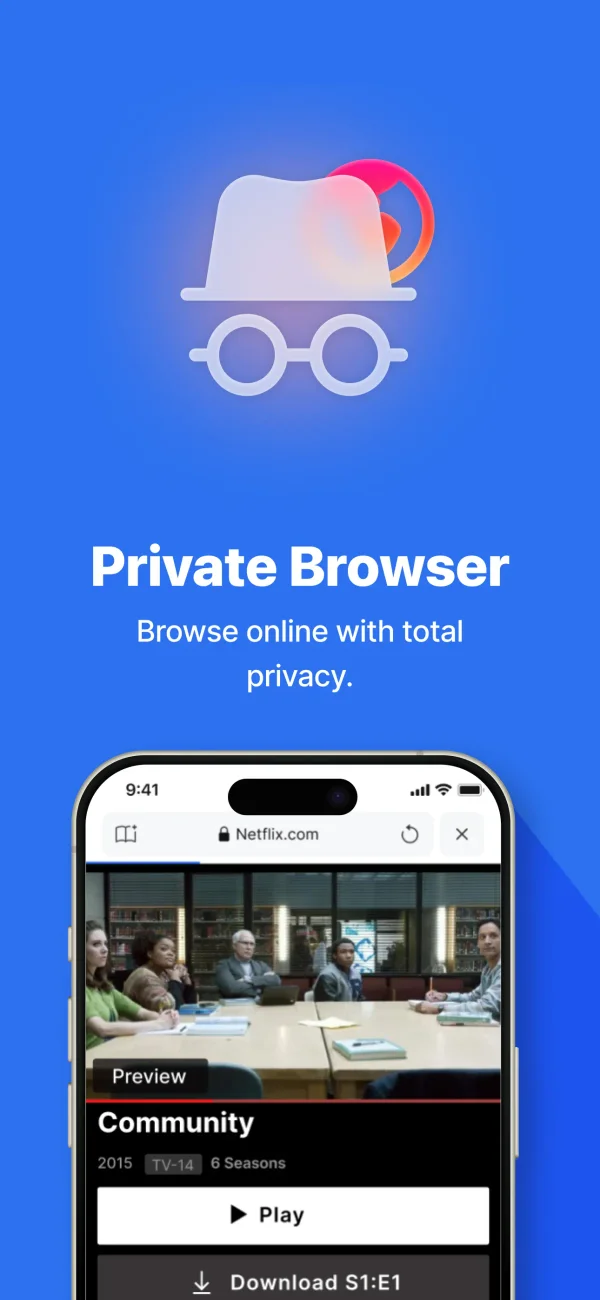
Screenshots
About
Ever forget a login just when you need it most?
Or spend minutes trying to reset a password because you can’t remember which one you used?
You’re not alone — and that’s exactly why you need a reliable Password Manager that keeps your online life safe, simple, and organized.
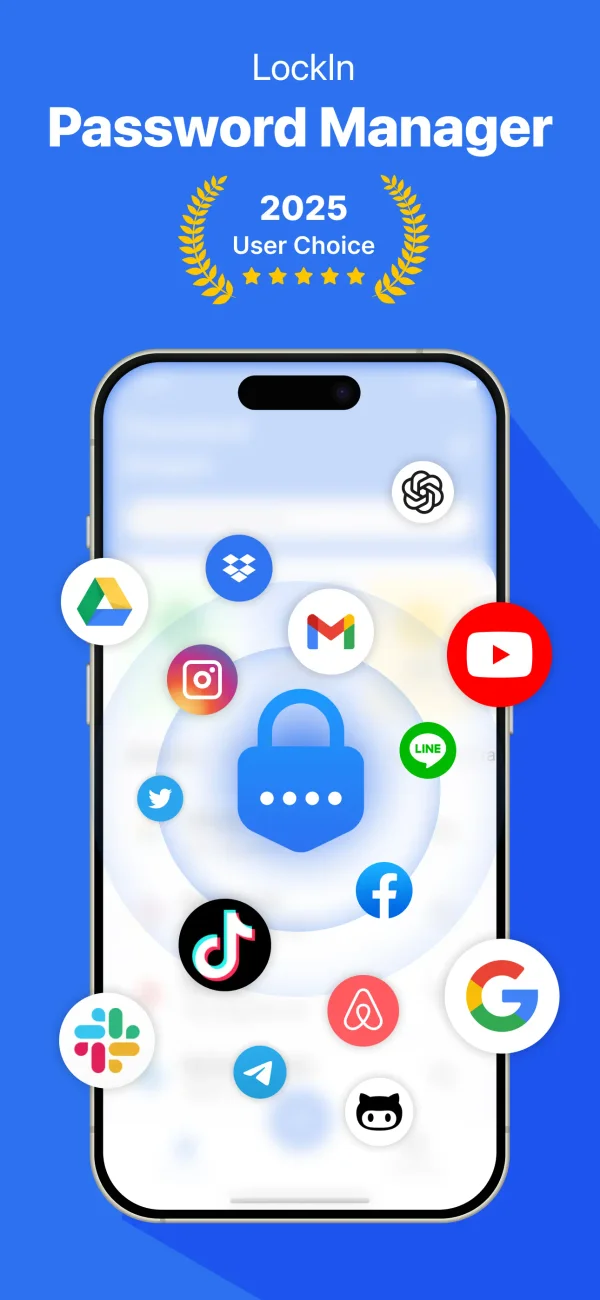
The Password Manager app helps you securely store and manage all your passwords and private information in one encrypted place. Whether it’s your Apple passwords, social accounts, or bank logins, this app protects everything while keeping it easy to find.
Password Manager - Main Features:
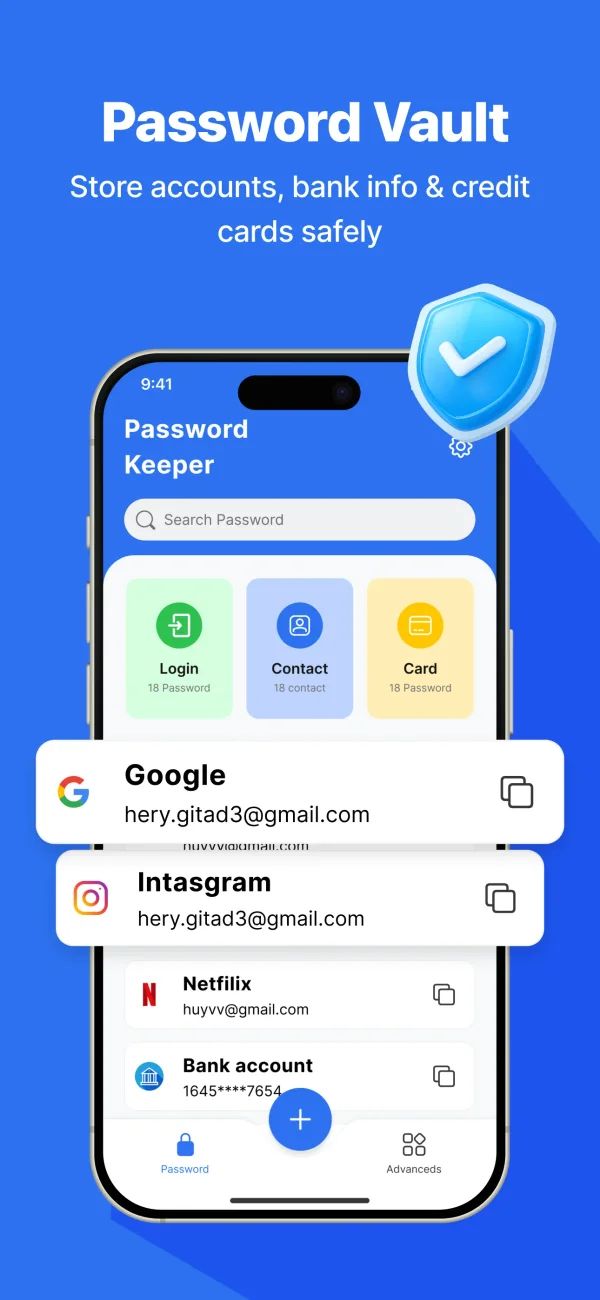
Password Manager Vault:
- Keep every password and piece of personal data in one secure location.
- The encrypted password vault ensures only you can view or edit your stored information — even if your phone is lost or shared.
Store All Types of Accounts & Info
- This isn’t just another password app. You can save logins, ID cards, contacts, bank accounts, and Wi-Fi passwords — all organized by category for easy access.
- Perfect for anyone managing multiple devices or accounts.
Effortlessly Add New Passwords
- Adding passwords has never been easier. Just tap Add, fill in your login details, and it’s instantly saved in your password safe.
- No complicated setup — just quick, secure storage that fits right into your daily routine.
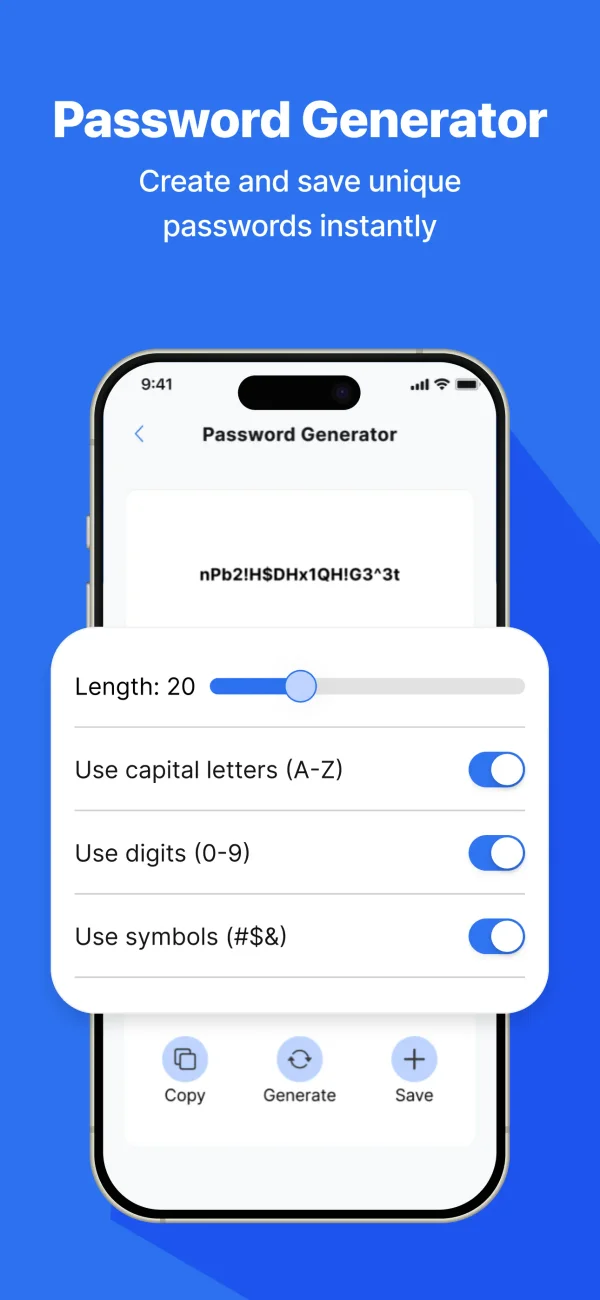
Smart Password Generator
- Stop reusing the same passwords. Instantly generate strong, random passwords to protect against hacking and identity theft.
- Ideal for securing Apple passwords, social apps, and financial accounts.
PIN Code Protection
- Even if someone opens your password manager, your information remains locked.
- Use a 4-digit PIN to protect your passwords with an additional layer of security beyond your device’s lock screen.
Why Choose This Password Manager?
- Secure, simple, and designed for everyday use
- Works perfectly as your Apple Password Manager alternative
- Protects all your passwords and private data in one place
- Seamlessly syncs your information across devices
No more forgotten logins or weak passwords. Take control of your digital life with the most reliable passwords manager today.
Download now and experience true peace of mind.
Subscription Pricing & Terms:
Payment is charged to your iTunes account upon confirmation.
Manage subscriptions and turn off auto-renewal in Account Settings.
Auto-renewal is charged 24 hours before the end of the current period unless canceled.
Canceled subscriptions remain active until the period ends; no refunds are issued.
Unused portions of free trials are forfeited upon subscription purchase.
For support, contact us at contact.matechmobile@gmail.com.
Terms of service: https://matechmobile.org/infor/term.html
Privacy policy: https://matechmobile.org/infor/privacy.html
App privacy
What MatechMobile Software JSC declares on the App Store about how this app handles data.
-
Data used to track you
May be used to track you across apps and websites owned by other companies.
- Usage data
-
Data linked to you
May be collected and linked to your identity.
- Usage data
-
Data not linked to you
May be collected but is not linked to your identity.
- Usage data
- Diagnostics
Privacy practices may vary, for example with the features you use or your age.
Information
- Seller
- MATECHMOBILE SOFTWARE JOINT STOCK COMPANY
- Category
- Productivity
- Version
- 1.0
- Updated
- Oct 17, 2025
- Released
- Oct 17, 2025
- Size
- 44.7 MB
- Requires
- iOS 14.0 or later
- Age rating
- 17+
- Price
- Free
- In-app purchases
- Yes
- Languages
- English
- Copyright
- © MTPassword
You might also like
-
 Offline AI Chat - Secure/LocalNo Wi-fi. Private Bot/Personas
-
 HITL: Human In The LoopApprove AI decisions on the go
-
 Data Transfer: Copy My PhoneSmart Switch: Transfer Content
-
 Password Manager'Lock Apps Keep Vault Safe
-
 Mindmap AI: GeneratorDocument Parser
-
 3D VR World Map:HD world mapsTravel around the world
-
 TransluzuProductivity
-
 Password Manager - Safe LockAutofill Passwords & Passcode
-
 My Passwords ManagerProductivity
-
 Password Manager: SafePasskeys & 2FA