LockNote: Note on Lock Screen
Sticky Notes & Reminder
Designed for iPhone, iPad
Free · In-app purchases
- Age rating4+
- CategoryProductivity
- DeveloperThinh Ho
- LanguagesEnglish
- Size44.5 MB
Links to the official App Store page
Download.org hosts no file of LockNote: Note on Lock Screen. The button opens its official App Store page, published by Thinh Ho. Listing last checked on Nov 17, 2026.
Screenshots

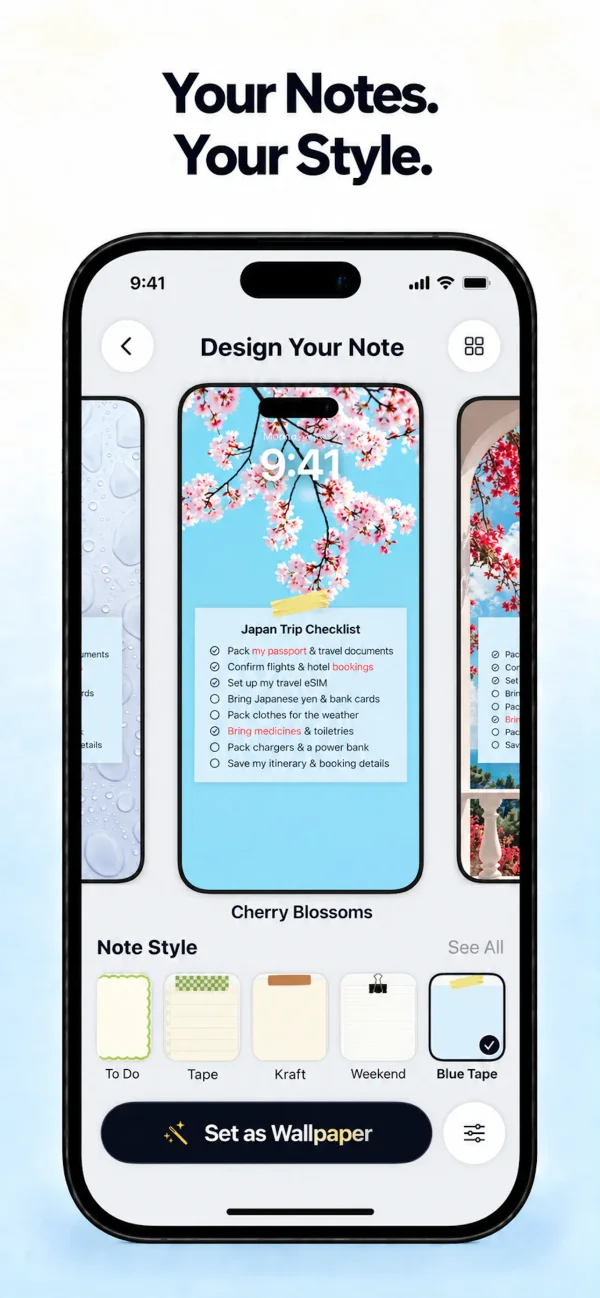

About
LockNote helps you keep important notes, tasks, reminders, and ideas right where you can see them - on your iPhone Lock Screen.
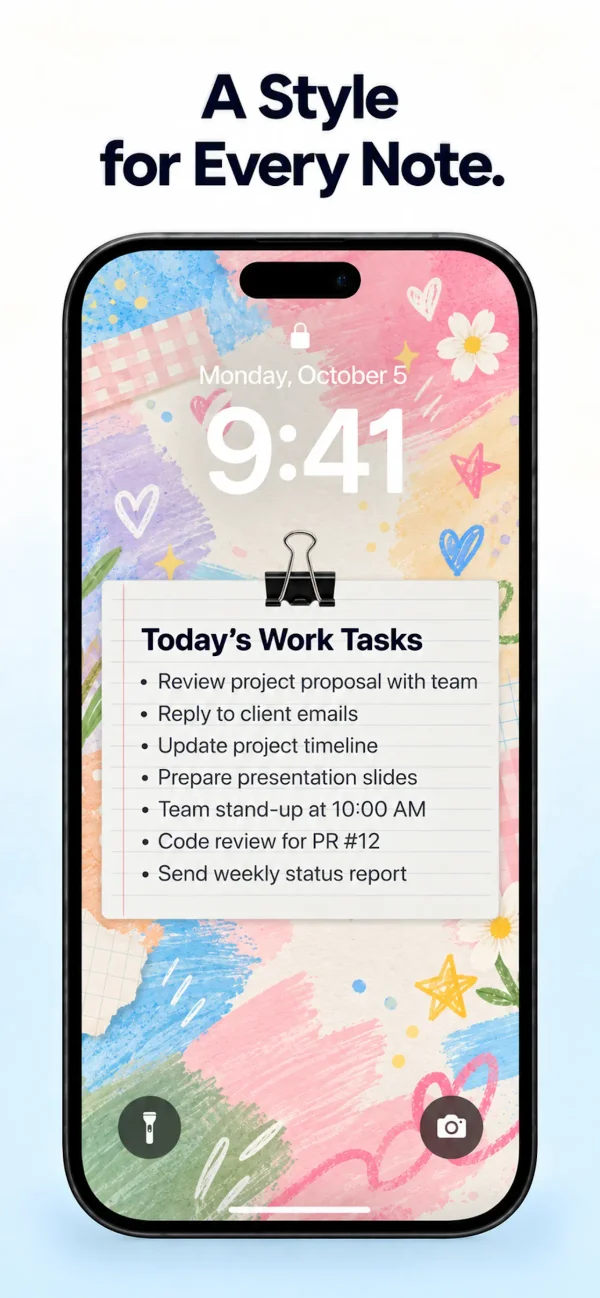
Instead of opening a notes app again and again, create a note, choose a beautiful Lock Screen style, and apply it as your wallpaper. Your most important information stays visible every time you pick up your phone.
Perfect for:
• Daily work tasks
• To-do lists
• Meeting reminders
• Shopping lists
• Study notes
• Motivational quotes
• Quick memos
• Important things you do not want to forget
WHY LOCKNOTE?
Notes on your Lock Screen
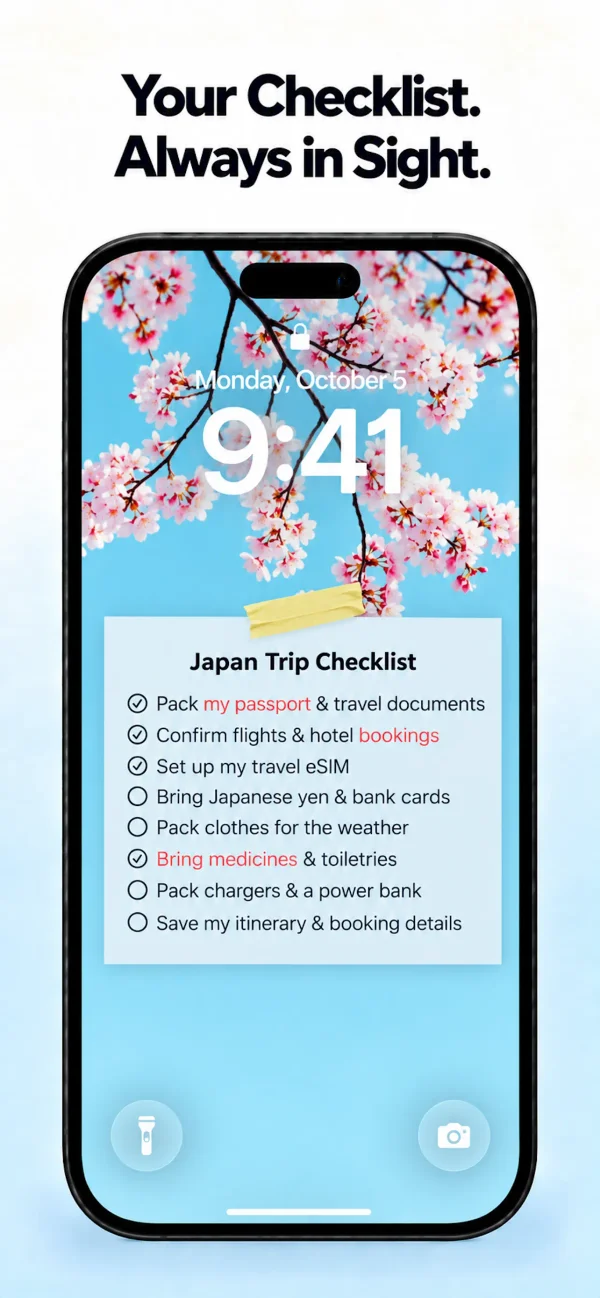
Turn your note into a clean, readable Lock Screen wallpaper so it stays in sight throughout the day.
Fast note editor
Write your note quickly with formatting tools like bold, italic, underline, bullet list, numbered list, checklist, and alignment.
Beautiful styles
Choose from multiple Lock Screen designs, including sticky note, paper note, glass card, clean white card, and more.
Custom layout
Adjust the position, background, card opacity, and font size to make your note fit your wallpaper and reading style.
Shortcut setup guide
LockNote guides you through Apple Shortcuts setup so you can apply your note to your Lock Screen more easily.
Simple note history
Keep your current note and view recent note history when needed.
Made for focus
LockNote is designed for people who want fewer distractions and more visibility. No complicated project management. No clutter. Just the important note you need to see.
LOCKNOTE PRO
Upgrade to LockNote Pro to unlock:
• More notes
• All premium styles
• Custom layout options
• No limits
Use LockNote as your personal visual reminder board and keep every important note in sight.
---------------------
Privacy Policy: https://noteonlockscreen.web.app/privacy
Terms of Use (EULA): https://www.apple.com/legal/internet-services/itunes/dev/stdeula/
Subscription Terms: https://noteonlockscreen.web.app/terms
What’s new
Version 2.0 · Oct 5, 2026
• A refreshed design that makes creating and customizing notes easier.
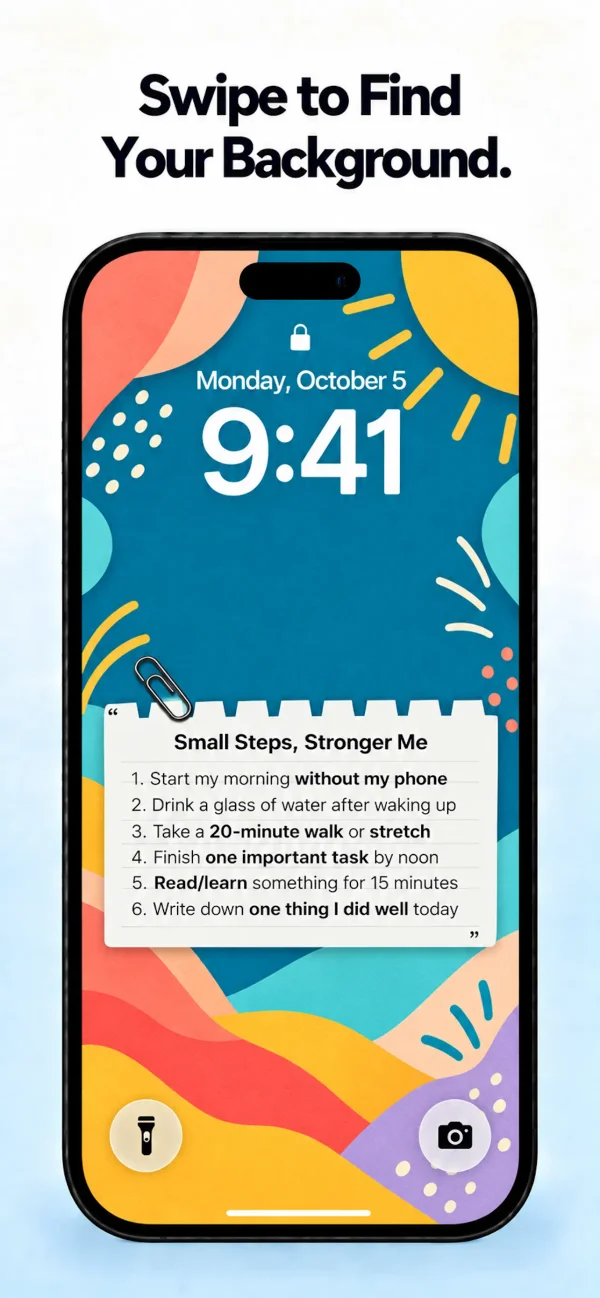
• Swipe through backgrounds and preview your notes instantly.
• Explore new note styles and wallpapers.
• Improved layouts for iPhone and iPad.
• Bug fixes and performance improvements.
App privacy
What Thinh Ho declares on the App Store about how this app handles data.
-
Data not collected
The developer does not collect any data from this app.
Privacy practices may vary, for example with the features you use or your age.
Information
- Seller
- Thinh Ho
- Category
- Productivity
- Version
- 2.0
- Updated
- Oct 5, 2026
- Released
- Jun 12, 2026
- Size
- 44.5 MB
- Requires
- iOS 16.0 or later
- Age rating
- 4+
- Price
- Free
- In-app purchases
- Yes
- Languages
- English
- Copyright
- © @Looknote
You might also like
-
 Lock Screen Notes: NoteWalltext & reminders on wallpaper
-
 LockScreenNotes & WidgetOpen Fast to Jot & Lists
-
 Lock Screen Notes: StickySortRemember To-Dos with Widgets
-
 Lock Screen Note - WidgetMini Notes Without Unlocking
-
 Lock Screen Notes: StickyNotes on your Lock Screen
-
 PinNote – Lock Screen NotesDaily notes on Lock Screen
-
 Sticky Notes - PostyTo-Do Lists, Notes & Widgets
-
 LockScreenNotesBig notes always on lockscreen
-
 Fridge: Lock Screen NotesSticky to-do checklist widget
-
 Note1: Lock Screen NotePin a note to your Lock Screen