LockToLearn: Flashcards & Lock
AI vocab decks & app blocker
Designed for iPhone
In-app purchases
- Age rating4+
- CategoryEducation
- LanguagesJapanese+ 9 more
- Size42.3 MB
Links to the official App Store page
Download.org hosts no file of LockToLearn: Flashcards & Lock. The button opens its official App Store page, published by . Listing last checked on Nov 10, 2026.
Screenshots
About
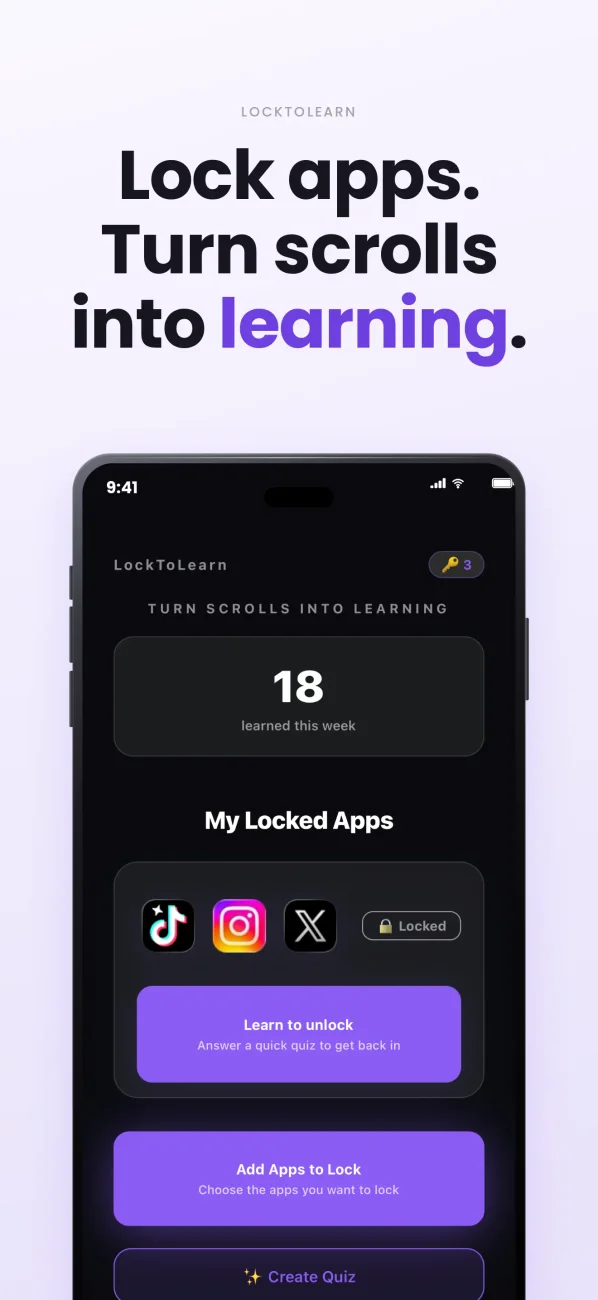
LockToLearn turns the moments you'd spend scrolling into moments you spend learning.
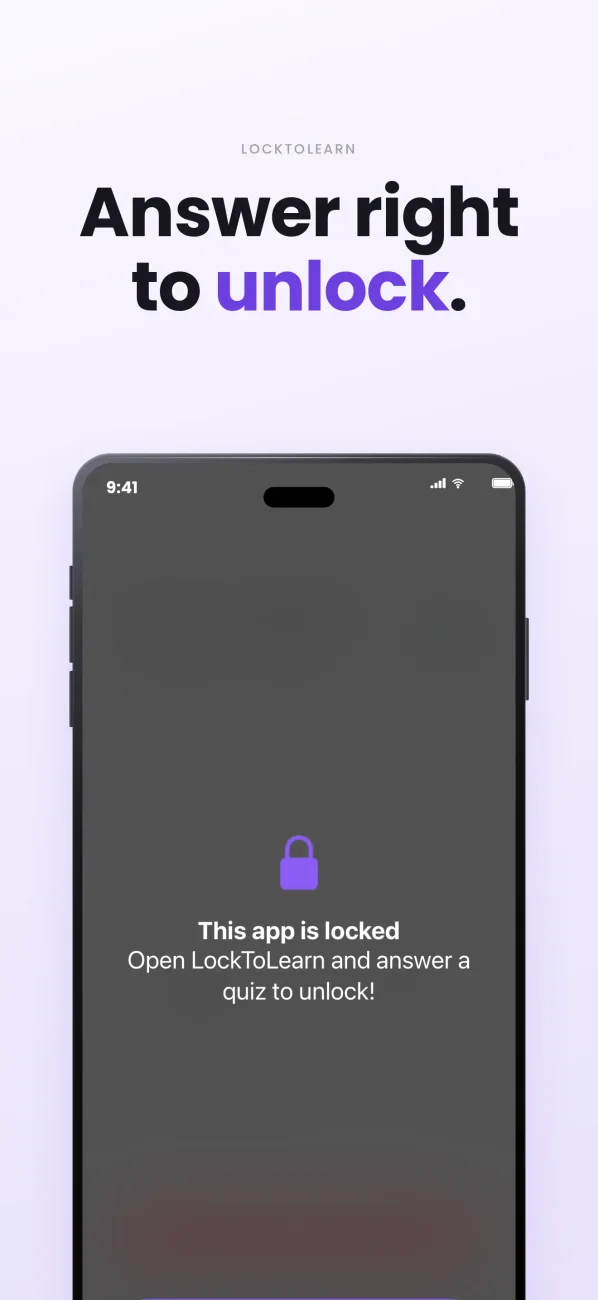
Lock the apps that distract you. When you try to open one, review a few flashcards first — then it opens. No guilt, no fines. Just a small habit: learn a little before you scroll.
LEARN A LANGUAGE
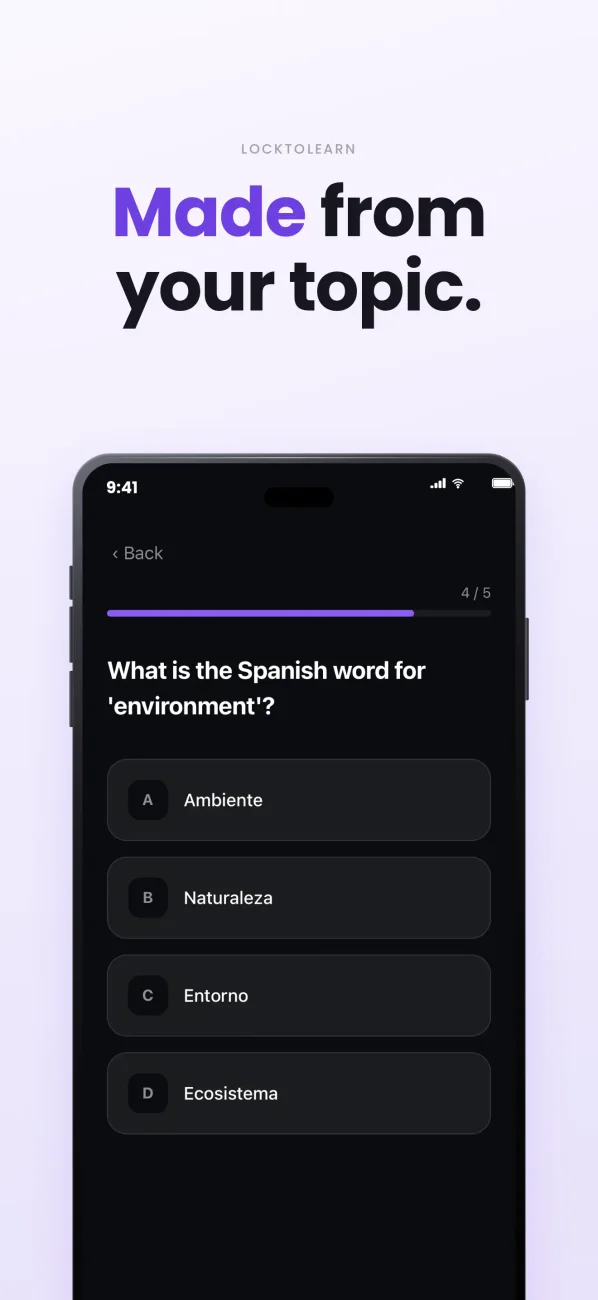
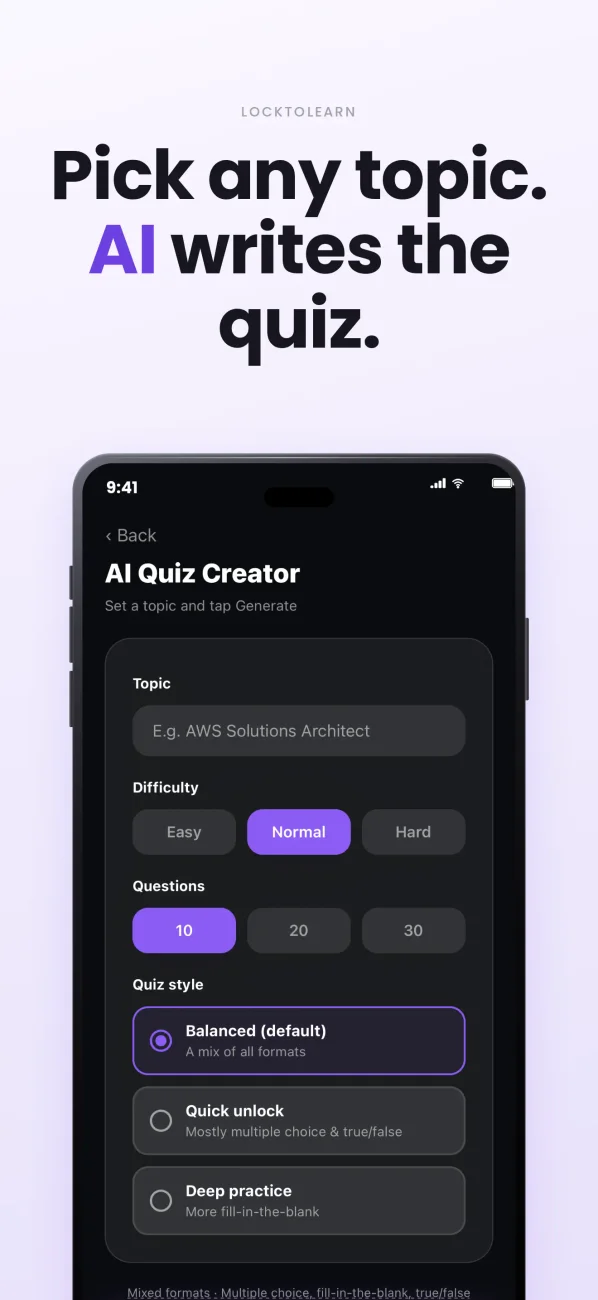
• Pick a language and a level, and AI builds a vocab deck for you in seconds.
• Levels for CEFR (A1–C2), TOEIC, Eiken (Japan), JLPT, DELE, TOEFL and IELTS.
• Every card comes with an example sentence and its translation.
LEARN ANYTHING
• Paste a list from Notes, Excel, Google Sheets or ChatGPT — one line per card.
• Or import a CSV file for longer lists.
• Certifications, school subjects, work terms: make decks for whatever you're studying.
HOW IT WORKS
• Choose the apps you want to use less.
• Try to open one, and a few flashcards appear.
• Recall the answer, flip the card, and mark whether you remembered it.
• Finish the review, and the app unlocks.
STAY HONEST WITH STRICT MODE
• Miss the same card twice, and that round doesn't unlock. Try again after a short break.
• Adjust how long each card stays on screen and how long the break lasts.
TRACK YOUR PROGRESS
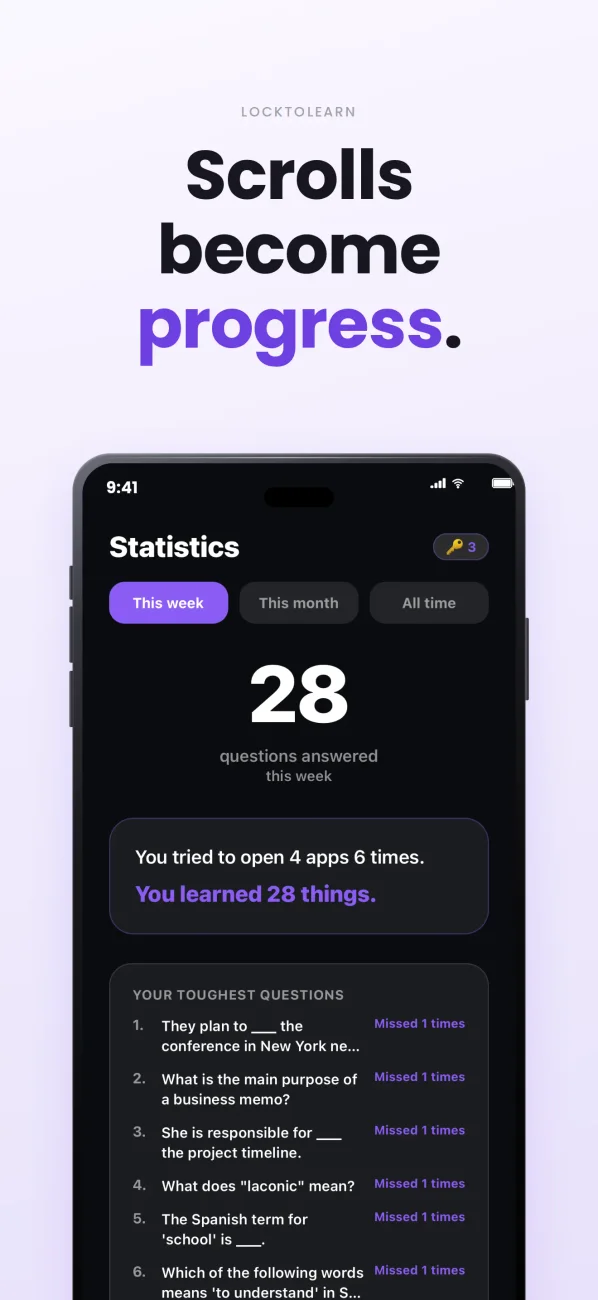
• See how many cards you've reviewed, your streak, and the moments you turned into study time.
FREE AND PREMIUM
• Free: lock one app, save up to 15 decks, create vocab decks, paste lists and import CSV files.
• Premium: lock multiple apps at once, and save unlimited decks.
• Emergency keys let you lift a lock when you're truly stuck.
Light and dark mode supported.
Terms of Use (EULA): https://www.apple.com/legal/internet-services/itunes/dev/stdeula/
Privacy Policy: https://locktolearn.app/#privacy
Subscription details:
• Premium (Monthly): auto-renewable, billed monthly
• Premium (Yearly): auto-renewable, billed yearly
Payment is charged to your Apple ID account at confirmation of purchase. The subscription renews automatically unless cancelled at least 24 hours before the end of the current period. Manage or cancel in your Apple ID account settings after purchase.
What’s new
Version 1.1 · Oct 24, 2026
A big update — LockToLearn is now built around flashcards.
• New: flashcard reviews. Recall, flip, and mark what you remembered.
• New: AI vocab decks. Pick a language and level (TOEIC, JLPT, CEFR and more).
• New: paste a list to make your own deck in seconds. CSV import is now free.
• New: Strict mode, with adjustable card time and break length.
• New look, with light and dark mode.
• Now in 10 languages. Screens, notifications, and starter decks follow your iPhone's language.
App privacy
What declares on the App Store about how this app handles data.
-
Data not linked to you
May be collected but is not linked to your identity.
- Purchases
- Identifiers
- Usage data
Privacy practices may vary, for example with the features you use or your age.
Information
- Seller
- Koki Kawano
- Category
- Education
- Version
- 1.1
- Updated
- Oct 24, 2026
- Released
- Sep 3, 2026
- Size
- 42.3 MB
- Requires
- iOS 16.4 or later
- Age rating
- 4+
- In-app purchases
- Yes
- Languages
- Japanese, Italian, Spanish, German, French, Portuguese, Simplified Chinese, Traditional Chinese, English, Korean
- Copyright
- © 2026 Koki Kawano
You might also like
-
 Homework Tracker AppEducation
-
 1級電気通信工事施工管理技士<第一次検定>対策シリーズEducation
-
 1級電気通信工事施工管理技士-試験対策-国家資格Education
-
 LLLock: Block Apps, FlashcardsFocus timer meets vocabulary
-
 Study Lock: Earn Screen TimeAI Flashcards, App Blocker
-
 英検®1級 の英単語5000 頻出単語、熟語を効率よく暗記Education
-
 Study4 TOEICPASS TOEIC TEST WITH 999-SCORE
-
 StudyLock: Block DistractionsAI Study Tool with App Blocker
-
 My TOPIK - AI coach for TOPIKIncrease TOPIK level faster
-
 IDIY-英語添削アイディーEducation