Logo Maker - Logo Generator
Create logo design,Logo Editor
Designed for iPhone, iPad, iPod touch
In-app purchases
- Age rating+4
- CategoryPhoto & Video
- DeveloperWIZ Tech
- LanguagesPortuguese+ 29 more
- Size43.7 MB
Links to the official App Store page
Download.org hosts no file of Logo Maker - Logo Generator. The button opens its official App Store page, published by WIZ Tech. Listing last checked on Nov 12, 2026.
Screenshots

About
Logo Maker - Create logo designs in minutes
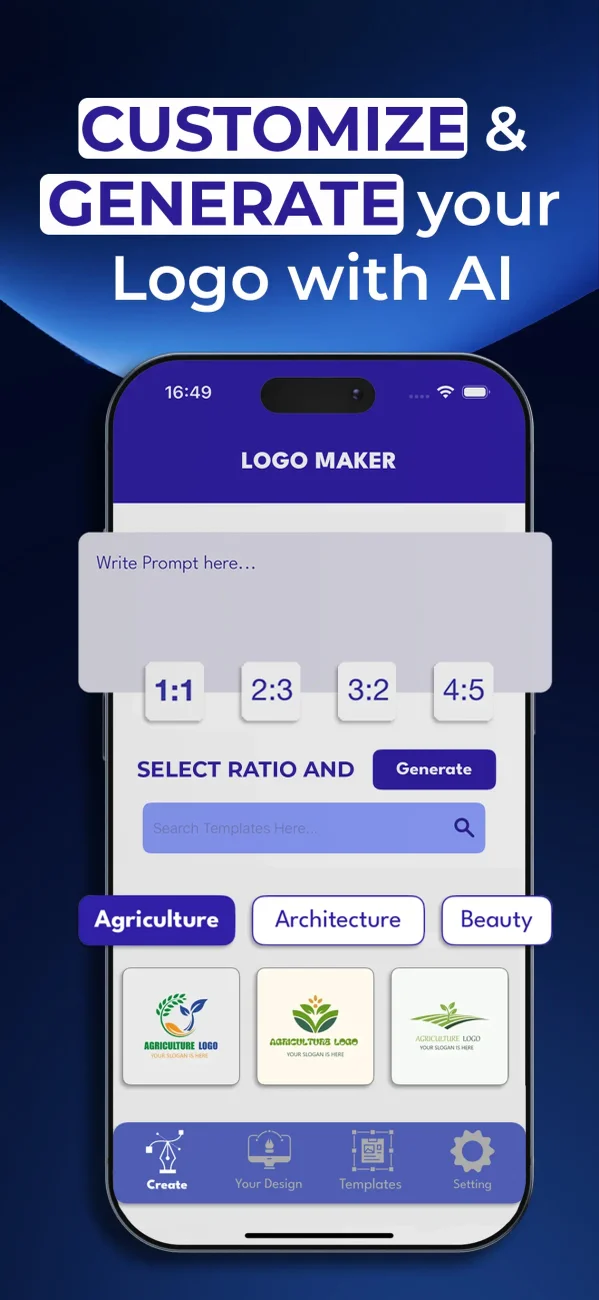
AI logo maker is a modern and simple app for making logos that lets you create stunning, professional logos on your iPhone or iPad with just a few taps, even if you don't know anything about design or technology.
This AI logo generator is the perfect tool to turn and visualise your unique ideas into reality, whether you're starting a new business, trying to build your brand, running a small business , launching a new product, growing a specific brand, promoting an event or just need a cool icon for social media.
Logo design is now easier than ever.
With our 3D logo maker app, you no longer have to worry about what the design should be or how it should look. Simply choose one of the templates from our logo creator app that best fits your brand or business , make the changes you want and you'll have your final logo in seconds.
The Core Fundamentals of Logo Creation
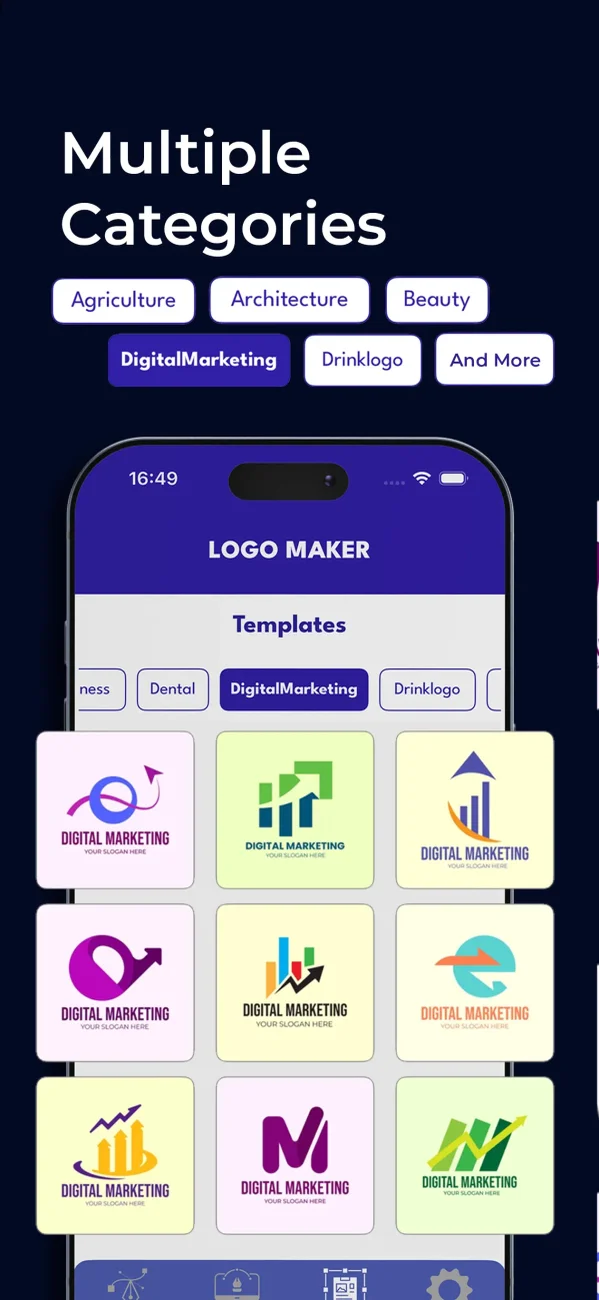
Logo Templates for Every Brand
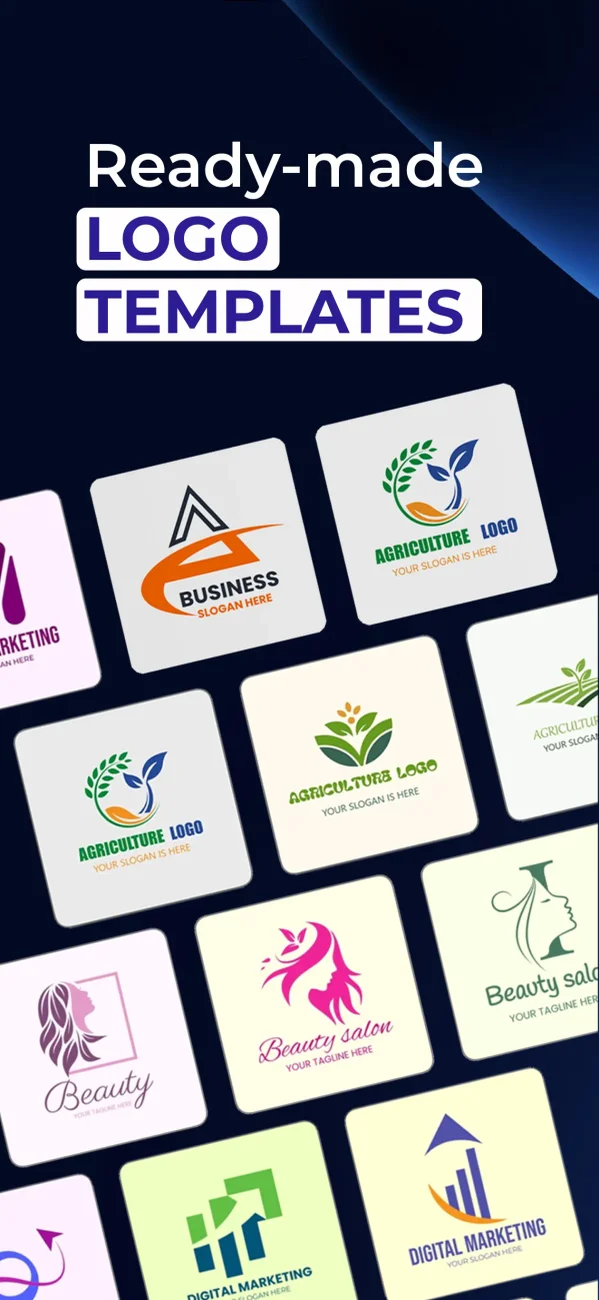
AI logo maker includes thousands of ready-made logo templates created by professional designers that you can use for your basic purposes. Each template is fully editable, allowing you to easily create a unique and on-brand logo.
6000+ Design Resources That Fuel Creativity
AI logo generator includes a wide range of design resources, including icons , shapes , fonts , colors , backgrounds and other graphic elements. All of these design resources are specially designed to make your mockups stand out and look professional.
AI Powered Logo Design
Create a professional logo in seconds with our built-in advanced AI logo generator. Simply enter your brand name and share your ideas or let artificial intelligence design unique logo concepts tailored to your business. Our AI analyzes modern design trends , color psychology and typography to produce logos that truly represent your brand identity.
Advanced editing tools
Logo creator gives you complete creative control:
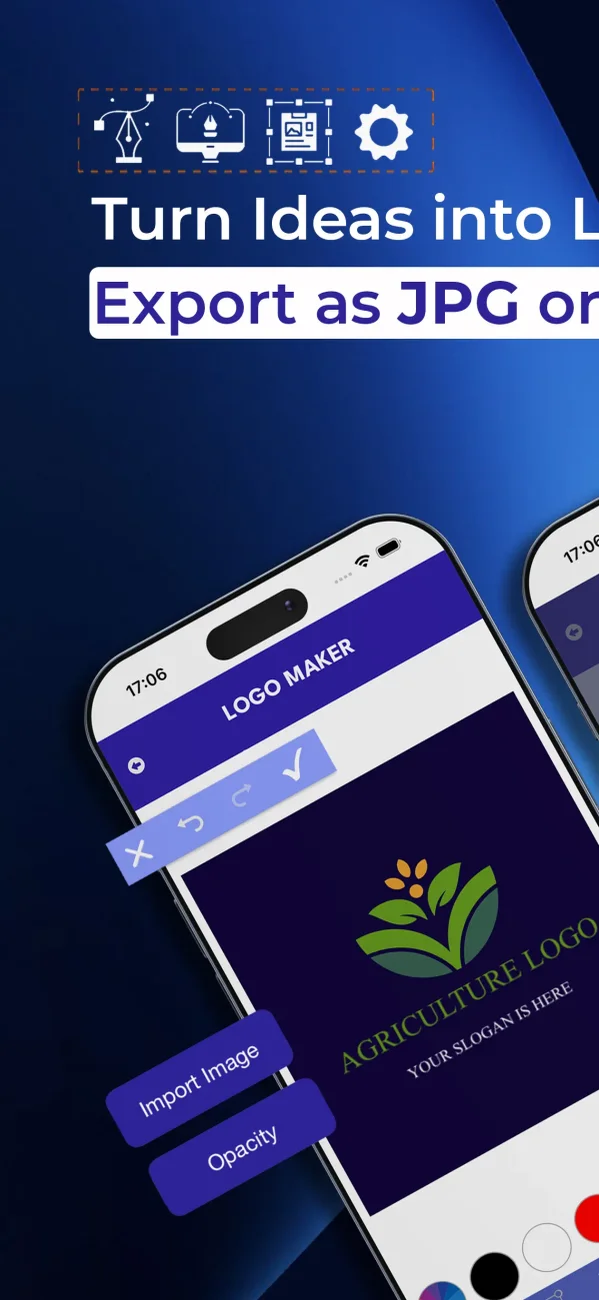
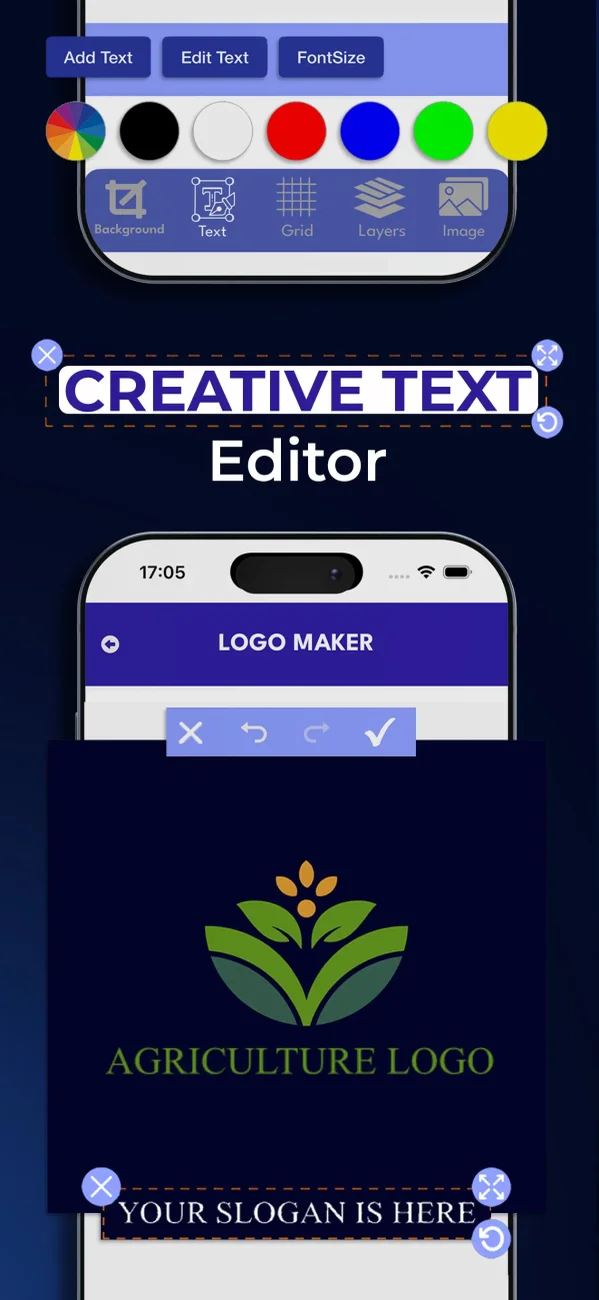
Easily change text, color and fonts
Rotate, flip and adjust elements
Control layers and spacing
Add company name and slogan
Use your own images and graphics
Live Logo Preview
View your logo on business cards, stationery, signboards, apparel and other media. View mockups can also be saved as PDFs.
Remove Background (Cut Out)
Remove the background of any image and add it to your logo design in one click and create professional branding templates in seconds.
My Assets
Save your favorite elements and assets and easily reuse them in future designs.
Auto-save feature
Your work will never be lost for any reason. This AI logo generator automatically saves every change so you can pick up where you left off whenever you want.
High-resolution export
Export your logos in high quality such as JPEG up to 4096×4096 resolution , PNG (with transparent background) and suitable for both print and digital.
This is a universal logo creator that works on both iPhone and iPad. Thanks to iCloud support, you can edit your logo on any device at any time.
Important Information
Some features may require you to make in-app purchases for better results.
Note:
STEP 1 - Payment will be charged to your iTunes account at confirmation of purchase. Your subscription will automatically renew unless auto-renew is turned off at least 24-hours before the end of the current subscription period.
STEP 2 - Your account will be charged for renewal within 24-hours prior to the end of the current subscription period. Automatic renewals will cost the same price you were originally charged for the subscription.
STEP 3 - You can manage your subscriptions and turn off auto-renewal by going to your Account Settings on the App Store after purchase. Read our terms of service and Privacy Policy for more information.
Terms of Use:
https://sites.google.com/view/wiz-tech/terms-of-use
Privacy Policy:
https://sites.google.com/view/wiz-tech/privacy-policy
What’s new
Version 1.3 · Mar 29, 2026
Logo Maker AI
Bug Fixes and performance improvements
App privacy
What WIZ Tech declares on the App Store about how this app handles data.
-
Data not collected
The developer does not collect any data from this app.
Privacy practices may vary, for example with the features you use or your age.
Information
- Seller
- WIZ TECH (SMC-PRIVATE) LIMITED
- Category
- Photo & Video
- Version
- 1.3
- Updated
- Mar 29, 2026
- Released
- Jan 30, 2026
- Size
- 43.7 MB
- Requires
- iOS 15.6 or later
- Age rating
- +4
- In-app purchases
- Yes
- Languages
- Portuguese, German, Catalan, Czech, Simplified Chinese, Traditional Chinese, Korean, Danish, Spanish, Finnish, French, Greek + 18 more
- Copyright
- © Copyright @ 2025 Wiz Tech. All rights reserved
You might also like
-
 AI Logo Maker: Design CreateVector Graphic Icon Generator
-
 Watermark & Signature CreatorSign & Protect -Photo,Video
-
 3D Text Maker Studio3D Typography Maker
-
 ARText: Photos with 3D TitlesPlace Text in Your World
-
 Timemark CameraGPS Photo Stamp & Work Proof
-
 Modella: On-Model PhotosAI Try-On for Resale Sellers
-
 Luminessa: LUT Film CameraReal-Time Color Grading
-
 Pixel Photo EffectDrip Effects
-
 CarFlow AI: Car Photo StudioShowroom photos for car ads
-
 AI Logo Maker - LotiGenerator, Designer, Creator