
LogOut – Screen Time Blocker
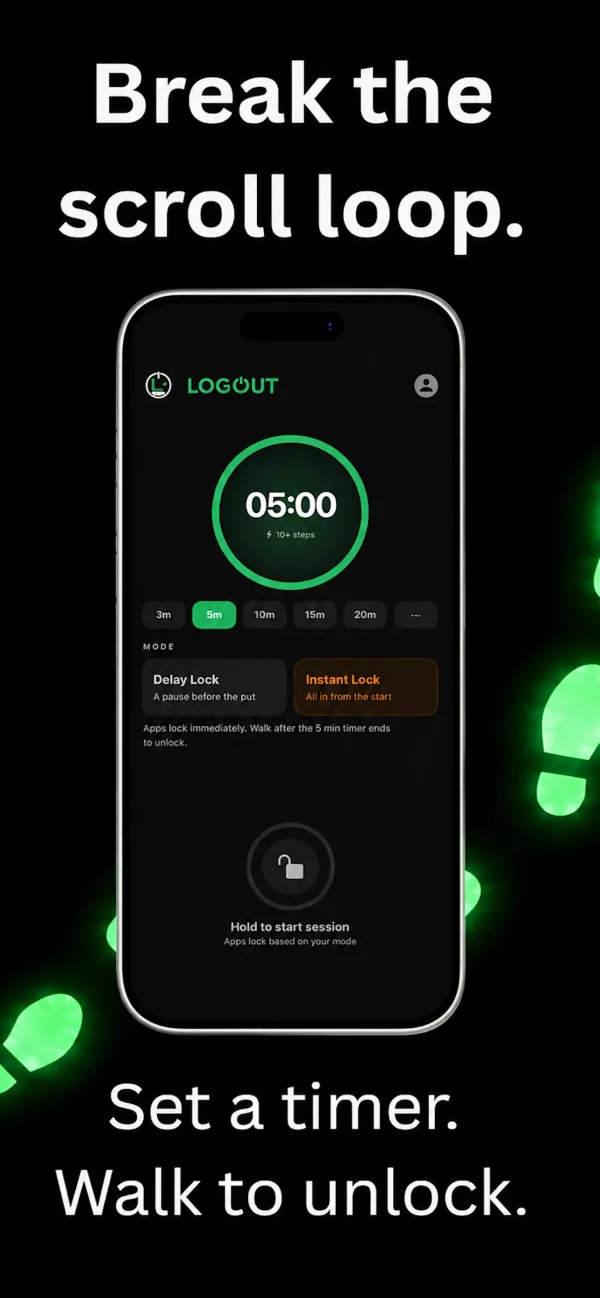
Set a timer. Walk to unlock.
Designed for iPhone
Free · In-app purchases
- Age rating4+
- CategoryHealth & Fitness
- DeveloperJack Grant
- LanguagesEnglish
- Size37.4 MB
Links to the official App Store page
Download.org hosts no file of LogOut – Screen Time Blocker. The button opens its official App Store page, published by Jack Grant. Listing last checked on Nov 16, 2026.
Screenshots

About
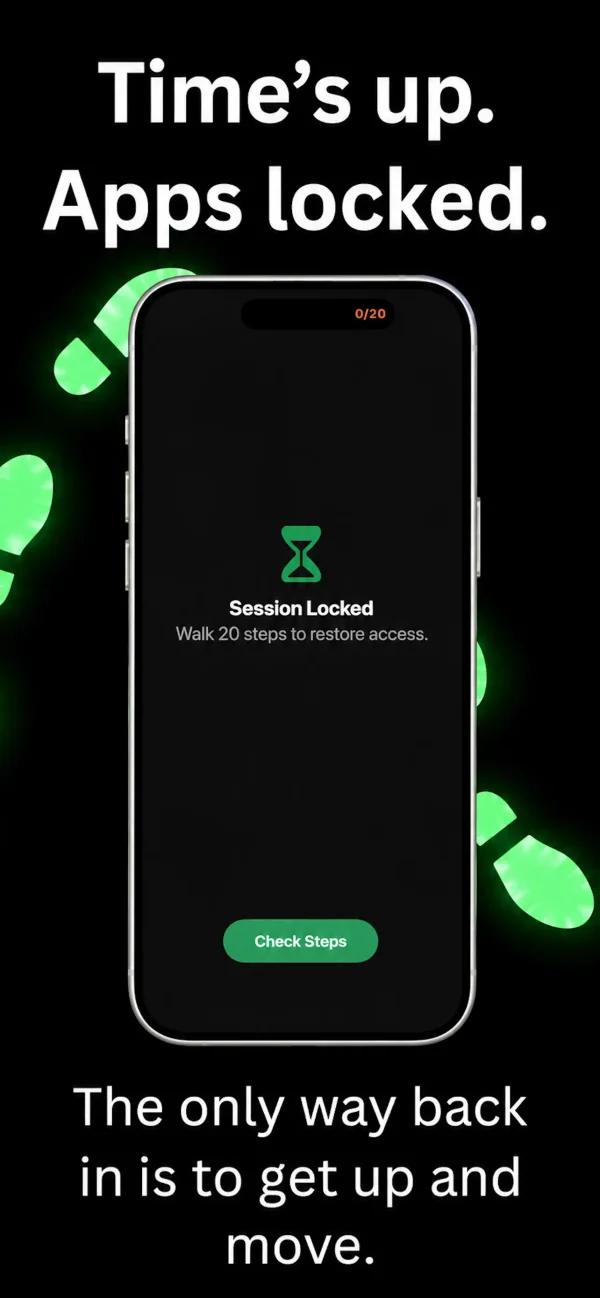
Set a timer. Your distracting apps lock: now, or the moment it ends. The only way back in is to walk.
Because when scrolling has friction, stopping gets easier.
That’s it. That’s the habit.
HOW IT WORKS
Start a session and set your timer, from 1 to 120 minutes.
Then choose your approach:
Delay Lock: Use your phone freely while the timer counts down. When it hits zero, your distracting apps lock. Walk your step goal to unlock.
Instant Lock: Your distracting apps lock the moment the session starts, so there’s nothing to reach for while you focus.
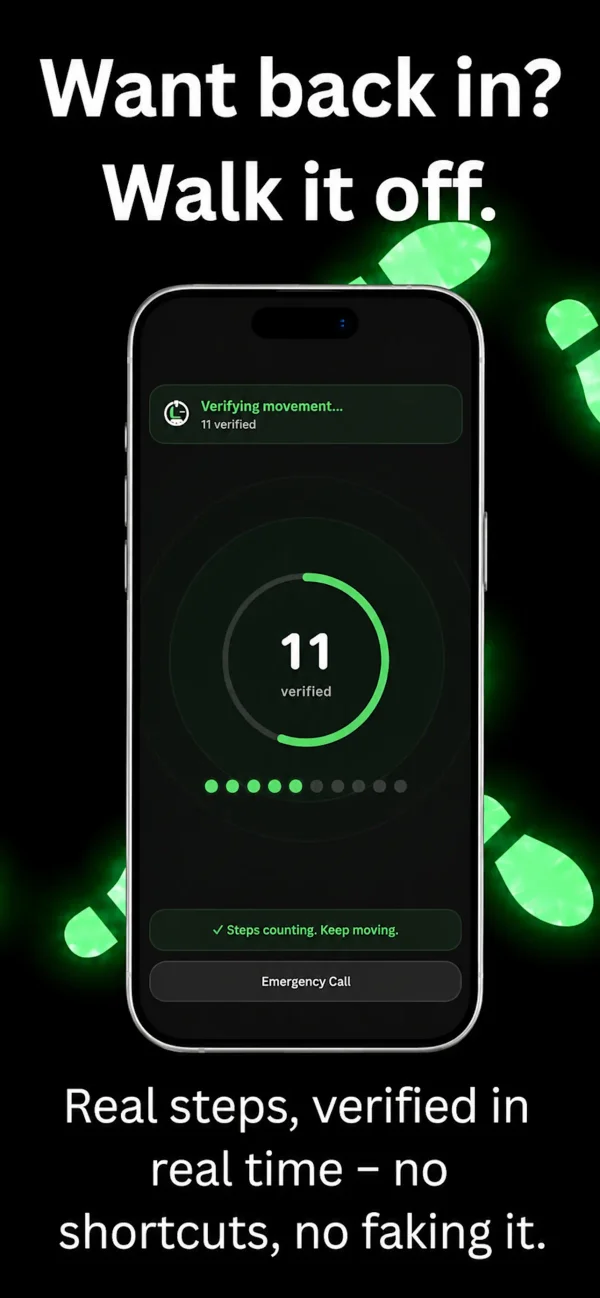
When the timer ends, the only way back in is still the same: walk your step goal of 10, 20, 30, or a custom number.
LogOut enforces this using iOS Screen Time.
TWO LOCK MODES
Delay Lock and Instant Lock both lead to the same outcome: your apps become unavailable until you move.
You choose when the friction begins.
WHAT GETS BLOCKED
By default, LogOut blocks every non-essential app category: Social Media, Entertainment, Games, Browsers, Shopping, and more.
iOS automatically categorises your apps, so there’s nothing to configure.
You can customise Focus Rules, but LogOut is designed to protect you from your future self.
USEFUL ANYWHERE SCROLLING GETS OUT OF HAND
Bedtime scrolling
Bathroom scrolling that turns five minutes into twenty
Study sessions
Deep work
Gaming breaks
Waiting rooms, airports and commutes
Any moment where you want a clear stopping point.
TRACK REAL PROGRESS
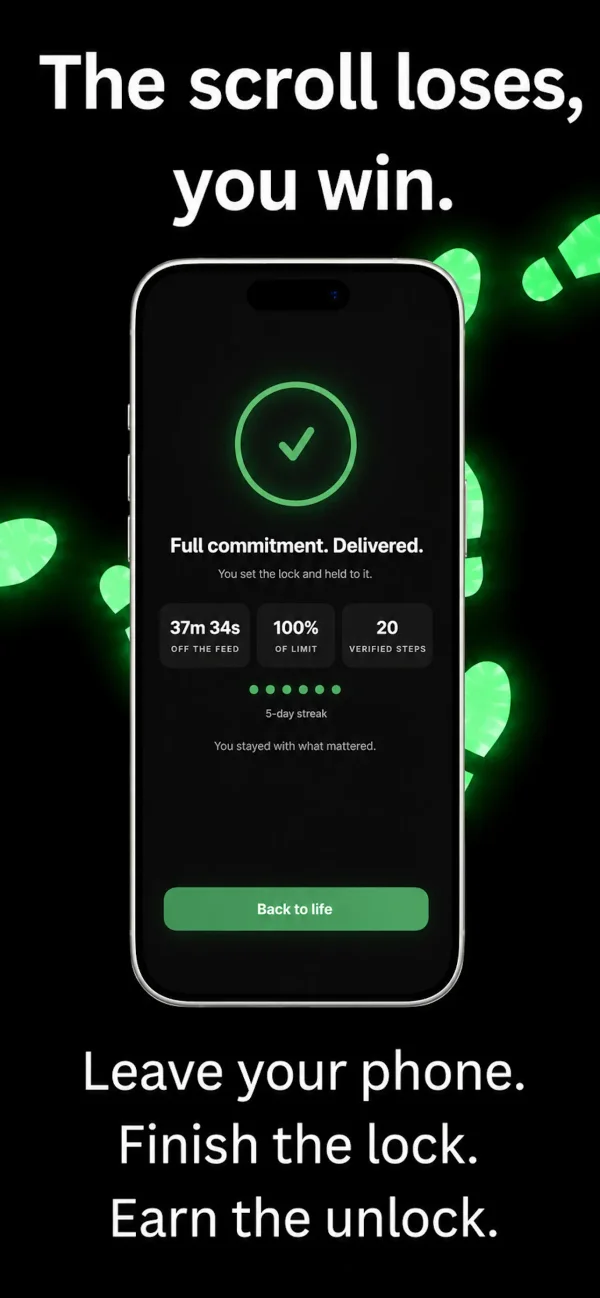
Every session is recorded.
Track streaks, steps walked, distance, and time reclaimed.
Every session counts. Every unlock is earned.
FEATURES
• Step or distance-based unlock goals
• Automatic category blocking via iOS Screen Time
• Live Activities and Dynamic Island support
• Apple Watch app for starting a session, watching the countdown, and tracking unlock steps
• Home Screen widget for instant sessions
• Session history and streak tracking
• High-contrast accessibility mode
• Emergency Bypass for genuine emergencies
Most screen-time apps measure your screen time.
LogOut relies on walking.
Privacy Policy: https://logoutapp.net/privacy
Terms of Service (EULA): https://logoutapp.net/terms
What’s new
Version 1.2 · Nov 13, 2026
Made for iPhone Duo.
• LogOut now fits both displays. Unfolded, your timer and modes sit on one side, with a big hold-to-start button on the other.
• Hold your Duo sideways and the logo, profile and back buttons move into the side bar, out of your way.
• Stats now uses the full width of the unfolded screen, with everything side by side.
• Small fixes and polish.
App privacy
What Jack Grant declares on the App Store about how this app handles data.
-
Data linked to you
May be collected and linked to your identity.
- Health and fitness
- Contact info
- Identifiers
-
Data not linked to you
May be collected but is not linked to your identity.
- Identifiers
- Usage data
Privacy practices may vary, for example with the features you use or your age.
Information
- Seller
- Jack Grant
- Category
- Health & Fitness
- Version
- 1.2
- Updated
- Nov 13, 2026
- Released
- Jul 19, 2026
- Size
- 37.4 MB
- Requires
- iOS 17.0 or later
- Age rating
- 4+
- Price
- Free
- In-app purchases
- Yes
- Languages
- English
- Copyright
- © 2026 Jack Grant
You might also like
-
 Toilet Timer: Bathroom BreaksLess Scrolling, Better Habits
-
 Score.fit - Fitness AIAI-powered fitness coach.
-
 Levida: GLP-1 Shot TrackerOzempic, Zepbound, Wegovy Log
-
 FlyOut: Limit Screen TimeApp blocker with a 77-day plan
-
 LOOK: The Screen Time GameTake a Scroll Break & Focus
-
 MD KeyboardClinical Decision Support Tool
-
 GLP-1 Tracker App: Shot & PillWegovy Zepbound Ozempic GLP1
-
 KeeperPalWellbeing habit tracker
-
 Luna Flow - Period CalendarPeriod & Ovulation Tracker
-
 The Narrow | Beat LustHealth & Fitness