- Age rating4+
- CategoryUtilities
- Developer长沙年余信息科技有限公司
- LanguagesEnglish+ 7 more
- Size5.9 MB
Links to the official App Store page
Download.org hosts no file of LongChat-Stitch & Edit. The button opens its official App Store page, published by 长沙年余信息科技有限公司. Listing last checked on Nov 23, 2026.
Screenshots
About
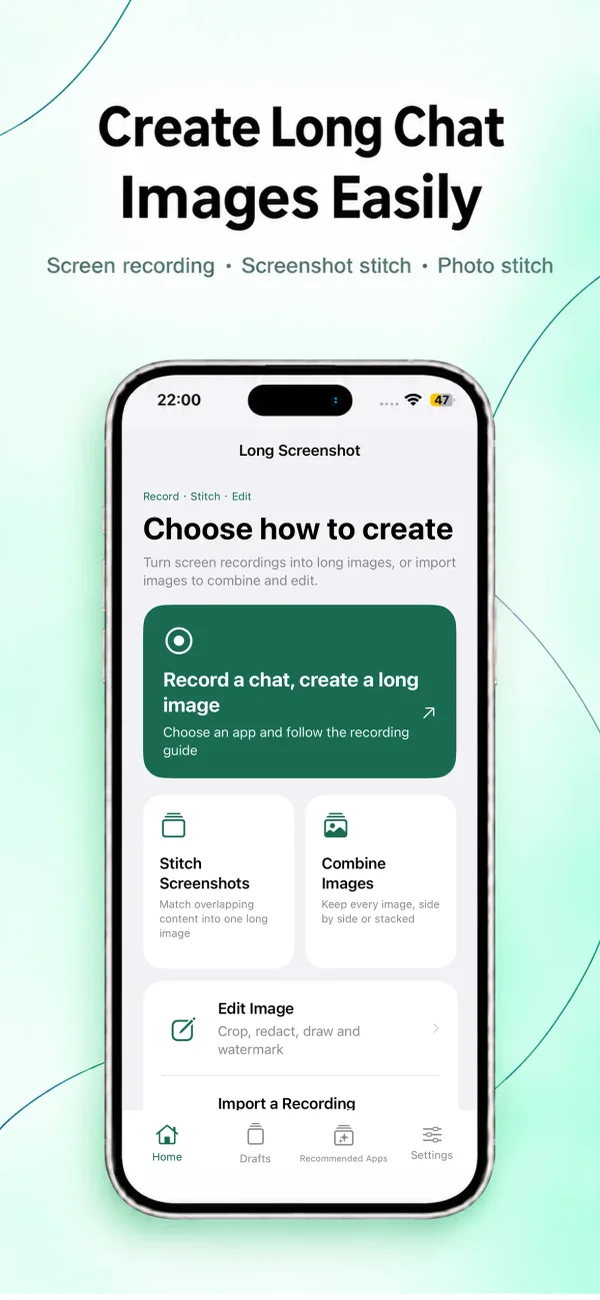
Share a whole conversation in one long image, with control over the personal details you include.
Long Screenshot brings chat stitching, smart privacy detection and image editing into one on-device workflow.
KEEP THE CONVERSATION TOGETHER
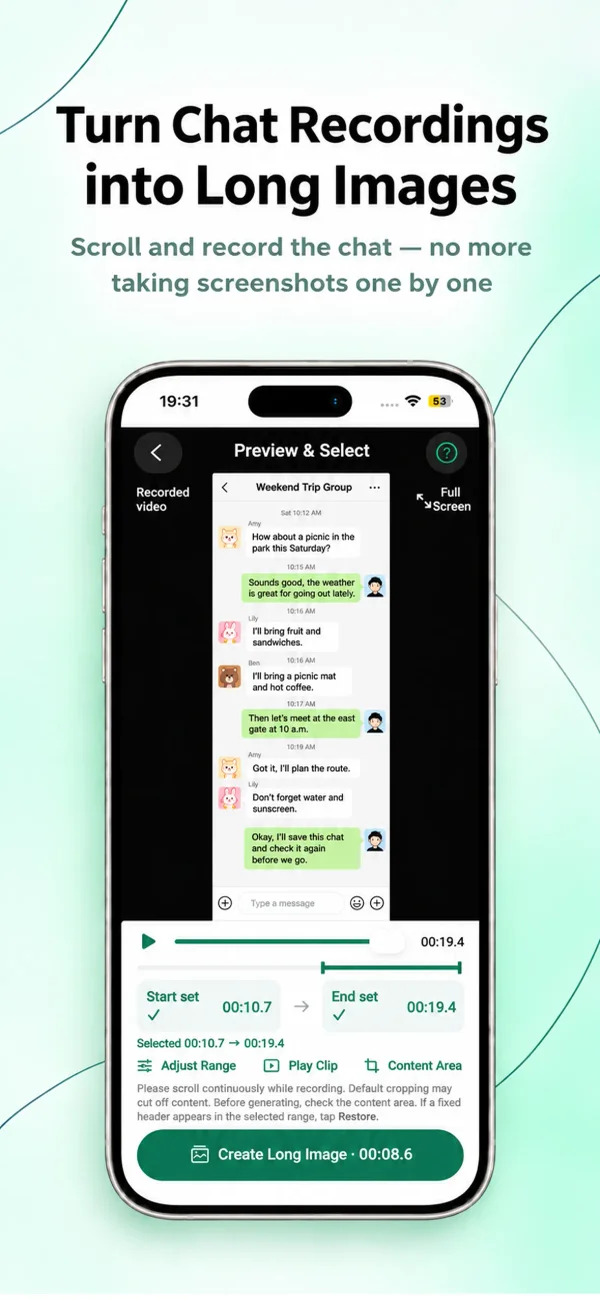
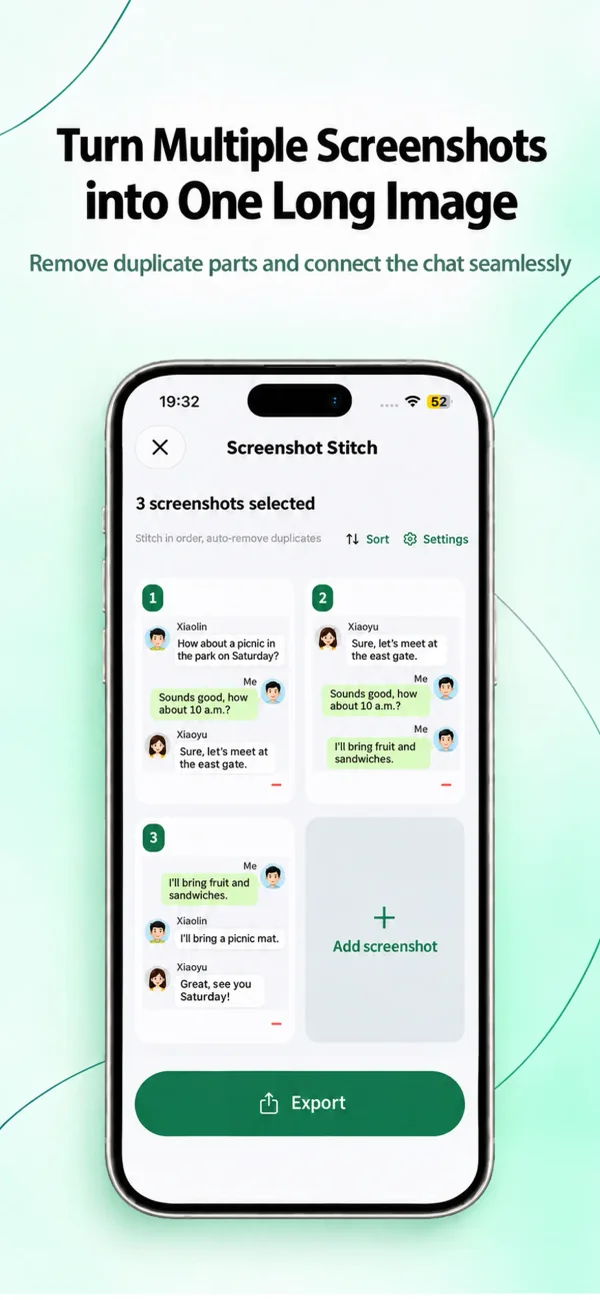
Turn a scrolling recording from apps such as WhatsApp, LINE, WeChat or QQ into a long image. Follow the recording guide, scroll manually, then preview and select a section. You can also import recordings or stitch overlapping chat screenshots, adjusting their order and joins.
FIND DETAILS. REVIEW. REDACT.
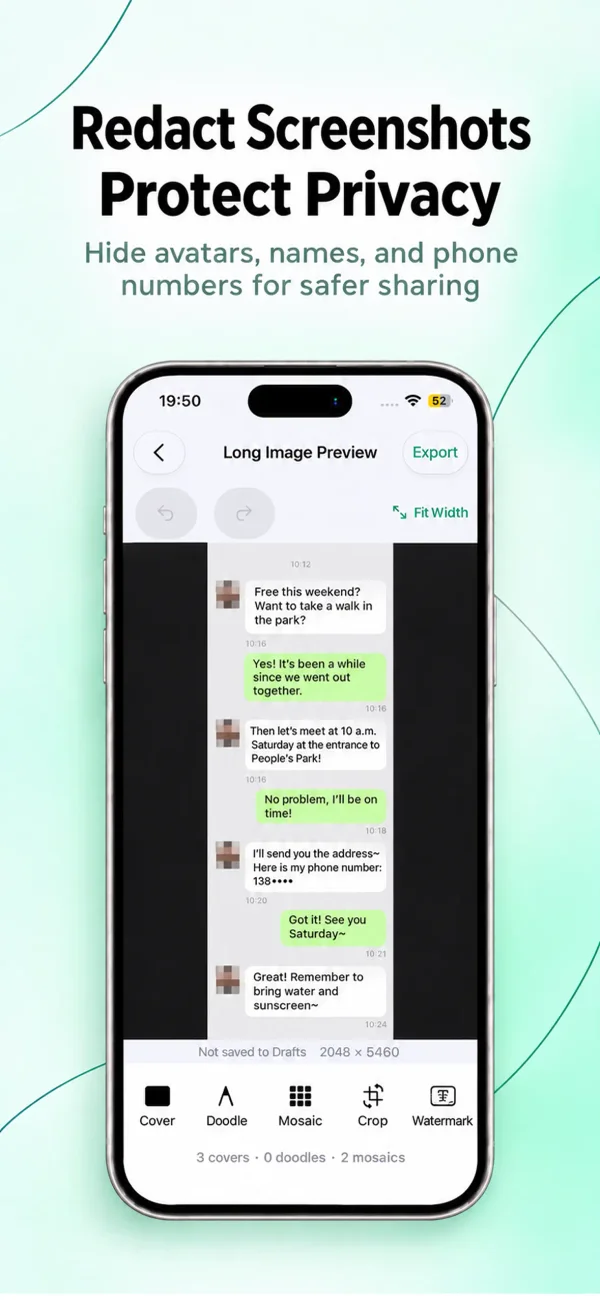
Scan the current image for email addresses and supported number formats. Review the highlighted candidates, select the ones to hide and apply solid covers in batches. Spend less time hunting for details and covering them one by one. Use manual covers or pixelation for names, avatars and other content you want to hide.
ON-DEVICE PROCESSING. NO MEDIA UPLOADS.
Stitching, editing and text recognition run on your device. The app does not upload your images, recordings or recognition results to a server. No account is required. App recommendations and the online privacy policy use the internet; content you choose to share goes to your selected recipient.
READY TO EDIT AND SHARE
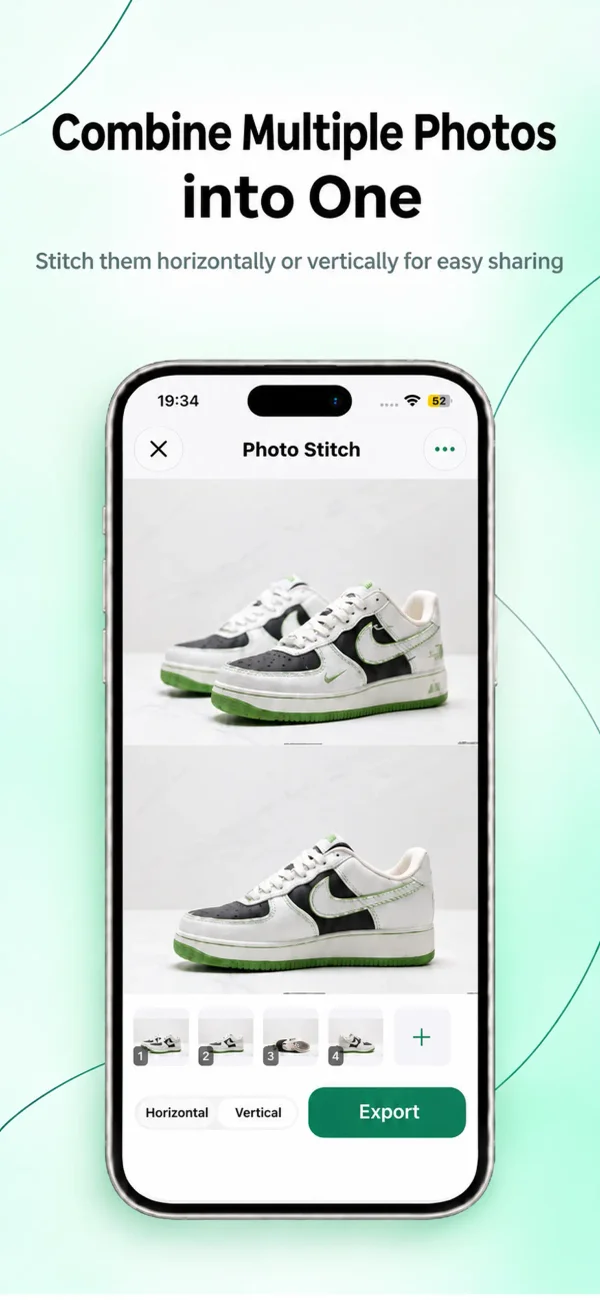
Crop, draw, add watermarks or combine complete images horizontally and vertically. Save editable drafts and export a full PNG, split images or a PDF. Share through the system share sheet or save to Files.
Automatic detection currently covers email addresses, mainland Chinese mobile and area-code landline formats, and 18-digit Chinese national ID numbers. It does not cover every country's phone or ID formats. Detection can miss or misidentify details: review the results before sharing. Covers affect the output image; editable drafts may retain original source media.
Recording requires system confirmation and manual scrolling. The app does not automatically read chat history. Stitching depends on movement and overlap, so check the result before export.
Supports English, Simplified and Traditional Chinese, Japanese, Korean, French, German and Spanish.
What’s new
Version 1.0.2 · Nov 18, 2026
• Improved interface translations, language selection and switching across eight languages.
• Added LINE to the recording guide, with an option to open LINE once recording starts.
• Refined app-selection cards and Home screen wording for clearer navigation.
App privacy
What 长沙年余信息科技有限公司 declares on the App Store about how this app handles data.
-
Data not collected
The developer does not collect any data from this app.
Privacy practices may vary, for example with the features you use or your age.
Information
- Seller
- Changsha Years Information Technology Co., Ltd.
- Category
- Utilities
- Version
- 1.0.2
- Updated
- Nov 18, 2026
- Released
- Nov 3, 2026
- Size
- 5.9 MB
- Requires
- iOS 17.0 or later
- Age rating
- 4+
- Price
- Free
- Languages
- English, French, German, Japanese, Korean, Simplified Chinese, Spanish, Traditional Chinese
- Copyright
- © 长沙年余信息科技有限公司