
Loop Photostream: Event Album
Everyone's Photos, One Album
Designed for iPhone
Free · In-app purchases
- Age rating4+
- CategoryPhoto & Video
- DeveloperFar Edge Studio LLC
- LanguagesEnglish
- Size50.8 MB
Links to the official App Store page
Download.org hosts no file of Loop Photostream: Event Album. The button opens its official App Store page, published by Far Edge Studio LLC. Listing last checked on Nov 23, 2026.
Screenshots

About
Everyone's photos from the same moment, in one private album.
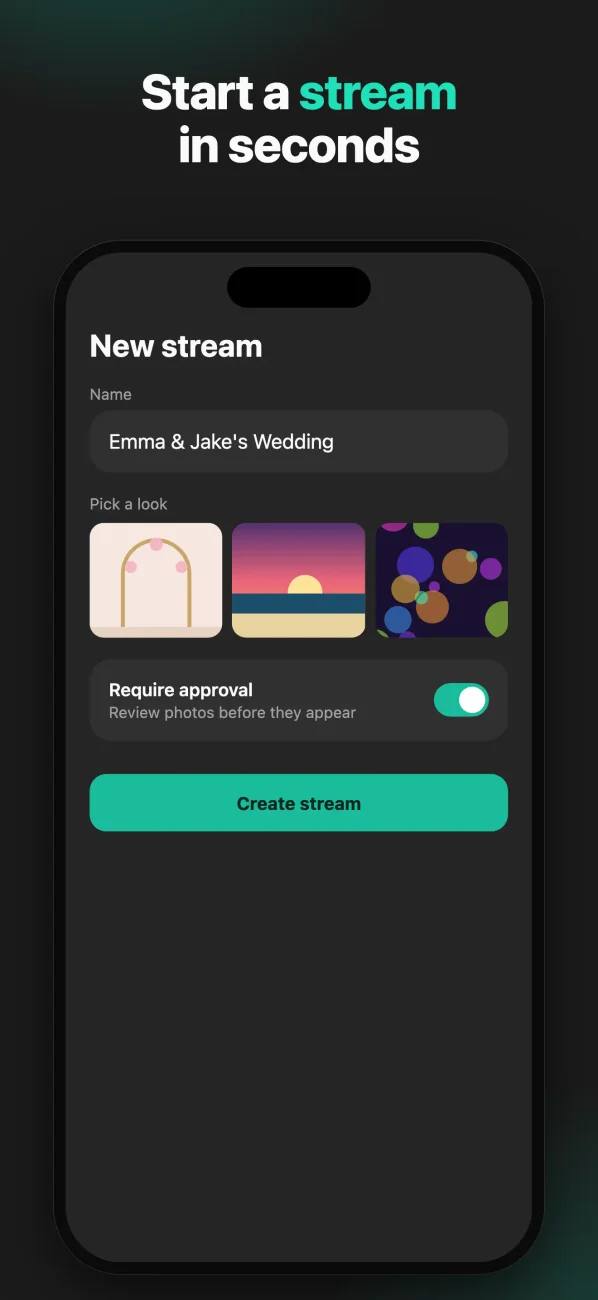
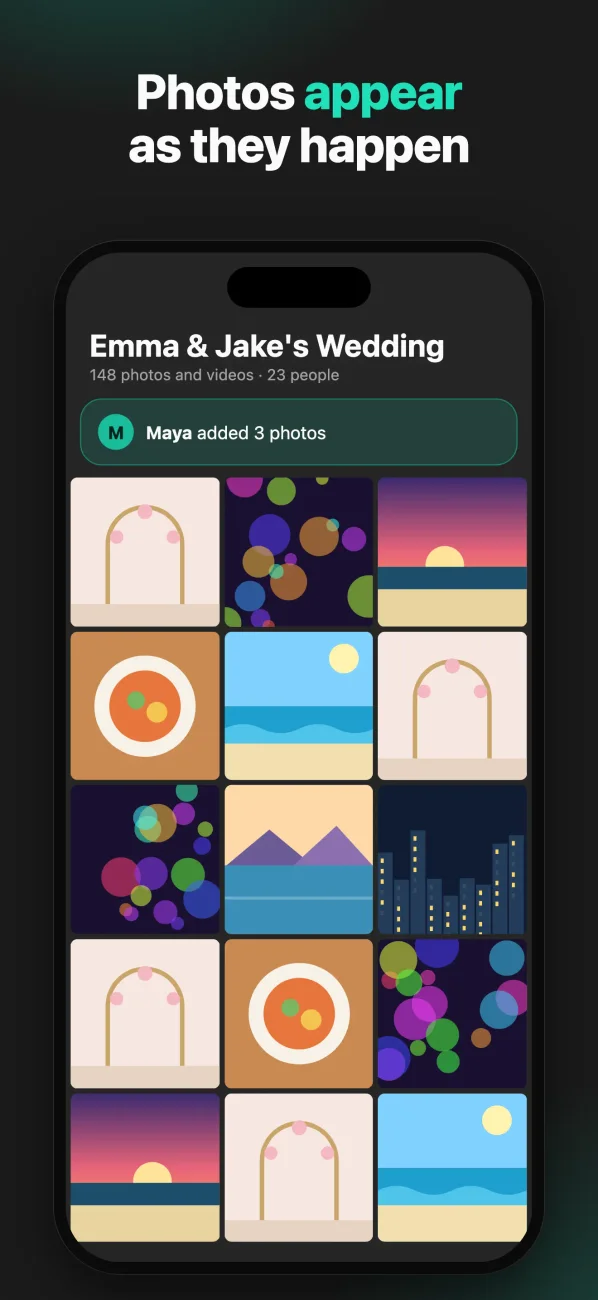
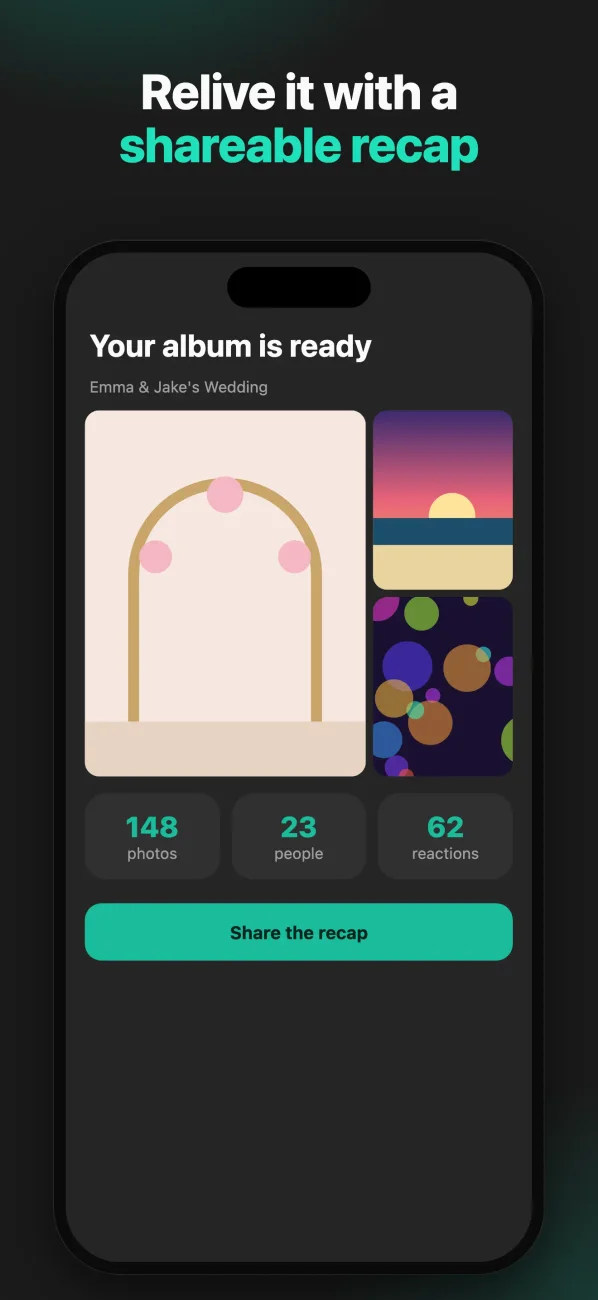
At a wedding, party, trip or game, the photos you want are scattered across a dozen phones. Loop collects them in one place. Share a link or QR code, and guests join with just a first name: no app to install, no account to make. You see photos appear live, and keep everything afterwards.
FOR WEDDINGS AND EVENTS
• Print QR table cards so guests find the album without asking you
• Guests add photos and videos from any phone
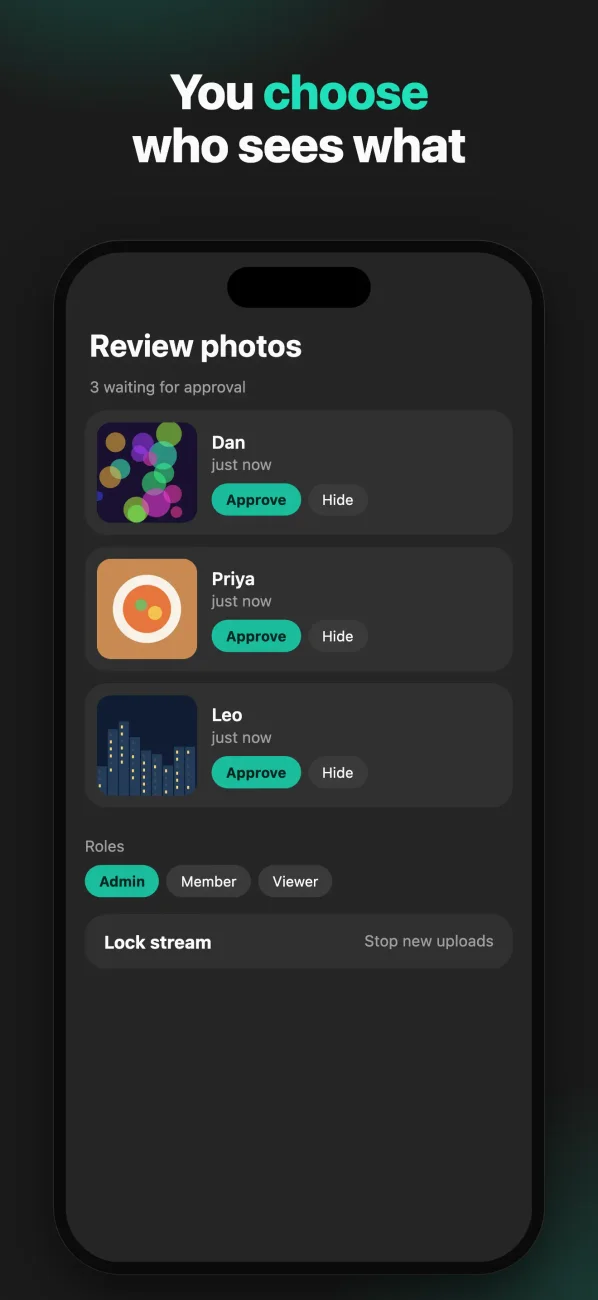
• Approve photos before others see them, if you want to
• A recap of the highlights when the event is over
• Download everything in one go
FOR GROUPS, TEAMS AND FAMILIES
• One album per trip, game or season
• Everyone adds; you choose who can only view
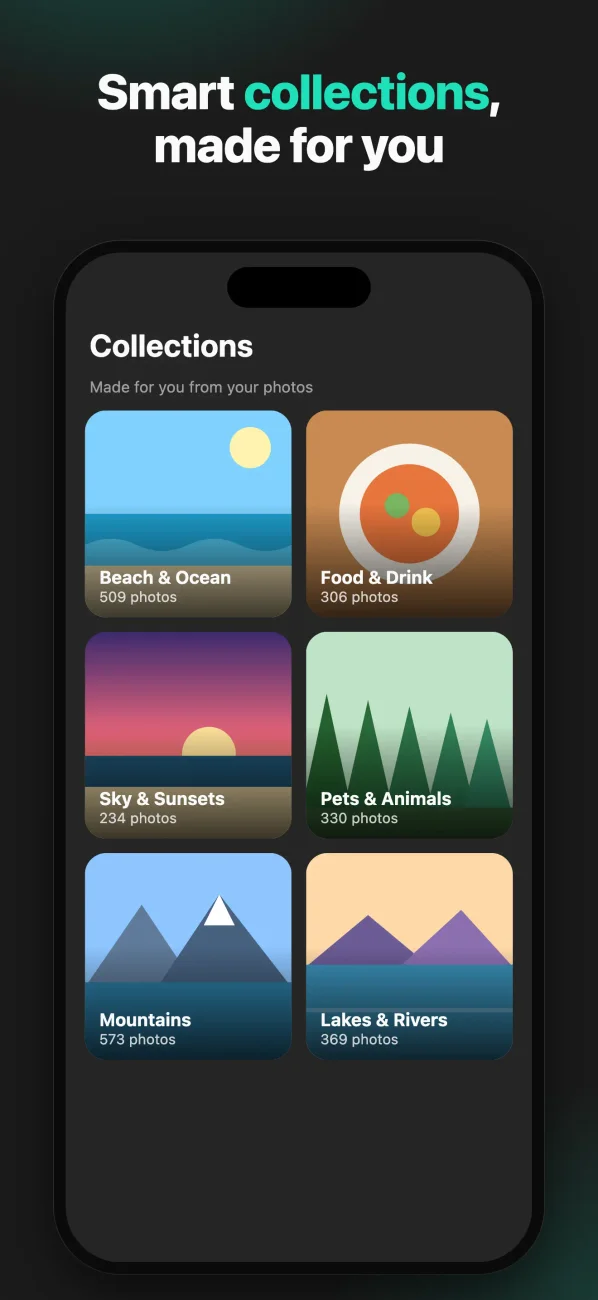
• Memories: groups of your photos made for you, like a beach day or a birthday
• Keep the people you love in the loop, privately
FOR EVENT PLANNERS, PHOTOGRAPHERS AND VENUES
• Collect guest photos for every client's event
• One link and QR code per event, and co-host invites for your clients
• See every album you run in one place
• Organizer plan: unlimited albums and guests
PRIVATE BY DEFAULT
No feed, no followers, no ads. Only people with your link or invite can see an album. Photos are never used for advertising or to train AI, and nothing is public unless you choose to share a recap link.
PLANS
Free: one album, and each person can add up to 50 photos and videos to it. Event Pass: a one-time purchase for a single event, with unlimited photos. Plus and Organizer: unlimited, as monthly or annual subscriptions.
Subscriptions renew automatically until cancelled in your Apple ID settings. Payment is charged to your Apple ID account at confirmation of purchase.
Privacy Policy: https://loopphotostream.com/privacy
Terms of Service: https://loopphotostream.com/terms
What’s new
Version 4.1.0 · Nov 20, 2026
• Guests join with a link and just a first name: no account needed
• One invite for everyone, and you choose who can only view
• Print QR table cards from your album
• Organizer plan for event planners, photographers and venues, now on the Plans screen
• Memories: groups of your photos made for you
• A "?" on album settings explains what each setting does
• Large videos upload more reliably, and "Download all photos" shows what it is doing
App privacy
What Far Edge Studio LLC declares on the App Store about how this app handles data.
-
Data not linked to you
May be collected but is not linked to your identity.
- Location
- Usage data
- Diagnostics
Privacy practices may vary, for example with the features you use or your age.
Information
- Seller
- Far Edge Studio LLC
- Category
- Photo & Video
- Version
- 4.1.0
- Updated
- Nov 20, 2026
- Released
- Jul 31, 2018
- Size
- 50.8 MB
- Requires
- iOS 17.6 or later
- Age rating
- 4+
- Price
- Free
- In-app purchases
- Yes
- Languages
- English
- Copyright
- © 2026 Far Edge Studio LLC
You might also like
-
 Photo Video Cast to ChromecastYour Media Library on your TV
-
 Digital Photo Frame with MusicPicture Show ・ Slideshow Maker
-
 Loop Photo FrameCompanion app for Loop Frame
-
 BoomReplay Loop Video MakerEdit movie clip reverse effect
-
 Loopideo - Loop VideosLoop long videos forever
-
 SWSH: Shared Photo AlbumsDiscover live events
-
 LooperRepeat Videos & Playlists
-
 Luminar: Photo Editor&EnhancerAI Image Editing & Retouch
-
 FlickrPhoto & Video
-
 PREVIEW: Planner for Instagram#1 Scheduler for IG & TikTok