Loox: Password Manager
Passwords, passkeys and codes
Designed for iPhone, iPad
Free · In-app purchases
- Age rating4+
- CategoryUtilities
- DeveloperChinh Pham Nhu
- LanguagesEnglish+ 2 more
- Size37.0 MB
Links to the official App Store page
Download.org hosts no file of Loox: Password Manager. The button opens its official App Store page, published by Chinh Pham Nhu. Listing last checked on Nov 8, 2026.
Screenshots


About
Your logins, organized around you.
Loox brings passwords, passkeys and verification codes together in an encrypted vault on your device. Create stronger passwords, find the login you need and use AutoFill in supported apps and Safari.
AN ENCRYPTED VAULT YOU CONTROL
Your vault uses AES-256-GCM encryption and Argon2id key derivation. Open it with your master password or Face ID. Access saved vault items offline. Turn on optional iCloud sync when you want to keep vault data across your Apple devices.
EVERYDAY LOGINS, IN ONE PLACE
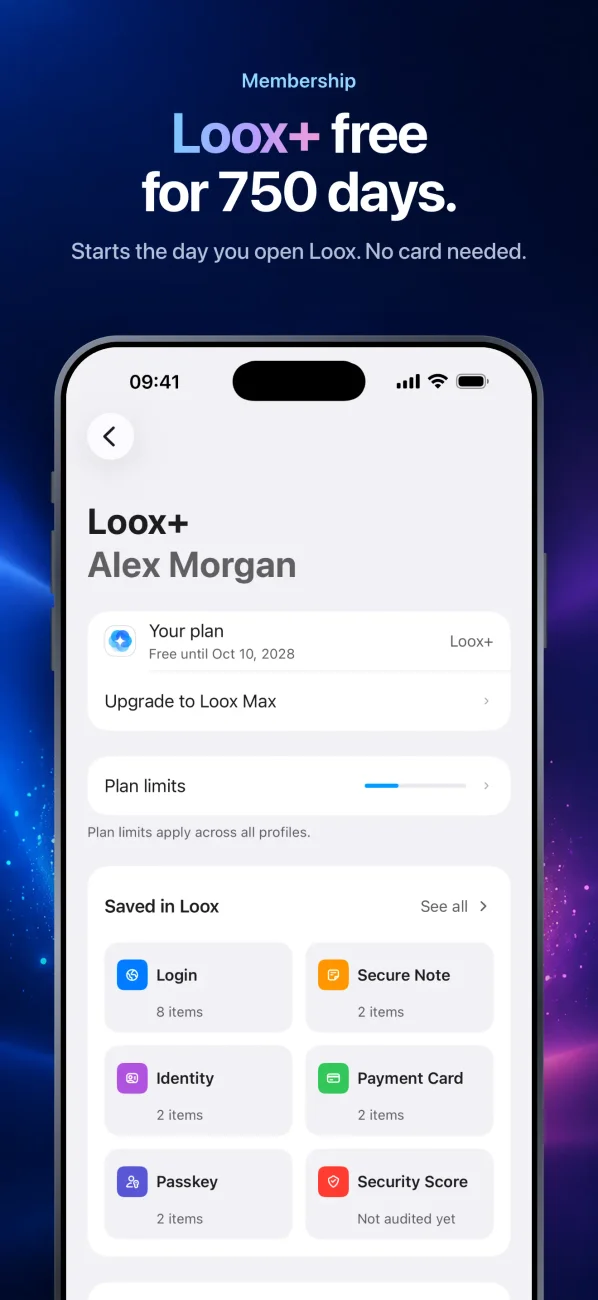
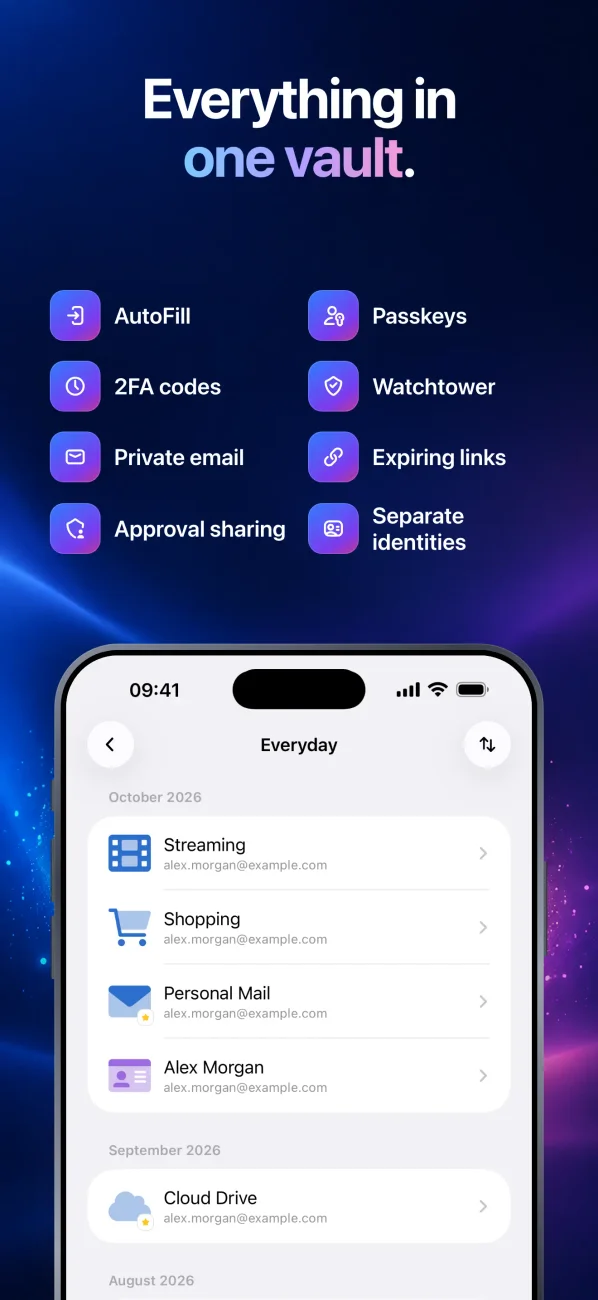
Save passwords and passkeys alongside account details. Generate time-based verification codes for supported accounts. Organize items with Spaces, tags and favorites, and store secure notes, identities and payment-card details.
LESS COPYING, EASIER FILLING
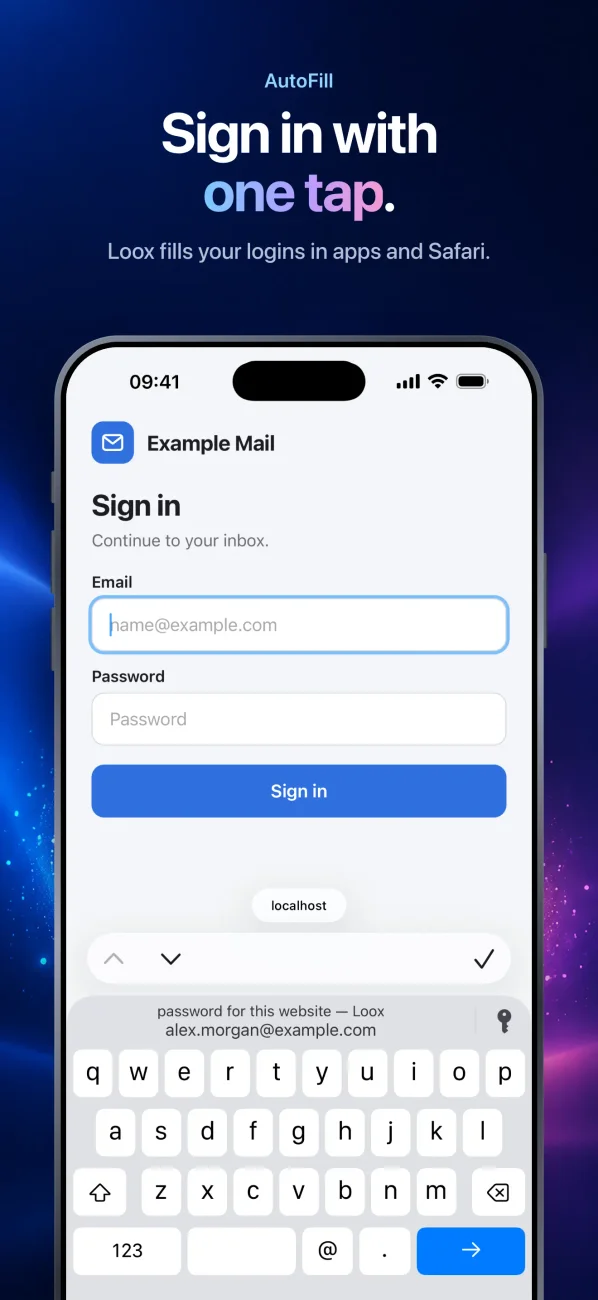
Enable Loox in iOS AutoFill to use saved passwords and passkeys where supported. The Safari extension also helps fill identity and payment-card fields and supports password creation during signup.
A CLEARER VIEW OF PASSWORD HEALTH
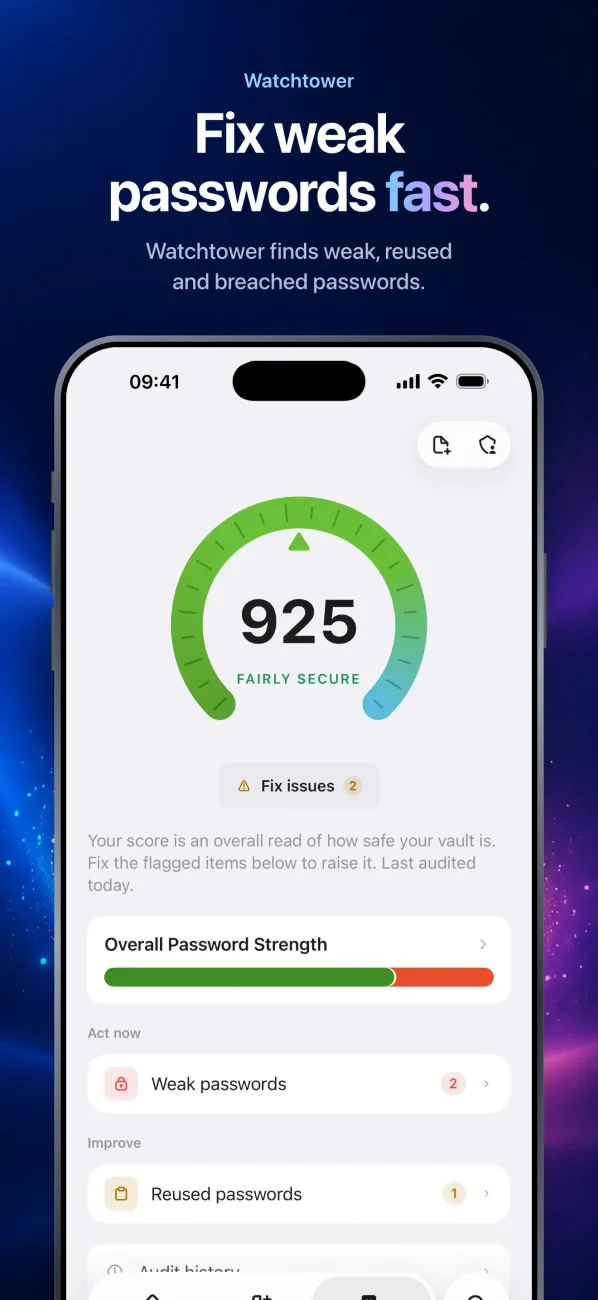
Review weak and reused passwords with the local security audit. Create passwords and passphrases on your device, with options for length, words and character types.
PRIVATE EMAIL FOR RECEIVING MAIL
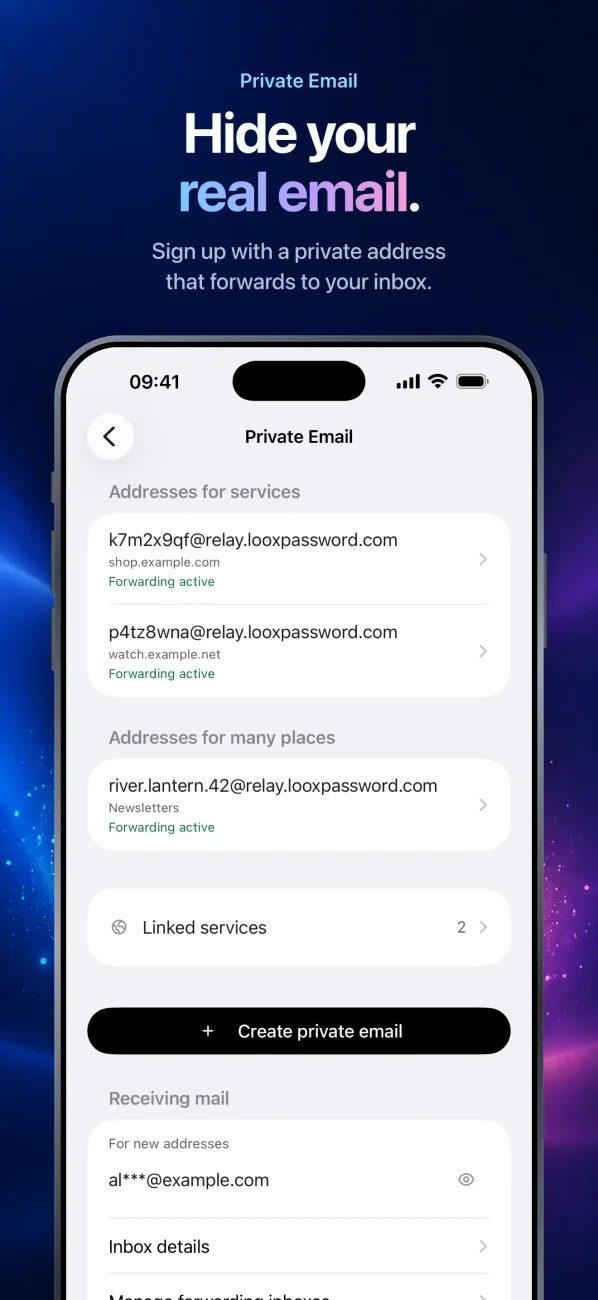
Create private email addresses and forward incoming messages to a verified inbox. Link an address to saved Logins, see the linked services and remove a local association when needed. These addresses receive mail only. Replying from your inbox may reveal your real email address.
SHARE THE INFORMATION YOU CHOOSE
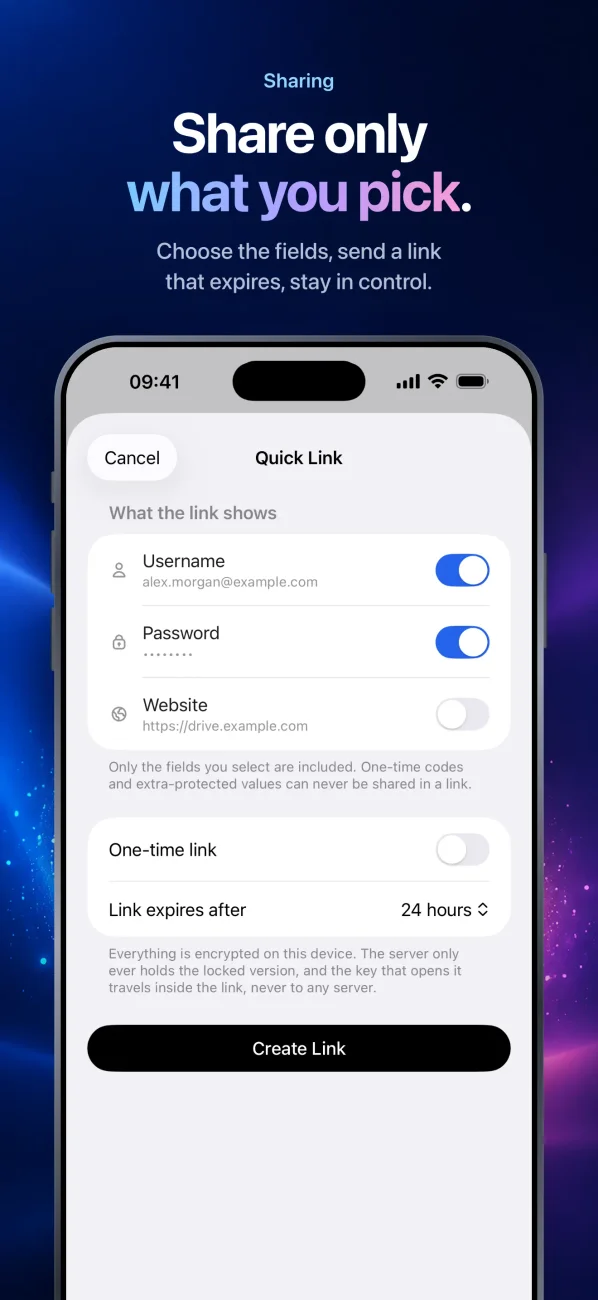
Create an encrypted snapshot link with selected fields and an expiry. The shared content is encrypted on your device before upload. Recipients can still retain information they have already viewed or copied.
AVAILABLE IN ENGLISH, VIETNAMESE AND JAPANESE
Choose your preferred language in the app. Light and Dark Mode keep the interface comfortable throughout the day.
Vault access and password generation work offline. iCloud sync, Private Email and share links require network access and any applicable service setup. AutoFill must be enabled in device settings; support varies by app and website.
Privacy Policy: https://looxpassword.com/policies/privacy
Terms of Use: https://looxpassword.com/policies/terms
What’s new
Version 1.59.0 · Oct 28, 2026
Loox 1.59
- Share a 2FA code that always shows, while the key stays hidden on the other device.
- Adding and editing items now opens full screen, with a cleaner Private Email row.
- Loox Max now stays active after you reopen the app.
- Clearer prices and item counts, plus sharing fixes.
App privacy
What Chinh Pham Nhu declares on the App Store about how this app handles data.
-
Data linked to you
May be collected and linked to your identity.
- Purchases
- Contact info
- User content
- Identifiers
- Usage data
- Diagnostics
-
Data not linked to you
May be collected but is not linked to your identity.
- Location
- Diagnostics
Privacy practices may vary, for example with the features you use or your age.
Information
- Seller
- Chinh Pham Nhu
- Category
- Utilities
- Version
- 1.59.0
- Updated
- Oct 28, 2026
- Released
- Oct 20, 2026
- Size
- 37.0 MB
- Requires
- iOS 17.3 or later
- Age rating
- 4+
- Price
- Free
- In-app purchases
- Yes
- Languages
- English, Japanese, Vietnamese
- Copyright
- © 2026 Loox Password
You might also like
-
 Ares Intel: Password GeneratorStrong random passwords & PINs
-
 PageKeyPasswords That Mean Something
-
 Lockbox - Password VaultOffline, encrypted passwords
-
 TinyPasswordHint - Save PWSave passwords with hints !
-
 TorideKey: Password managerSecure Vault & Data Leak Scan
-
 PasswordPerfectPassword Generator
-
 PassMan -- Password ManagerPassword Manager and Autofill
-
 QR Code Generator & Scanner ٭Barcode reader and maker
-
 FillPass - Password, PasskeyManage password, passkey
-
 Peep: Speaking Clock & TimerHands-Free Time & Focus