
- Age rating4+
- CategoryUtilities
- DeveloperDo It Get It Ltd
- LanguagesEnglish
- Size135.6 MB
Links to the official App Store page
Download.org hosts no file of LOQT. The button opens its official App Store page, published by Do It Get It Ltd. Listing last checked on Nov 22, 2026.
Screenshots



About
LOQT: Less Screen. More Time.
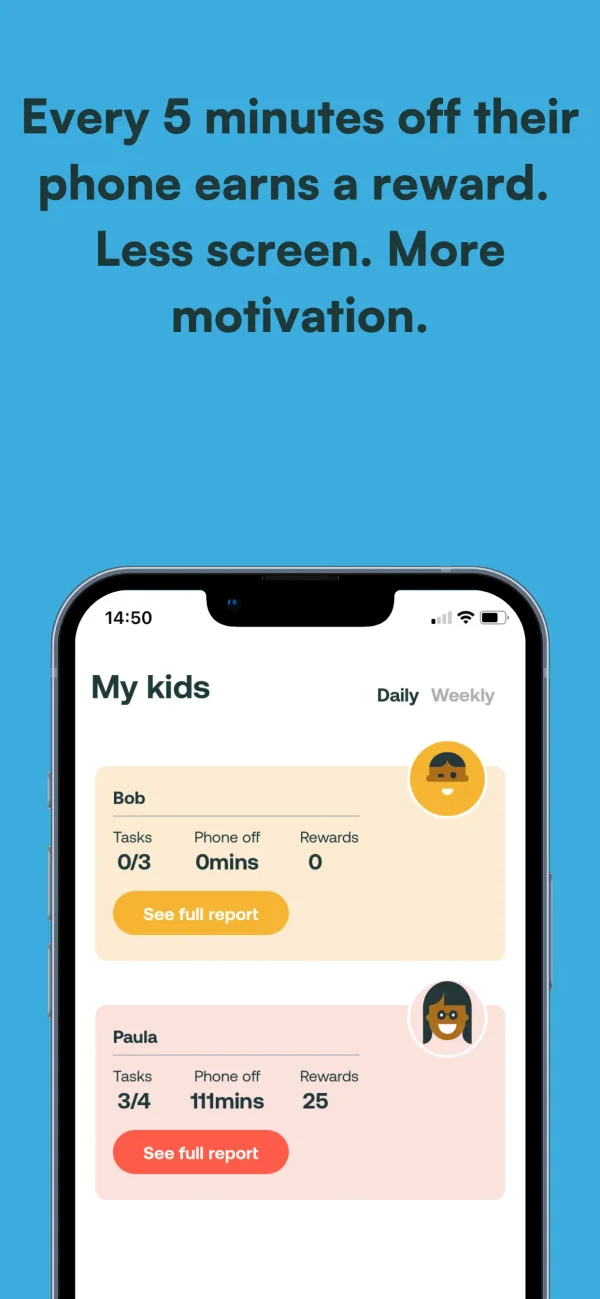
Pause distracting apps and restrict browser access on your teenager's phone, so they can focus on what matters. Sleep, revision, homework, reading, chores, or family time.
How LOQT works:
- Parents set a task for their teenager.
- When the task starts, apps are paused and the browser is restricted.
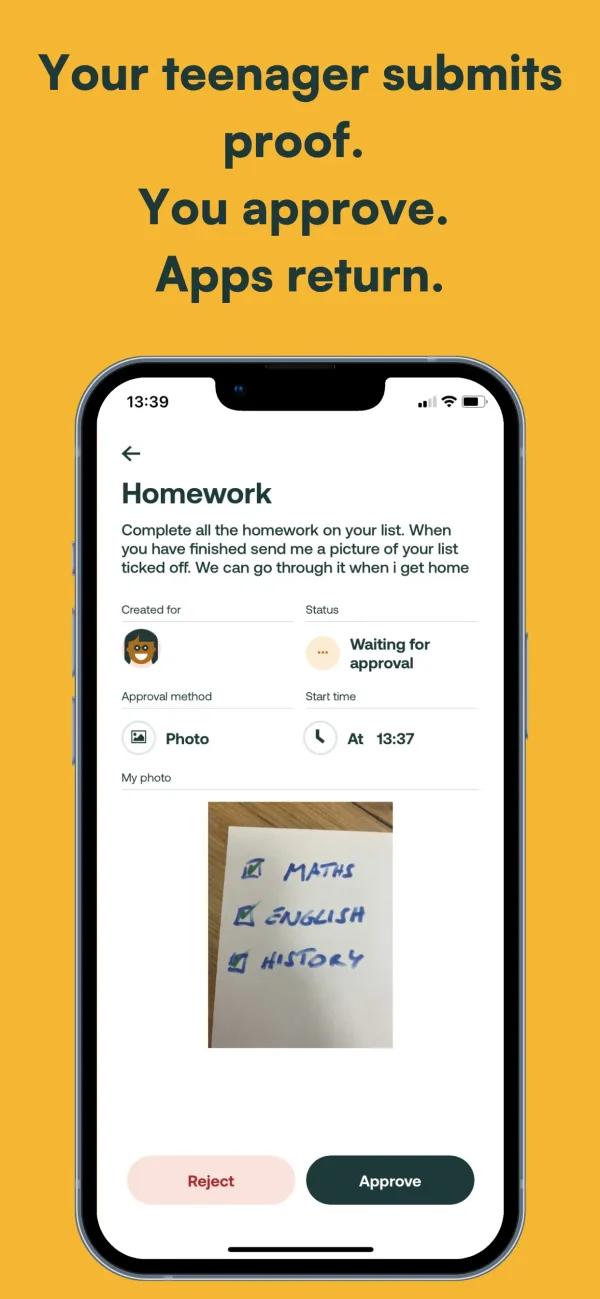
- When the task is complete, the teenager sends a request for approval.
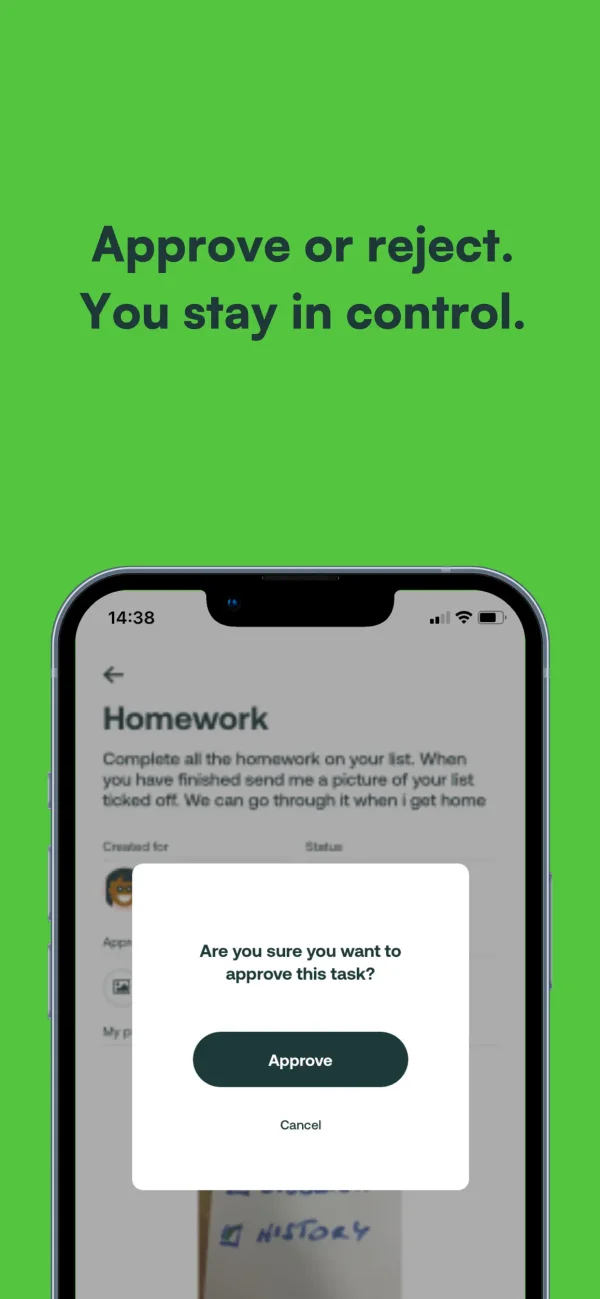
- Parents approve or reject the request.
- Once approved, full access is restored instantly.
Calls and text messages are never paused. You and your teenager can always reach each other, whatever else is restricted.
Teenagers earn rewards for every five minutes their phone stays paused, building healthier screen habits over time.
LOQT gives parents a simple, low friction way to manage screen time and reduce distraction, without confiscating the phone.
Download LOQT and set your first task today.
What’s new
Version 202610 · Nov 9, 2026
- Problems with your child’s phone now show on your home screen. If Screen Time or another setting is switched off, a card tells you what is wrong and how to fix it. Your child sees the same problem when they open LOQT.
- If your child’s phone stays locked after a restriction has ended, you can now unlock it from their profile.
- You can remove an old phone your child no longer uses.
- Turn alert texts and emails off and on from your Profile page. Sign-in codes are still sent.
- Your child’s school groups now show under the school name on their profile.
- When your child opens a blocked app, their iPhone shows a LOQT screen with the task name and the time it ends.
- If you cancel a school restriction and choose “Other”, you are asked for a short reason, which the school can see.
- A restriction set for today now ends today. Some could block the phone until the next day.
- The task detail on your child’s phone shows the right end time.
- Call approvals work again on iOS 18, and “Open Settings” works after your child has refused camera access.
- Fixes for crashes on start-up, the app hanging on “Loading Child App”, and blank screens when you reopen the app.
- One-off tasks missed during a short server outage now start once the service is back.
App privacy
What Do It Get It Ltd declares on the App Store about how this app handles data.
-
Data linked to you
May be collected and linked to your identity.
- Contact info
- Identifiers
-
Data not linked to you
May be collected but is not linked to your identity.
- Location
- User content
- Diagnostics
Privacy practices may vary, for example with the features you use or your age.
Information
- Seller
- Do it Get it Ltd
- Category
- Utilities
- Version
- 202610
- Updated
- Nov 9, 2026
- Released
- Mar 10, 2023
- Size
- 135.6 MB
- Requires
- iOS 15.6 or later
- Age rating
- 4+
- Price
- Free
- Languages
- English
- Copyright
- © 2021 DO IT GET IT LTD
You might also like
-
 KES Senior TransportUtilities
-
 toob Wi-Fi SupportUtilities
-
 SchoolsMobile KidsLet your child thrive online
-
 InVentry RollCallUtilities
-
 Thumbdial – Remote ControlMac mouse, keyboard & trackpad
-
 Seething AirfieldUtilities
-
 KES Prep Bus TrackerUtilities
-
 Kids Mode - App BlockerUltra-simple parental controls
-
 Super TutorsSmarTLearn – Learning Platform
-
 OpuzMobileUtilities