Low Quality Camera: Tiny Files
Lo-fi low res photo & video
Designed for iPhone, iPad, iPod touch
Free
- Age rating4+
- CategoryPhoto & Video
- DeveloperRyouhei Azuma
- LanguagesEnglish
- Size14.1 MB
Links to the official App Store page
Download.org hosts no file of Low Quality Camera: Tiny Files. The button opens its official App Store page, published by Ryouhei Azuma. Listing last checked on Nov 14, 2026.
Screenshots

About
A camera that shoots at deliberately low resolution.
Phone cameras get better every year: one photo can take several megabytes, and a minute of video can pass 100 MB. This app does the opposite. It shoots small and rough from the start - for the times you would rather not spend the storage, and for people who simply like the way rough pictures look.
■ Just pick one of five sizes
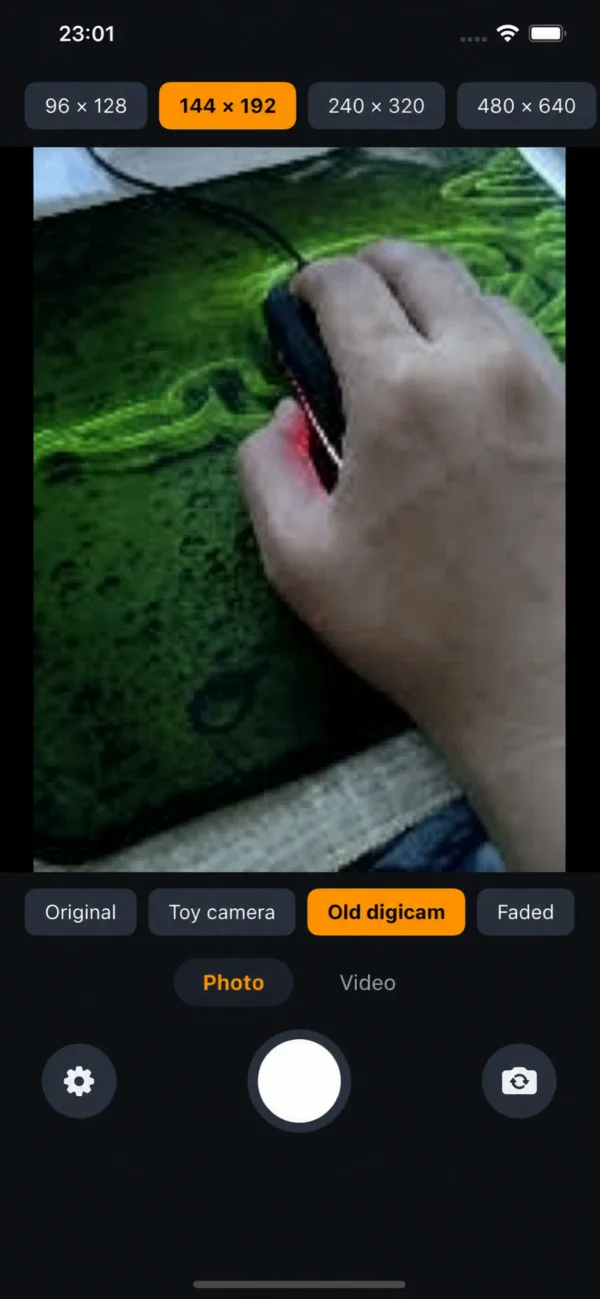
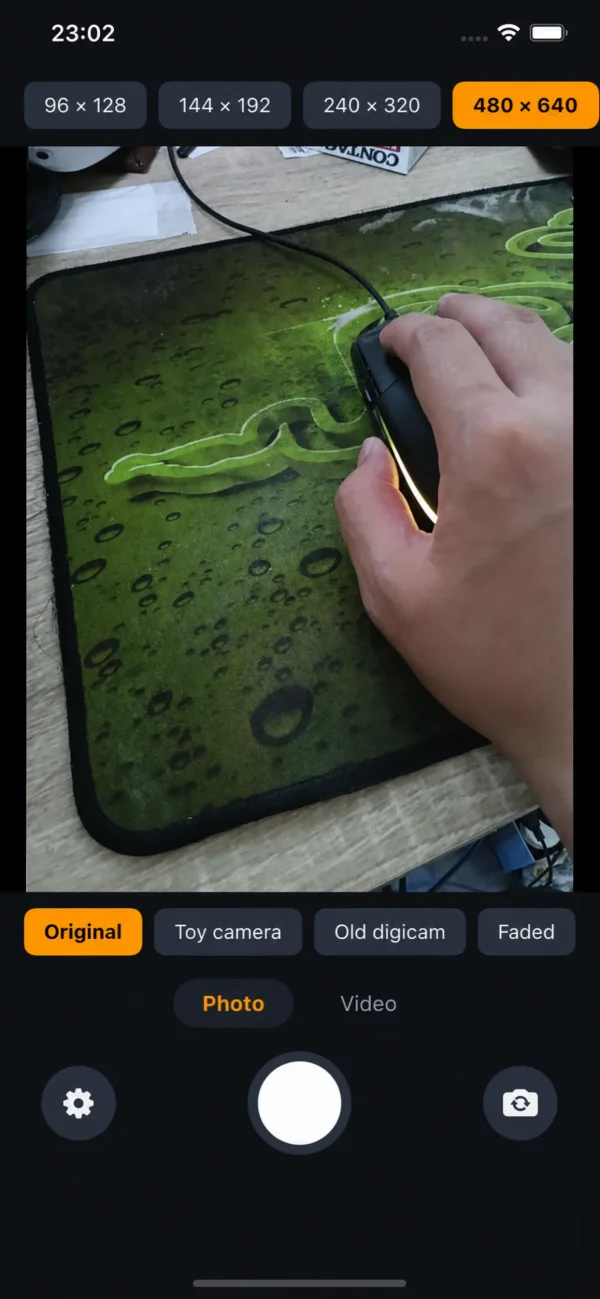
96x128 / 144x192 / 240x320 / 480x640 / 720x960. They sit right above the viewfinder, so you can switch a second before you shoot. Rough guide per photo / per minute of video:
・96x128 - about 3 KB / 0.9 MB
・144x192 - about 5 KB / 1.5 MB
・240x320 - about 12 KB / 3.0 MB
・480x640 - about 45 KB / 9.0 MB
・720x960 - about 110 KB / 18.8 MB
■ What you see is what gets saved
The viewfinder shows the frame already scaled down and already compressed, exactly as it will be stored. Press the shutter and that same image is written to your gallery. Nothing ever turns out rougher or cleaner than it looked.
■ Video at the same size
Switch between photo and video and record with the same roughness. Allow the microphone and the sound is recorded; refuse it and the video is simply silent.
■ Four looks
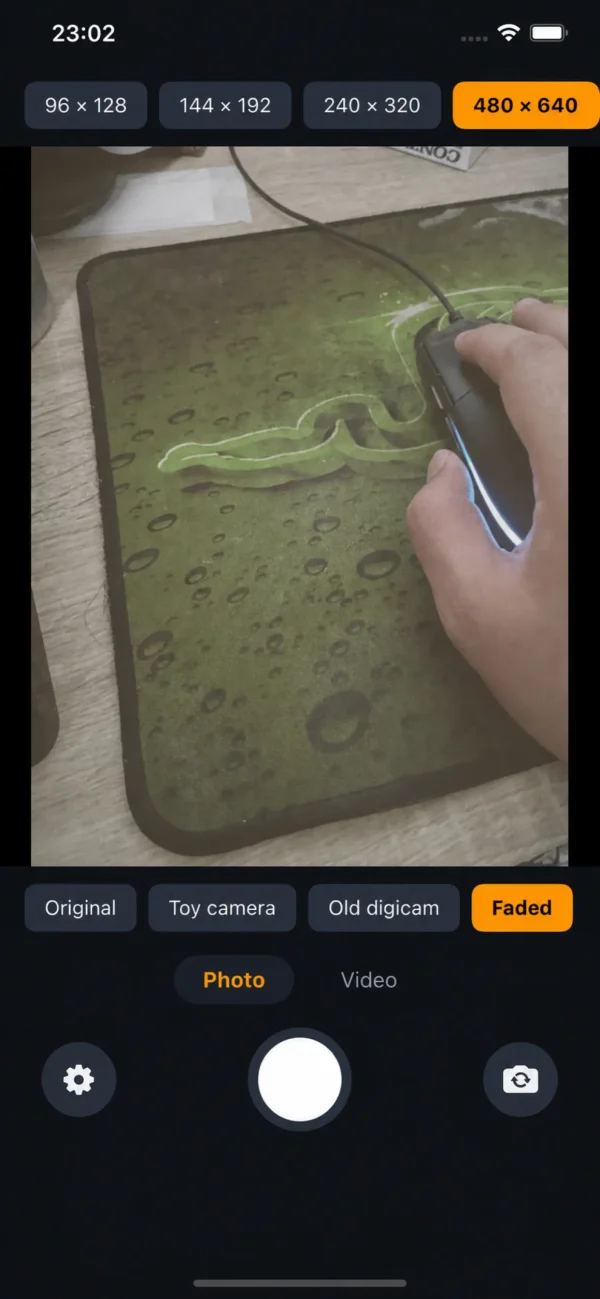
Original / Toy camera / Old digicam / Faded. Original is the default, so if you are only here to save space, nothing is added to your pictures. Toy camera boosts the colors and darkens the corners, Old digicam has the cool cast of an early 2000s compact, and Faded looks like a yellowed old print.
■ Straight into your photo library
Photos and videos are saved straight to your photo library, ready to attach to an email or a chat. No account, no upload.
■ The shutter sound can be muted
Turn it off in the settings.
Good for
・Keeping free space on your phone and in the cloud
・Records that only need to exist, not to look good
・Sending something without using much data
・Anyone who likes the feel of rough photos and video
・Shooting like an old phone or an early digital camera
This app is for taking pictures, not for shrinking ones you already have: it cannot import existing photos or videos. The frame is a fixed 3:4 portrait, and there is no zoom, flash or timer. The roughness is the soft look of a small image stretched out, not the hard squares of a pixel art filter.
App privacy
What Ryouhei Azuma declares on the App Store about how this app handles data.
-
Data used to track you
May be used to track you across apps and websites owned by other companies.
- Identifiers
- Usage data
- Diagnostics
-
Data linked to you
May be collected and linked to your identity.
- Identifiers
- Usage data
- Diagnostics
Privacy practices may vary, for example with the features you use or your age.
Information
- Seller
- Ryouhei Azuma
- Category
- Photo & Video
- Version
- 1.0
- Updated
- Aug 26, 2026
- Released
- Aug 25, 2026
- Size
- 14.1 MB
- Requires
- iOS 15.6 or later
- Age rating
- 4+
- Price
- Free
- Languages
- English
- Copyright
- © 2026 Ryohei Azuma
You might also like
-
 VHS Camera: Low Quality VideoRetro Camcorder & Glitch FX
-
 Camera - Simple Low-ResaaaSimple, easy-to-use camera
-
 Low Resolution CameraSave storage
-
 Retro Cam 2000Retro camera, Y2K digicam, VHS
-
 Low Resolution CameraPhoto & Video
-
 Low-Res Pixel Photo EditingGo to low resolution image
-
 2000s Cam: Y2K DigicamVHS & Retro Phone Camera
-
 Y2K Camera - Retro DigicamCCD, Film & VHS Filters
-
 Lo-Fi CamLow Resolution Photos & Videos
-
 Low Camera - Low Quality CamSave Your Phone Storage!