
Lua for Games : Learn and Code
Learn Lua Programming guide
Designed for iPhone, iPad, iPod touch
$2.99
- Age rating9+
- CategoryDeveloper Tools
- DeveloperMuhammad Umair
- LanguagesEnglish
- Size74.8 MB
Links to the official App Store page
Download.org hosts no file of Lua for Games : Learn and Code. The button opens its official App Store page, published by Muhammad Umair. Listing last checked on Nov 12, 2026.
Screenshots


About
Learn Lua is a structured learning app designed to help you explore Lua programming, understand essential concepts, and build your knowledge step by step.
From understanding what Lua is to writing your first program, Learn Lua brings lessons, quizzes, code practice, and learning progress together in one convenient place.
EXPLORE LUA PROGRAMMING
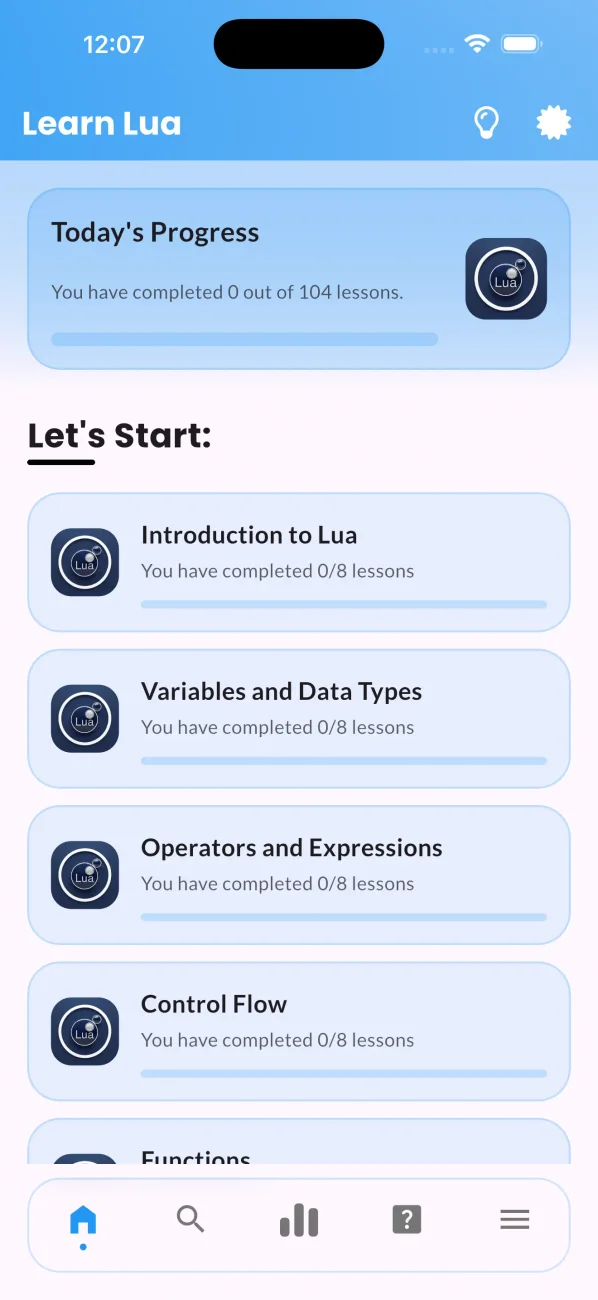
Discover Lua through organized lessons covering introductory concepts and practical programming topics.
Explore topics such as:
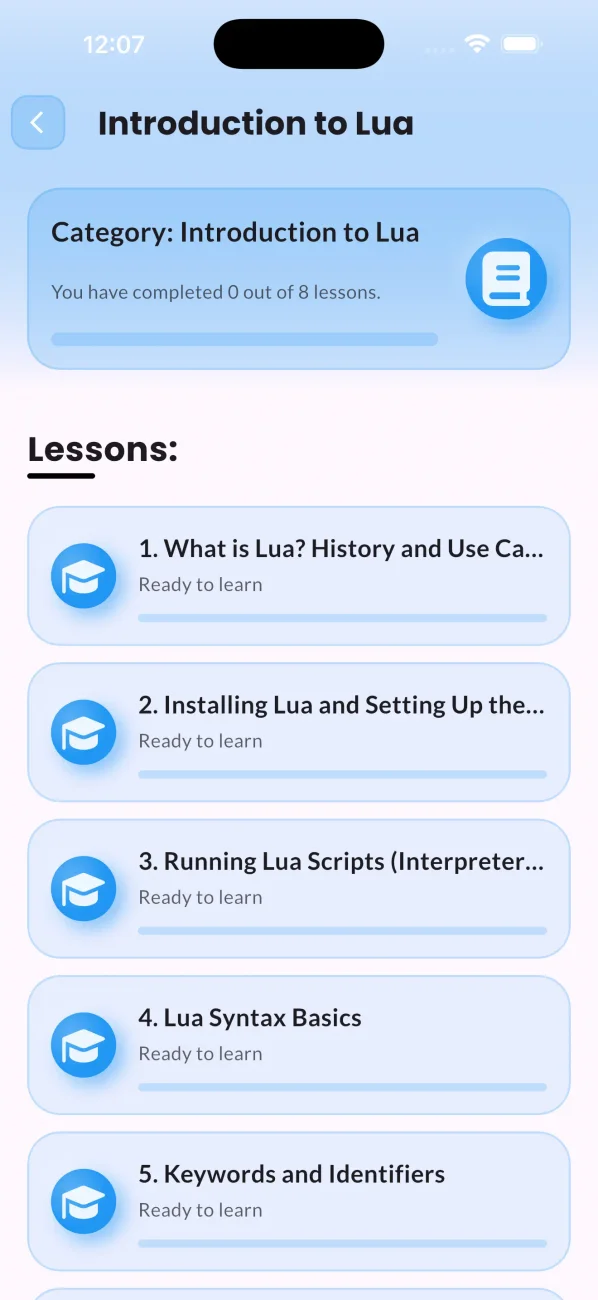
• What Is Lua? History and Use Cases
• Installing Lua and Setting Up the Environment
• Running Lua Scripts (Interpreter & Files)
• Lua Syntax Basics
• Keywords and Identifiers
• Comments and Code Readability
• First Lua Program (Hello World)
Each topic is presented as part of a structured learning experience, helping you follow your lessons in a clear sequence.
STRUCTURED LESSONS
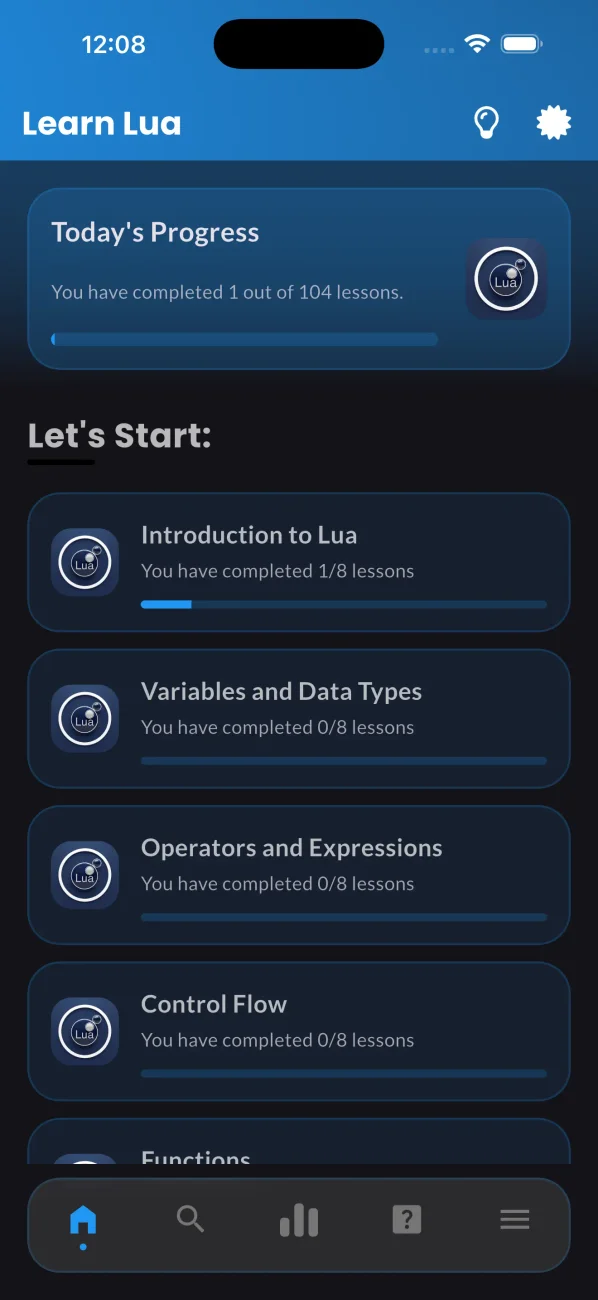
Browse organized chapters and individual lessons as you explore Lua programming.
View lesson titles, reading-time information, quiz counts, and completion indicators to understand your learning journey.
Continue reading lessons you have started and easily identify completed lessons.
QUIZZES FOR PRACTICE
Review your understanding through quizzes connected to your lessons.
Use quiz questions to revisit programming concepts and reinforce what you have learned.
CODE EDITOR
Explore programming concepts through the app's code editor.
Keep code-related learning alongside your lessons as you work through Lua programming topics.
TAKE LEARNING NOTES
Use the Take Notes feature to record important information while studying.
Keep track of concepts, explanations, and programming details you want to revisit.
TRACK YOUR LEARNING PROGRESS
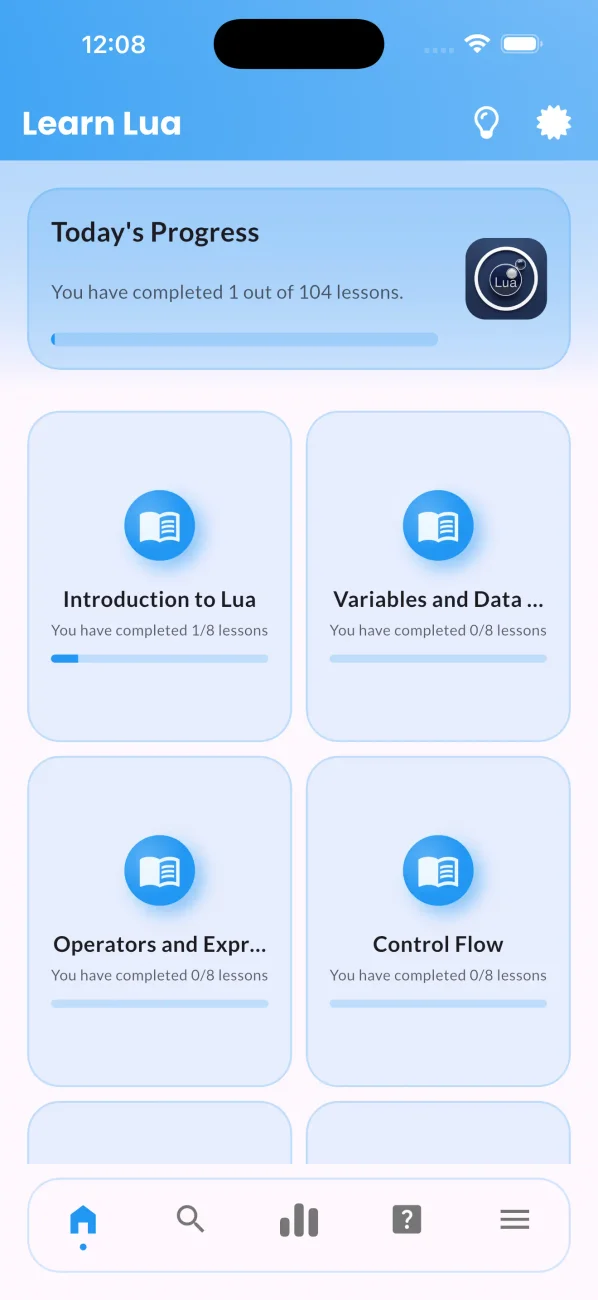
Follow your progress as you complete lessons and work through chapters.
View learning information such as:
• Completed lessons
• Chapter completion percentages
• Lesson progress indicators
• Reading-time information
• Quiz information
See which lessons you have completed and which topics remain in your learning journey.
SEARCH LEARNING CONTENT
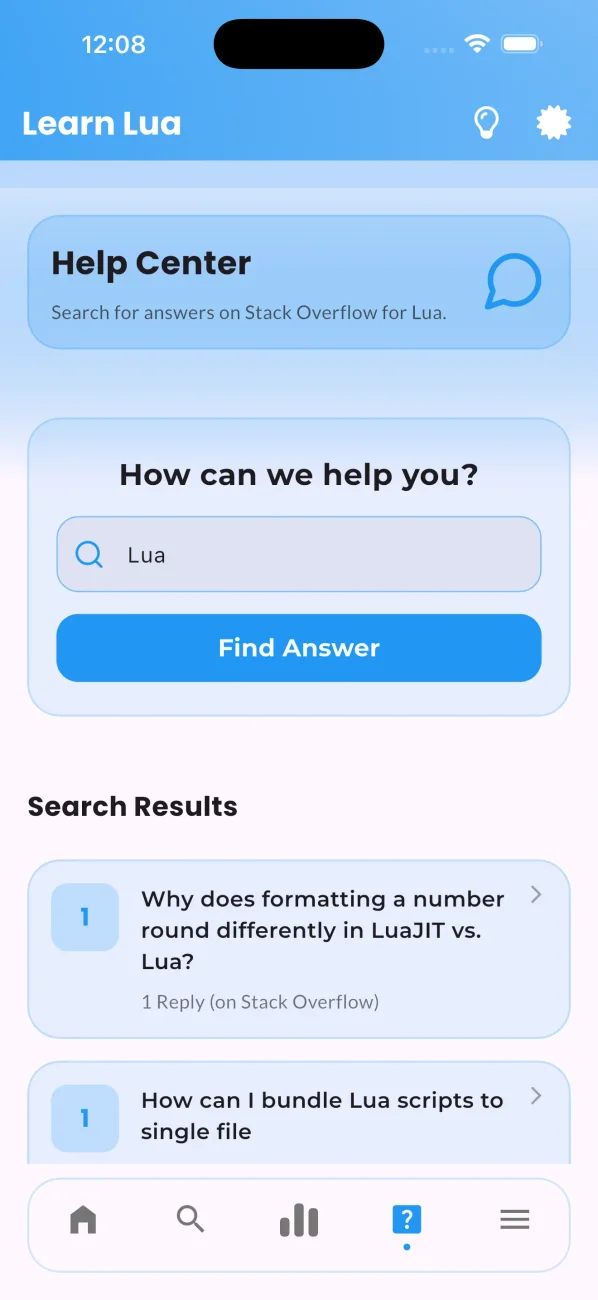
Use the search feature to find relevant learning content and navigate to topics you want to study.
DAILY LEARNING HABIT
Organize your learning around a daily study habit and maintain a consistent approach to your lessons.
A CLEAR LEARNING EXPERIENCE
Learn Lua brings together structured programming content and practical learning tools in an organized interface.
Whether you are exploring Lua for the first time or reviewing programming fundamentals, you can move through topics at your own pace.
Start learning Lua and build your programming knowledge one lesson at a time.
What’s new
Version 1.1 · Oct 20, 2026
New User Interface
Fixed Bugs
Added new Features
App privacy
What Muhammad Umair declares on the App Store about how this app handles data.
-
Data not collected
The developer does not collect any data from this app.
Privacy practices may vary, for example with the features you use or your age.
Information
- Seller
- Muhammad Umair
- Category
- Developer Tools
- Version
- 1.1
- Updated
- Oct 20, 2026
- Released
- Jan 7, 2026
- Size
- 74.8 MB
- Requires
- iOS 15.6 or later
- Age rating
- 9+
- Price
- $2.99
- Languages
- English
- Copyright
- © Muhammad Umair
You might also like
-
 Cookie Lens: Cookie EditorWeb Cookie Debugger
-
 UDIDitEssential Device Information
-
 Preview App - Store Simulatordevelopers & designers
-
 eBook Studio: Create & PublishStart Your Publishing Career
-
 XML Tools: Editor & ValidatorEdit, Validate, Diff & Convert
-
 LoHo Local ServerYour webserver on your phone!
-
 Python ManualOffline tutorial & reference
-
 Java Compiler - AI AssistantLearn Java on Mobile with AI
-
 Fetch Me !API Fetcher
-
 Shell KeyboardReal Ctrl, Esc & arrow keys